Georgi87
Finding my way
-
Joined
-
Last visited
Everything posted by Georgi87
-
I’m asking because i have equipment to do it , i have swap cluster on Golf mk4 in past , also done the key 🔑 , not sure if will work with this car and dashboard will give a try when i get my equipment back
-
Thanks all , I’ll manage to make a test and all working , soon will strip everything to place the new harness, will make a post with diagrams pictures, finally i find is not so hard to be done ✅ Thanks
-
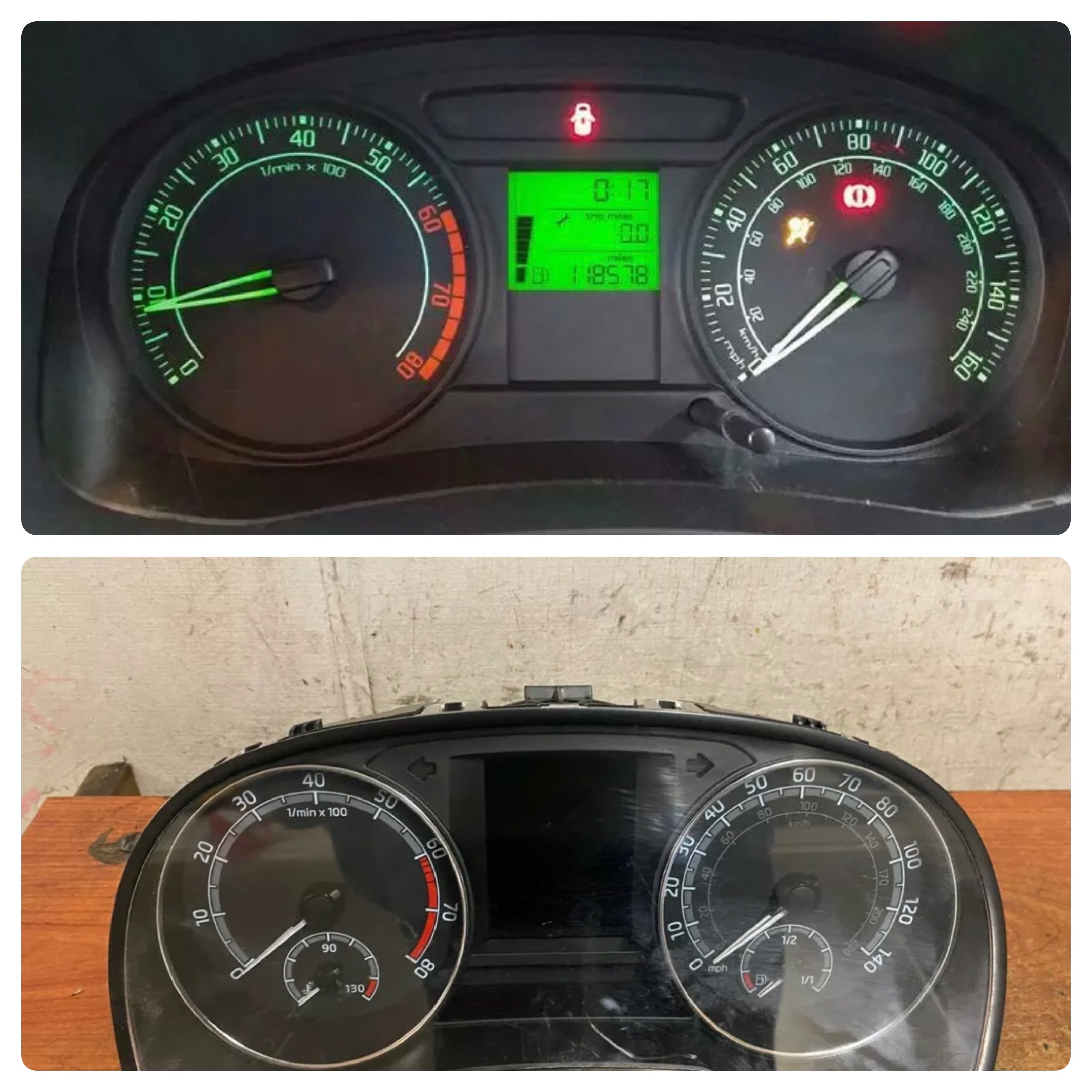
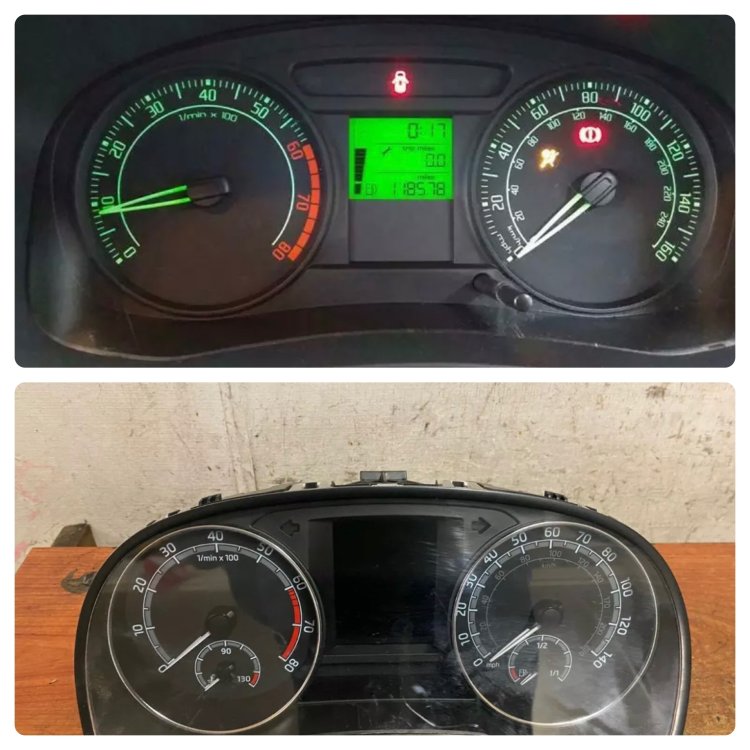
Hi all , how hard is to swap the clusters on pictures? What do i need ? i need second key as well? Thanks
-
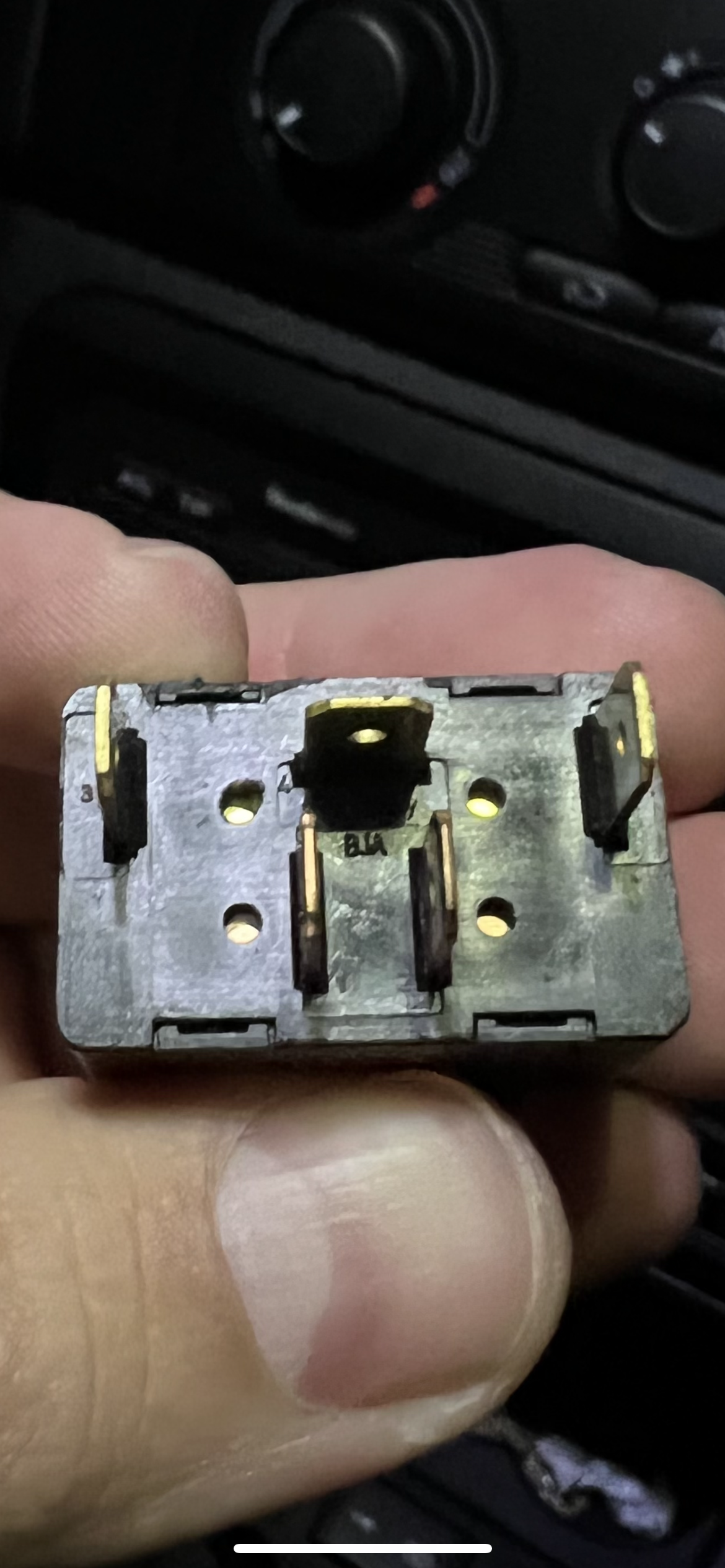
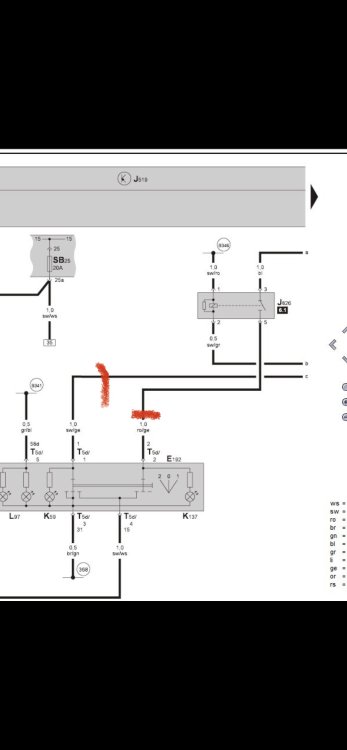
Those two are positive, one going trough the relay the other one not … or I’m wrong?
-
Make sence , thanks , so if I’m not wrong only position one + of the heating going trough the button , and pos.2 trough the relay? Of I’m wrong….
-
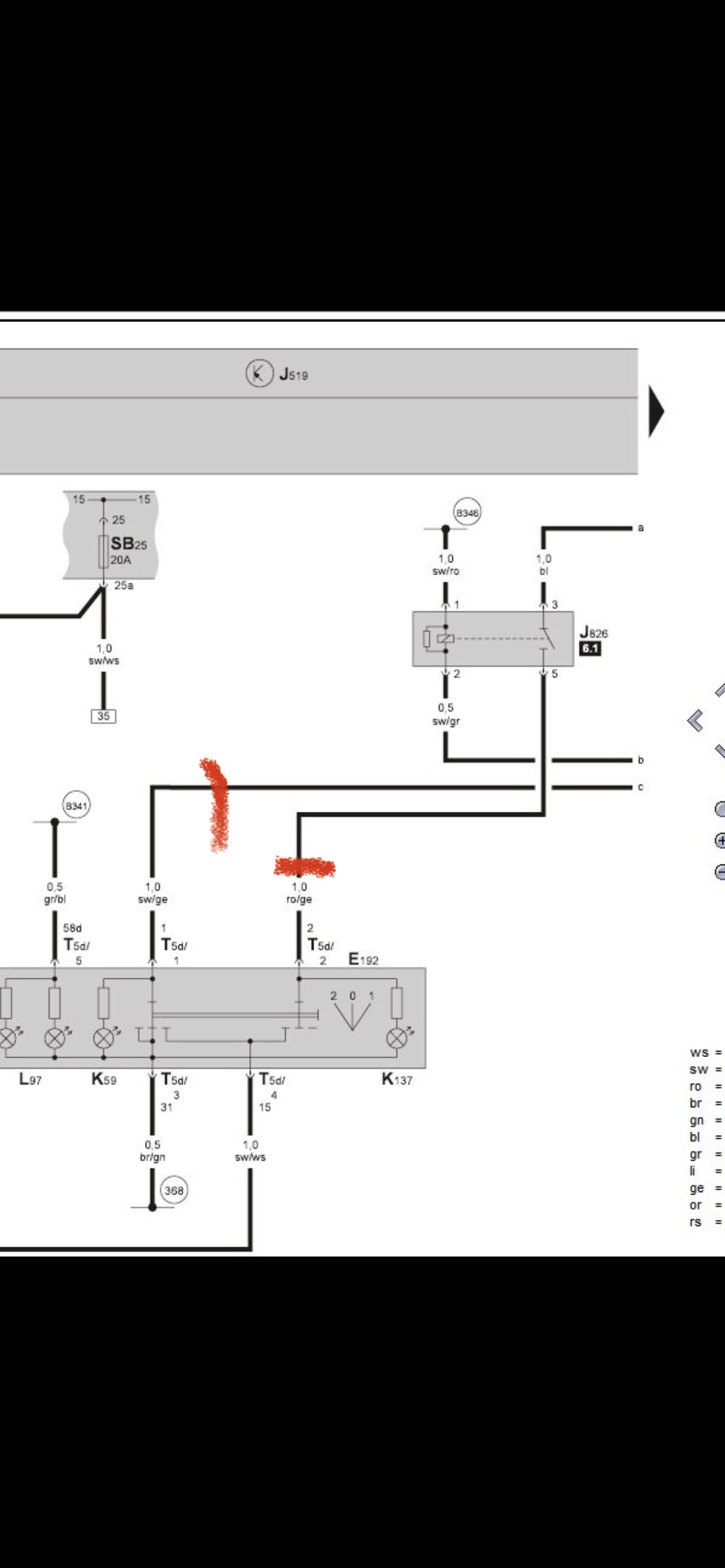
I’ve managed to figure out the diagram with some missings , if anyone can help woll br great B341 , B346 what should that be? thanks
-
Not really, I’m not fully aware of electrical drawings , i have the skills to do it , just there is many missing for my self , if someone is able to read the draws and explain which wire , where going, I’ll doit , atm I’m blind 😀
-
So Anyone able to explain me how to power up everything , and what kind of relays to use , any help will be much appreciated really 🤗
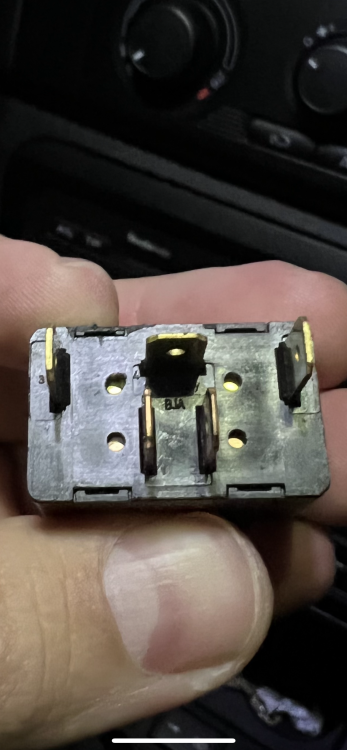
-
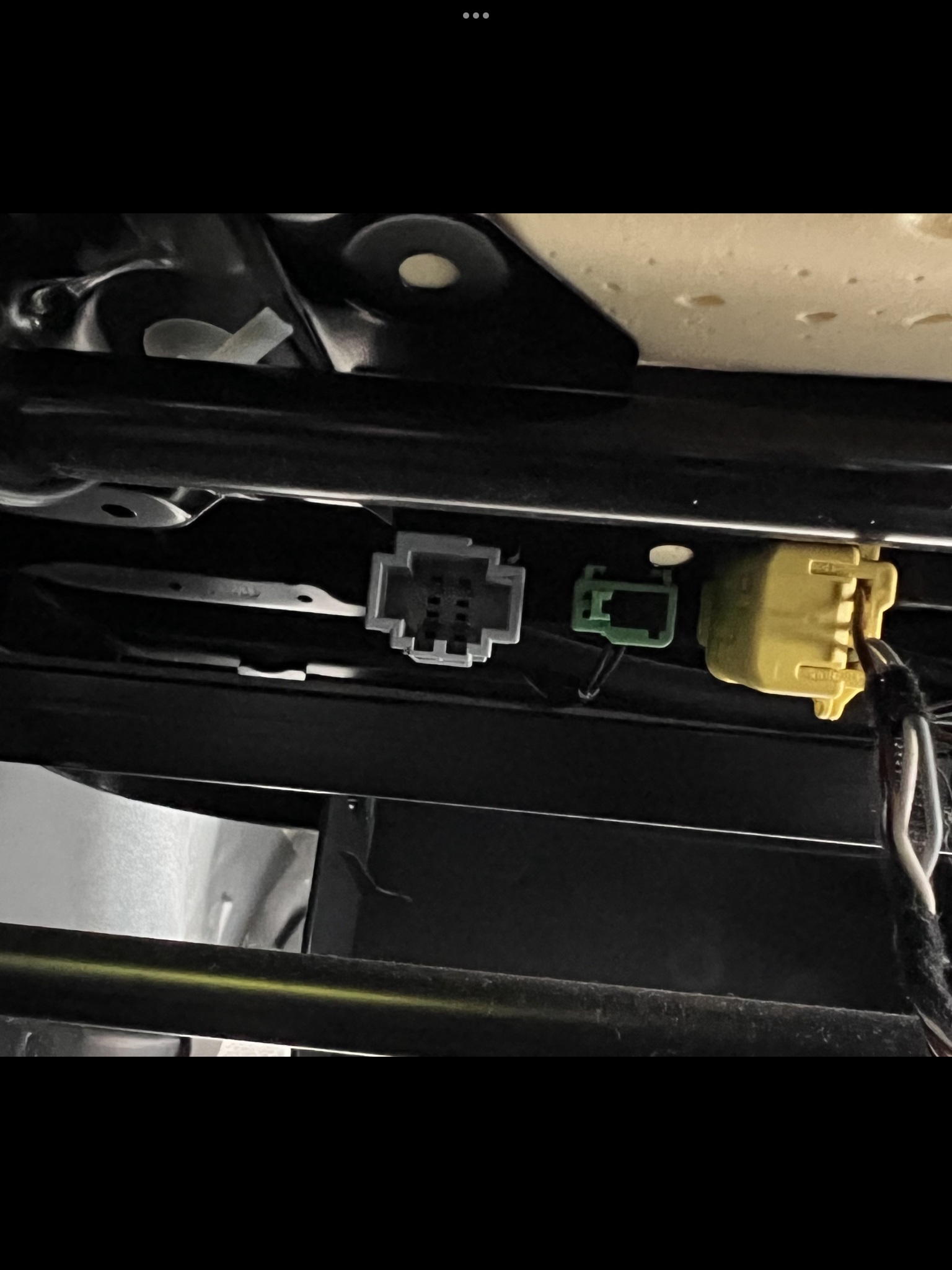
I have the genuine seats anyway , close to gift in perfect condition…
-
So , there is no danger of overheating , i tough that there is some time relay to stop it for while
-
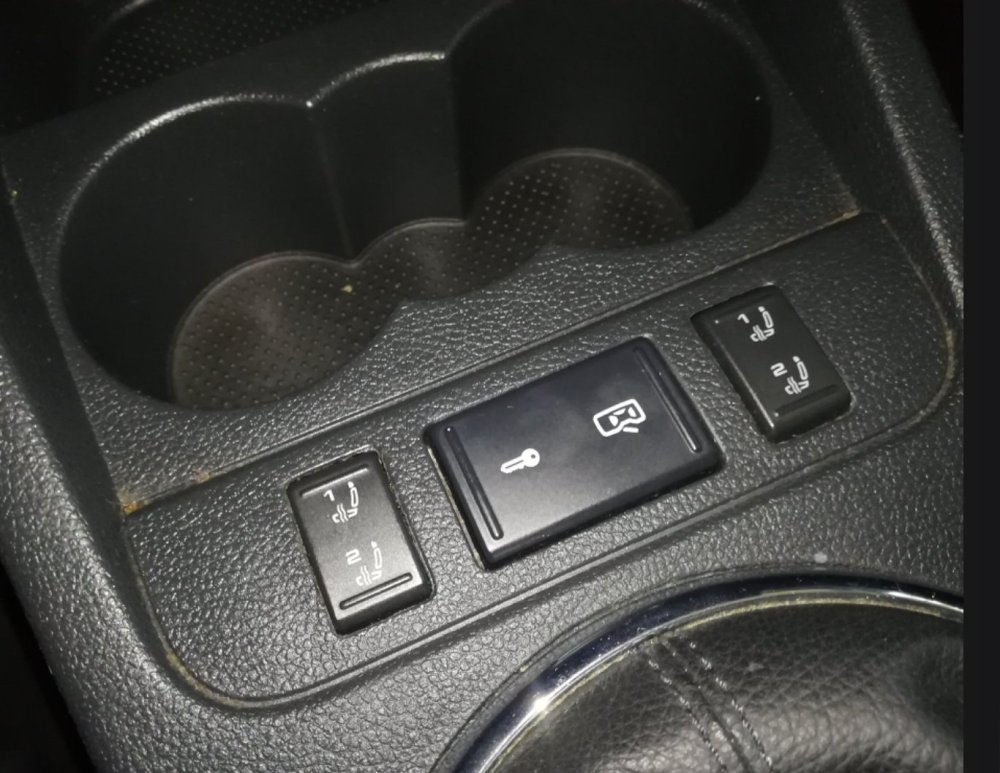
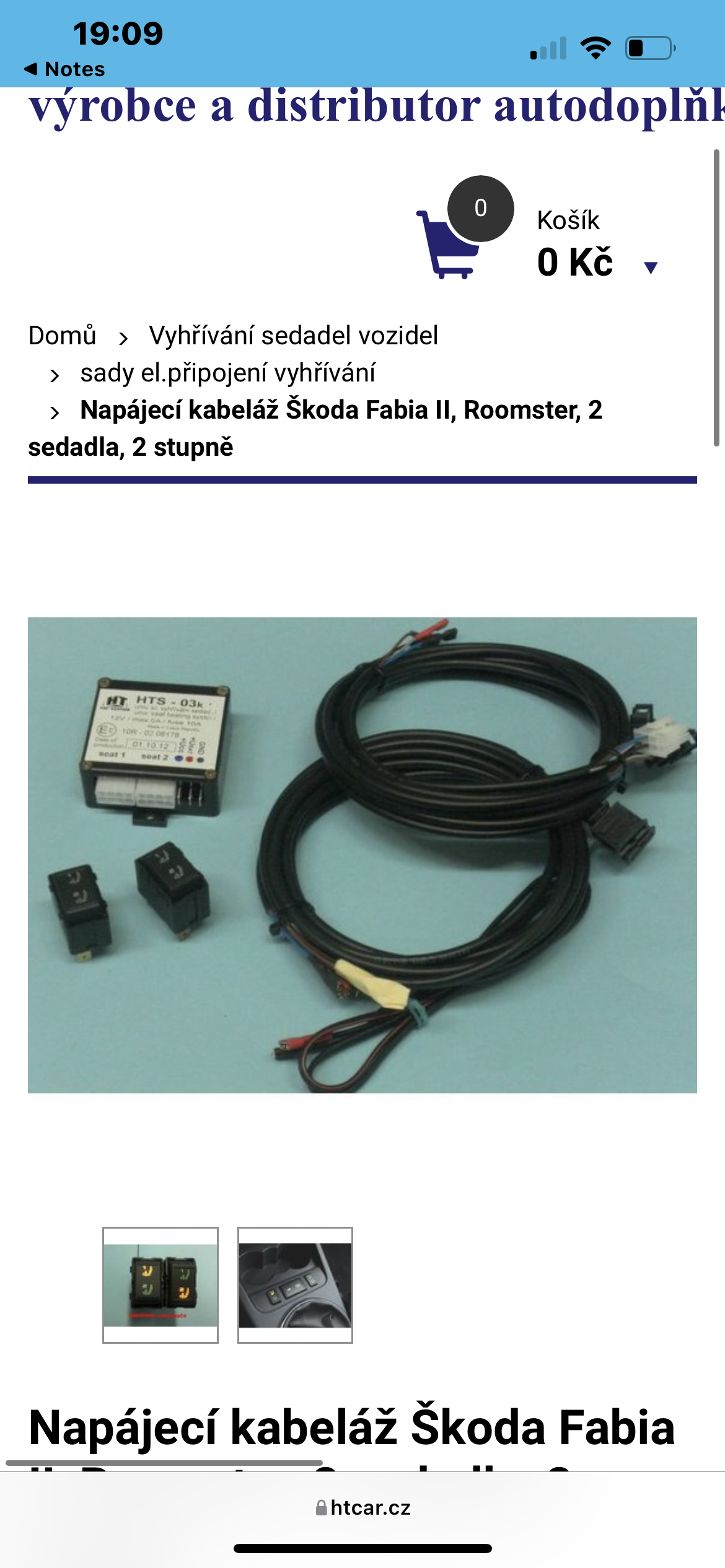
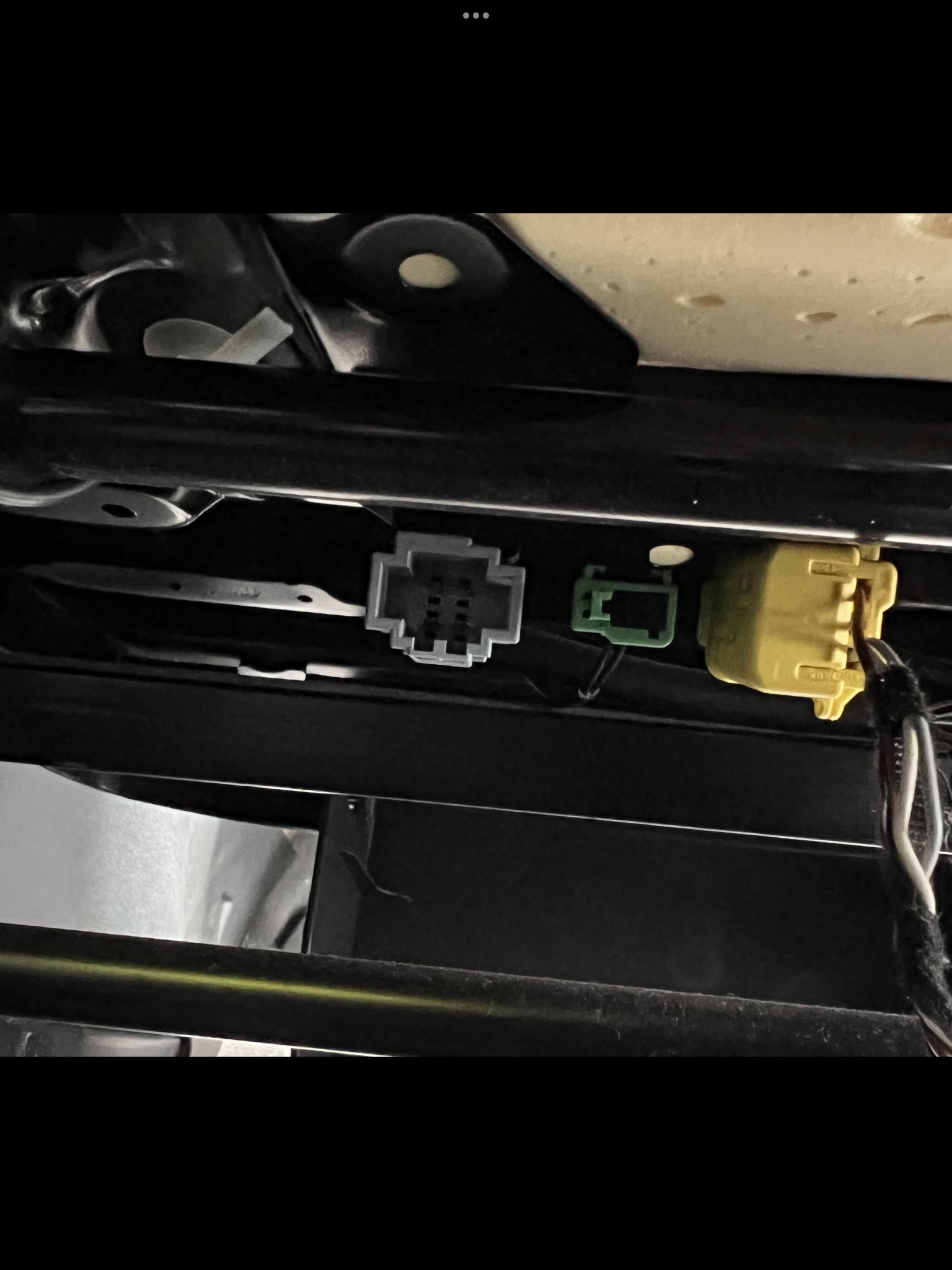
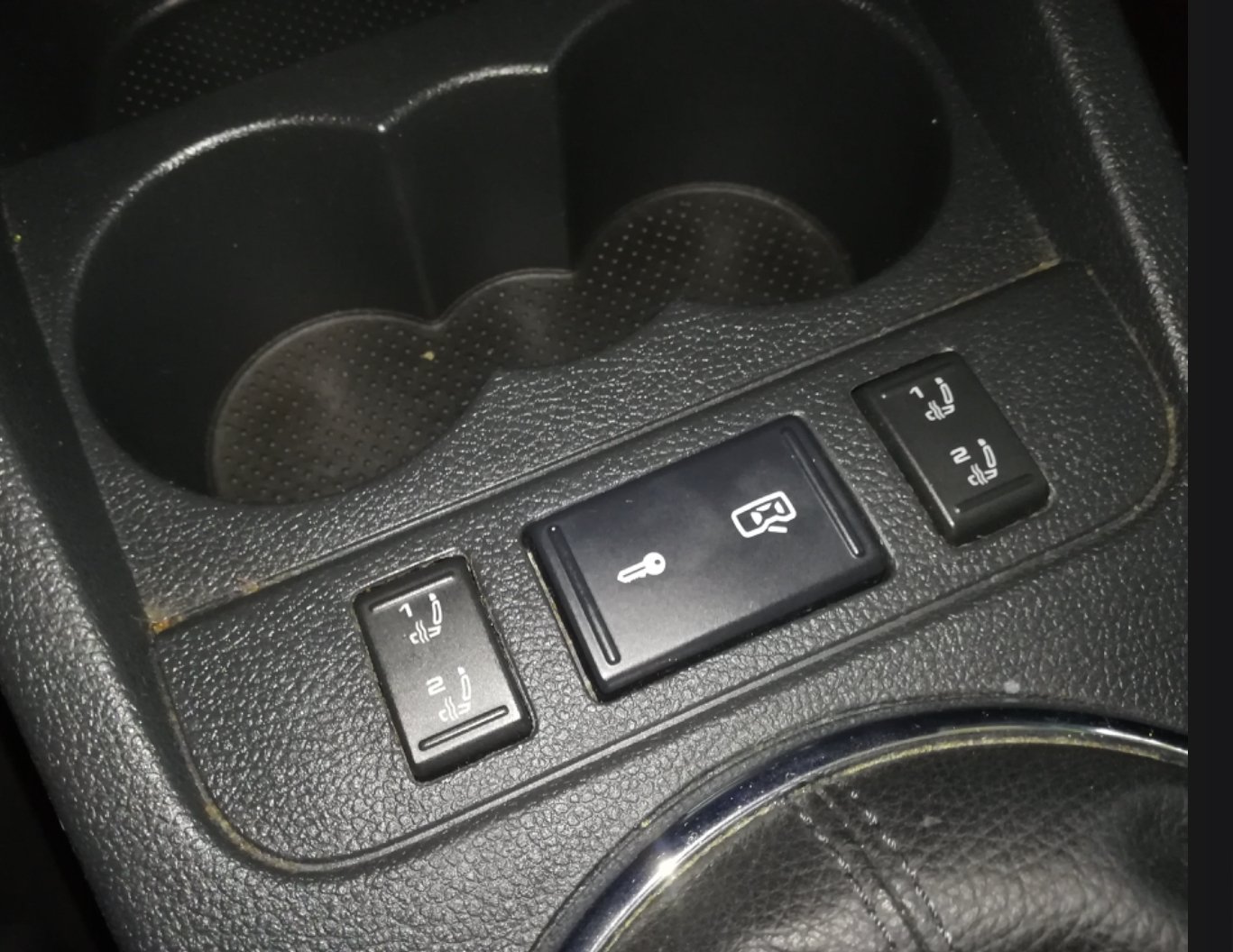
There is ready kit for it from Chechz republic but there is no postage to UK i have the switches but no harness , there is some relays as well , but still can’t understand all the way how’s work….
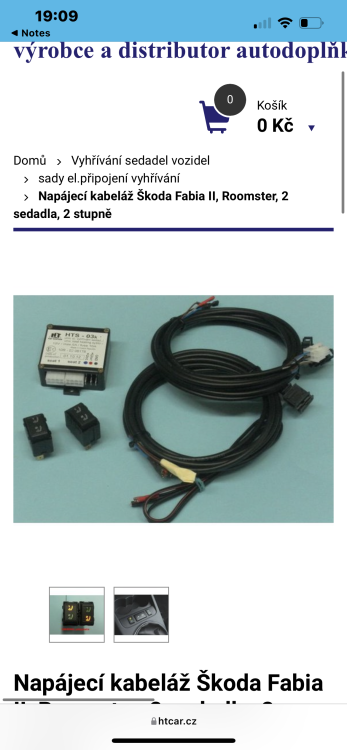
-
Hi all , just trying to find some diagram of heating seats , i have the seats and buttons, but no relays or harness was available , any information will be much appreciated. Thanks