djpeng
New here
-
Joined
-
Last visited
-
I am glad Ant was able to help you with this - he was a very good find.
-
I know my man (Ant) in the West Midlands has touchscreens for the Admundsen units in stock. However, if you have the Bolero unit you will need to talk to him as he may need to get the relevant parts. If you are close to the West Midlands (Tipton) I understand he does also offer a 'while you wait' service which I assume also includes removing the head unit from the vehicle.
-
Mine was the Admundsen unit with the two vertical SD card slots either side. Remove 15A fuse (blue) at position 8 (check handbook) within the engine compartment. The tricky bit is removing the plastic trim surround carefully without damage - I used a thin plastic Tesco Club Card keyring tag to get behind it and prise it gently away on both sides at the top and then gently pull it away at the top first. There ar 2 Torx head screws (T10 I think) either side to remove and then gently pull the unit out as far as possible to get at the various cable connectors at the rear. Remove the large square multi connector to the left first (passenger side) at the rear of the unit - there is a black plastic release lever mechanism on the bottom edge of the square multi connector that needs to be pulled up. Over on the right (drivers side) at the rear of the unit there are three connectors to remove - a white double connector, a blue connector and a yellow connector. Each of these has a small plastic lock slider that needs pulling upwards to enable the connector to be pulled free. The head unit can then be gently removed. I put the large square connector in a small plastic bag with a tie and the three other connectors in a separate small plastic bag with a tie to prevent any issues when the fuse is replaced. You could replace plastic trim surround to keep it tidy and put the four Torx head screws in a safe place. You will then need to replace the 15 amp fuse (blue) at position 8 in the engine compartment or the car will not start without it. Let me know if you need any further clarification.
-
I have just refitted the head unit and touchscreen is working perfectly - just like it should. I am very pleased with my experience and the cost effective and very quick resolution of the issue. This chap is highly recommended. I hope others will find this useful.
-
Excellent service and good communication. I sent the head unit last Friday (04/02) by Parcelforce 48, it was delivered to my man in the West Midlands on Tuesday (08/02) and it has just been delivered back to me this morning (10/02) by UPS. Not fitted the unit yet but it has been fully tested prior to despatch and Satnav maps have been updated to 2022. The replacement touchscreen has 36 month warranty so all good for £250.00 including return P&P. Contact details: Anthony Smith (Ant) on 07979 723977 A good find methinks.
-
I have managed to find someone in the West Midlands who has the relevant replacement touchscreens in stock and will do the replacement on my head unit for £250 including return P&P. Also the replacement touchscreen that is being fitted comes with a 36 month warranty. The turnaround for this is normally 1 to 2 days once he receives my head unit. If all goes well with this I will post his contact details.
-
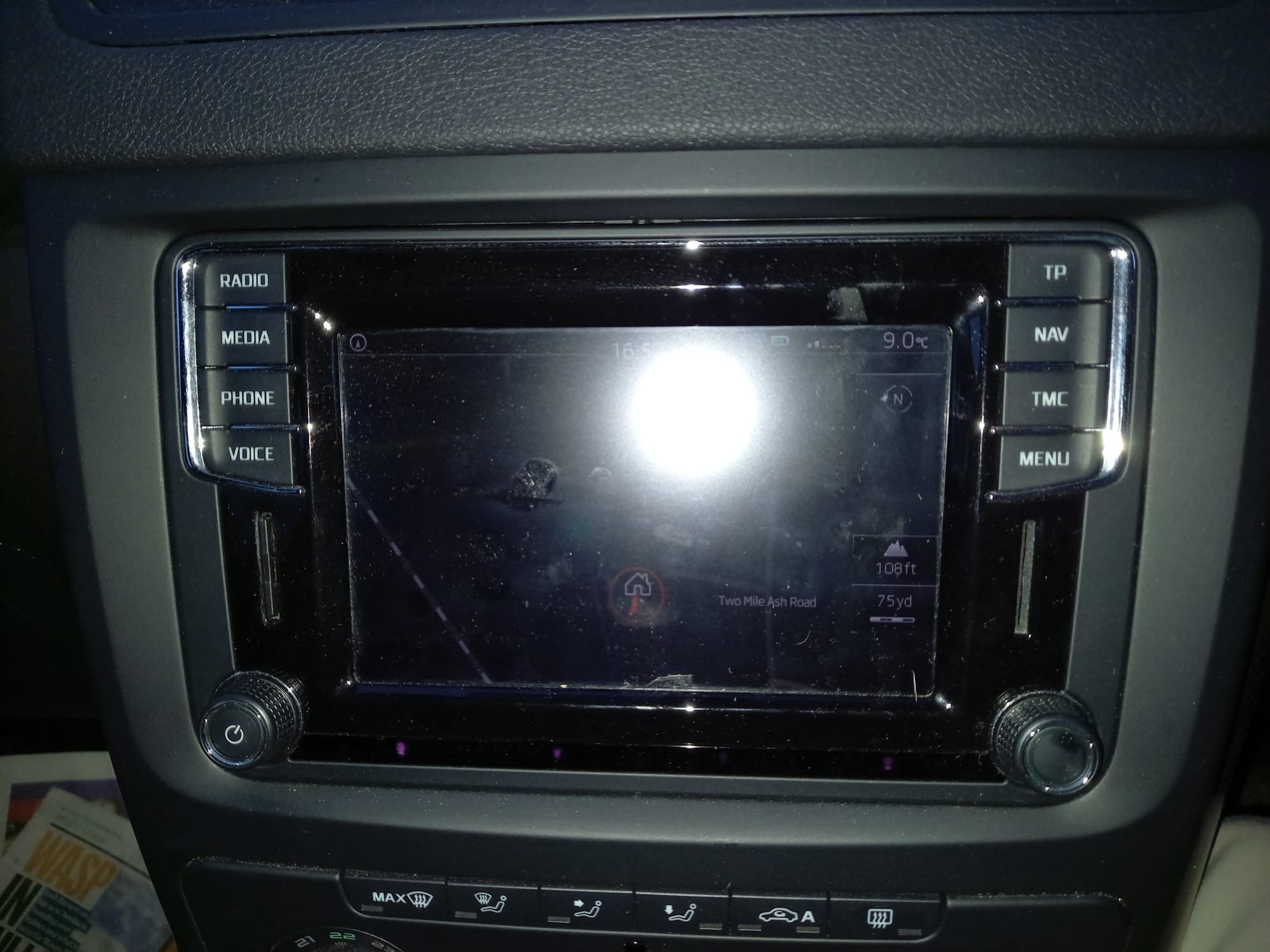
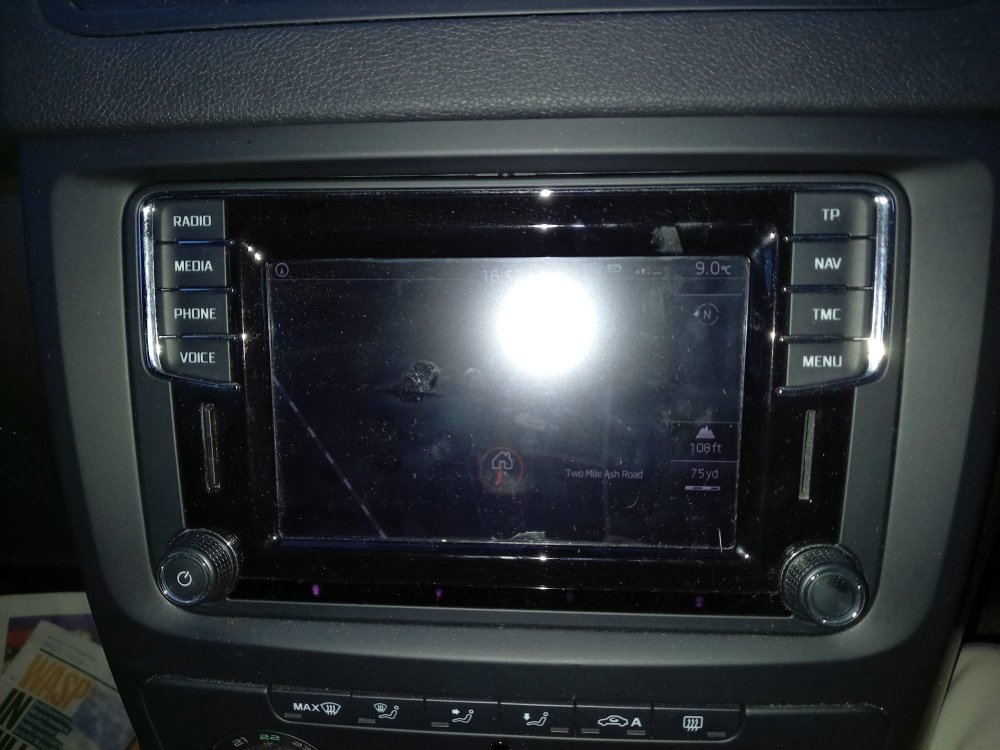
Please can someone identify this unit in the photo for me. I am assuming that as it has two SD slots (SD1 & SD2) that it is the Admunsen unit rather than the Bolero - is this correct? Is it possible just to replace the touchscreen and where can I get one at a reasonable cost. From what I have read the replacement should be something I could undertake myself. I would appreciate any advice or assistance on this matter.
-
Just saying Hello from West Sussex with a 2017 Skoda Yeti automatic.