




daveovrs
Finding my way
-
Joined
-
Last visited
Everything posted by daveovrs
-
-
-
Hi, I have a new Octavia VRS on one of the roof rails I have an annoying small stone chip, can anyone recommend a good touch up paint? Thanks
-
Took your advice does make it look good
-
Thank you for the link, I think I will get the Skoda logo centre caps as stop gap.
-
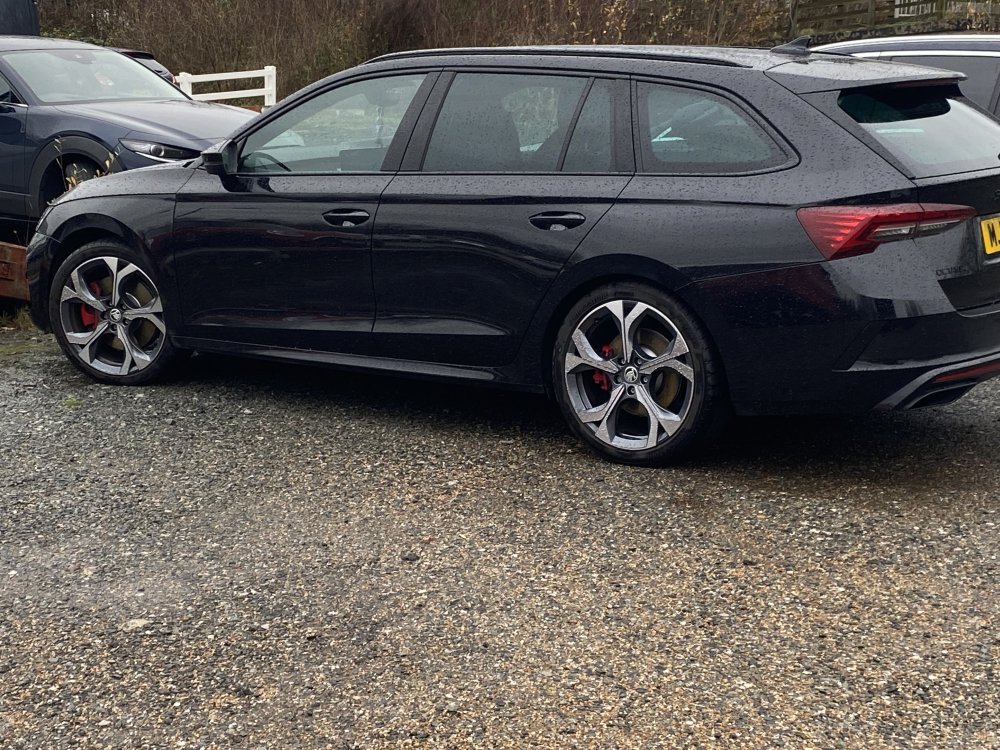
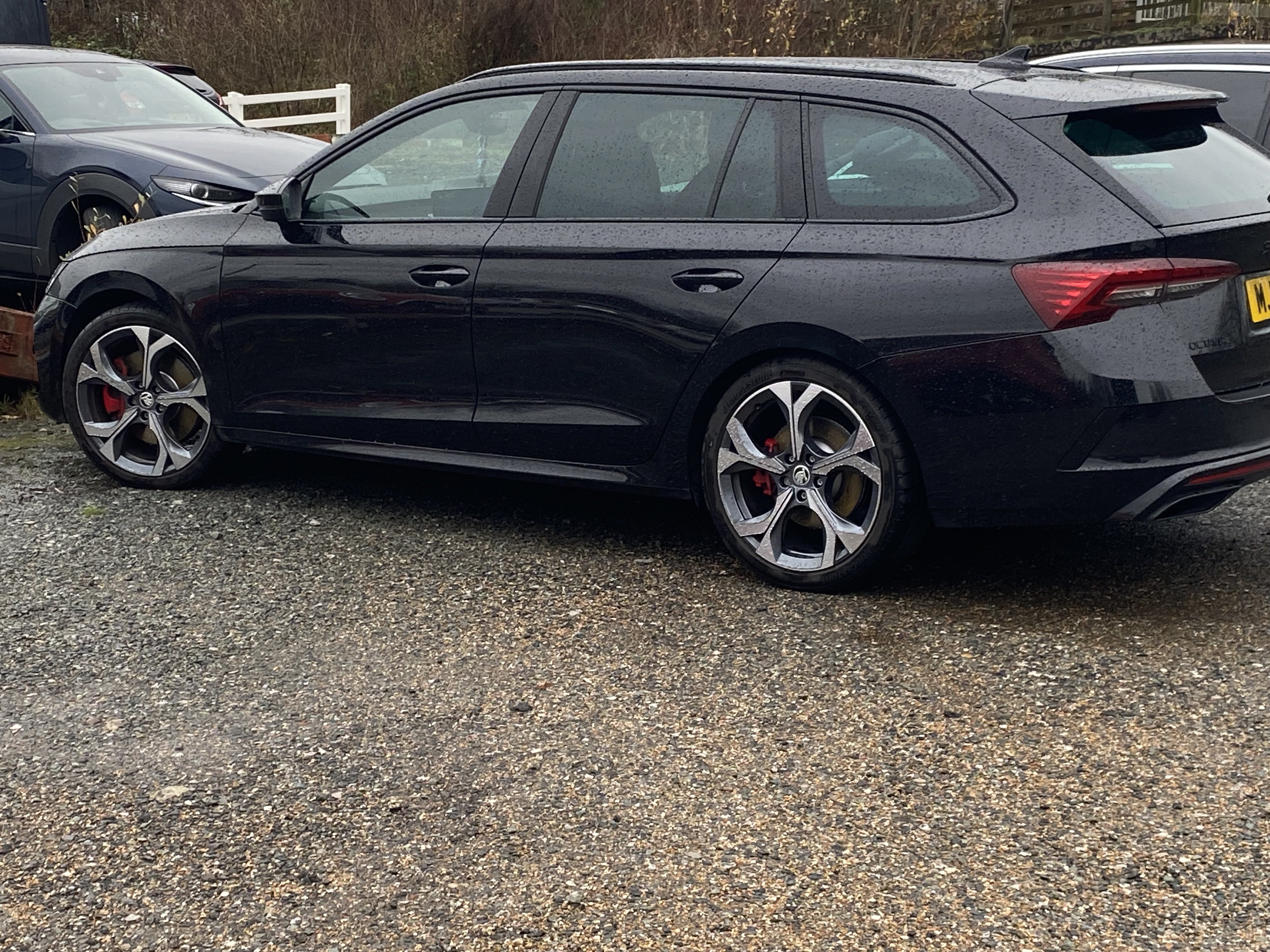
Hi Everyone. I have the new 2025 Octavia VRS which I have had for 4 weeks now, love it to bits, better than the previous MK4 version I had. What I am about to do is take off the alloy aero wheel trims off, but this will leave a blank centre cap. What I would like is the centre cap with the new VRS style font on them. Anyone know if these exist?hi everyone. . I have a mk4 Octavia VRS, today I noticed that the front screen washers are not working, the rear ones are just a dribble. Any suggestions? Thanks.What I am getting on my Sat Nav screen when trying to set a destination “sorry, unable to calculate your route “ as I say when I get back home in Warrington from here in London the Skoda Sat Nav will be fine. ??????Hi all, My Skoda Octavia Mk4 VRS own Sat Nat works perfectly well in my home in the North West all the roads are clearly on the screen etc etc. but when I visit my son in SE London half the roads are not displayed and trying to set a destination it doesn’t want to know. Any Idea?????????Hi Dave, my car is a 2022 Octavia VRS i recently subscribed to a year of Care Connect - Remote Access also Traffication. Care connect works fine but traffic when I tap the app nothing happens. That’s where I read that my infotainment needs to be. Yes I have a Sat Nav.How can I tell which system I have on my infotainment? thanksIs Skoda still producing Octavia VRS as l would like to buy the latest version.Maybe this subject has been discussed before but does anyone know how to stop the rear wiper from being activated when it rains I would like to turn it off & on at my discretion not the cars. Many thanksI have a Octavia VRS Mk4, how can I check if the software updates are current and up to date?Hi, I have a 2022 Mk4 Octavia VRS sounds ridiculous but I live in Warrington and the sat nav works perfectly but my son lives in Dartford Kent, when travel down south the sat will not work.My Sat Nav has suddenly stop working, it only shows main roads and motorways on the display. I am at a lost. Anybody had this problem?Can anybody help, my 2022 VRS always when starting always defaults to Normal Drive Mode, can you have the default as Eco ?I have noticed that my all brake discs are rusty, does anybody know how get rid of this?Hi Richy59, To be honest with the reversing camera I personally wouldn’t use it, but if you ask East_Yorkshire_Retrofits they give loads of advice and help. By the way my new VRS Estate is great I love it, I did have MK7 Golf GTD estate and wanted the new MK8 version, but went for the Octavia.Hi, I think the same, when I had a Golf GTI people were on the forum changing all sorts of stuff of a Golf SE upgrading it to look like a GTI, when I questioned why are you doing it, I got slaughtered. I have in January this year bought a Octavia VRS, love it to bits. The Sat Nav only gives you 1 option my Golf gave me 3, but I think the Skoda is great value.Hi East Yorkshire, Can you retrofit a heads up display on my VRS ?Hi everyone, I have taken delivery of my new Octavia VRS DSG 10/01/22, love it to bits, what is confusing is creating my own home page on the infotainment screen, anybody know any good hints

Important Information
Welcome to BRISKODA. Please note the following important links Terms of Use. We have a comprehensive Privacy Policy. We have placed cookies on your device to help make this website better. You can adjust your cookie settings, otherwise we'll assume you're okay to continue.