keithclinton
Finding my way
-
Joined
-
Last visited
-
Thanks all for your advice
-
I have a 2017 1.0 ltr tsi Fabia. I've bought a new Exide EFB battery to replace the existing Exide EFB battery. Identical specs. Do I need to register the new one as I don't have the OBD gadget to do this. Thanks.
-
Hi pab567. Thanks for your help. I do apologise for my severe lack of tech ability. So can I just confirm that I download this file, unzip and save, say onto a USB stick then plug it into the car and press update on the display? Is there a chance that I can brick the unit or is it straight forward? Thanks for your time.
-
No, I'm not very tech savvy I'm afraid.
-
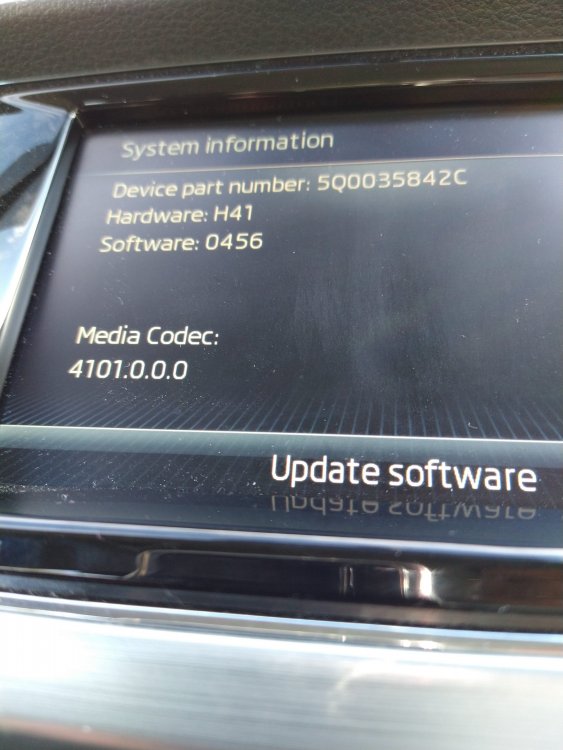
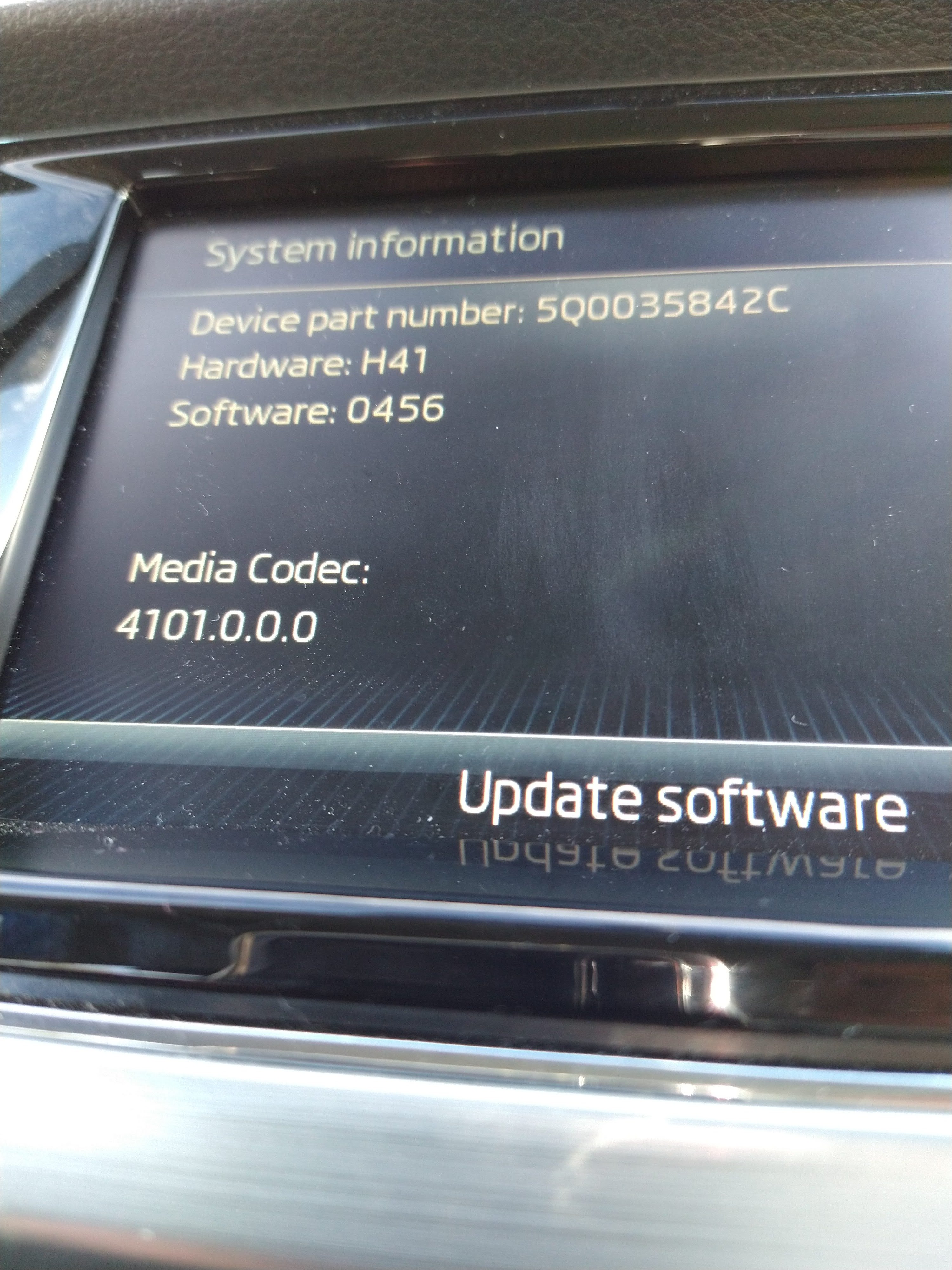
Hi, Can anyone assist me in seeing whether my head unit needs an update. I have a Skoda Fabia 3 SE 2017 1ltr 95 HP TSI. I've looked through some of the existing threads but all I've managed so far is to download a list of the latest radio station banners from a Skoda Website. Just wondered if the software is up to date as Smartlink/ Andriod Auto is a bit 'flaky' and the radio station list is out of date! If an up date is available how do I update the unit? I have no USB in the glovebox just one in the dashboard by the central console. Attached is a screenshot of the System Info. Thanks in advance!.