




katanasan0
Finding my way
-
Joined
-
Last visited
-
@pab567, a big thanks 👌👍
-
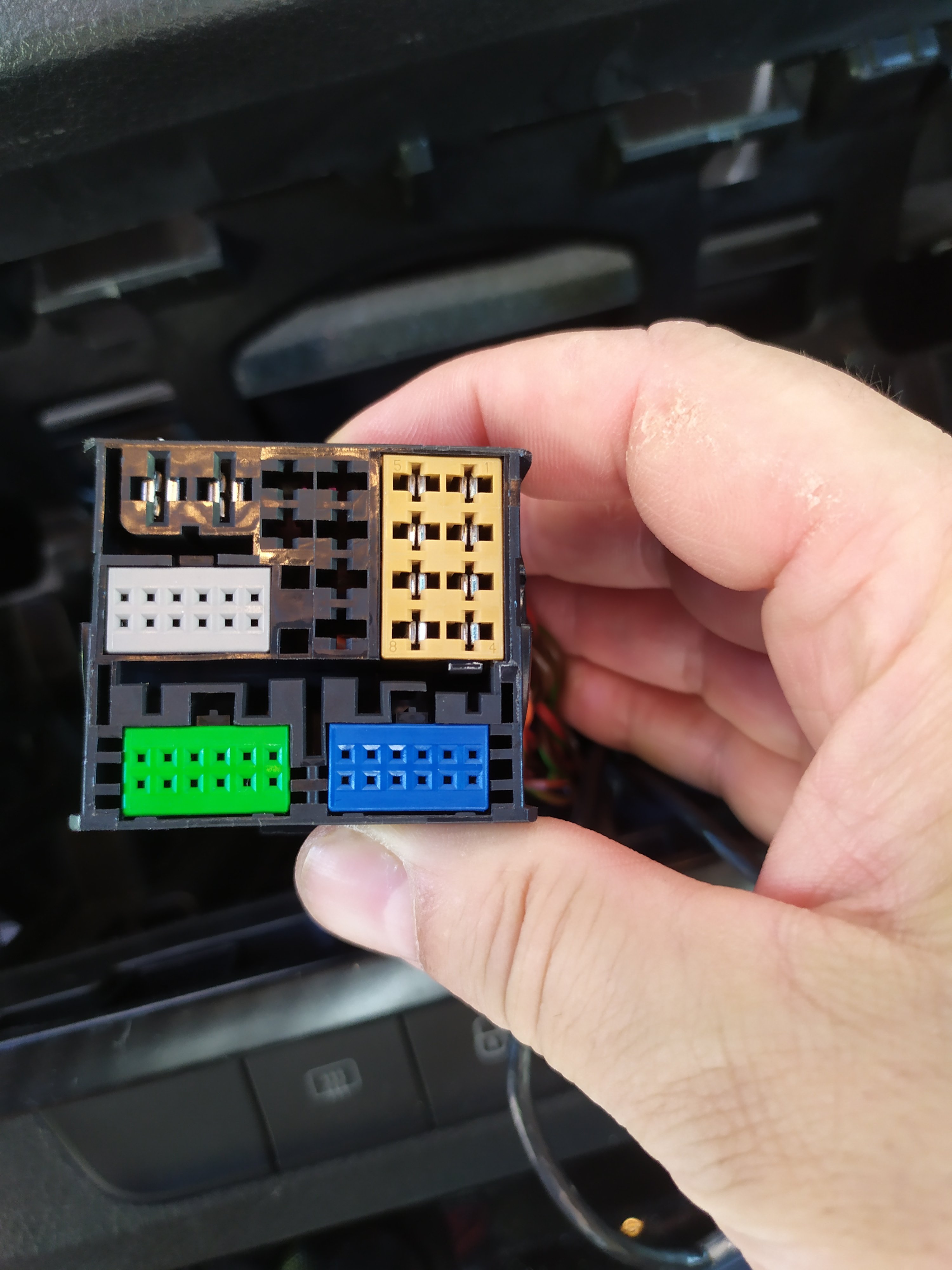
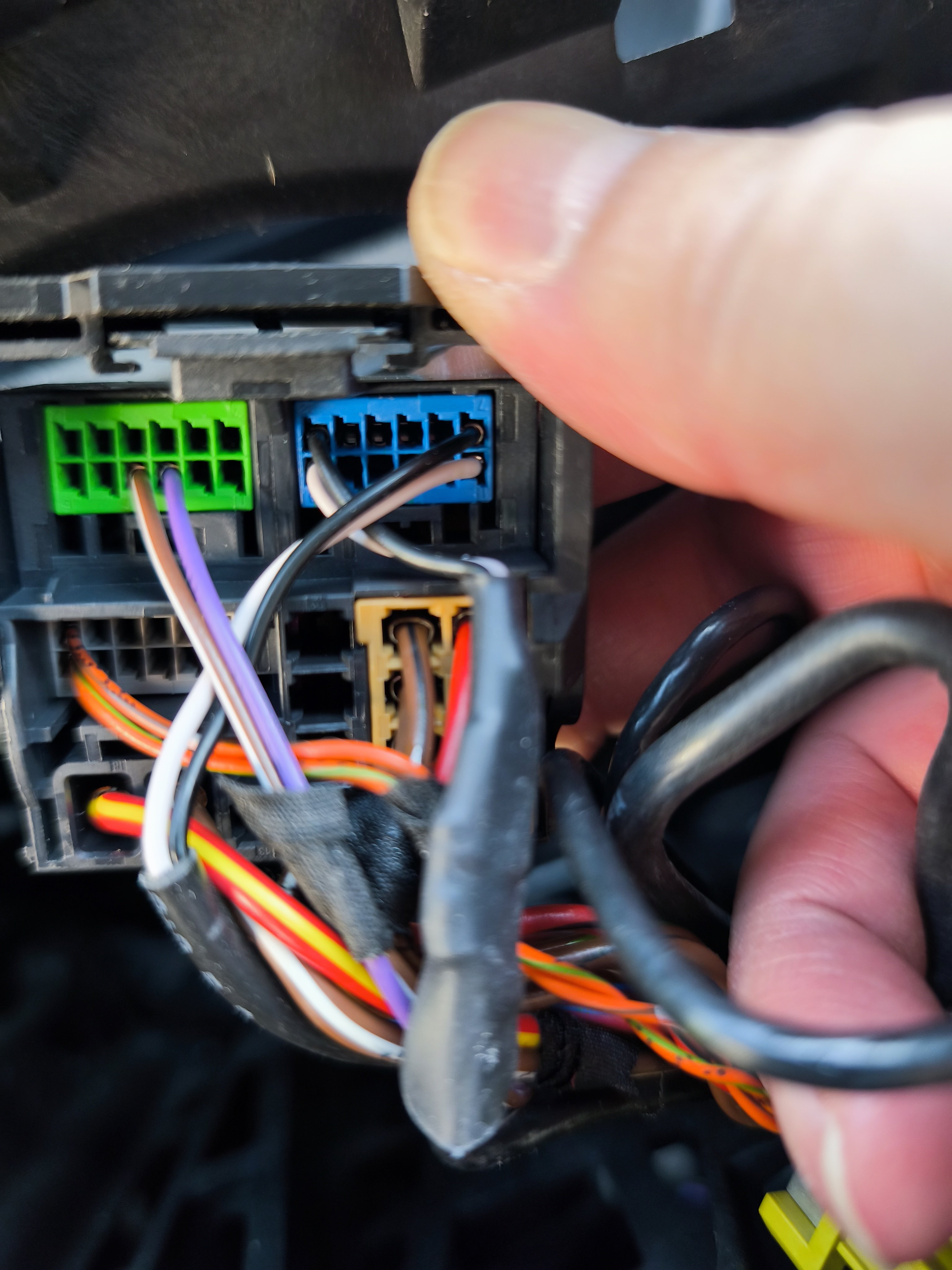
@pab567 or @varooom, Would you also have the wiring diagram for the Skoda Fabia 3 car radio harness? Still with a view to a possible replacement of the original car radio. Thanks in advance. Have a good weekend everyone.
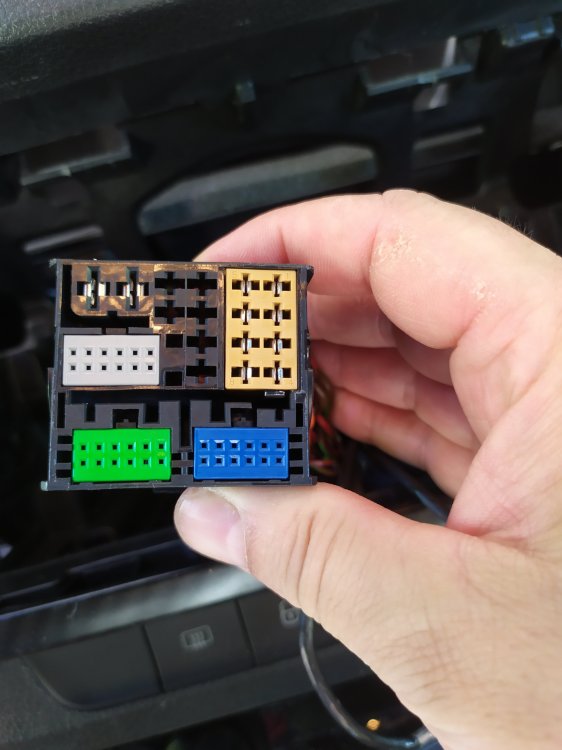
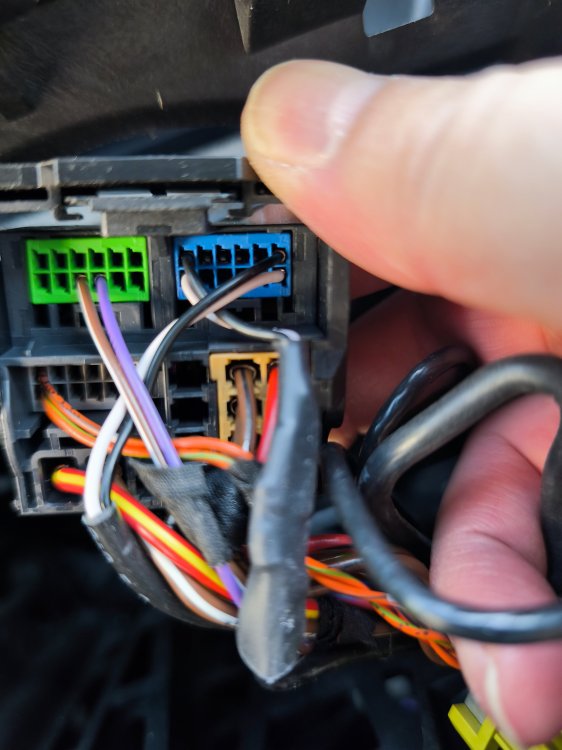
-
Hello @pab567, a huge thank you for the speed of your response 🫡
-
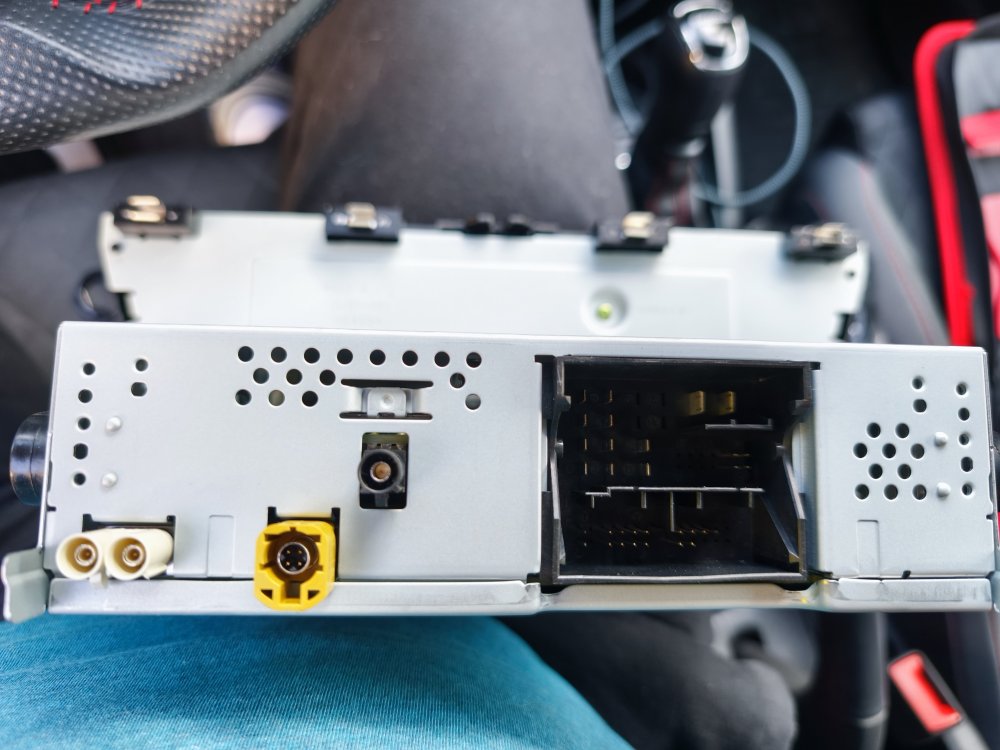
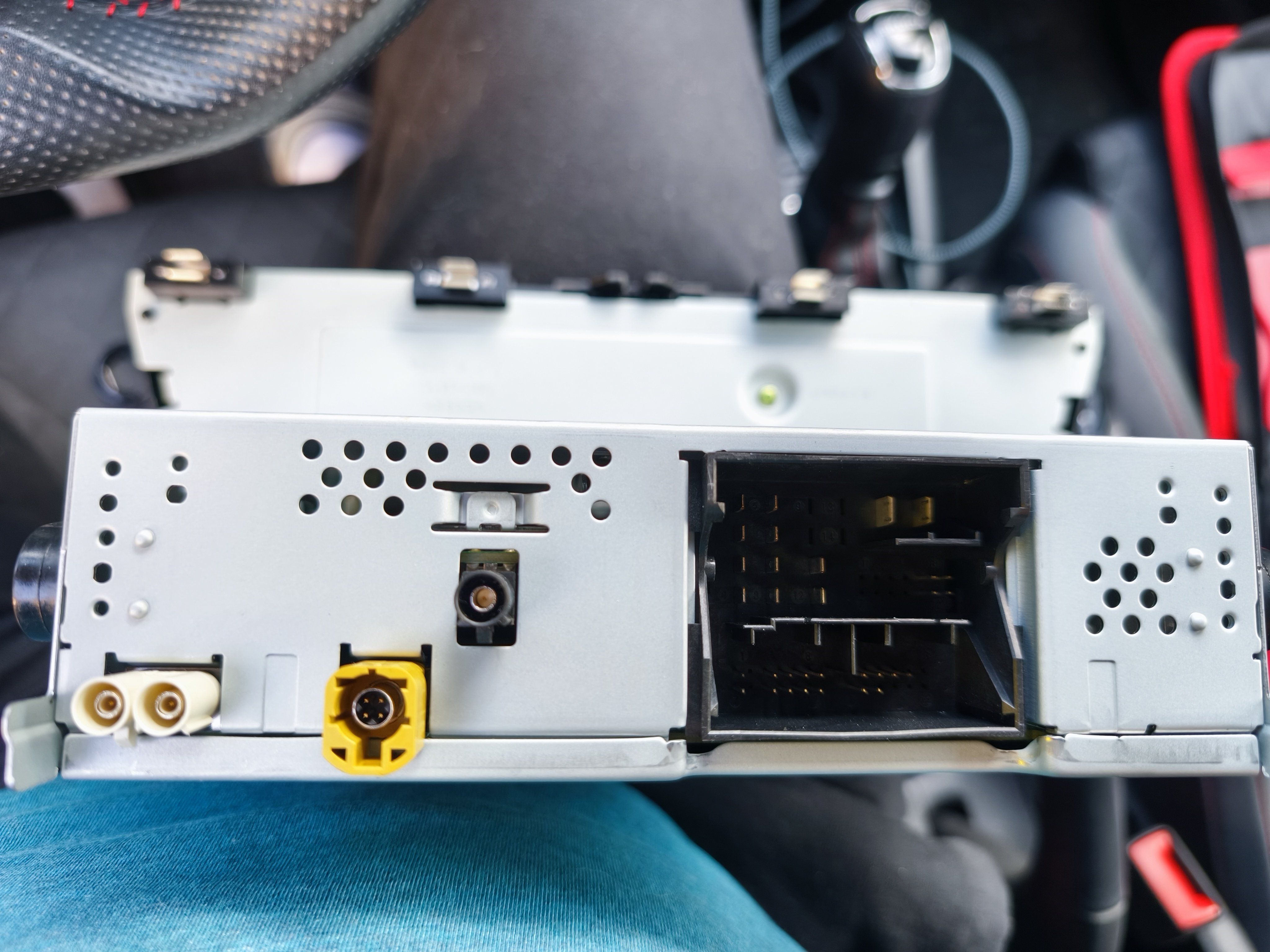
Hello, I removed the original car stereo from my Skoda, and I wonder what the black Fakra input on the car stereo is used for. Does anyone have the information? The goal is eventually to replace the original car stereo. Thank you in advance. Have a good day.
-
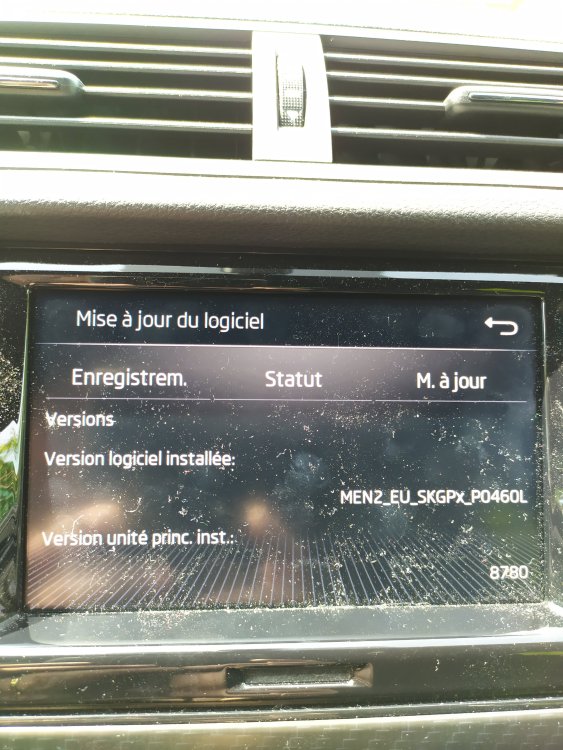
Hello @Varoom, Hello @Pab567, Hello all, I come back to the request I made in 05/2023. Are you aware of an update for my infotainment system since then? Thanks in advance and have a good Sunday everyone,
-
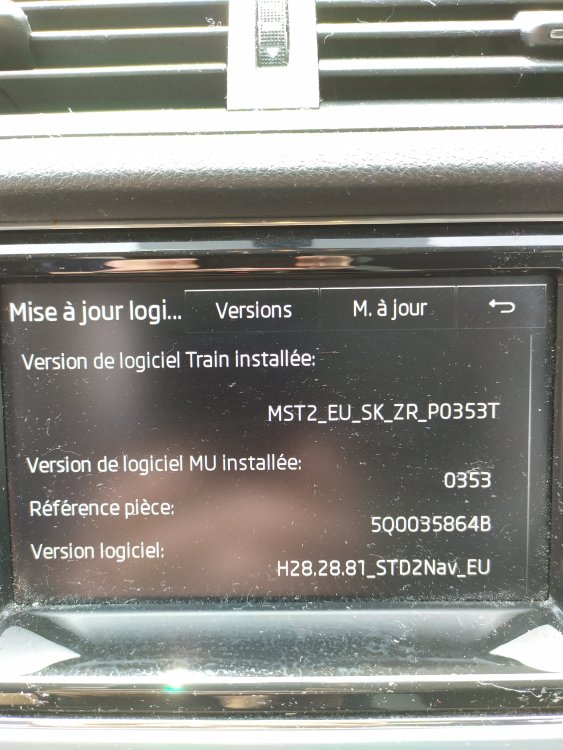
Hello everyone, hello @pab567 I'm trying to find if there is any update for the radio system of my daughter's skoda: Thanks. Have a nice day.
-
Thank you for your response Varooom 👍
-
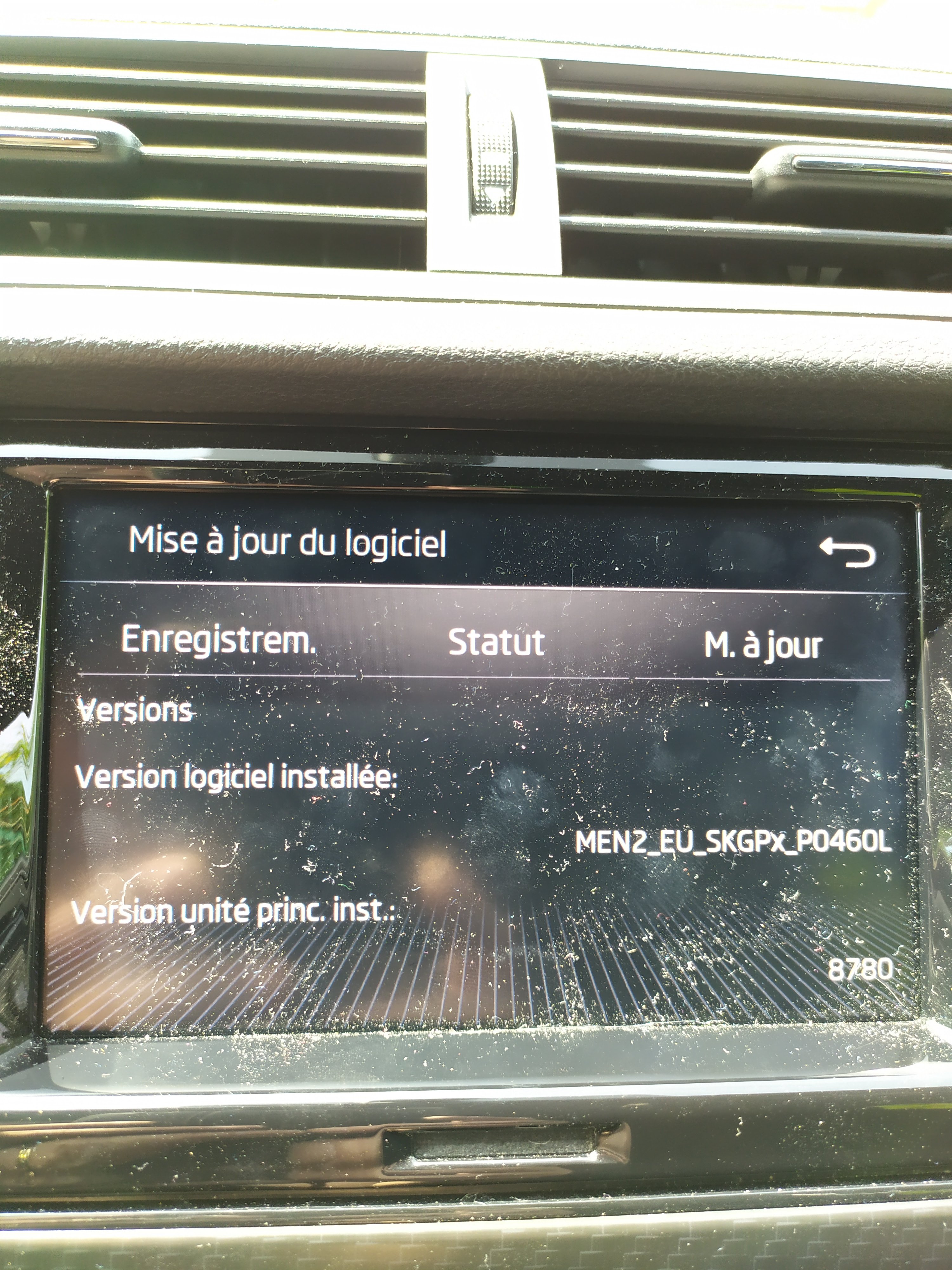
Hello all, Is there any update for my infotainment system ? Installed SW Version : MEN2_EU_SKGPx_P0460L Inst MU-version : 8780 Thanks a lot.
-
Update made today. Flawless. Thanks very much Varooom. 👌👍😉
-
Thanks Varooom 🙂
-
I can borrow the vcds tool from a friend. If the manipulation is not too complicated I can try the process if you can explain to me
-
enable smartlink without going to dealer interesting me also. If someone have a solution..... thank you !!!
-
A big thank Varooom.
-
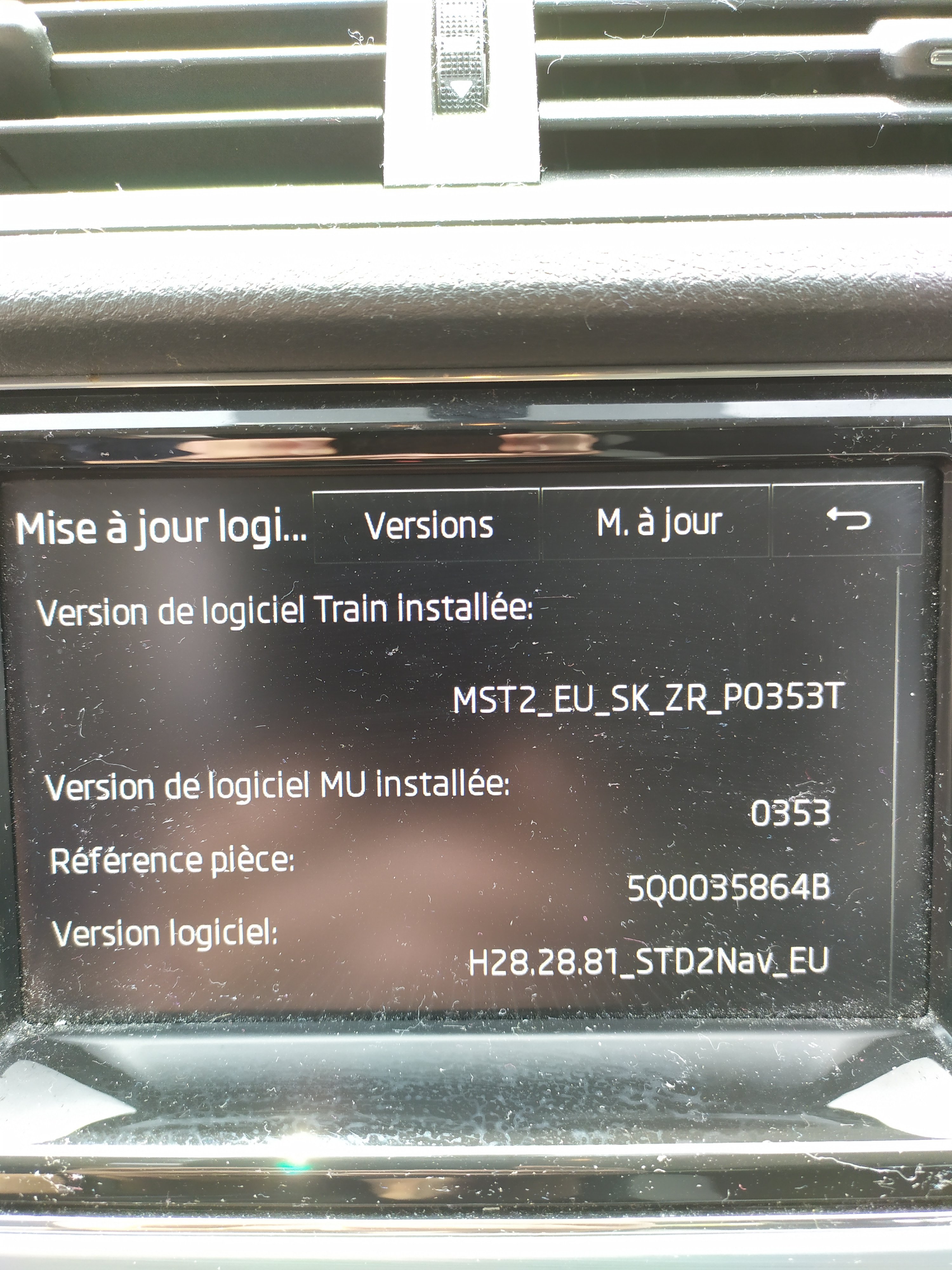
Hi Everyone, Is there any update for my device? : MST2_EU_SK_ZR_P0359T ref 5Q0035864B SW version : H28.28.133_STD2Nav_EU Thanks !
-


Important Information
Welcome to BRISKODA. Please note the following important links Terms of Use. We have a comprehensive Privacy Policy. We have placed cookies on your device to help make this website better. You can adjust your cookie settings, otherwise we'll assume you're okay to continue.