RushiVRS
New here
-
Joined
-
Last visited
Everything posted by RushiVRS
-
Spark plugs were removed and checked on 2,3,4. All visually looked good with no issues.
-
No, the O2 sensors haven’t been replaced but are not showing a reoccurring fault through testing. The only reoccurring fault is the combustion failure on cylinder 2. I think that the first time it happened was the worst as I was in the 3rd lab and had to pretty much coast with no power while shuddering and safely move the shoulder which took ~30 seconds which is why I think 3&4 started misfiring the first time too.
-
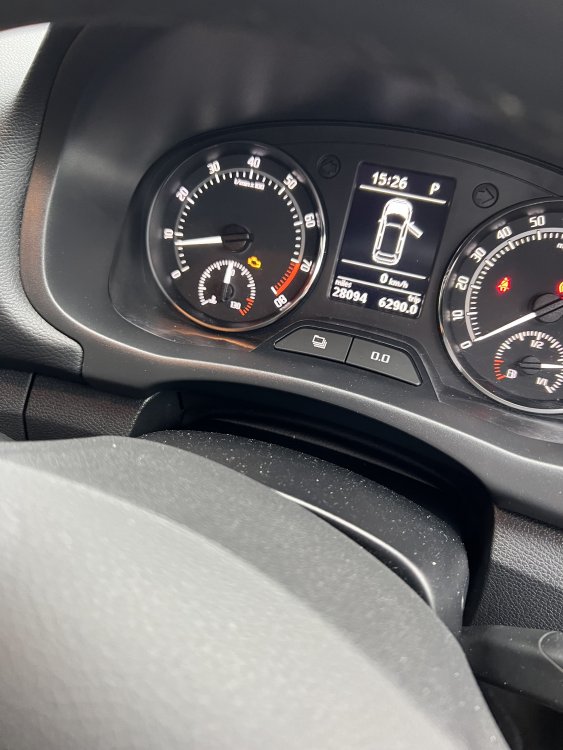
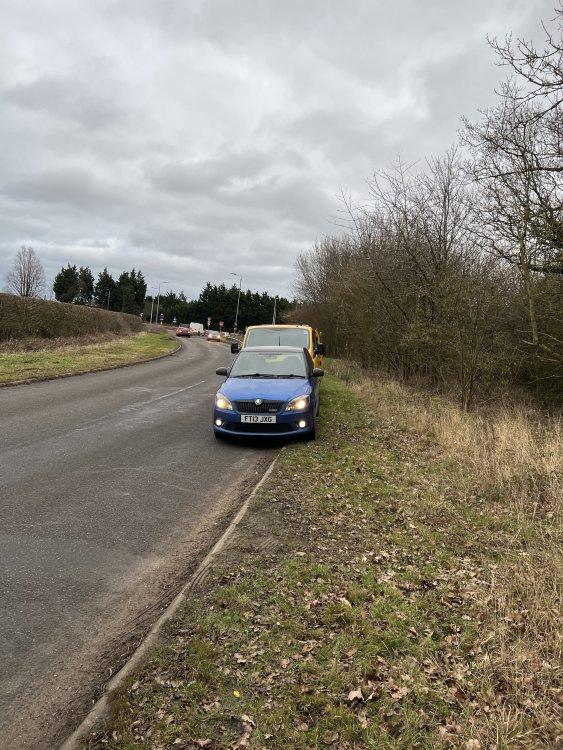
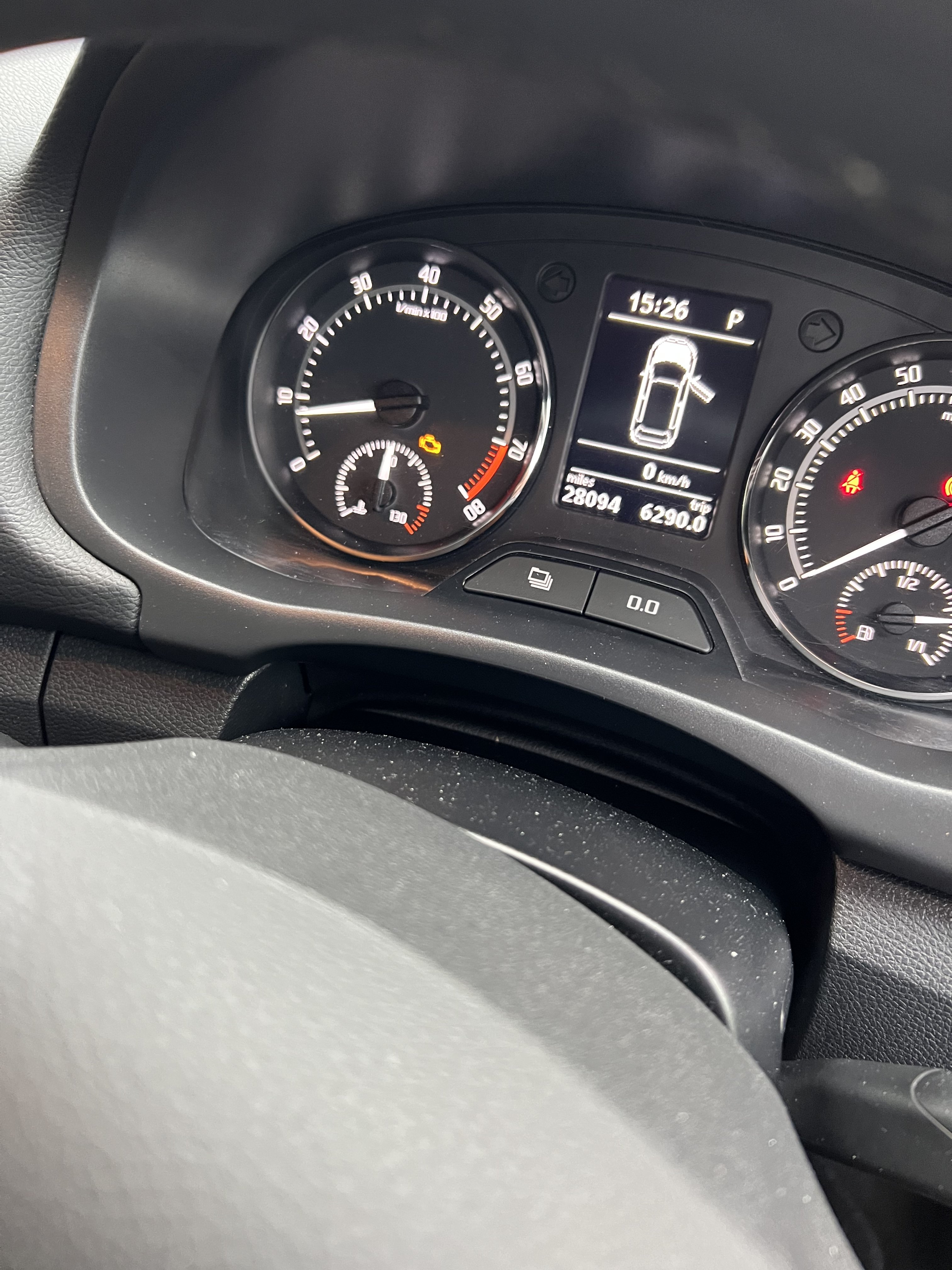
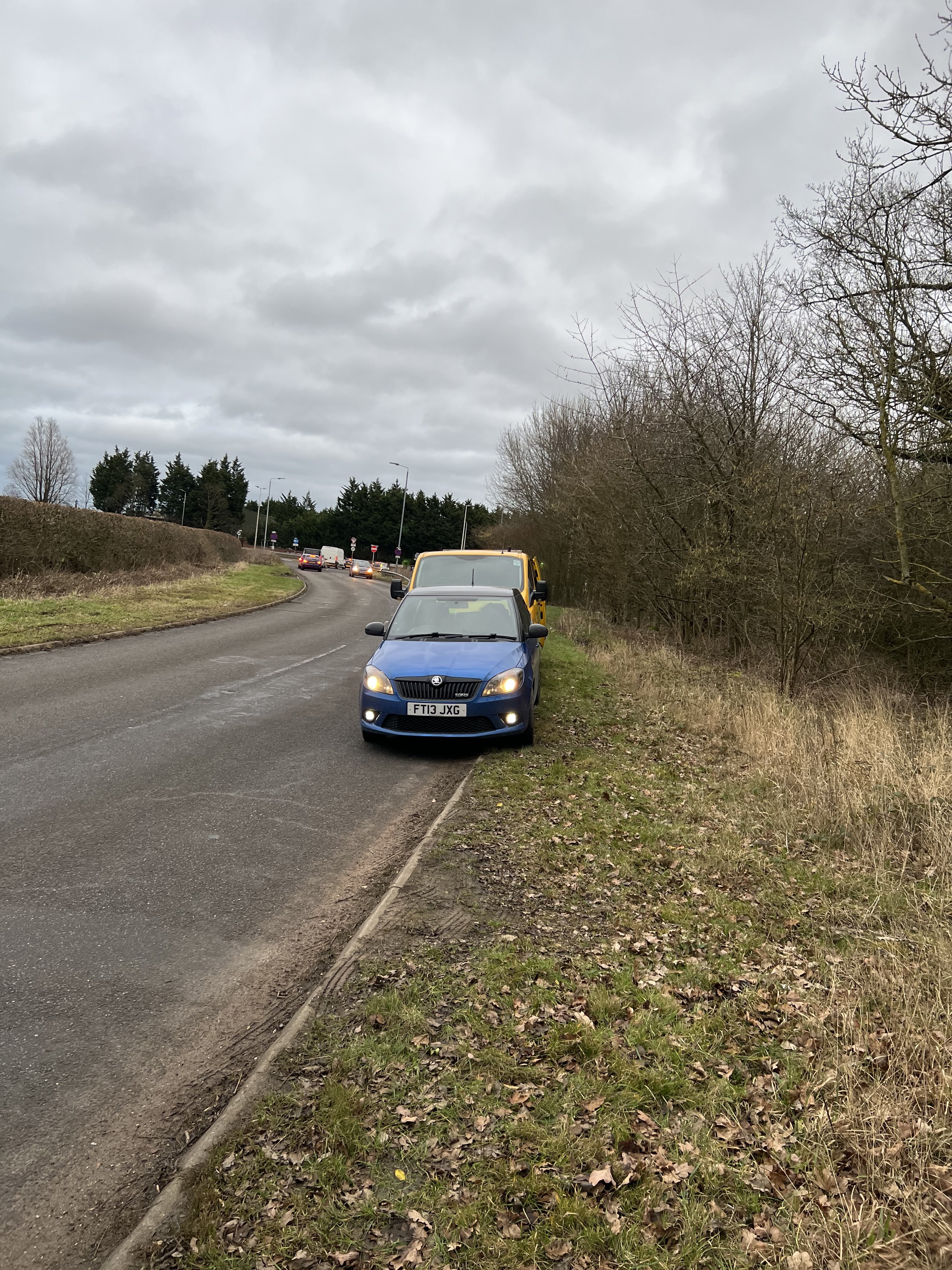
So I do a lot of motorway miles, done 28k miles in my Fabia VRS 2013 so it’s fairly low mileage and in immaculate condition so I thought. On Friday night I was driving at about 75-80 when I suddenly get intense shuddering from the engine, a engine management light & EPC light. I lose all power and the engine is going crazy. I pull over and call the AA out the car starts and begins to drive as normal but there are multiple codes on it; O2 sensors failing & combustion failures on cylinders 2,3,4. I took it to a mechanic who reset the computer and drove it round town to which it drives fine. Yesterday I took it back on the motorway and I get the same management light and EPC light. Again call the AA out and they change the engine coil packs (twice and tested by both me and the mechanic) on cylinder 2 which is where the fault was localised to according to the computer. None of this has fixed the problem, wondering if anyone has any ideas on what it could be? It tends to start going haywire when I put my foot down to get a quick start (not even flooring it ridiculously) or when the engine is under a high load for a prolonged period 70+ish for around 5-6 miles.