




Hyperion
New here
-
Joined
-
Last visited
-
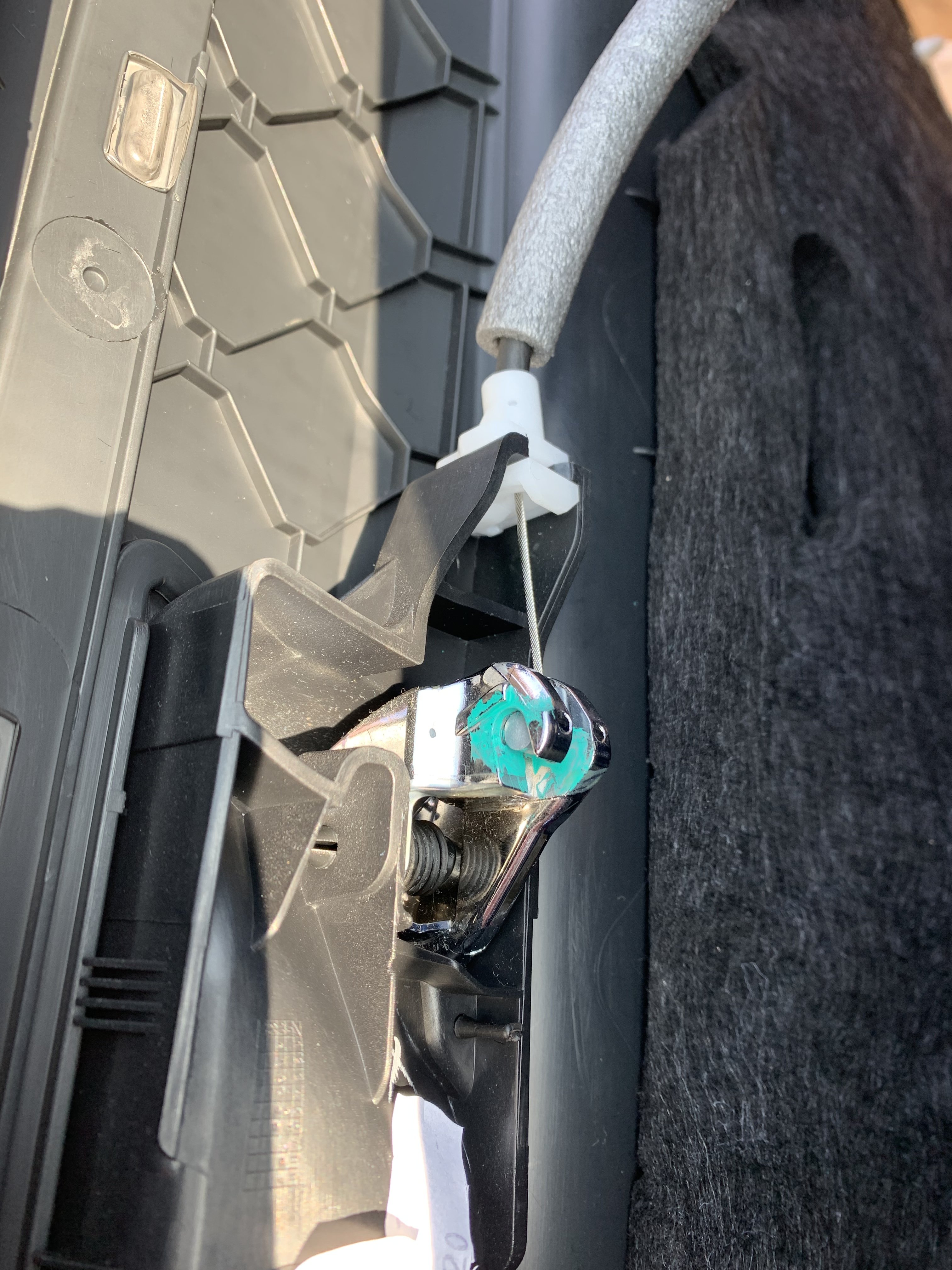
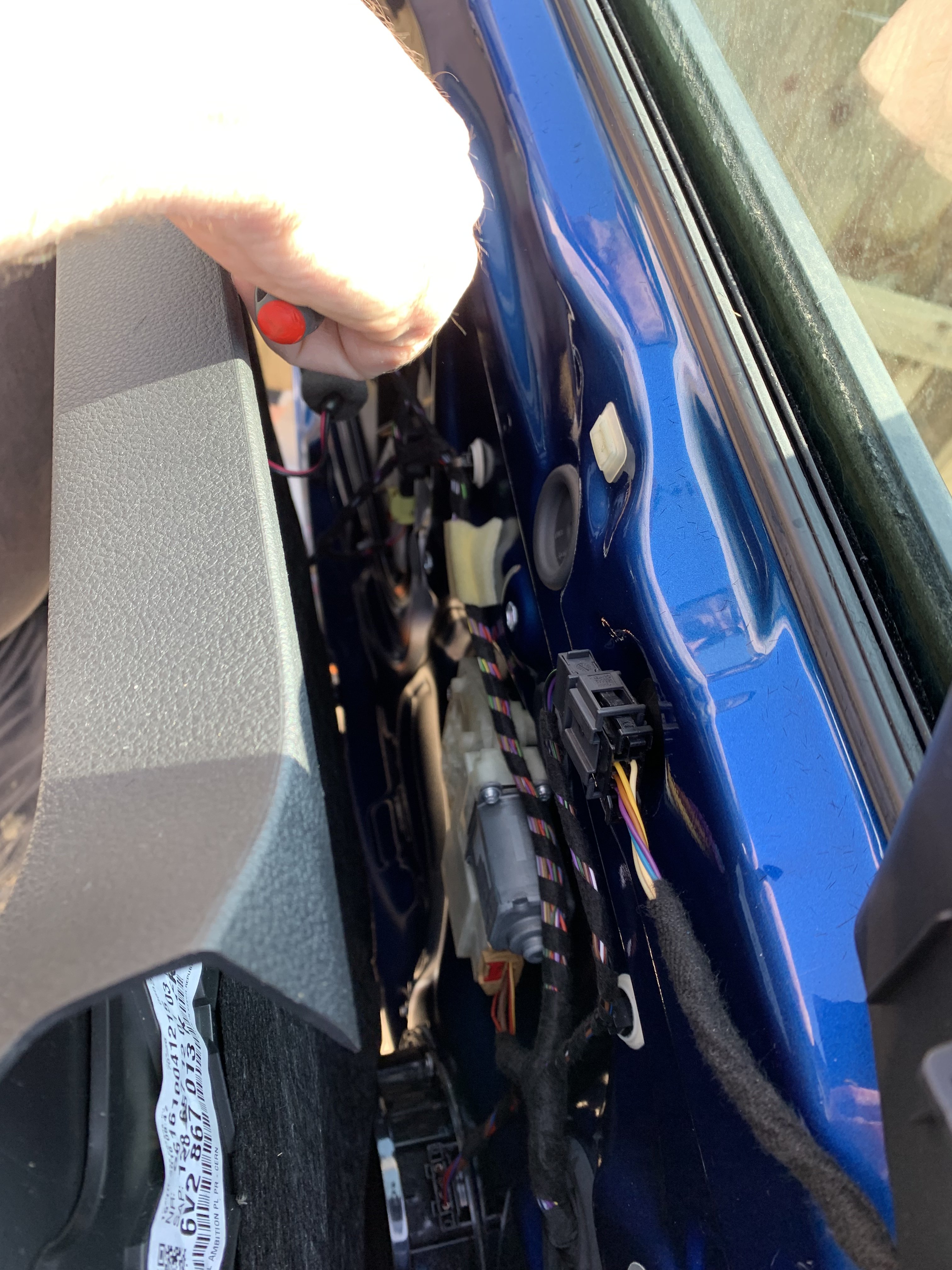
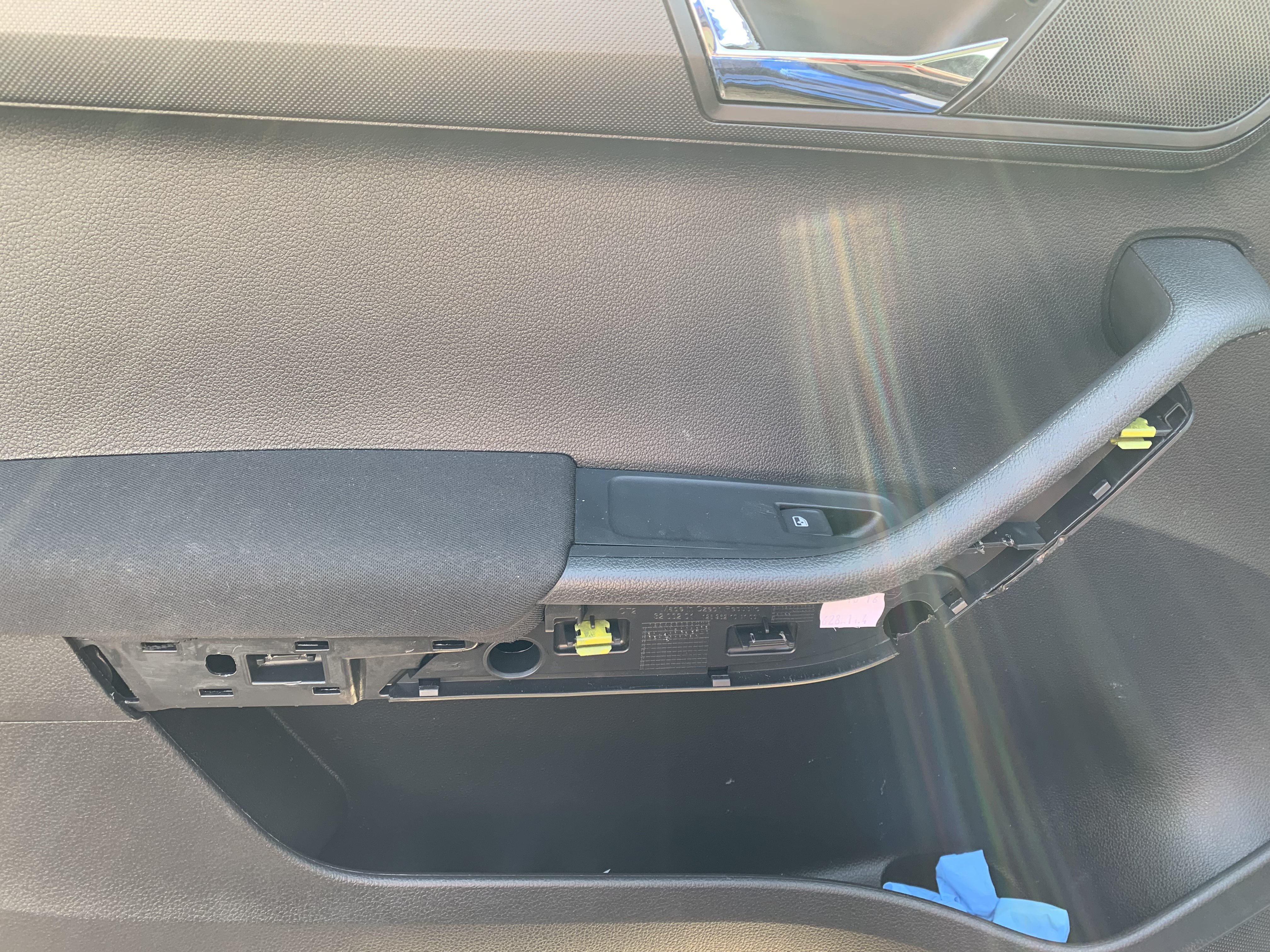
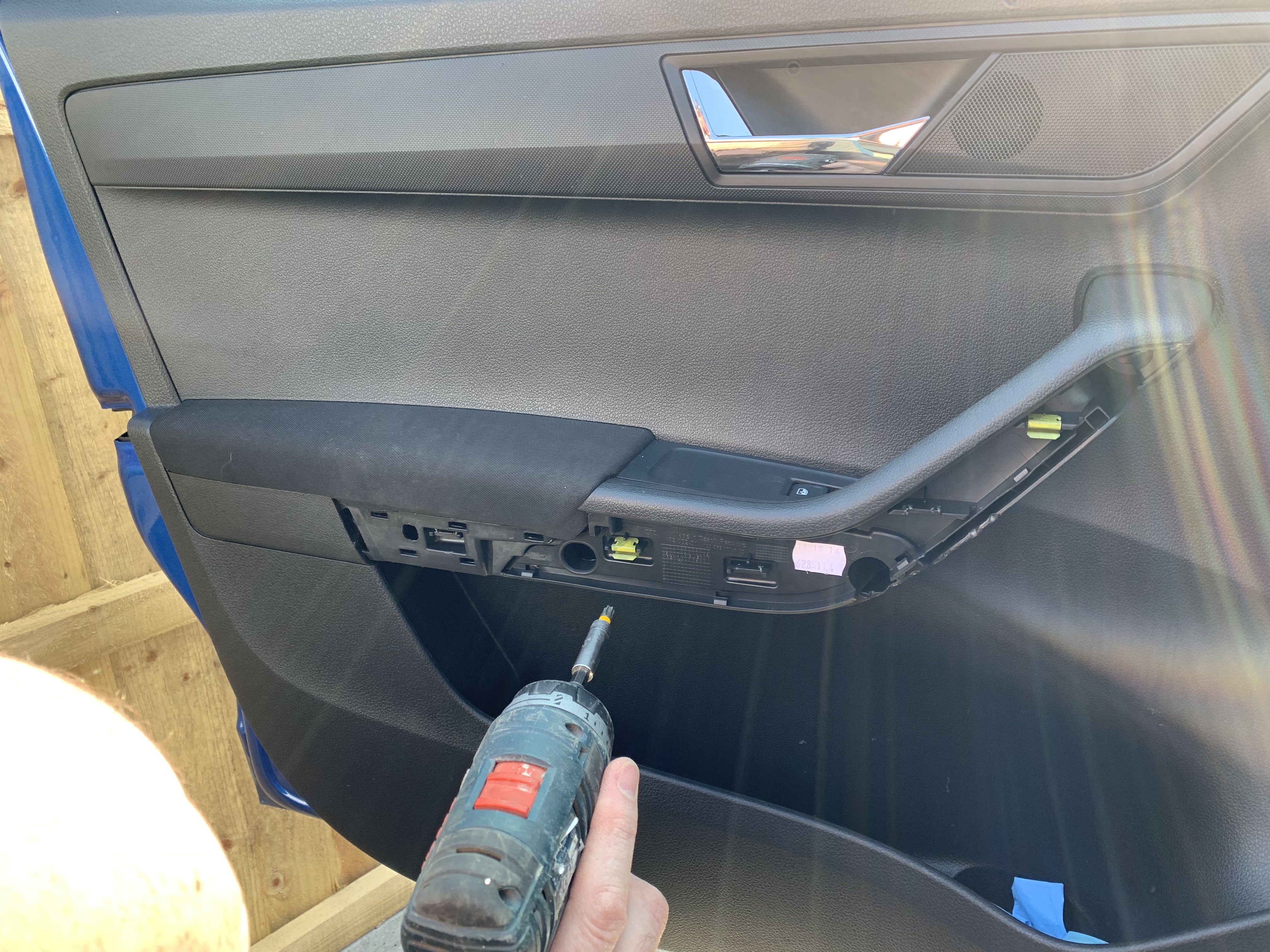
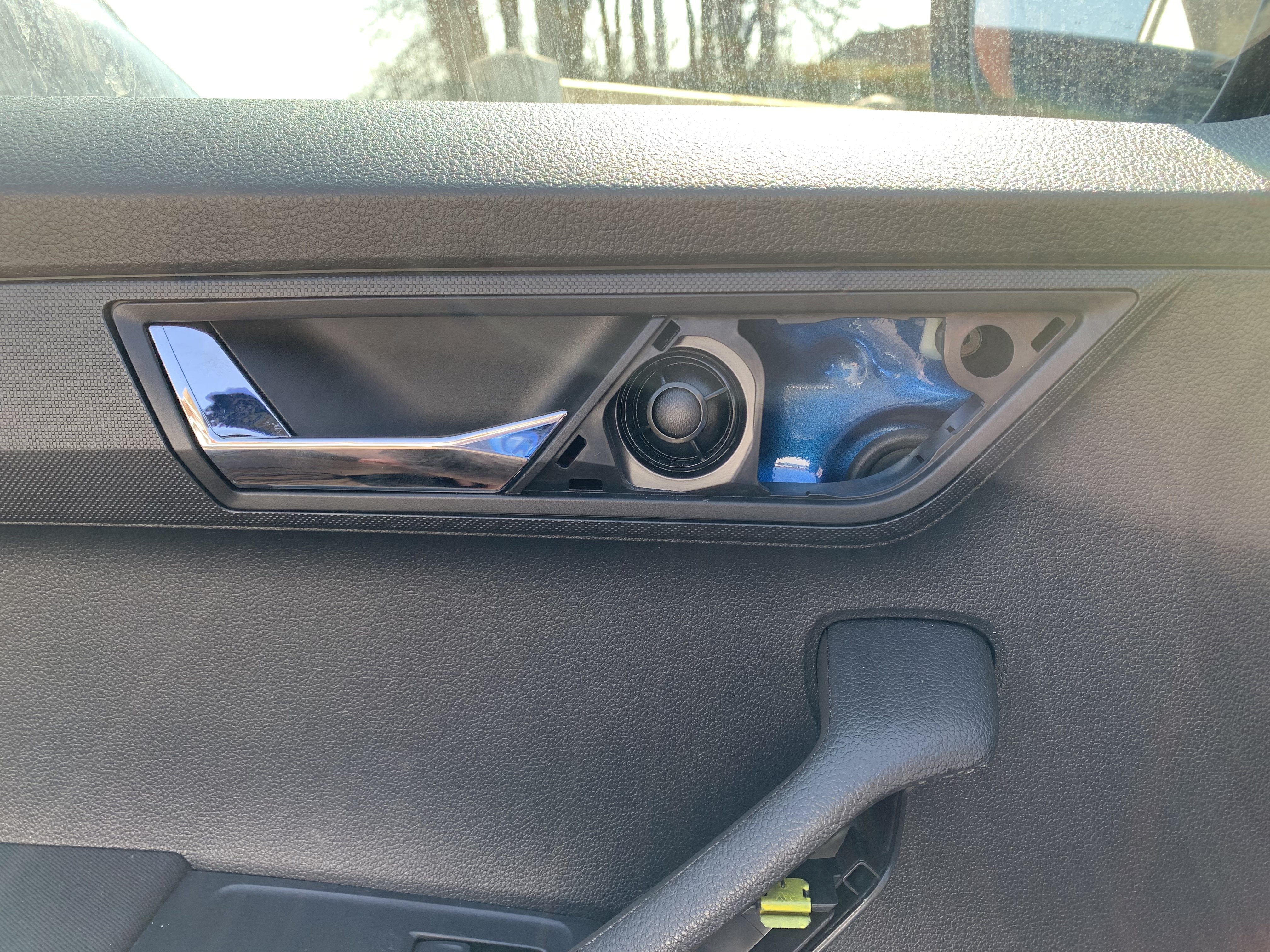
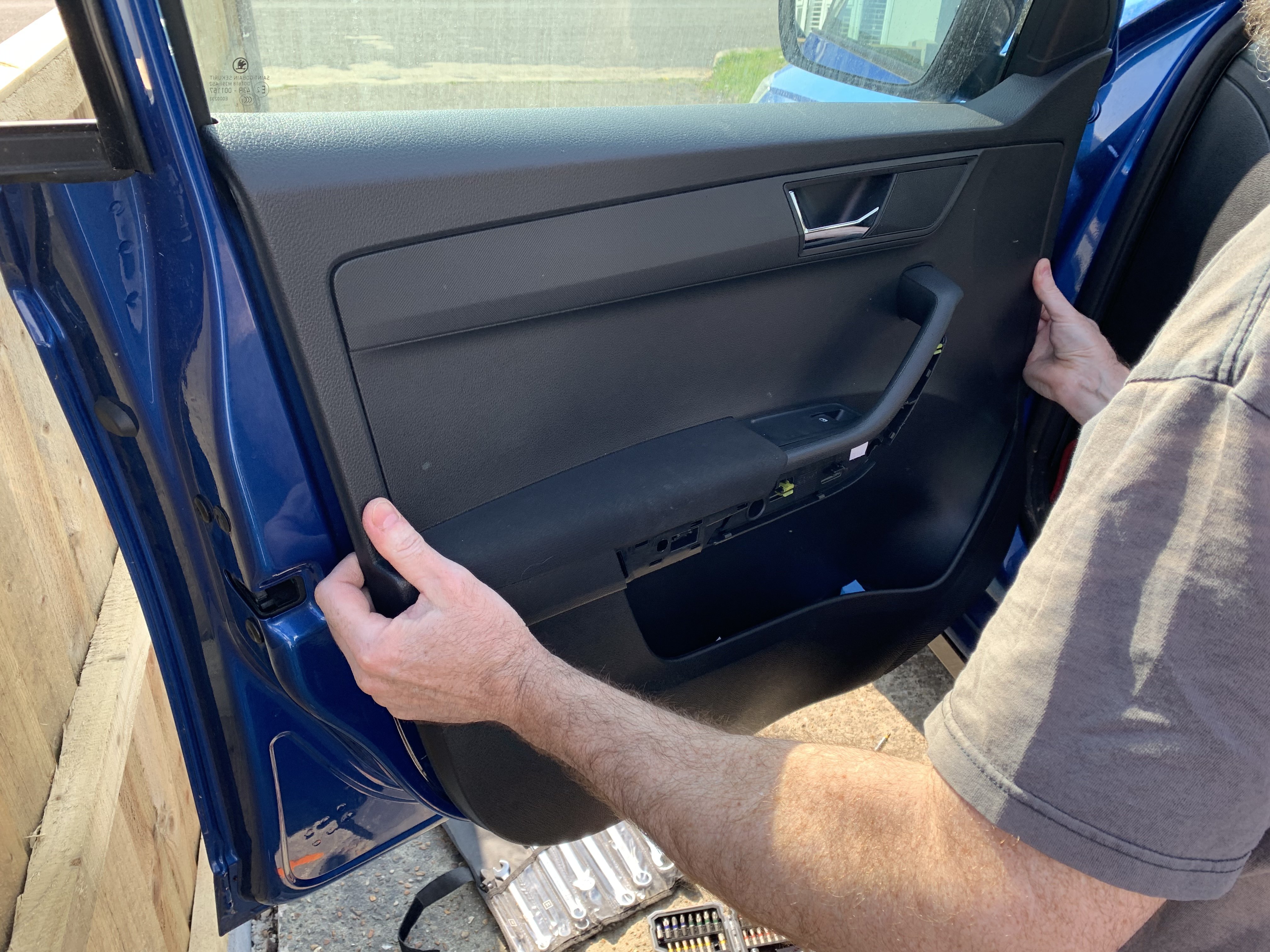
So we managed to finally get around to removing the door card to fix the handle. Removed broken door handle and it turned out the internal cable had broken so we have replaced that too. Popped everything back together and now we have an airbag fault light. Do you know if there a way to reset it?
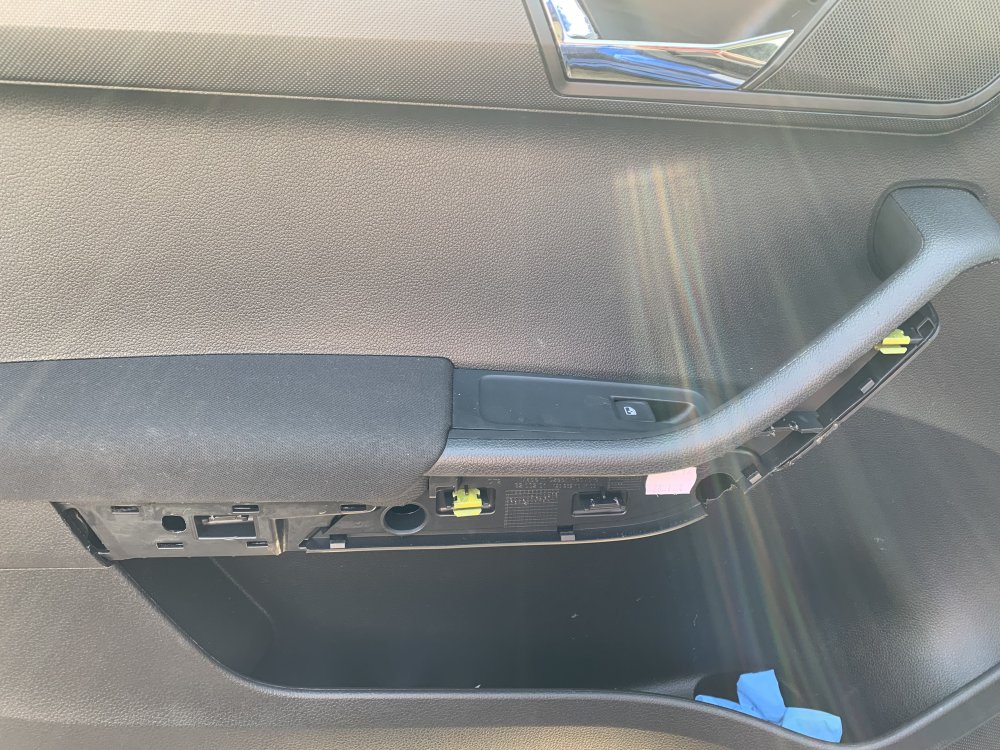
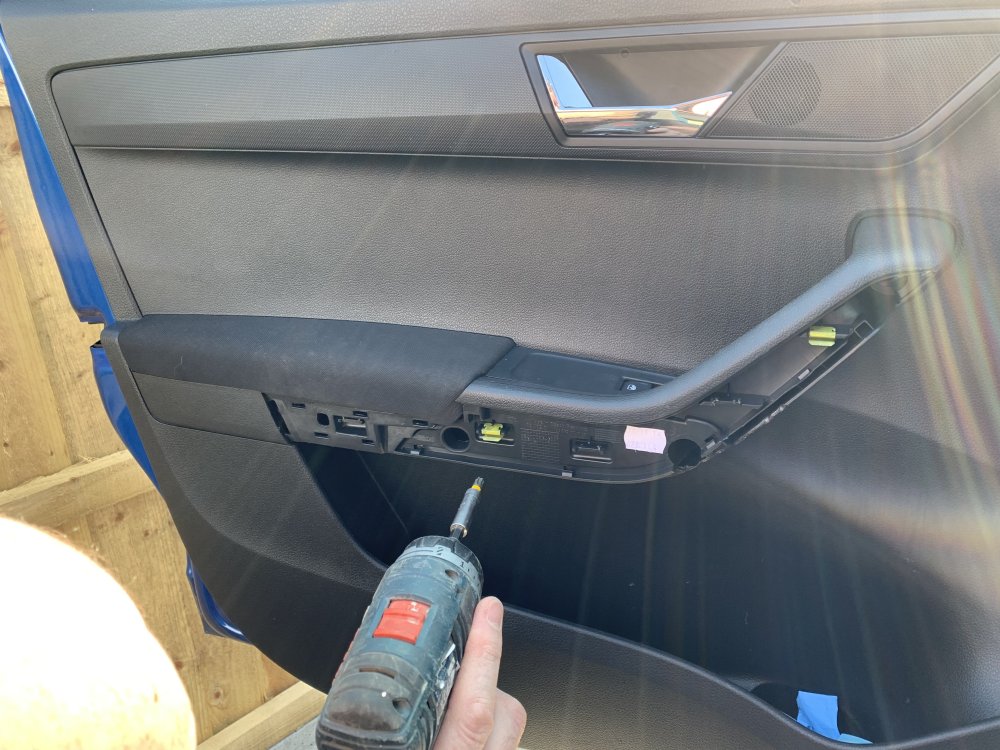
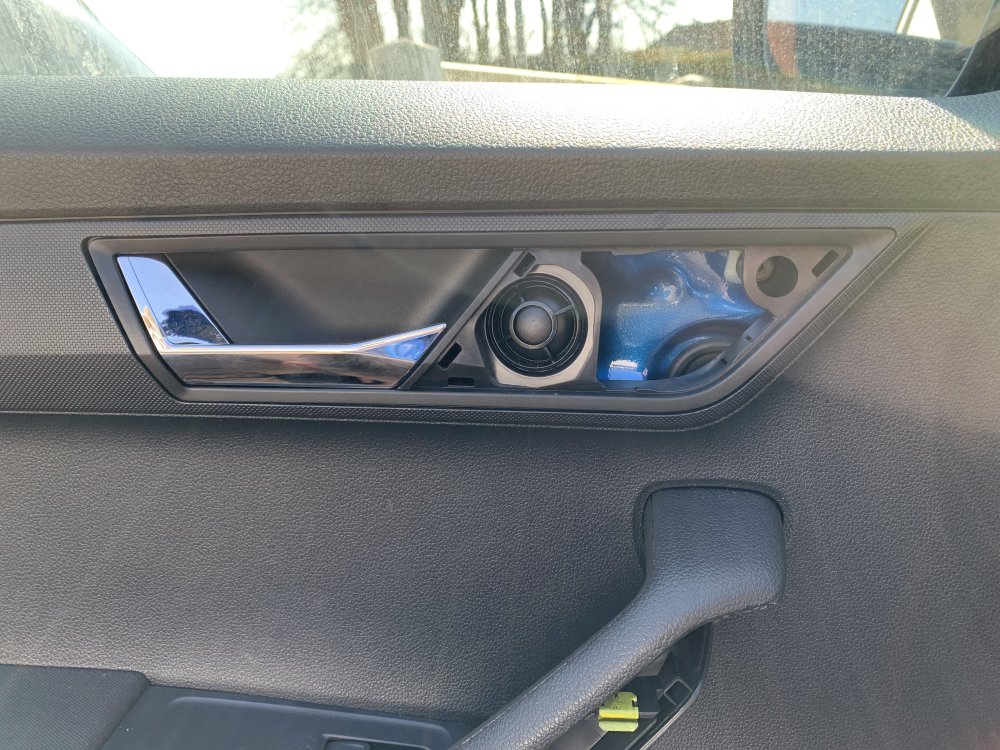
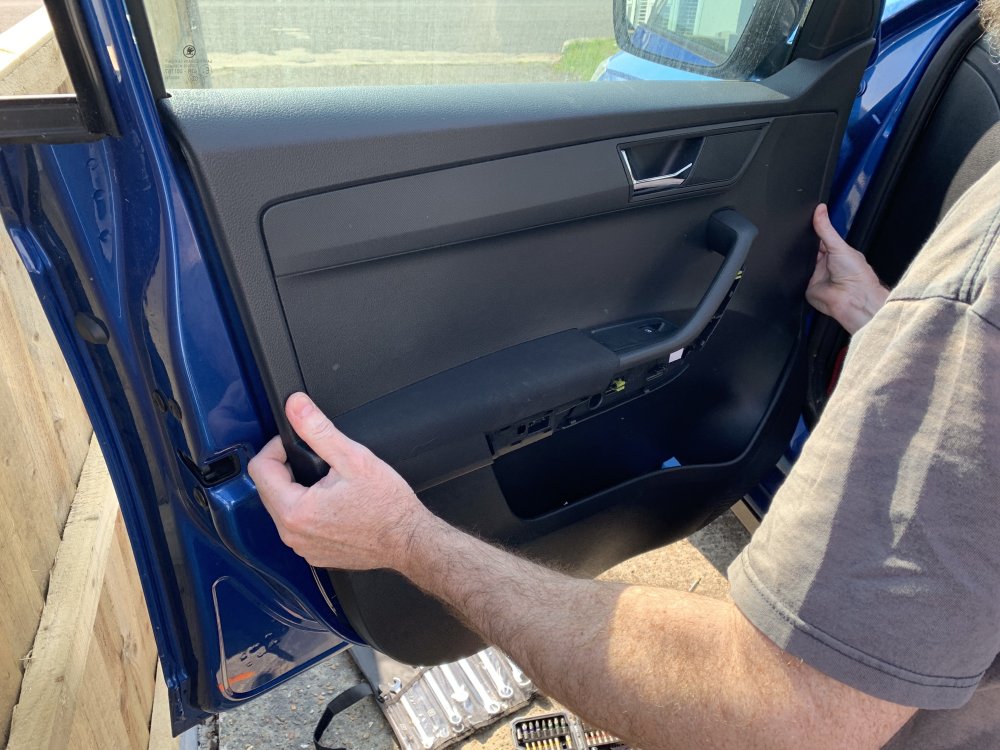 I was in my local dealer on Monday and he was on the phone telling someone that the prices were going up so to sign their paperwork that dayNo worries, thanks for trying to help though. I’ll have a search. I have tried to find out how to remove the panel but no luck so will prob just book into my garage for a repair. Annoyingly on hols at the moment but can’t go out with a door that doesn’t lock 🙄We have tried that and didn’t seem to do anything. There is a rubber cover and took that off and saw the white lock. It wouldn’t turn with the key. When you pulled the outside handle after trying to turn it, it would make clicking sound. The handle inside only opens out about a quarter of what it should and looks broken. Looking at where it locks on the door, that doesn’t move at all when using the remote or the button in the car That was on the passenger side. Will try on the drivers side thoughOh yeah 🙈 interior passengerHiya, we have a 2016 Fabia Monte Carlo and the door handle had broken. Now we can’t get the central locking to work on that door. All the other ones work though. Anyone else had this problem when a door handle broke or have we got a bigger problem than just a snapped handle?

Important Information
Welcome to BRISKODA. Please note the following important links Terms of Use. We have a comprehensive Privacy Policy. We have placed cookies on your device to help make this website better. You can adjust your cookie settings, otherwise we'll assume you're okay to continue.