Tresco
Finding my way
-
Joined
-
Last visited
-
Thanks for the reply. It clearly needs more investigation. I may have to wait until my partner is here. He thinks it maybe the glow plug control module. I don't get any other messages re park assist etc. On my old Superb the first thing to play up when the battery was low was the stop/start. I'm sure I can check the fuses with my partner's help. Yes when I charge the battery I connect the ground to the point behind the battery.
-
Thank you for your reply. I'm just a little old lady with a Superb I love to drive 😉. Here are the Pcodes P06DA00 Engine Oil Pressure Control Circuit/Open static P064C00 Glow Plug Control Module static There are also these Bcodes B10AF04 air con B122D29 central locking driver, passenger and rear left doors B122B12 as above B122B11 as above B105413 GPS antenna Be good to know where I go from here, possibly not in my Superb 🤣. All advice is very gratefully received.
-
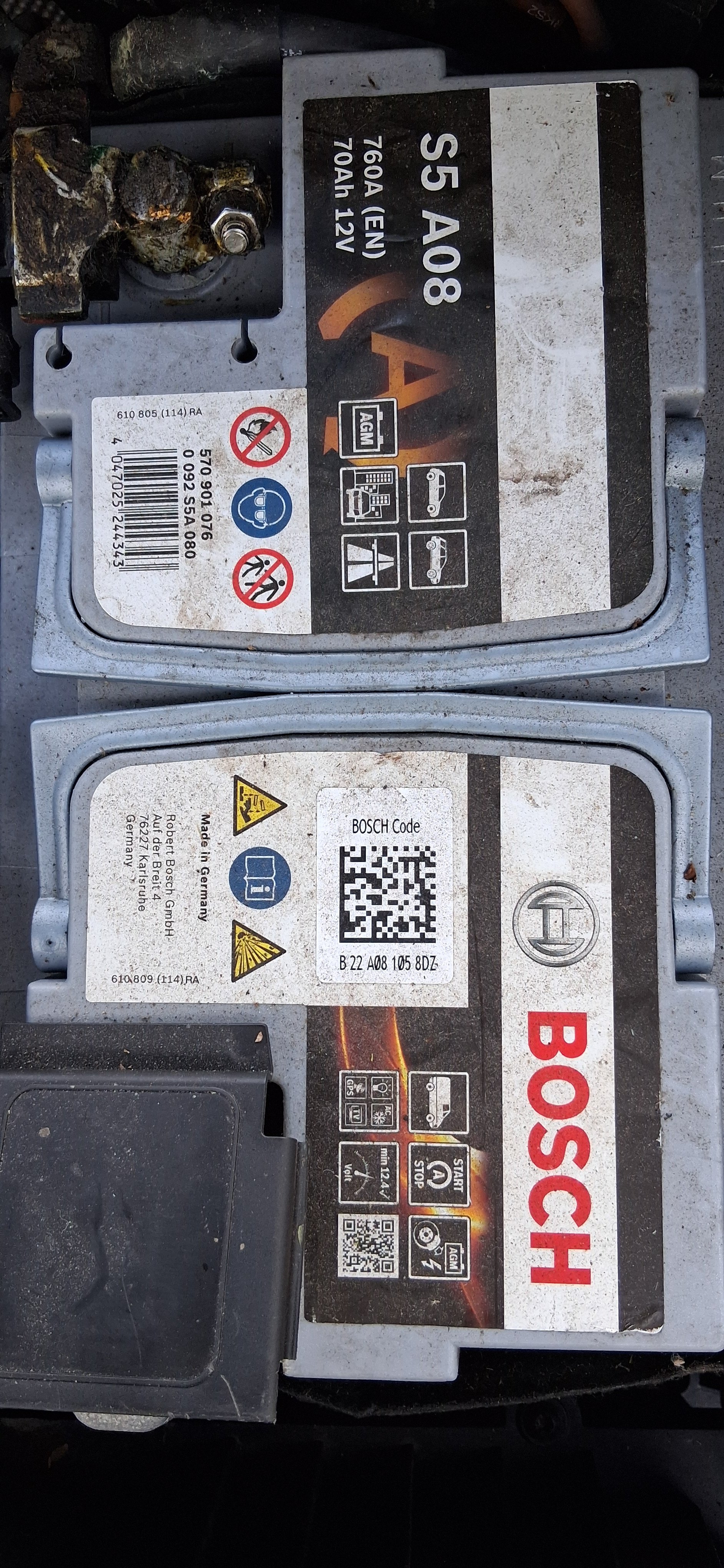
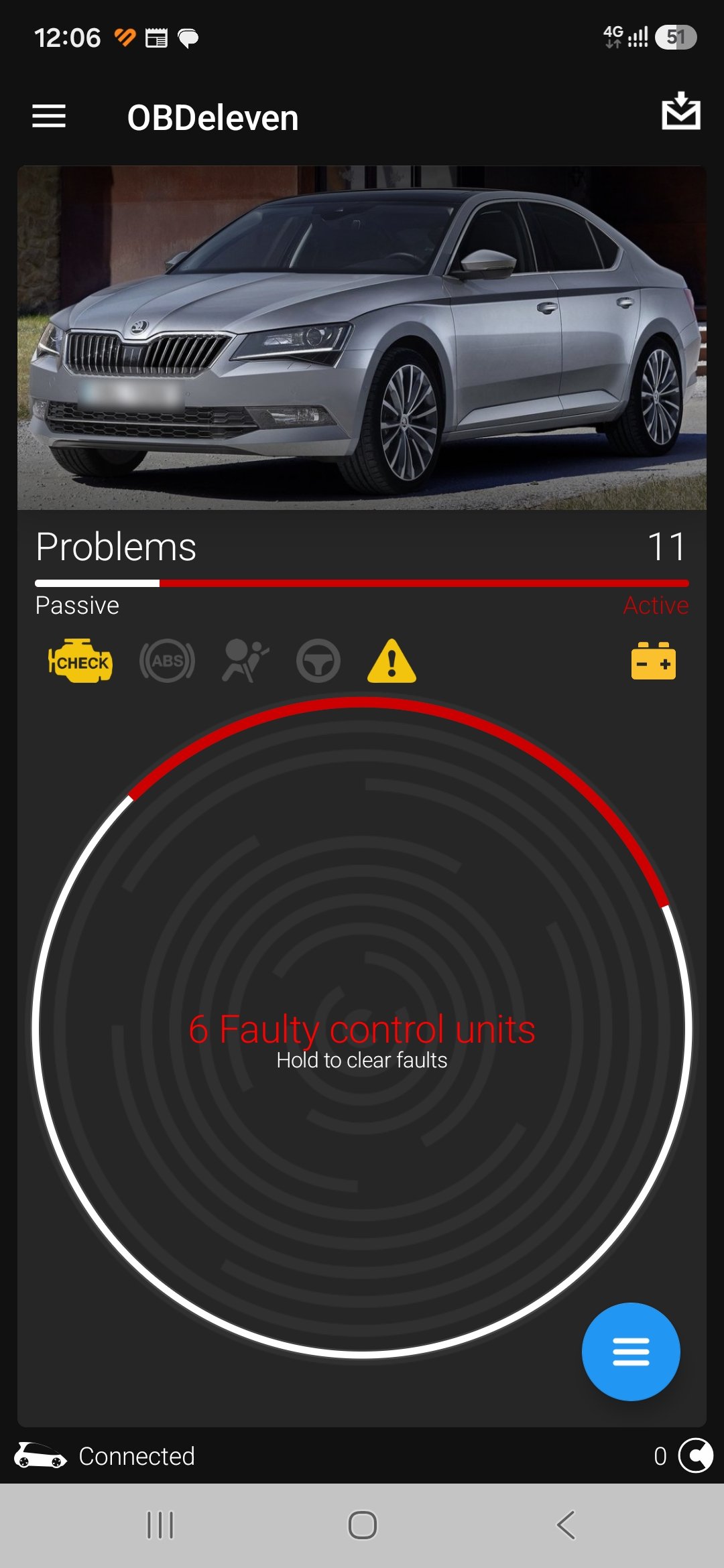
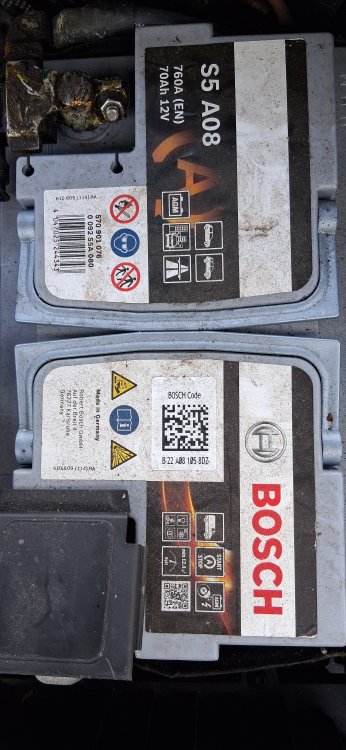
Thanks for you reply. I cleared the light and charged the battery yesterday. Started off today and the warning light came back on. Below is a photo of the battery. I think it was manufactured in 2022. It seems to need charging more often than expected so it maybe needs replacing. We have a Streetwise intelligent charger. Yeah my OBD11 is just basic, although I think I can buy credits to run a more detailed check or I know of someone locally who i think has the relevant code reader. I need to catch him and ask if he can run it for me. The joys of motoring.
-
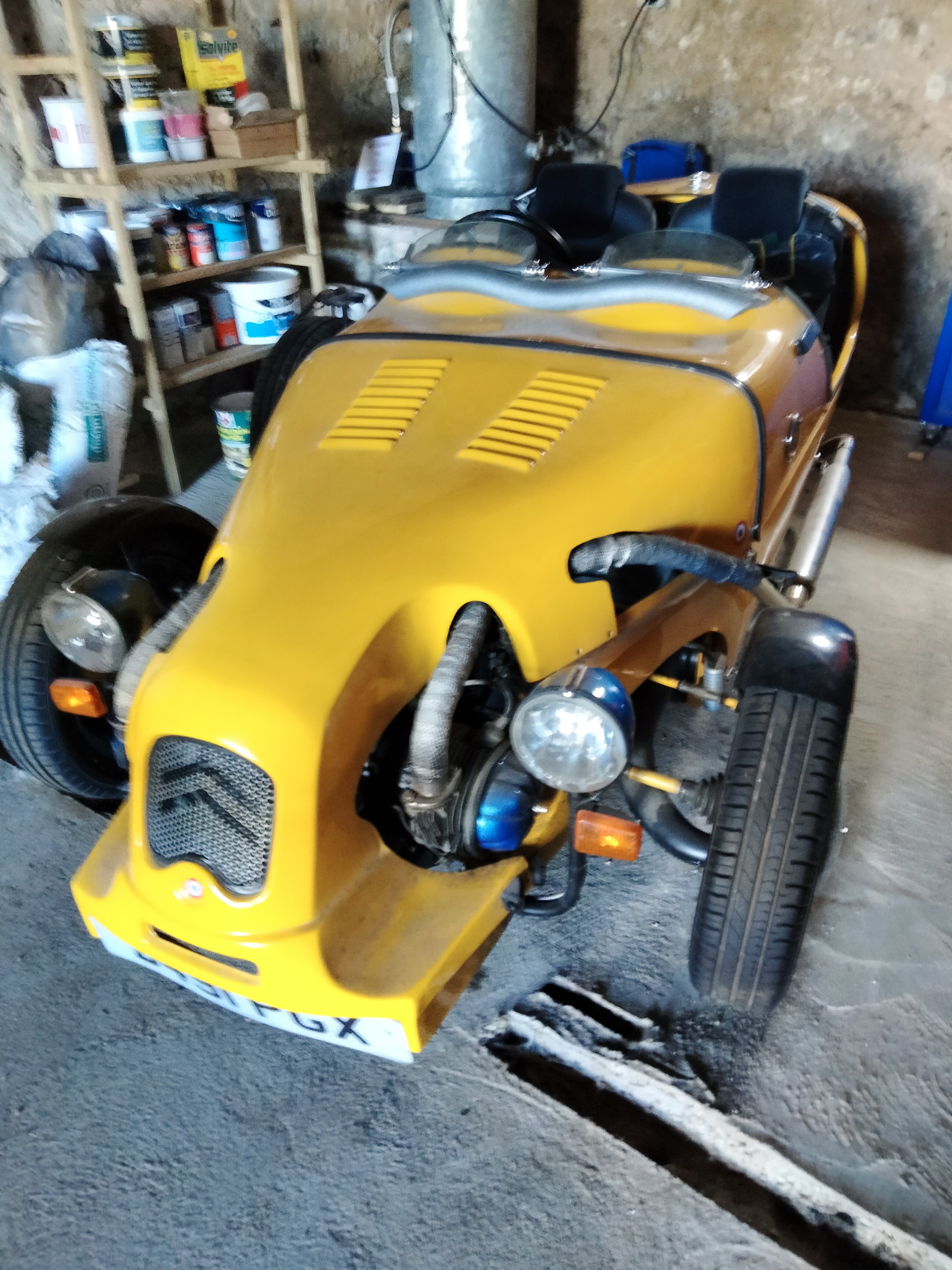
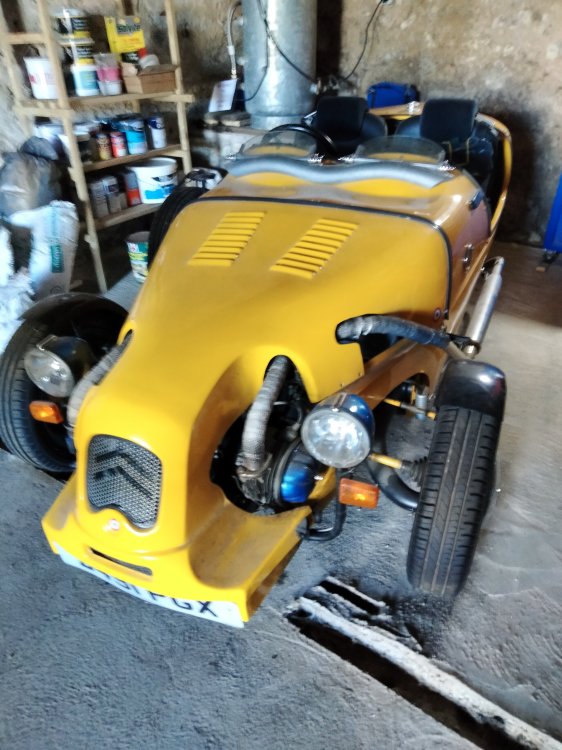
No error code for the battery. I have no idea how old it is (I've had the car for 3 years) but I know that if I put it on charge it charges up quickly. Maybe I'll put it on charge tomorrow. I should say that my car gets used for lots of short trips, nearly every day down the road for about a mile and back up again. I need to use my other car more see photo ........but only in good weather! Or walk down and up.
-
-
-
-
-
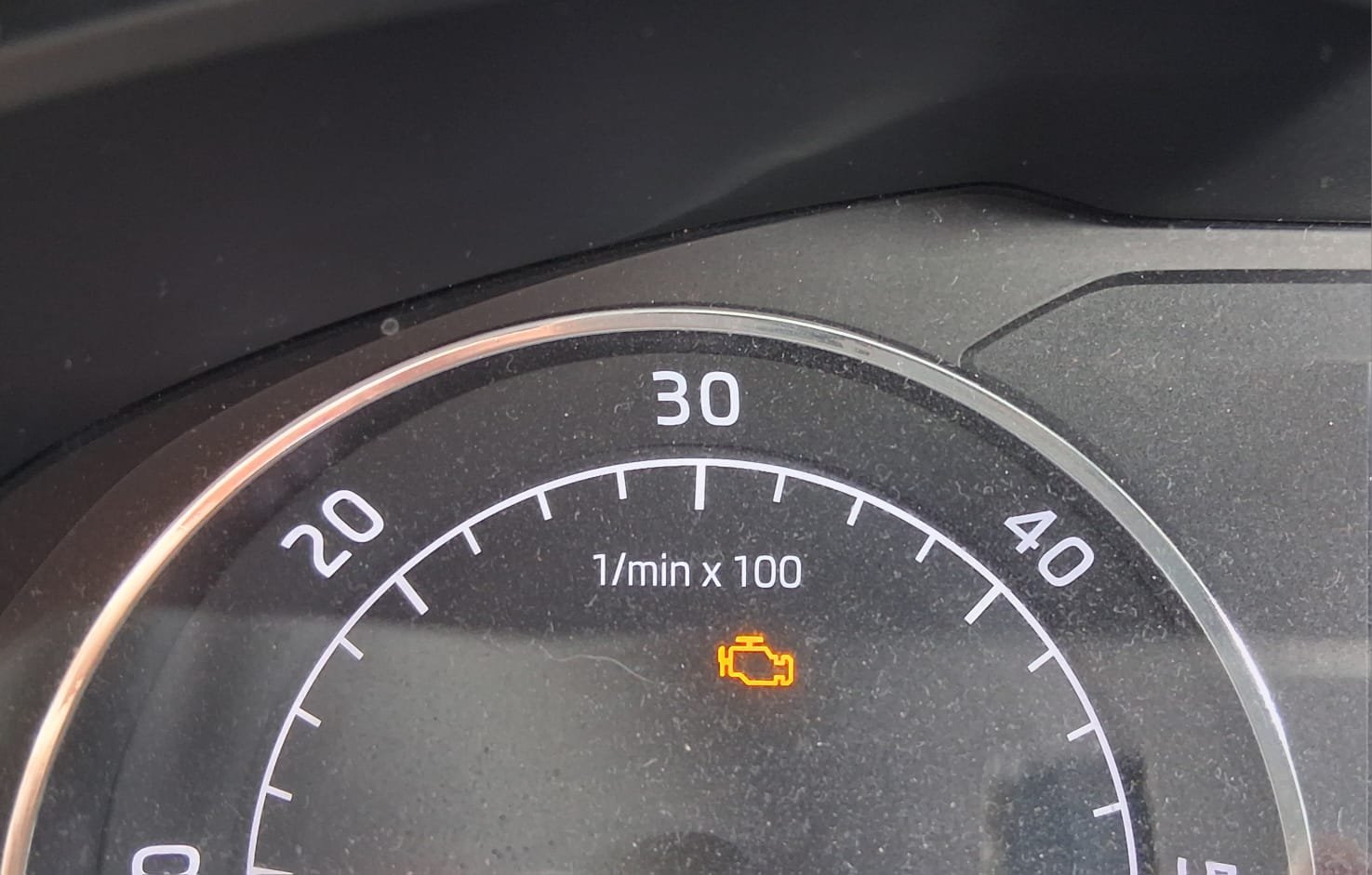
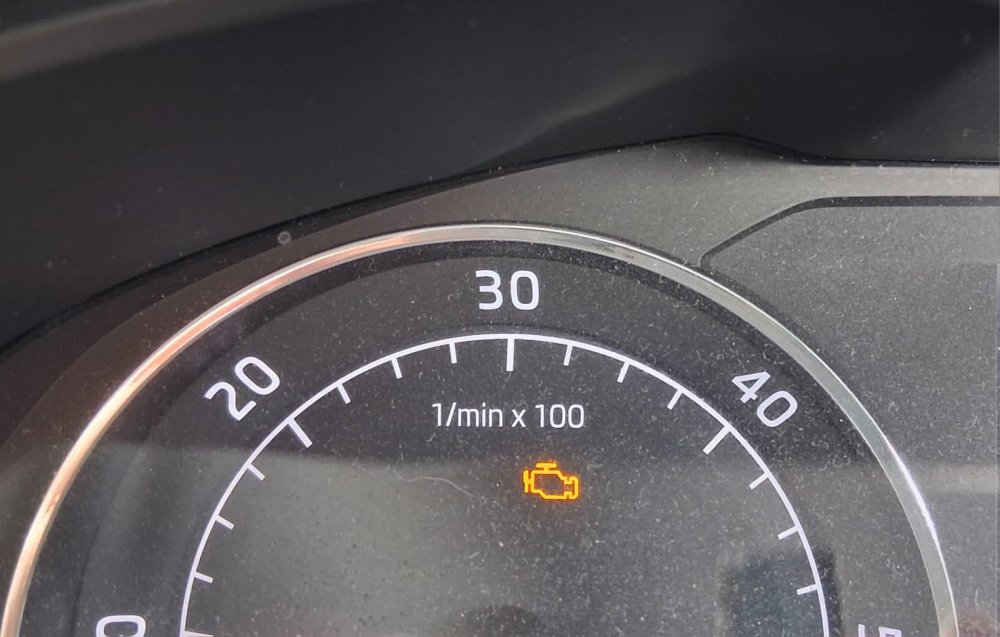
Good evening I have a 2019 Skoda Superb. The exhaust warning light came on a week or so ago. I ran my OBD Eleven and I can clear the warning light. However it does keep coming on. Having had a similar issue with my previous Superb my partner suggested driving it at high revs for 15/20 minutes which we did. I cleared the light, but the next time I went out in the car it was back on. Any suggestions or advice will be gratefully received.
-
-
Hi @J.R. Thanks for your reply and your offer of any help, although you are a fair distance from chez nous. Been busy as we are moving back to Cornwall from Deux-Sèvres. The OBD11 didn't pick up the error code which is why I went to our local mechanic. Shame cos if it had it probably would have cleared it. My partner has the wiring sorted so hopefully it will have resolved the issue. I will find out soon when I visit the mechanic!
-
Good afternoon from very hot and sunny France. An 'Error airbag' message appeared several weeks ago on my Superb. I took it to a local mechanic who ran the diagnostics and advised me it's a crash sensor on the drivers side that has been activated and to look at the door and where the wires run through it. The error code is 01221. When I look this up on my OBD eleven it is the crash sensor in the driver's side door. My partner investigated where the wires run through the door and he found a purple/white wire and a green wire that were broken. He has repaired them by soldering them. The error code remains - well we didn't expect it to just disappear - when I run the OBD eleven (basic) it doesn't show any errors. Before I contact the mechanic to run the diagnostics again is there anything else we should do? Does anyone know what the two wires relate to? Thank you in advance for any replies and advice.
-
Well yesterday I drove about 60 miles. When I left home the bulb light came on on the dash. I checked when I got home and one of the front driving lights was out. OH replaced the bulb and was going to take the car to the local garage to check why the engine management light was on. When he restarted the car heyho the bulb light and the engine management light had both gone out.
-
Yes the job was much cheaper than originally quoted which was 2,500/3,000€. Ended up just under 800€. I never use cruise control. The car was full of diesel when it was left at the garage.
-
Hoping I can post a link here for the features of the OBD11. https://obdeleven.com/en/apps-and-features I have the basic.