




Matthewj
Finding my way
-
Joined
-
Last visited
Everything posted by Matthewj
-
Thanka everyone. Turned out to be a battery issue. Took the car for a long run and it started working fine and has been since. It happened when we moved house and did quite a few short trips
-
I didn't even know you could do that!... bit of an update... it now went down but decided to close itself straight away and its hit and miss with actually working
-
Hey all.... Can anyone suggest the issue?.. came out to the car this morning(octavia Mk3)and the drivers window just stopped working. Its fully closed but now won't open at all. The other 3 windows work just fine. When I push the switch I can't hear anything at all. Can this still be a fuse issue? Many thanks Matt
-
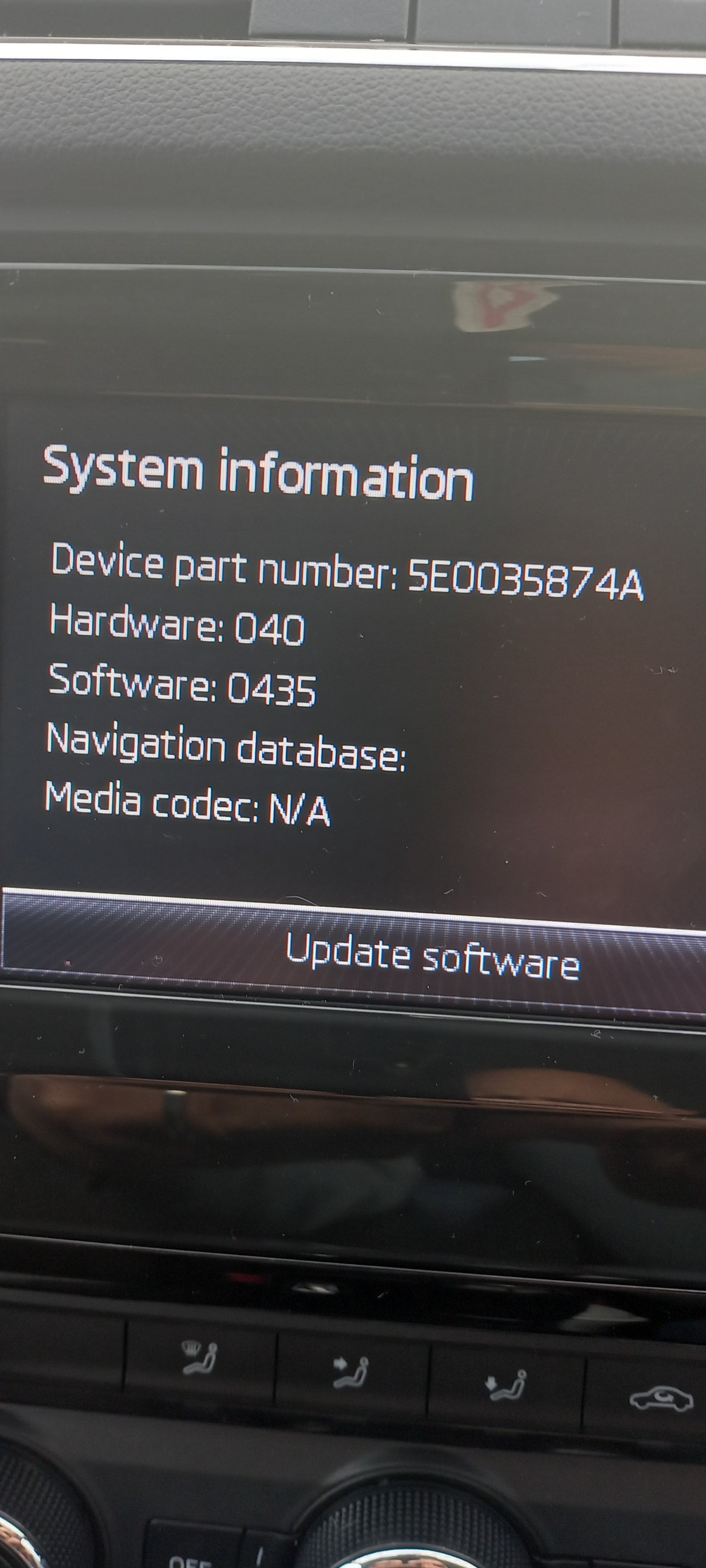
Hi all...I'm sure this may have been posted already, but I have a 2014 octavia recently purchased without a SD cars for the navigation. I've contacted my local skoda dealership and provided them my reg and VIV. They informed me that the cost of an SD card for my car is £260, but then in the second paragraph just told me to update another SD card on skoda Auto and that should so it... Is this right because I keep seeing that certain SD cards don't work and some do, so am completely confused really. Is just as simple as buying an SD card with enough storage and downloading from the Web the maps? Thanks MattJust wanted to post an update because I'm really upset. So, I took the car back to the dealership which is over 100miles from when I live. They gave me a courtesy car and off I went. About 2 days later they called me to say the vehicle had been fixed(new heater matrix and expansion tank put on) I go and collect the vehicle and about 50 miles into the trip home and the coolant warning light comes up. I stop fill it up with new coolant that I had to buy(g13) and carry on. Just before I get home light comes on again. Call the dealership and they don't know what went on and advise me to take it to a local garage and they will pay for a diagnostic. Local garage say looks like a clip that connects pipe to tank is broke, they call skoda and source the right part for the heater matrix on the car. I collect vehicle, drive it 6 miles, again coolant light comes on, get home and tank is empty. Call the garage and they said" we asked skoda about this and they have told them that if the part they put on doesn't work, then it's because the dealership fitted the wrong heater matrix to the vehicle"... and now I have a car that will literally leak all is coolant instantly within a mile or two. I mean has anyone had this before?... Currently waiting for the dealership to come back to me with how they are sorting it out, but currently I don't dare drive it for fear of damaging the engineMorning. I am a new owner of a 2014 Octavia. The car is lovely and I am really happy with it. However, the heater(climate control). I can't seem to get it to actually get very warm. Its a TDI, but even after being out for an hour or so the heater gets warmish, but not very warm. The engine temp is fine... can anyone suggest a quick fix? Thanka


Important Information
Welcome to BRISKODA. Please note the following important links Terms of Use. We have a comprehensive Privacy Policy. We have placed cookies on your device to help make this website better. You can adjust your cookie settings, otherwise we'll assume you're okay to continue.