




Lecramluoar
Finding my way
-
Joined
-
Last visited
Everything posted by Lecramluoar
-
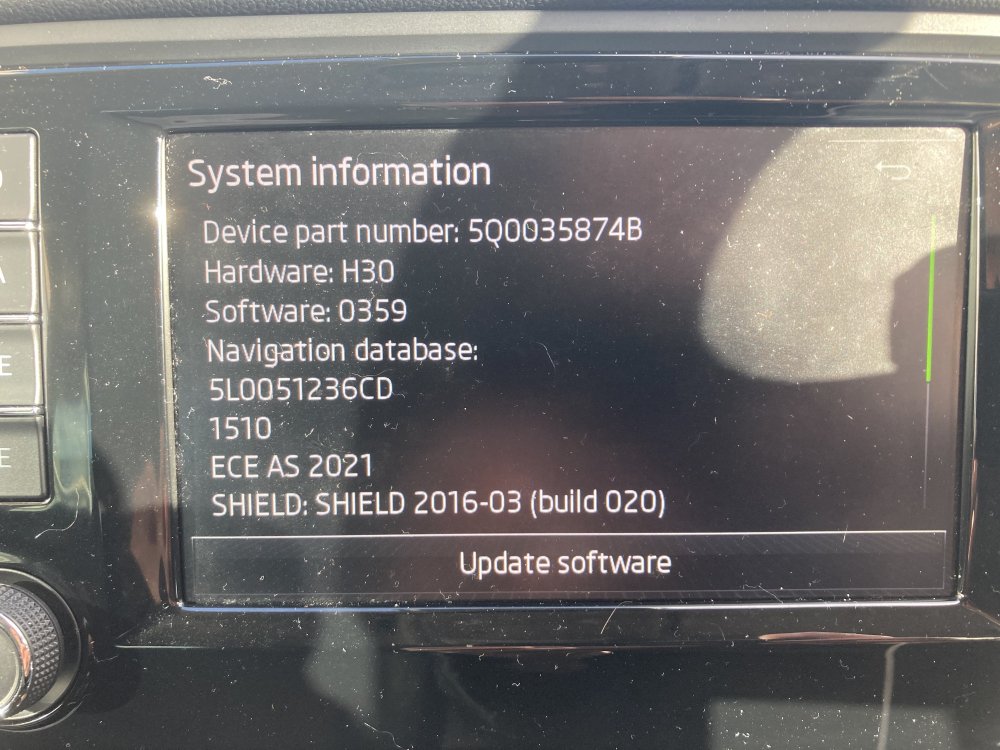
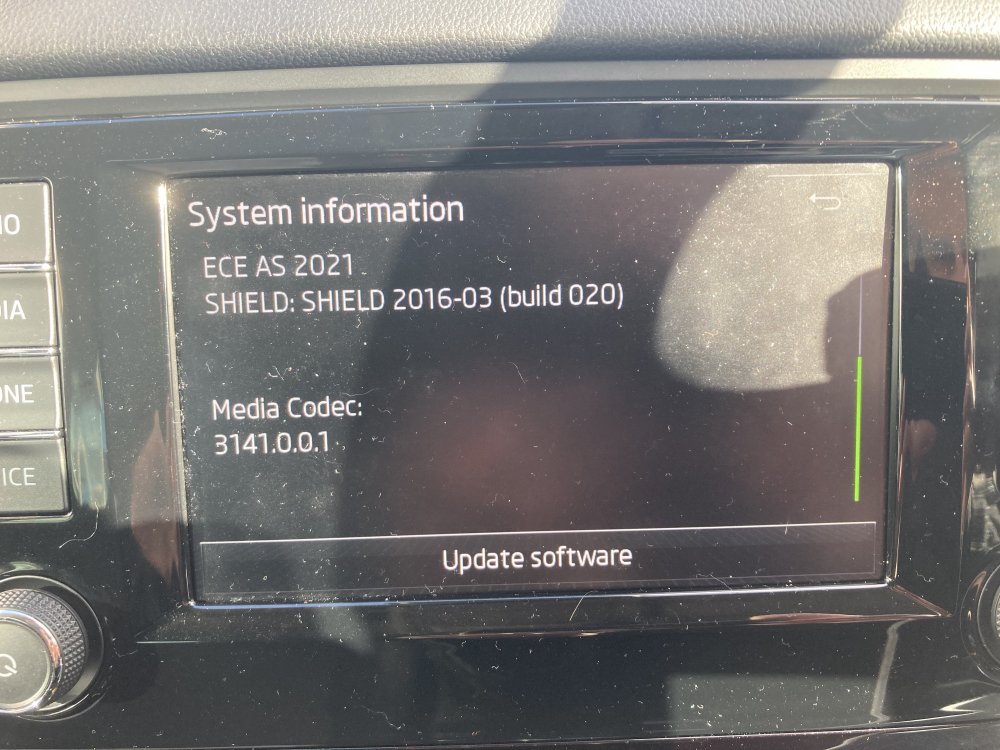
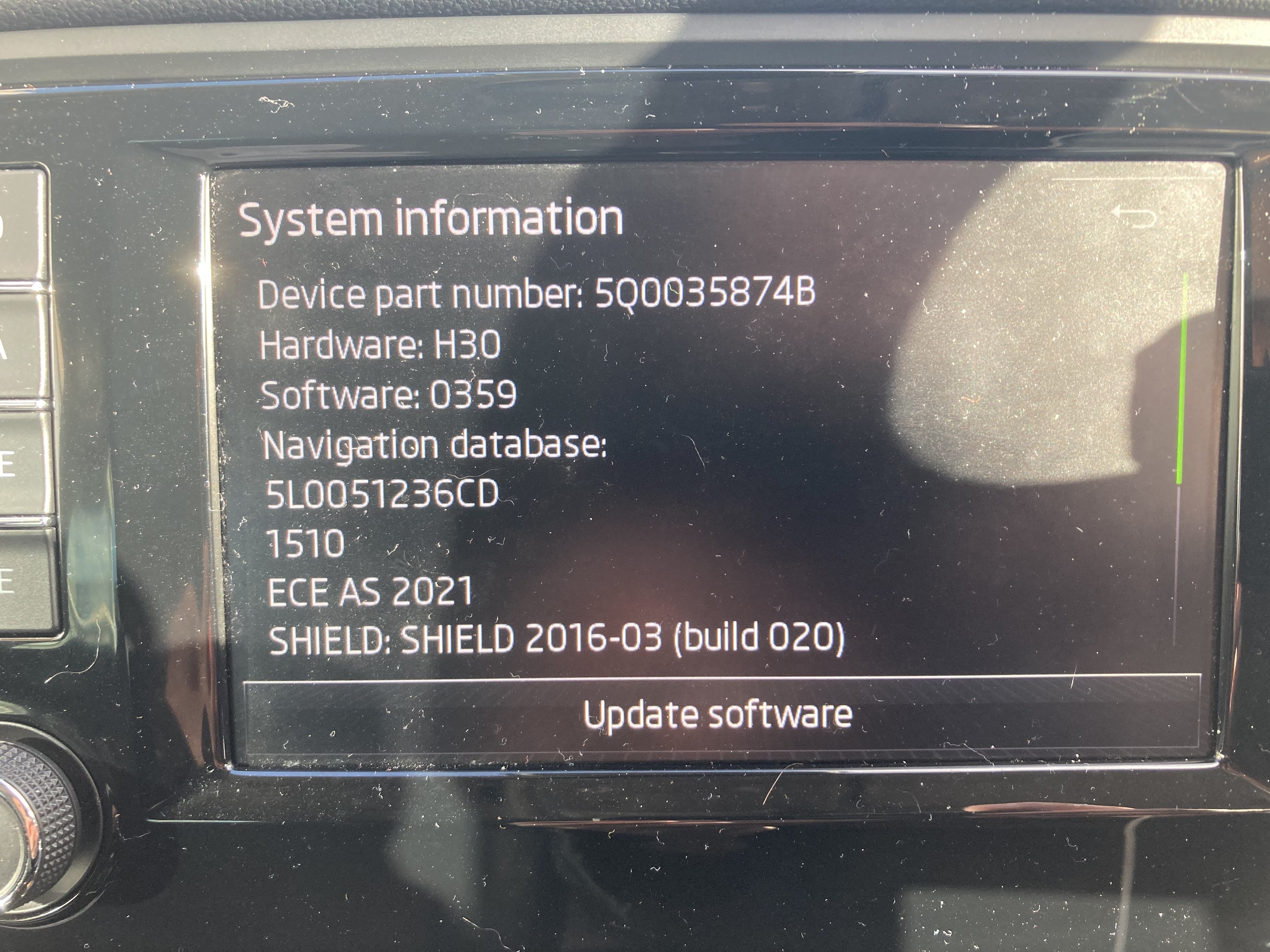
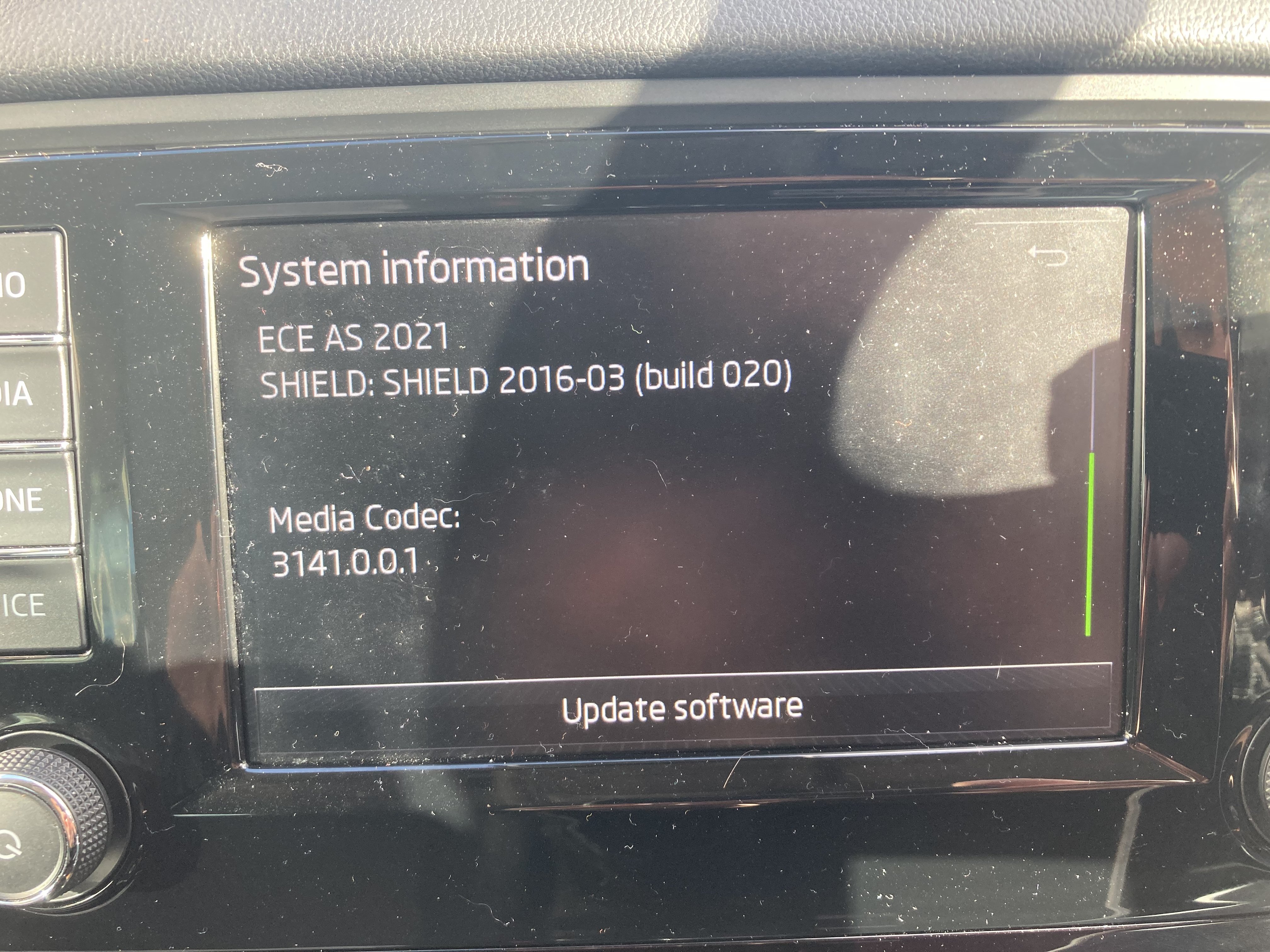
More likely the VIN displayed on your unithttps://youtu.be/rgAVFoQQ6v4just a brief tutorial how to activate the codes. in short words do not go to SKODA dealers, you’ll waste your time and your money. If the codes are supported by your unit, you can activate the codes yourself using OBDeleven. In order to activate the codes you’ll need VIN number and VCRN number(you can get this code from your unit). With those 2 you’ll generate a long code( is a website that can generate this code for you) then you will have to paste in OBDeleven. https://youtu.be/rgAVFoQQ6v4just a brief tutorial how to activate the codes. in short words do not go to SKODA dealers, you’ll waste your time and your money. If the codes are supported by your unit, you can activate the codes yourself using OBDeleven. In order to activate the codes you’ll need VIN number and VCRN number(you can get this code from your unit). With those 2 you’ll generate a long code( is a website that can generate this code for you) then you will have to paste in OBDeleven.Hi there is any chance to have the latest firmware for my 2017 Octavia Scout infotainment unit? At the moment this is the firmware installed on my unit. System information Device part number: 500035874B Hardware: H30 Software: 0359 Navigation database: 5L0051236CD 7510 ECE AS 2021 SHIELD: SHIELD 2016-03 (build 020) thanks

Important Information
Welcome to BRISKODA. Please note the following important links Terms of Use. We have a comprehensive Privacy Policy. We have placed cookies on your device to help make this website better. You can adjust your cookie settings, otherwise we'll assume you're okay to continue.