





Irishgirl
Finding my way
-
Joined
-
Last visited
-
Sorted the Youtube Music. I realised that the Wireless connection in the car was cancelling out my data on my phone, so no texts, calls etc weren't coming through, also the Youtube wasn't loading either! I found a fix and it is all sorted now , finally!! Thanks again
-
Yes thats it, but I have managed to get it working now.. Thx
-
Thanks so so much for all your help , much appreciated!!
-
Just wanted to thank you again for all the help with those screenshots...I am an expert on Developer Options now...!!
-
AA Wireless is the device.
-
I have Unknown Sources checked on the Developer settings.
-
Hi.. Well I tried again this morning and it's now working perfectly after LOTS of checks!!! Only thing not working is my YouTube Music... Now it had stopped working before this... Any ideas what I can do.. It's opening but none of my saved music is there, only saying Downloads, which is empty.??
-
Just an update to you all, after all your advice today, I have managed to access and check relevant boxes on the developer settings on my Huawei P20 Pro phone, the Android Auto App, and the AA Wireless App I reset my phone to apply changes. Tomorrow is a new day, so I will attempt another setup on my Octavia System... Fingers crossed it works... 🤞😊
-
Can I ask, do you have 2.5gHZ WiFi support on your phone or 5gHZ? If you have 5GHz that's probably why yours works and mine doesnt? If you don't have 5gHz then I have a chance!!!
-
Thanks for your help , it's much appreciated... will try again this afternoon..
-
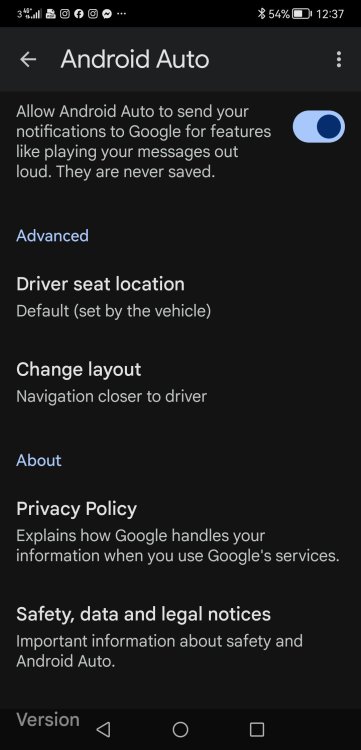
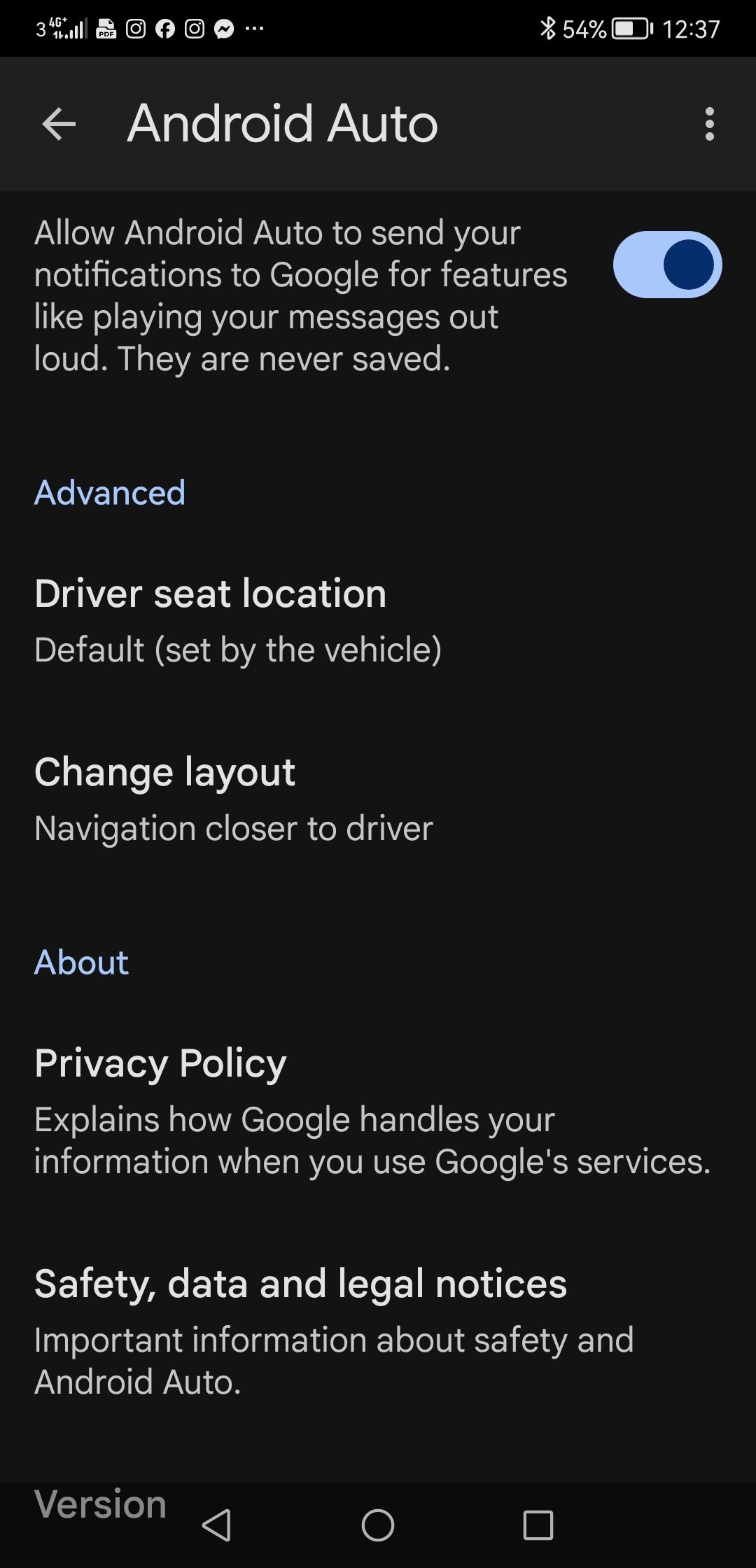
Hi, just tried that.. On my phone, Version, that is all it says, and it is on the bottom left of the screen page, I have tried tapping it, nothing happens. Screenshot below
-
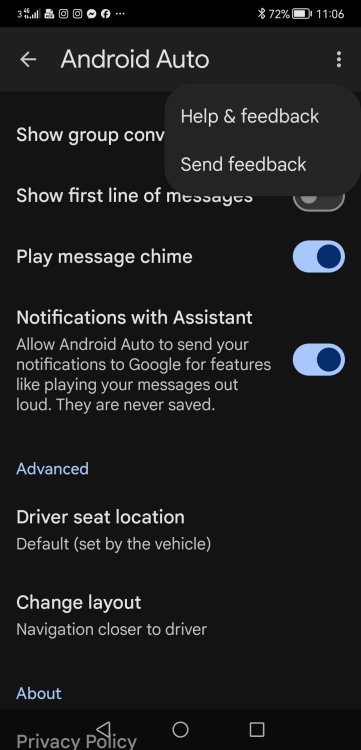
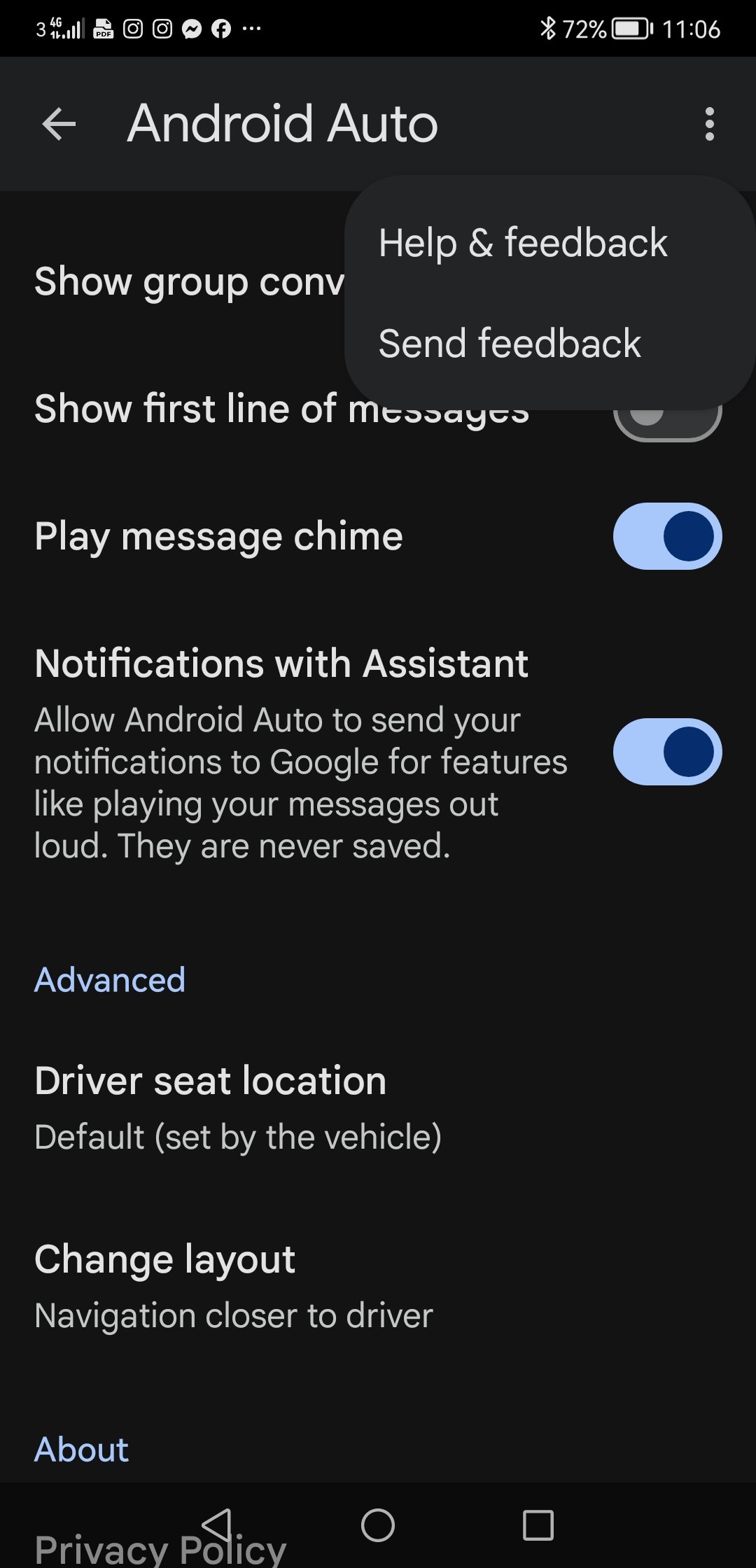
I just got into that Android Auto setting on my phone.. Pressed the three dots, but there are only options for Help and Feedback and Send Feedback. No Developer Settings or Close Developer Mode options as yours had. So frustrating..
-
Yes as I said I was afraid that it was the WiFi that might be the issue. I'll try out the other suggestions anyway just to be sure. Thanks for the advice.I'll check that out tomorrow, thanks so much.. Will let you know how I get on. I did check my WiFi support on my Huawei P20 Pro and it's only 2.5gHZ, and it says 5gHZ is heeded so might be that too.. Thanks

Important Information
Welcome to BRISKODA. Please note the following important links Terms of Use. We have a comprehensive Privacy Policy. We have placed cookies on your device to help make this website better. You can adjust your cookie settings, otherwise we'll assume you're okay to continue.