RH99
New here
-
Joined
-
Last visited
Everything posted by RH99
-
Okay, I'll contact the garage tomorrow as soon as they open and hope they can get it sorted
-
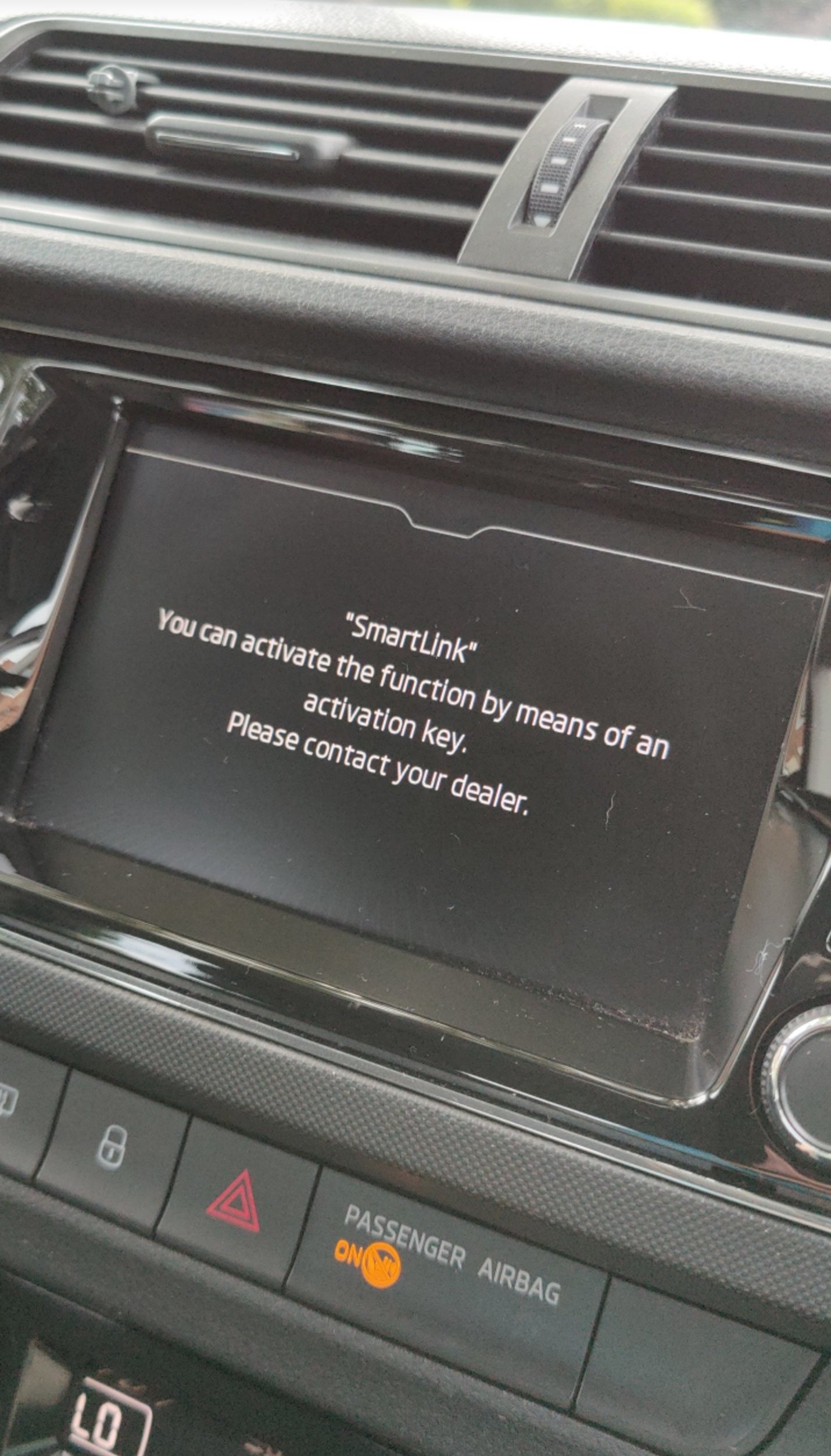
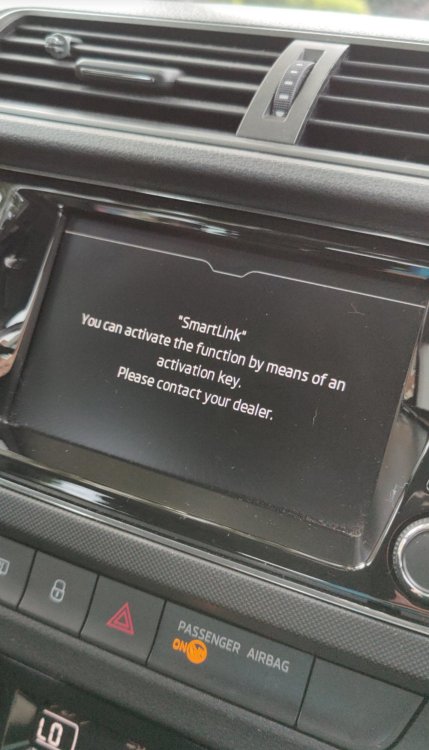
Hi all, I've just received my car back from my insurance approved garage where they replaced my locks. I noticed I wasn't able to use android auto or even connect my phone to Bluetooth. When I try to choose android auto, I get this message pop up. Any advice on what I can do or should I contact the garage and get them to correct it?
-
ah okay thats great thank you.
-
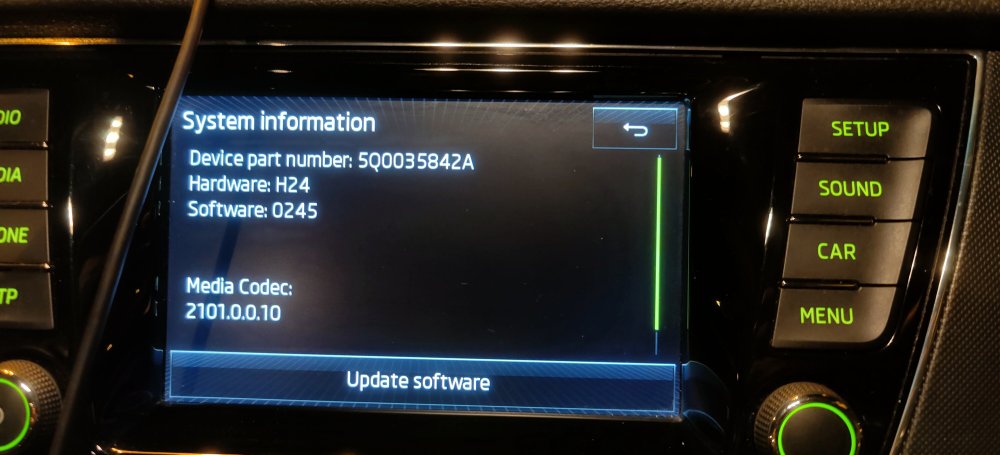
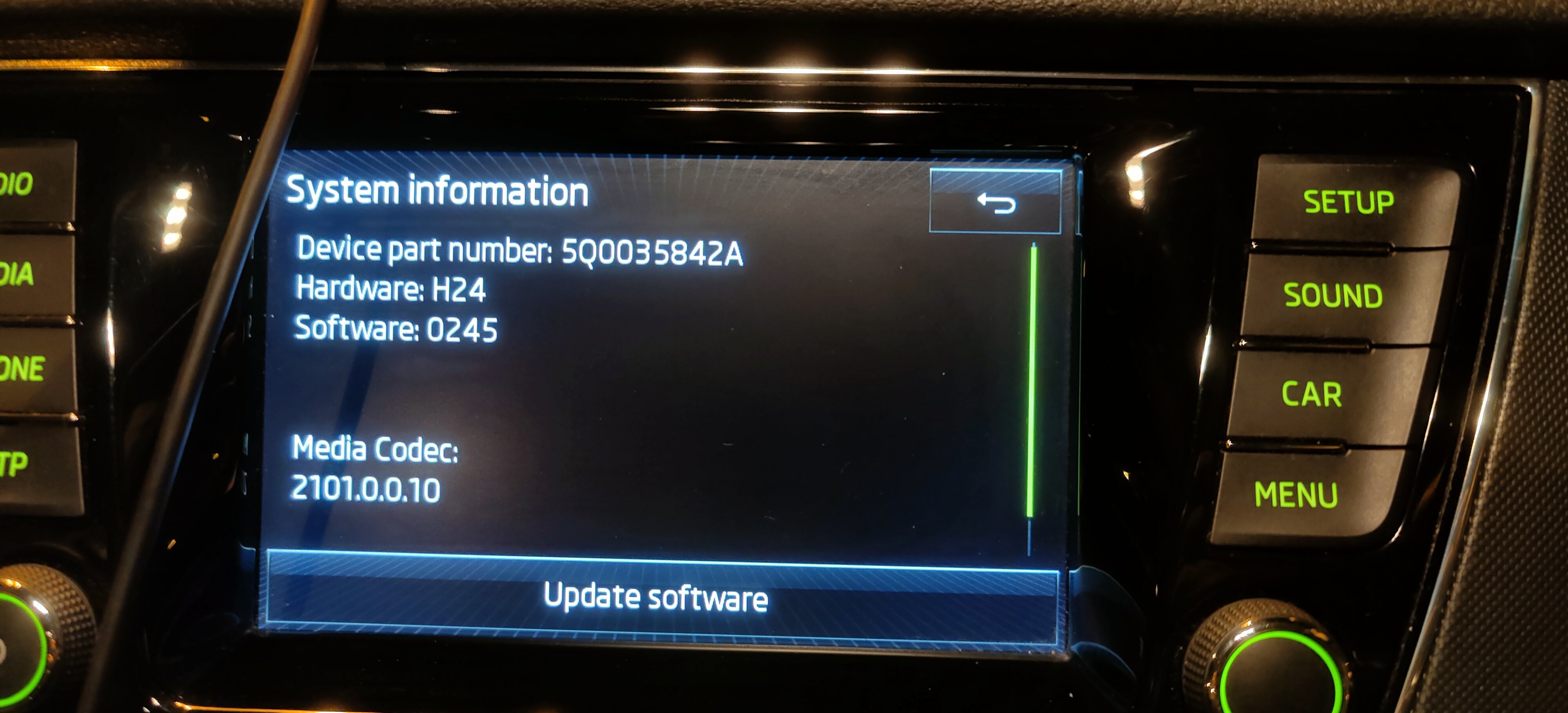
Hi all, I'm new here, I've been trying to update my Amundsen software but haven't had any luck. The Skoda website hasn't helped much either. I'm trying to update it because when I used Android Auto, every now and then it just stops working and I have to unplug and plug my phone back in which sometimes still doesn't work. Isn't ideal especially when I'm driving down the motorway and it happens because I have to pull over at the next service station to sort it out. I've tried multiple usb cables and the issue remains. I've attached an image of my system information. Any help would be greatly appreciated.