auditek
Members
-
Joined
-
Last visited
Everything posted by auditek
-
My car was in for a service last week and I've had the same probs. However, the dealer says they now have a fix, but my car has to go back in, as it's a full day to fix a major update fault. Let's hope it works !
-
Hi J caff. Yes, I use my phone as a wireless hotspot. First, you have to connect your phone to the head unit, using the phone icon. Once connected to your phone, set up the wireless hotspot, and it should pop up, asking you to connect to Android auto. Although a different car, the first 40 seconds of this video is basically the same as on the Skoda............................https://www.youtube.com/watch?v=hsjzFlzyitc
-
Not sure. I had bluetooth and wifi connected ( wifi hotspot tether) You don't need a data plan, it works from your phone sim.
-
OK folks, thanks again.
-
Hey again folks. It would appear the only way is using OBD11. Any suggestions which one, and which app using an android phone. Ta :-)
-
Thanks ApertureS, I'll love you forever
-
I was playing with the settings the other day with my 2021 Superb Sportline, and I came across a bit to set a warning with sound if the speed limit is exceeded. However, no matter how hard I've tried, I can't find that setting again to cancel it. Please help before I go crazy !!
-
Thanks for all your posts, but still no luck :-( However, I've managed to get it on my nav map...No idea how, but it's there
-
I bought her used, so I'll have to check.
-
I've tried that, no luck :-(
-
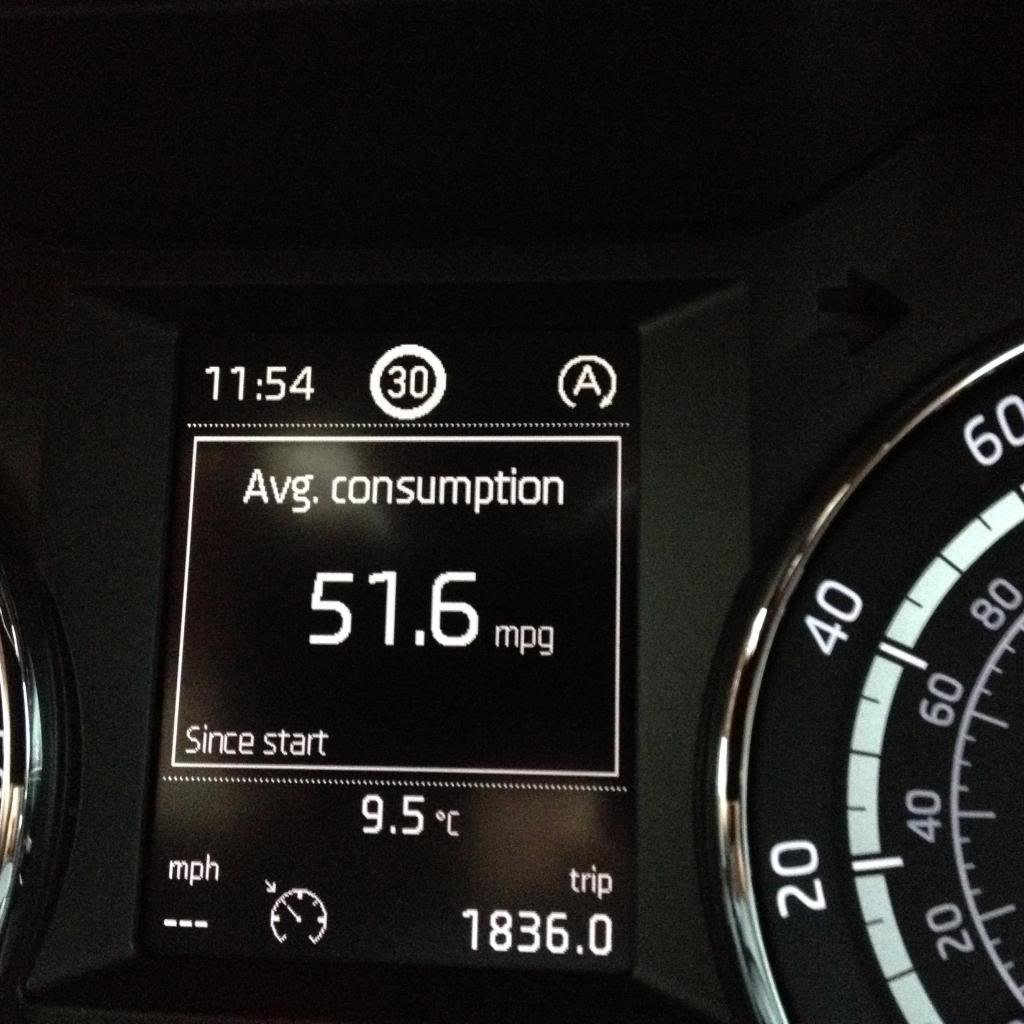
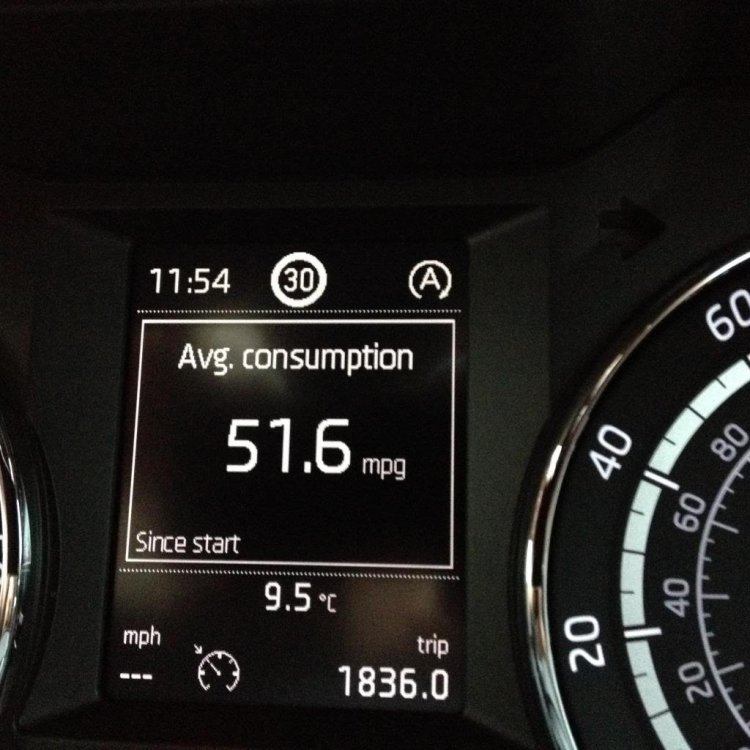
Hi folks, picked up my new to me 21 plate Superb Sportline plus last week...Great car Anyway, I've had a good search, but to no avail. Can anyone tell me how to display the current speed limit on my centre dash, as per attached pic? Thanks Mal
-
Took delivery today of my new to me, Apr 2021 Superb Sportline plus. As soon as I connected my phone (One plus 6), wireless android auto popped up. It works great :-)
-
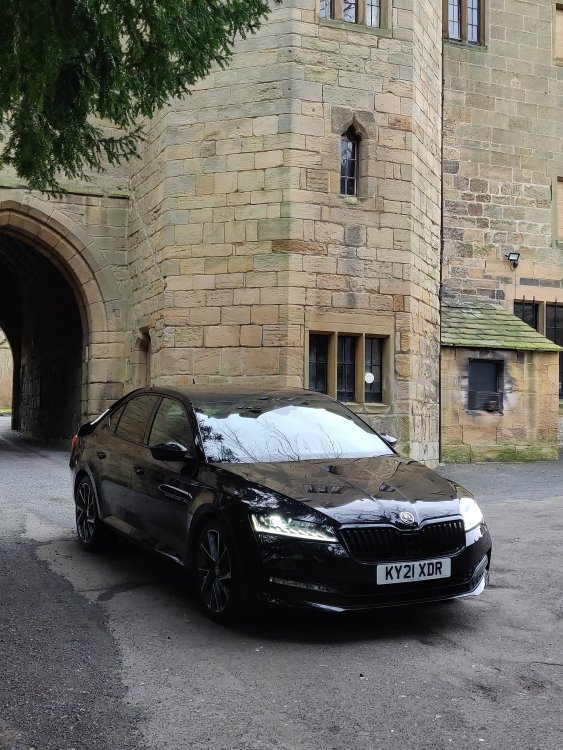
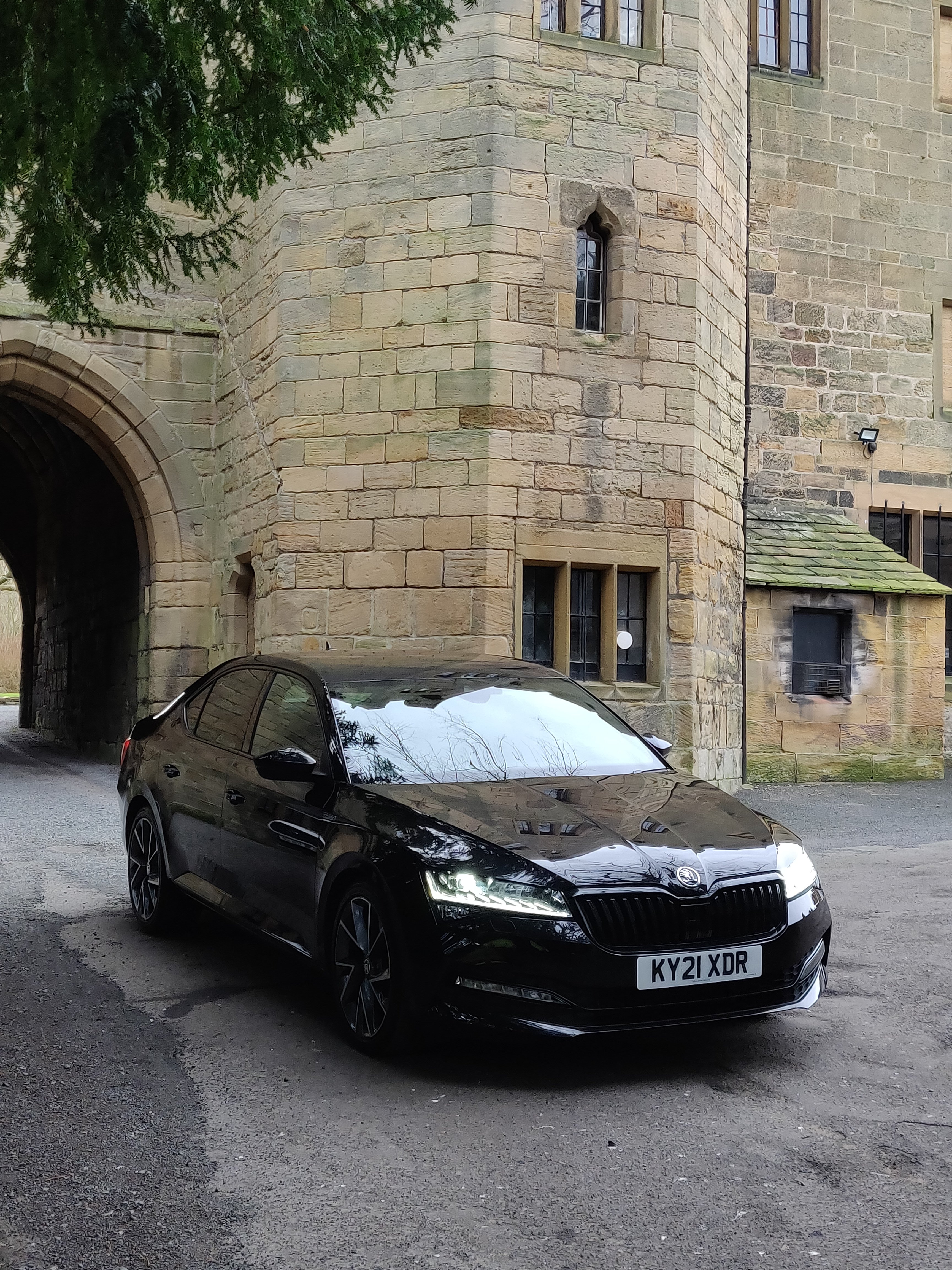
I'm back !! Been away from Skoda for a while, but collected this 2.0 Superb Sportline Plus today. Looking forward to using this cracking forum again :-)