




GOPALAKRISHNAN
Finding my way
-
Joined
-
Last visited
Everything posted by GOPALAKRISHNAN
-
Hii in my skoda superb 1.8Tsi AT getting white smoke from exaust. Engine oil level also reduced automatically. Morning starting time only white smoke showing after that the smoke not visible at same time eyes irritation due to the smoke. Please anyone suggest what is the issue.
-
Hi friends. I don't know why the oil level is getting low in my vehicle but there is no smoke every time when I start the car in the early morning there is only light smoke.
-
1.8 TSI petrol engine 102000km run
-
Hi friends anyone please what's the due time for Skoda superb petrol engine. How much kilometres timing chain life.
-
Sure
-
Thank you
-
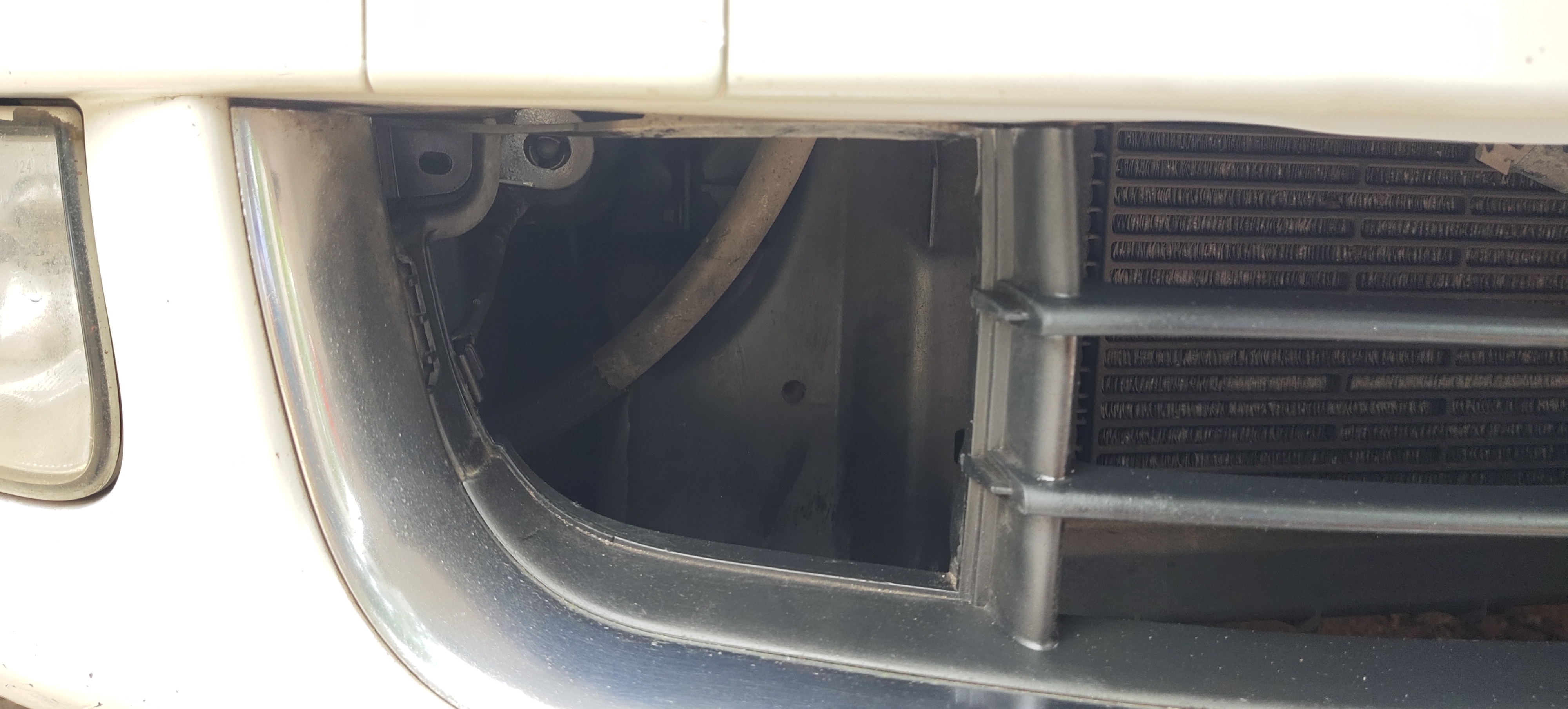
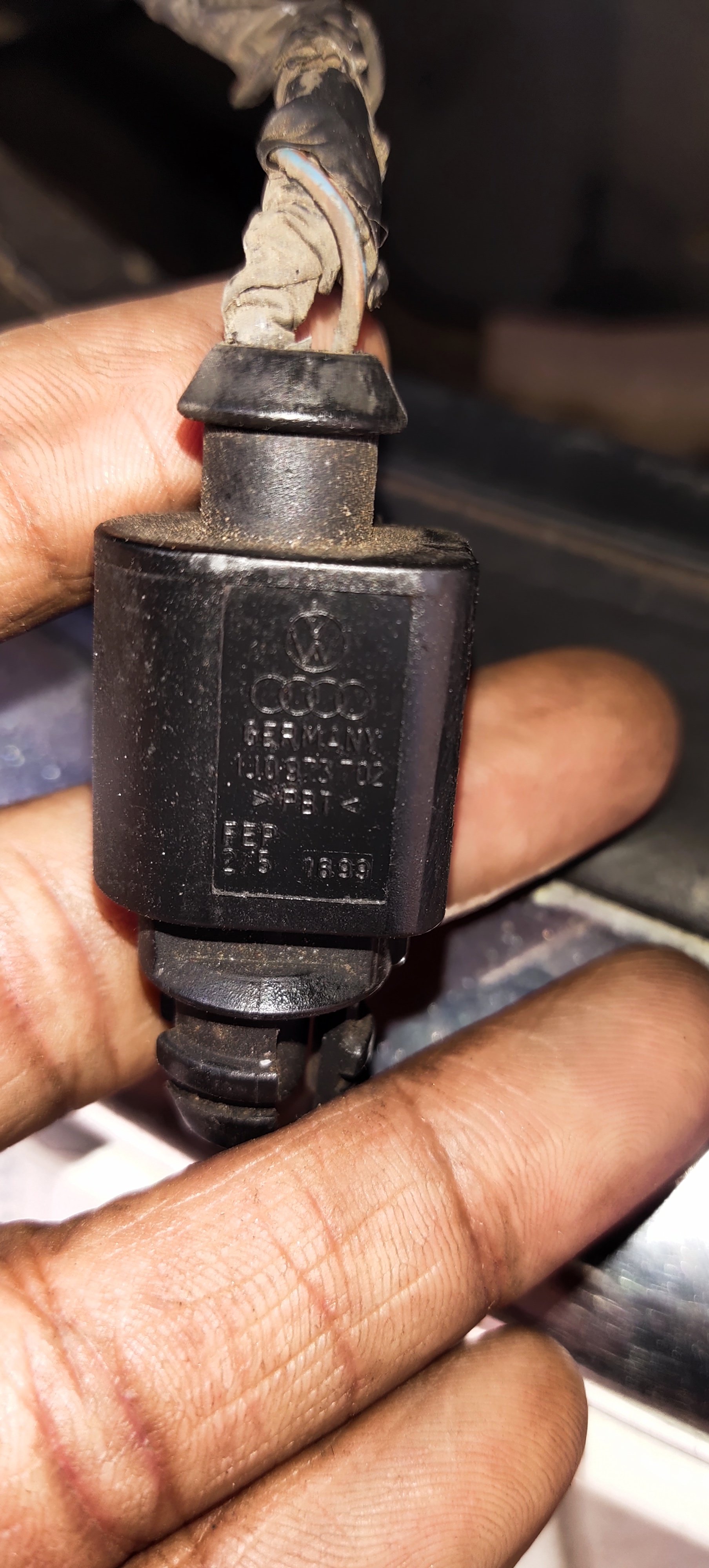
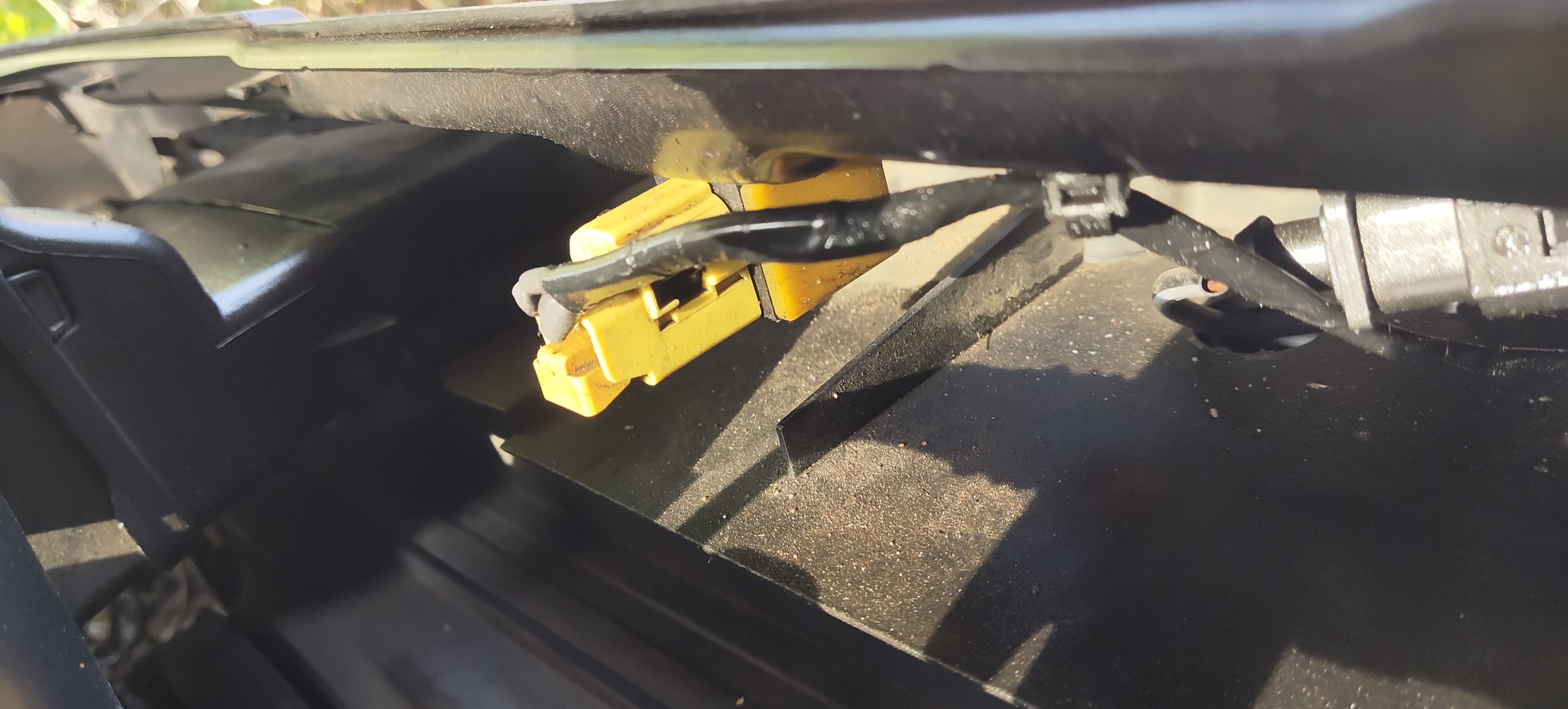
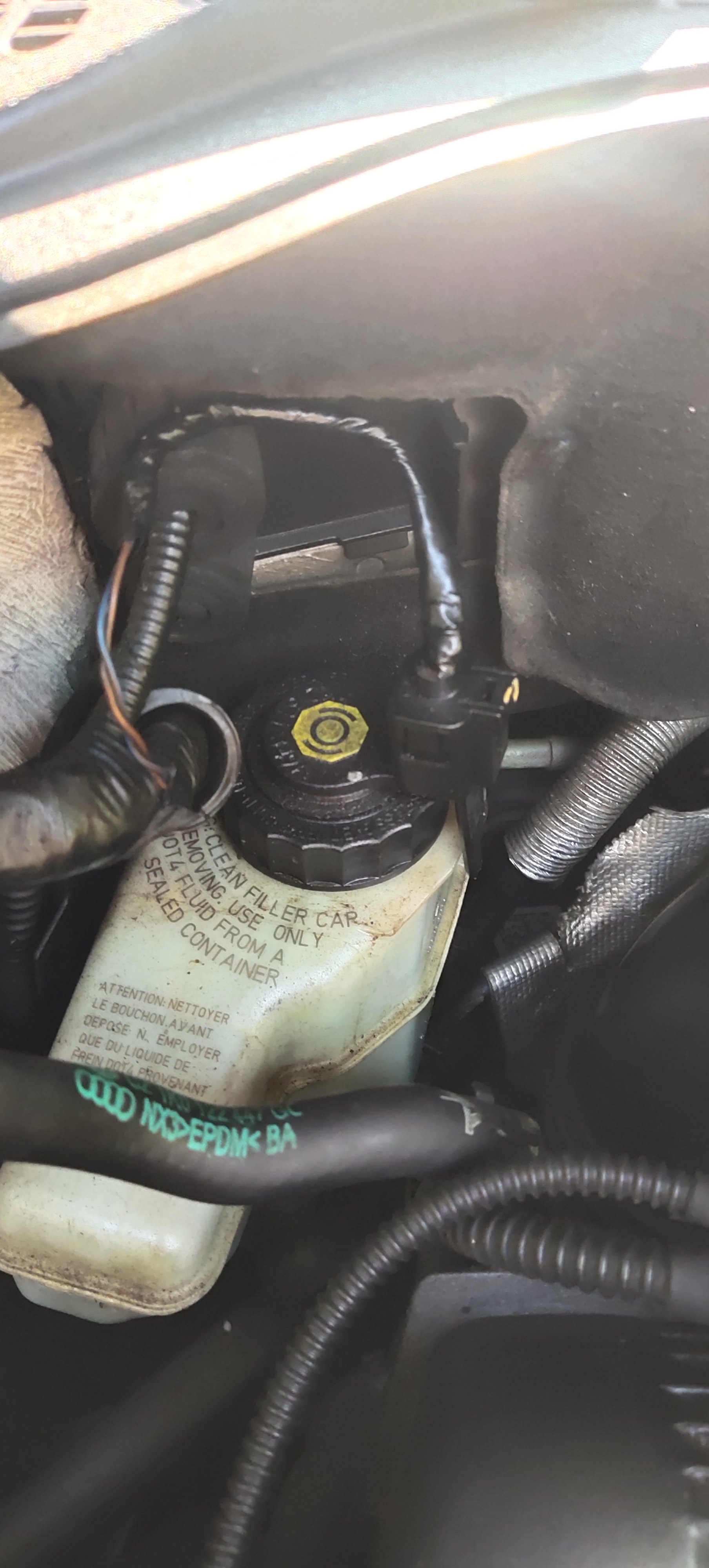
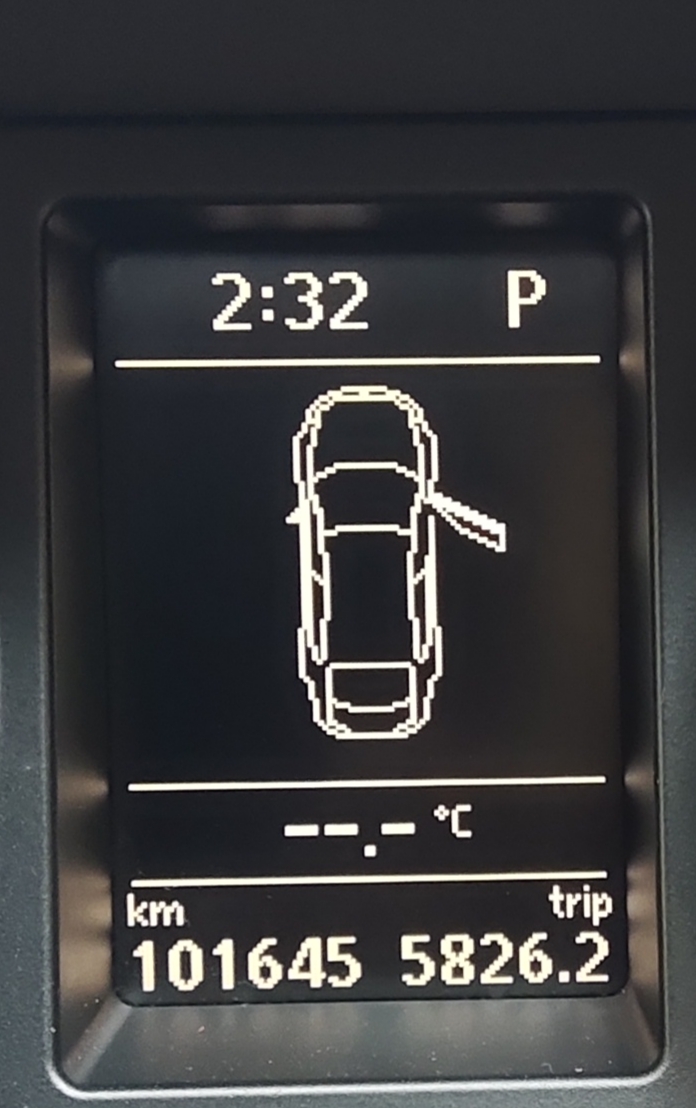
Now I've rectified the issue problem is sensor wire is damaged due to rat bitted the wires. And the sensor location is left side bumper grill
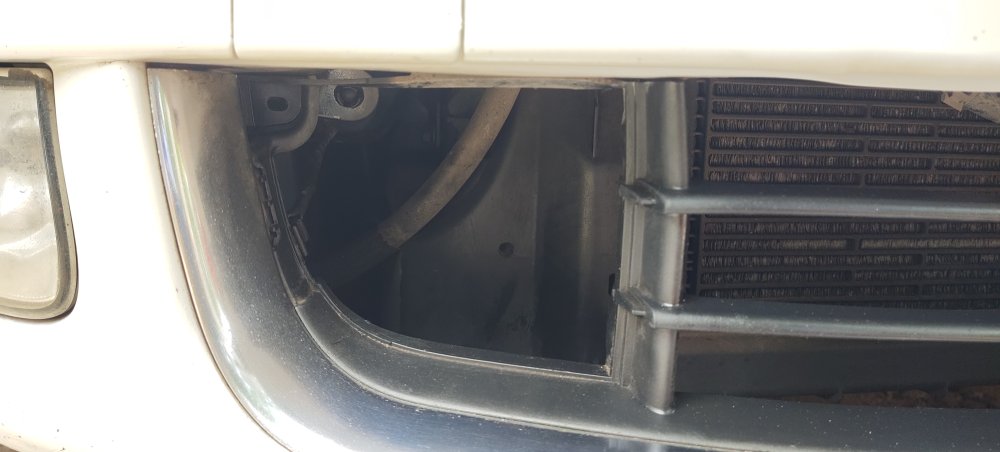
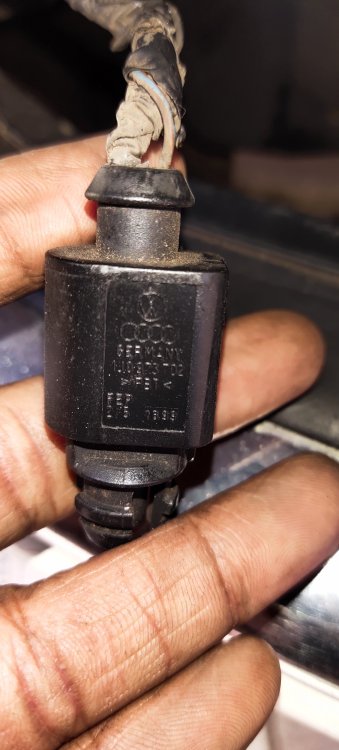
-
SureHi Not showing in left side Thanks for your valuable replyThank you so muchI don't know where it's located please tell me ambient and oil sensorsRecently I reconnected the wires
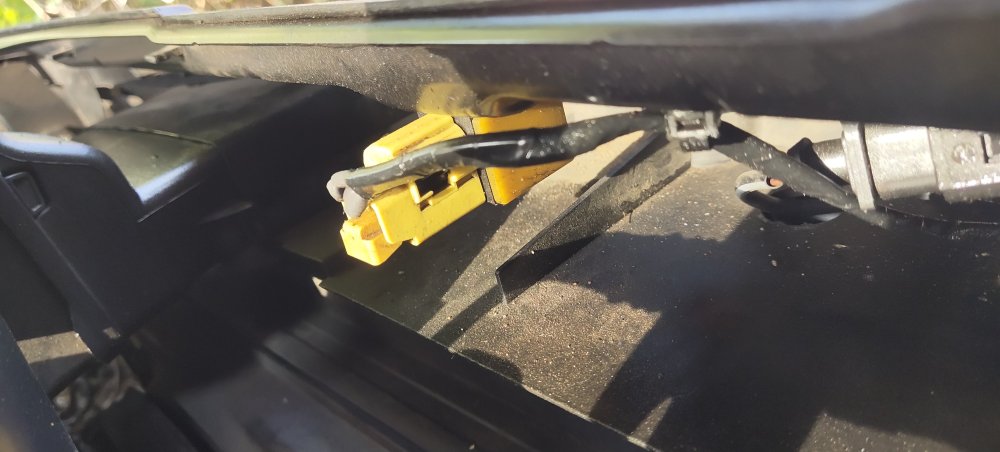
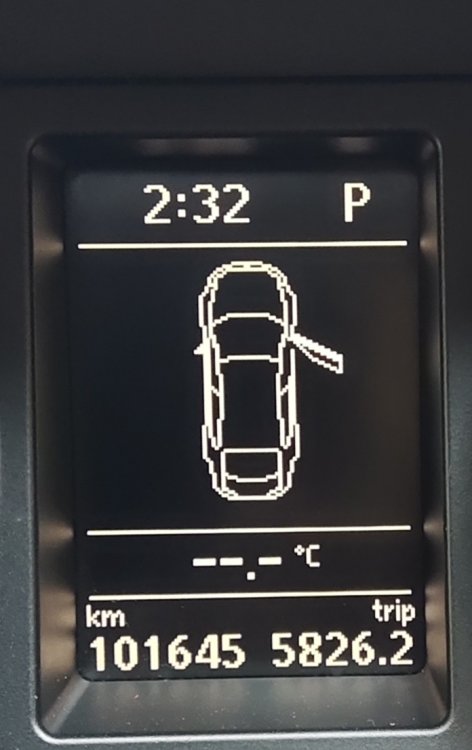
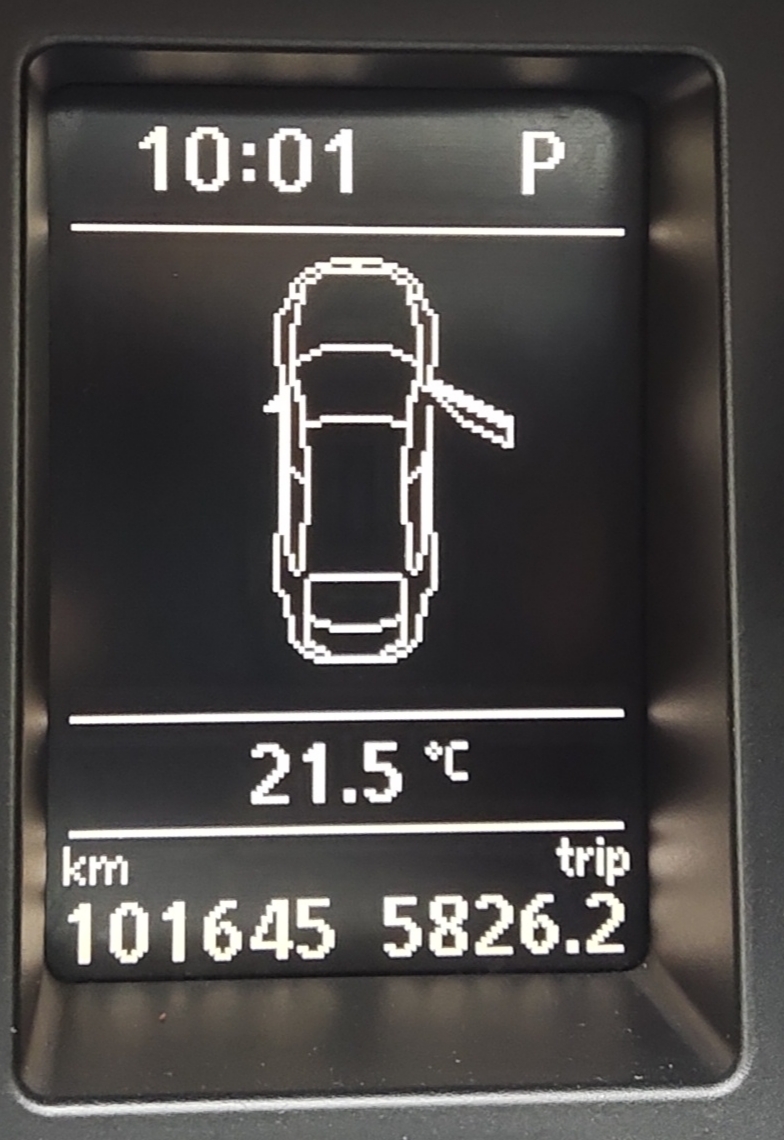
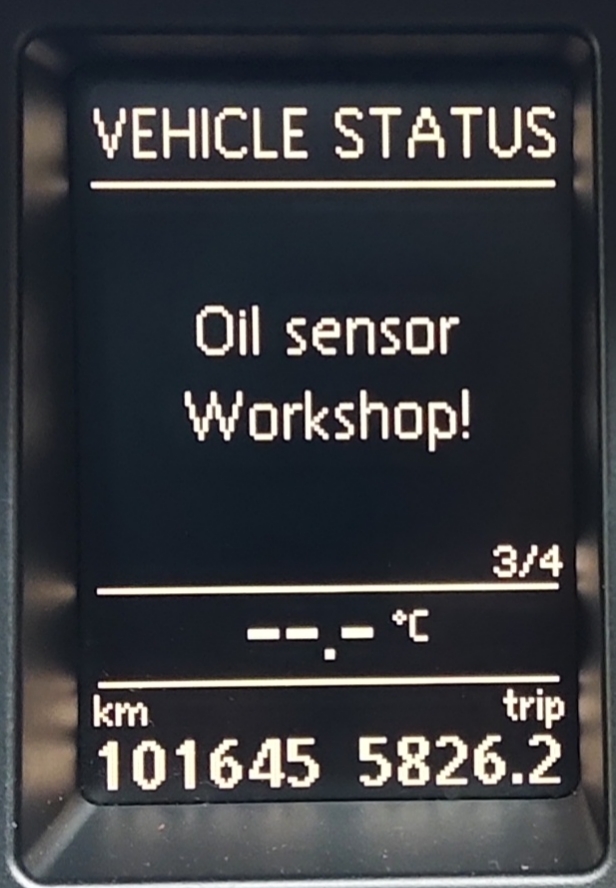
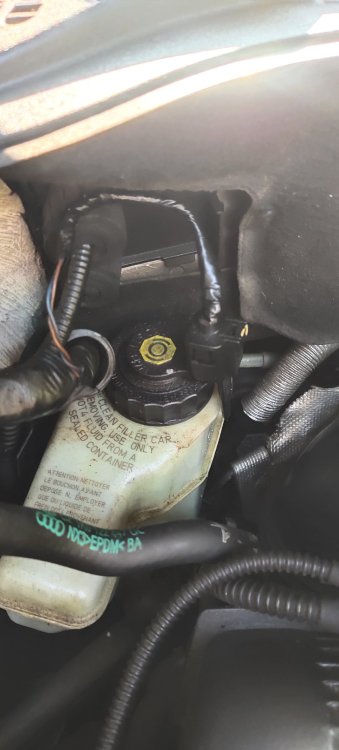 Where is the location of ambient temperature sensor and oil senso please. Where it's located.Recently rat damaged some wiresBut oil level is fullYes sir when I on the ignition also it's same issue happening out side temperature not showingThank you so much for your valuable respondingYesHi friends anyone kindly help me my car showing. Oil sensor work shop but oil is maximum level Please.
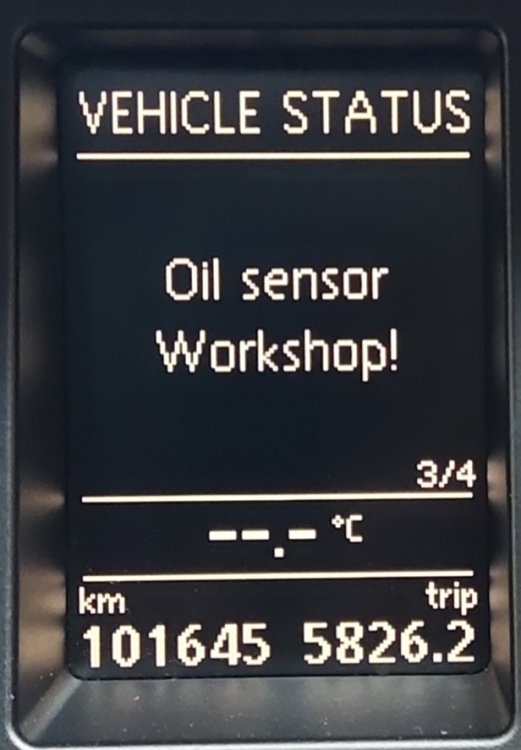 Anyone please help me my car ambient temperature is not working. Where it's located.
 Hi I have a doubt what's the Skoda superb elegance mk -II petrol engine timing chain life. How many km for the replacement due.How much cost of the sensorWhat's the part no of that sensor.

Important Information
Welcome to BRISKODA. Please note the following important links Terms of Use. We have a comprehensive Privacy Policy. We have placed cookies on your device to help make this website better. You can adjust your cookie settings, otherwise we'll assume you're okay to continue.