DanMurd
Finding my way
-
Joined
-
Last visited
-
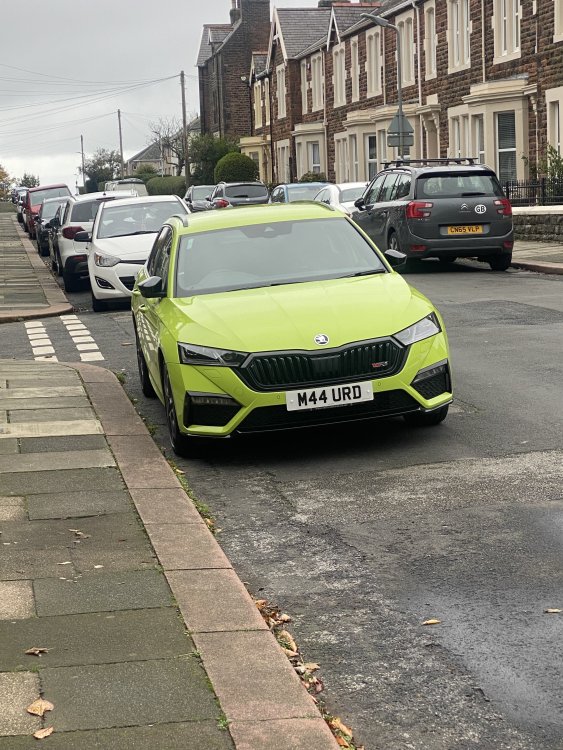
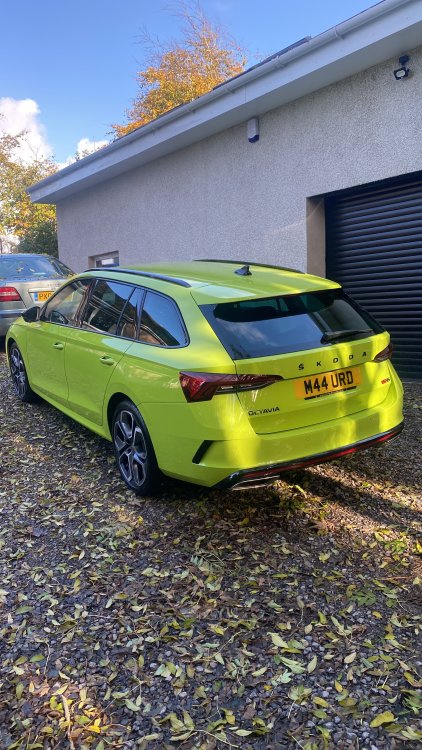
Finally got my car a couple of weeks ago. And it pains me to admit it but I’m glad I waited.
-
I feel sorry for the dealerships as ŠKODA seem to give them no information at all
-
My build date went ahead as planned 12/09/22 and my car arrived at my dealership a few days ago. I collect on Saturday I’ll update the spreadsheet once I’ve collected . She’s beautiful IMG_8992.MOV
-
Ok so after being given a “provisional build week of 12th sept” I surprisingly got an email Sept 13th to say my car was complete and currently waiting shipment to the UK from a port In Germany. And to expect delivery mid October. I’m as shocked as everyone else. I will update the spreadsheet.
-
Can someone share the link to the spreadsheet please , I’ve lost it. thanks
-
Ok so after no updates since about February this year. I have today been that I have a provisional build week of 12/09. Subject to change , assuming it that goes ahead then expect delivery mid to end of October. uk order. Ordered sept 2021 with an initial lead time of 16 weeks. VRS estate
-
I’ve had two emails from my dealership which didn’t really tell me anything. I now don’t have a car and really struggling to get hold of an interim car that isn’t going to be a total waste of money. Not to sound dramatic but I wish I hadn’t ordered , I was told 16 week wait: not 18 months. so frustrating. Octavia VRS estate diesel.
-
Anyone in the UK got any updates ? Ordered sept 2021 and build date has gone March 22, May 22, Sept 22 and now no build date. any help would be appreciated
-
I obviously know I’m not alone here. but ordered my Vrs estate diesel on 24th sept 2021. Now being told build week on mid sept. getting fed up with waiting but second hand alternatives are extortionate!