Pantersen
Finding my way
-
Joined
-
Last visited
-
I will give it a try. Thanks! My VCDS is HEX version 22.3
-
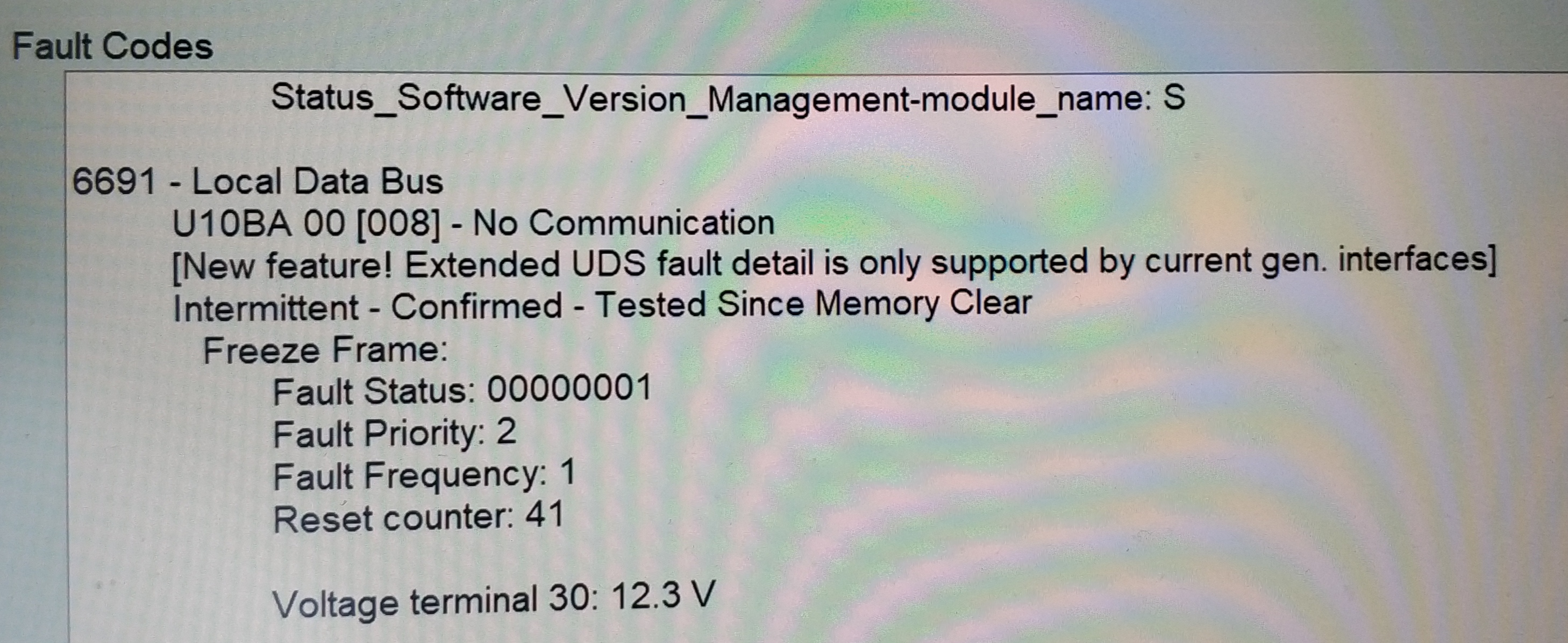
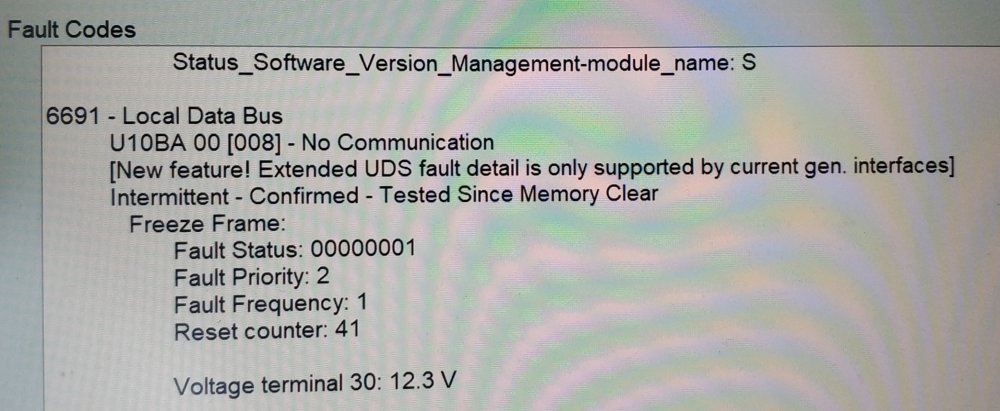
Update went on like a charm for about 15-20 minutes. Only thing which worries me is that I started getting this error via VCDS.
-
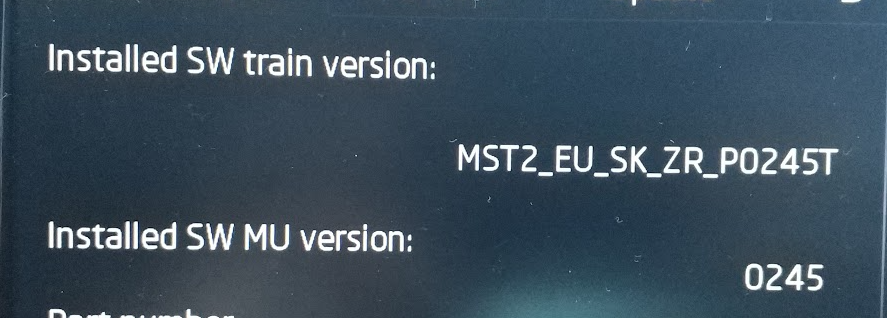
It's ZR, I believe.
-
Yes, I can see a menu with two options, one of which is "Software update/versions" and there under "Update" I have an option to select a source "SD card". Is that we should be looking for or you need any other version number - there are so many in this menu
-
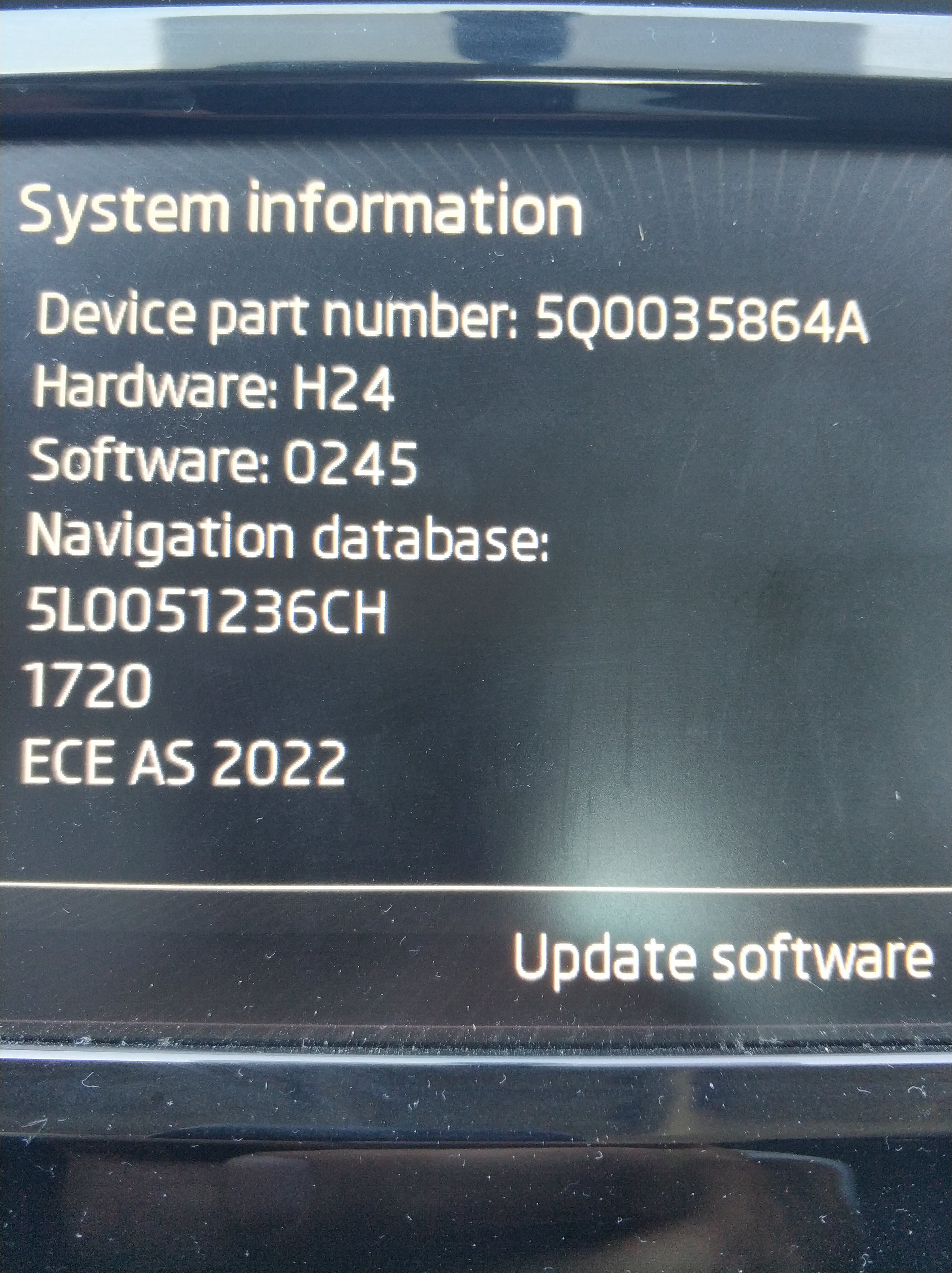
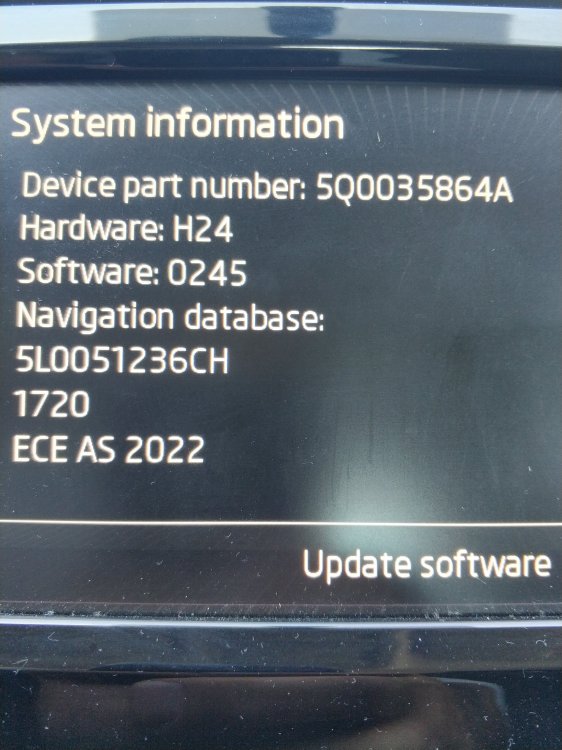
Hi there, Any update for my beauty here? Thanks a lot in advance and cheers Device: 5Q0035864A HW version: H24 SW version: 0245 Nav: 5L0051236H
-
Much appreciated if someone could provide an update for my OK3. I believe it's a bit outdated. Thanks in advance! @pab567
-
Thanks for the great guide! I was just looking to do the same to my OK but was wondering if it would be possible for the pre-face OK3. I noticed some of the parts used are defined as for the facelift. Thanks a bunch!