BrendanRyan
New here
-
Joined
-
Last visited
Everything posted by BrendanRyan
-
Hi Again, Thanks for your help on this. So I purchased an octavia screen on ebay and replaced it. I didn't realise that the screen on the replacement is maybe an inch smaller and the display is zoomed in. Wonder is they're any work around to change the display zoom / resolution ? Or is it best to just try and get one with the same sized screen. Cheers Brendan .
-
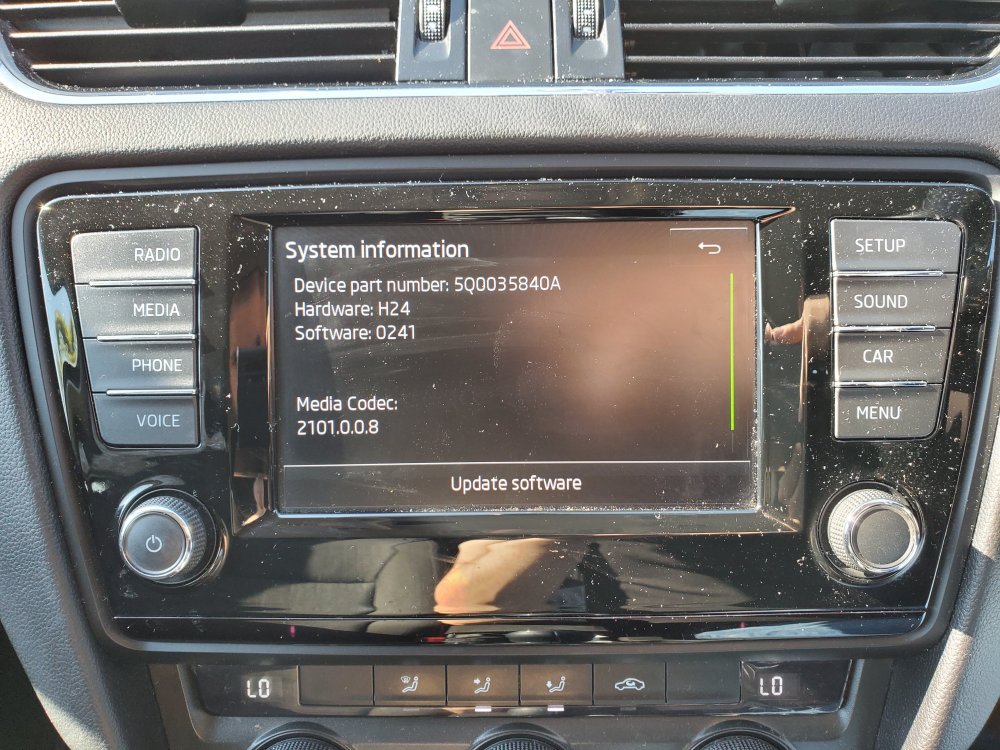
Okay. Great, thanks for your help figuring it all out. So, I think this should work then. It came from a fabio but same model number as mine? https://www.ebay.co.uk/itm/274753859011?mkcid=16&mkevt=1&mkrid=711-127632-2357-0&ssspo=KLqtmZeJTDS&sssrc=2349624&ssuid=VTKzGwNbTeC&var=&widget_ver=artemis&media=COPY
-
That sounds better. So you just took the touchscreen from another head? Attached a picture here. It's annoying the system doesn't allow you to confirm things like restore settings with the manual knob 😭 Thanks
-
Hello - first time using this Forum so thanks in advance. Problem is - The touchscreen on the head unit is broken - some parts of the screen respond to touch most don't - Unfortunately we need to press the reset tyre sensor button for the car to pass the NCT / MOT! Are options are, well more expensive that we would like. We're being quoted at least €1000 to replace unit. More from the main dealer. I see units on ebay for under 200. Does anyone know if these will work without coding or a way to code them that won't break the bank, Thanks again, Brendan .