AdrianParker
New here
-
Joined
-
Last visited
-
Ok, the dealer had the car in and couldn't reproduce the problem, so have now simply said that as our phone isn't listed in the compatible list then it's not their problem, so now we're stuck with a car infotainment system that will quote often not work properly. What is really odd is that our Sony XA2 isn't listed, but the Sony XA is and that is an older phone. I have contacted Skoda directly, but they don't seem to know who updates the compatibility list... just to, "keep checking back" Moral of the story, check your phone is compatible with a car before buying it.. or prepare to buy a new phone in the hope it will somehow magically fix their problems. Don't think we'll ever have another Skoda after this one is done.
-
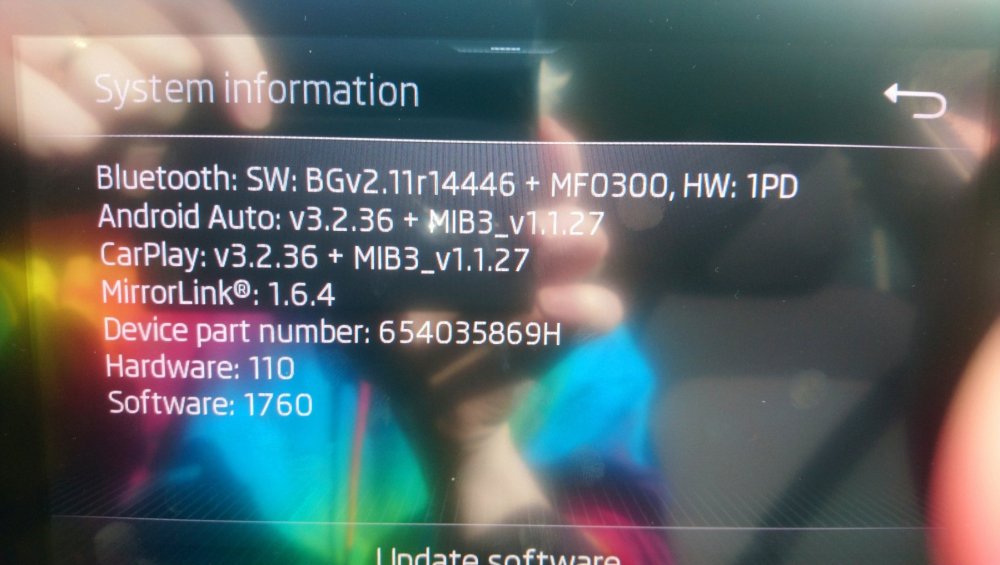
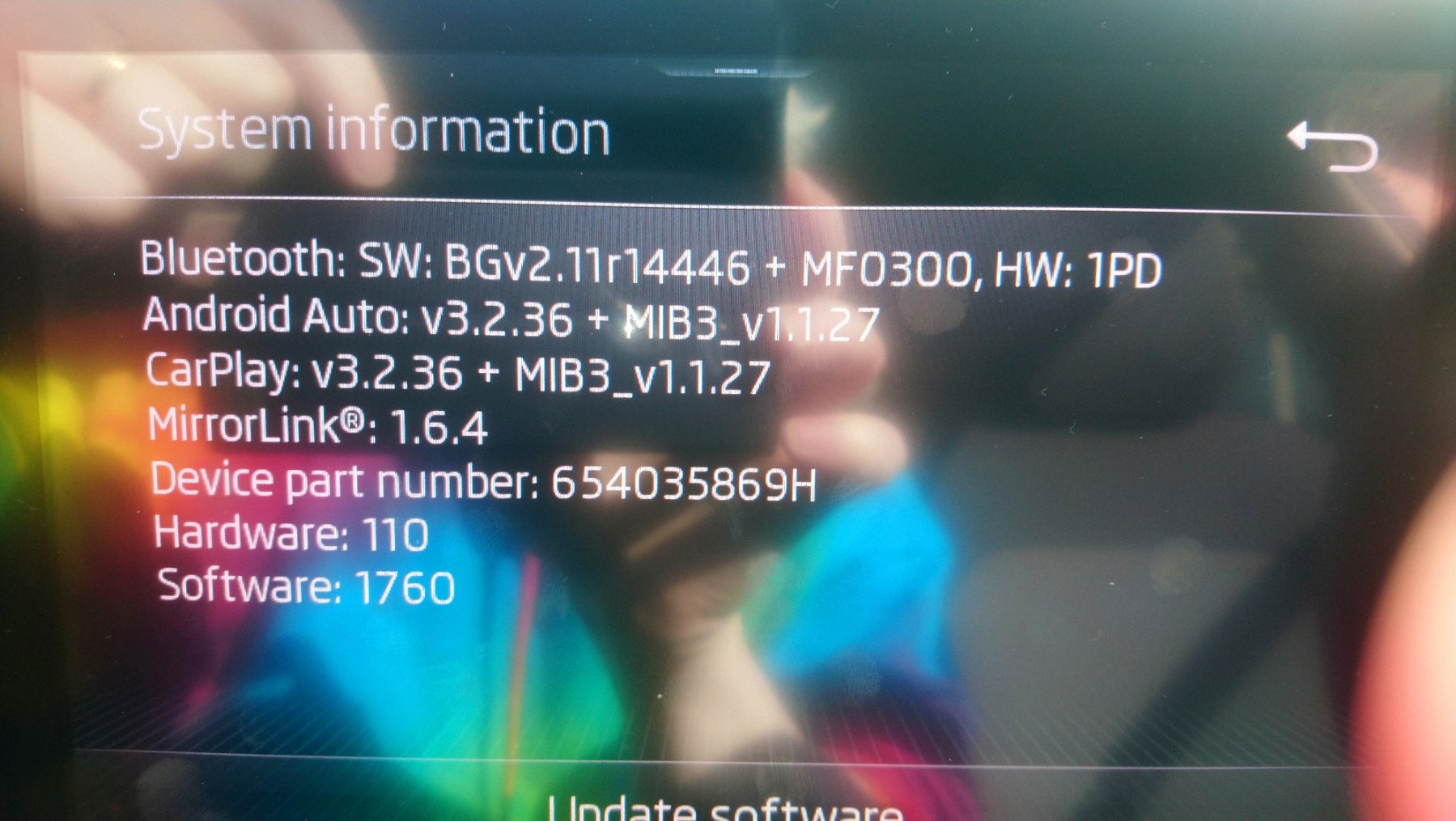
We got our new Fabia (colour edition) on the 22nd April, added our phones to media and we usually use spotify to play music. All was working ok until the sound started stuttering, doesn't happen all the time, but it's really annoying when it does. We asked our dealer about it and they had the car in and checked to see if there was an update, but there wasn't. Today, the system had lost all of the phone connection info and our phones won't connect at all now. Does anyone know if there is an update that would be applicable ? I know on the octavia that there's an 1803 version but don't know if that's for different hardware.