pborocitigo
Finding my way
-
Joined
-
Last visited
-
Hello mate, After looking at the bulbs they were the problem. Got a new set and it's all sorted now. Thanks again for your help.
-
Thanks for the reply. My citigo is a 2014. The side lights work so I'm assuming they use the same bulbs. I will have a look at the fuses in the morning to see if they are blown.
-
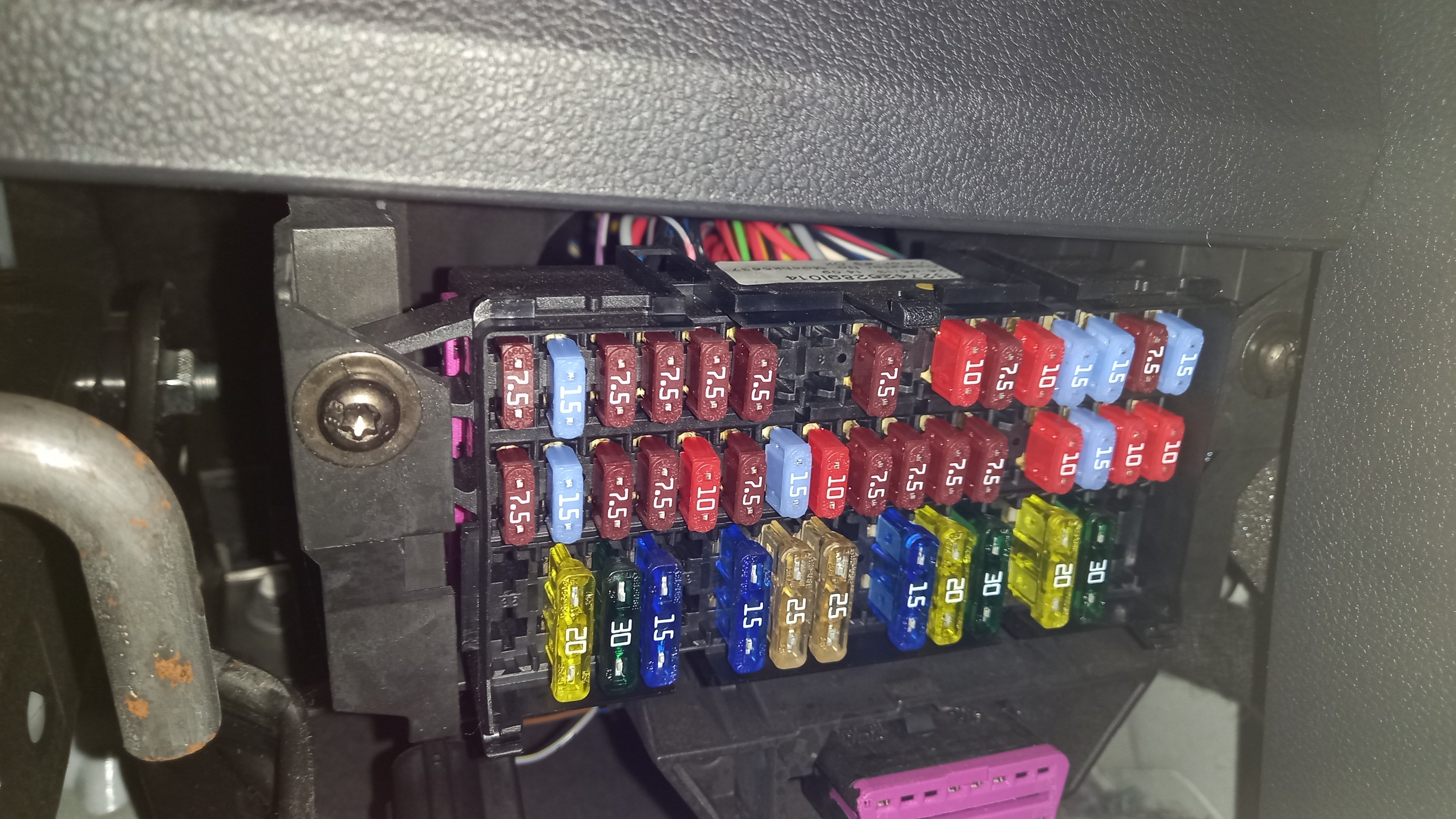
Hi, I've had my citigo a while now and never really took much notice of it but realised they are not on. I've checked online and see people have suggested check the fuses but they appear to be there. This is my fuse box in the pic. Do the fuses look okay. Thanks in advance
-
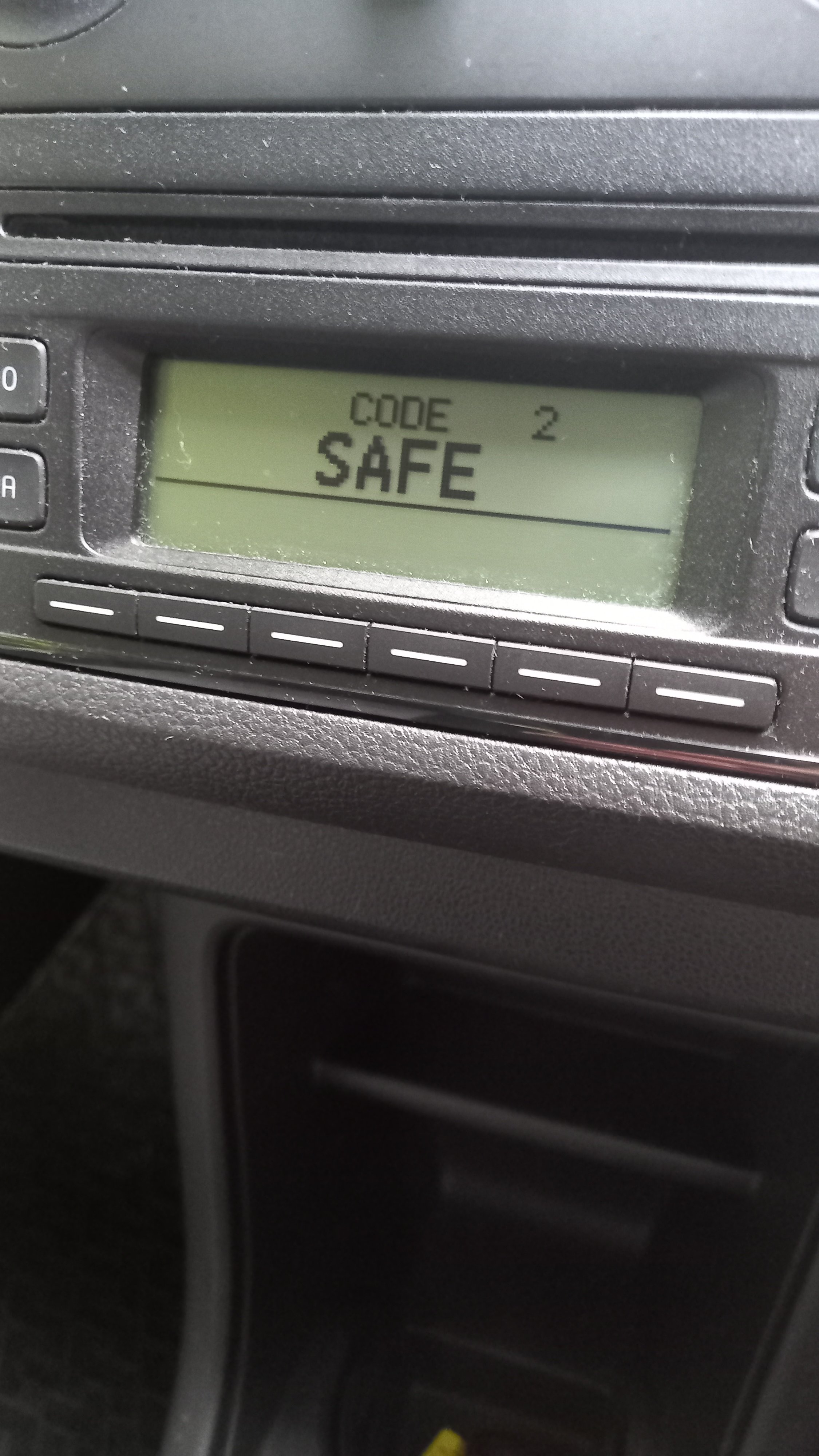
Hi there, Got in the citigo this morning and I was greeted to 'safe' on the radio which was a bit odd. I thought I had the code and it was wrong. Anyway I left with this screen and can't change anything. Can anyone help please.
-
Hi, thanks for the replies. Big help! The petrol gauge is on the lcd screen at the bottom middle. To be honest i thought that was a bit odd!!
-
Thanks for the reply, my model is a citigo s 12v. Here's a link for a pic of the speedo
-
Hi there, this is my first post on here. I have recently brought myself a 2014 Citigo, great little car! My dash doesn't have temp or rev counter clocks. I was wondering if i was to buy a used PID would that display that information for me and if so would it still give me that information if i was to buy a vw/seat unit? Thanks.