AlexUK51
Finding my way
-
Joined
-
Last visited
-
Thanks for your reply. I have not changed anything. I can log into the Skoda app on my phone but unable to log in on the car's infotainment screen either as an existing user or to register as a new user. I don't really want to do a full factory reset and have the hassle of losing my settings in satnav, phone, radio etc. I don't intend paying every year to activate the remote features in the app, most of which I would never use. I will probably just drive the car as a guest.
-
Thanks for your reply. My privacy setting is on the least private (share my position).
-
My Kamiq is a 69 plate 1.0 SEL with MIB3 infotainment. After having a faulty SOS control unit replaced I no longer have my user name displayed on the Welcome Screen. My name is also missing on the Manage Users screen where the only option showing is Guest. I have tried to log in as a new user using my usual email address and Skoda ID but get the message Unavailable. My profile and car are still active on the MySkoda app. Should I start from scratch with the wizard as if I had newly acquired the car and get a new sPIN number , etc? I would have to use the same email address as I have no other. Any help would be gladly received.
-
For the record the problem is now solved. I received two more update notifications, i.e. a circled no.3. The updates then installed OK automatically, including the original one which had the error message.
-
My Kamiq is SEL 1.0 2020 on a 69 plate. A number 1 in a circle indicating an update appears at the top of the infotainment screen (MIB3). When I pull down the menu and select Notifications and then Update I get the message: "Unable to start Background System Services" I have tried both with and without the ignition turned on but I get the same message, I have tried rebooting the infotainment system to no effect. The No. 1 in a circle is still there. Anyone else had this happen and how did you solve it? Previously I have had no problem updating when notifications appear.
-
-
Thanks for the useful information. Long-nosed pliers looks the way to go. AlexUK51
-
That's interesting. Sadly, there is no information like that in the handbook supplied with my Kamiq.
-
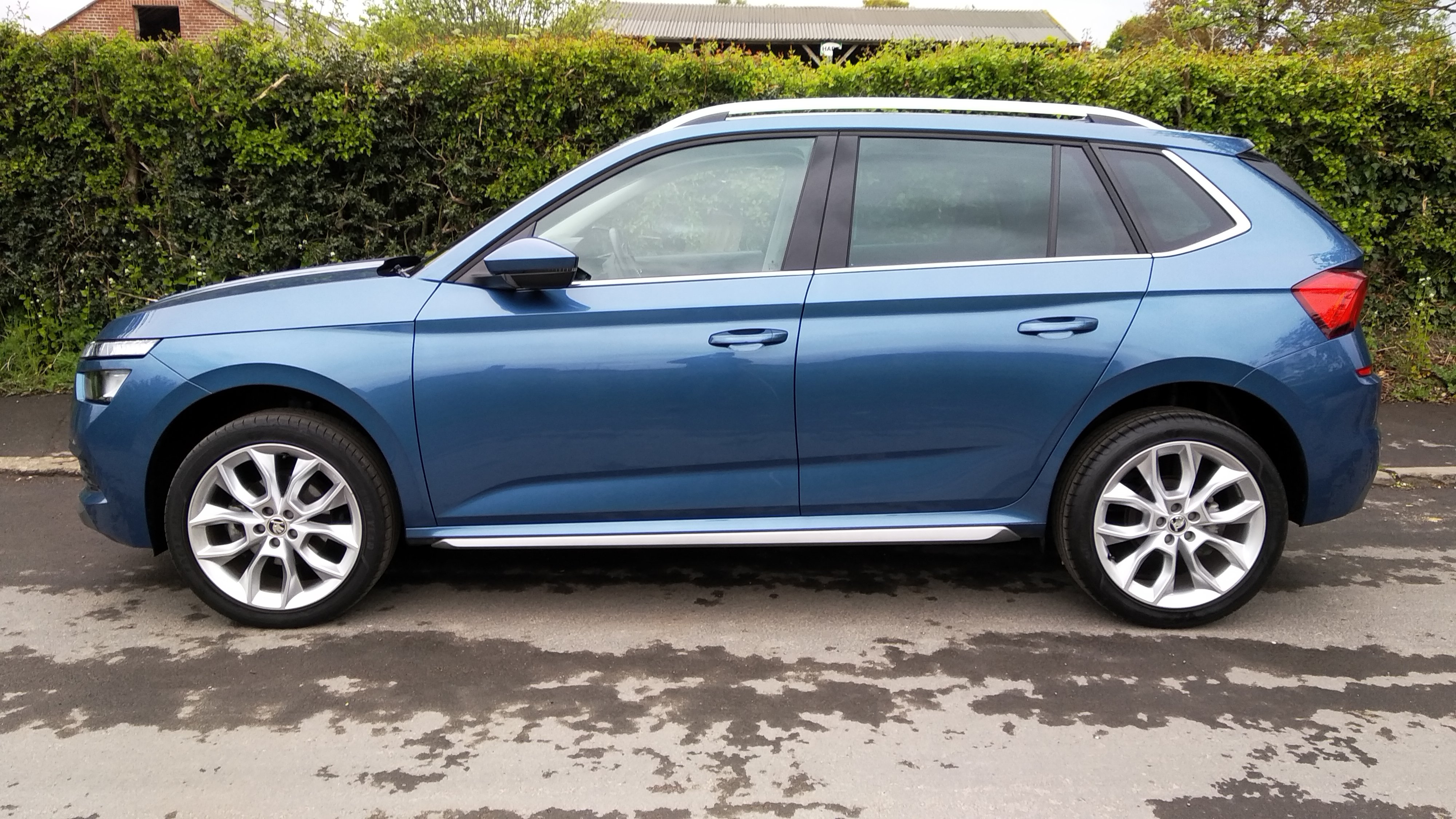
Thanks, but I'm still not sure my car (pictured above) is Titan Blue or some other blue.
-
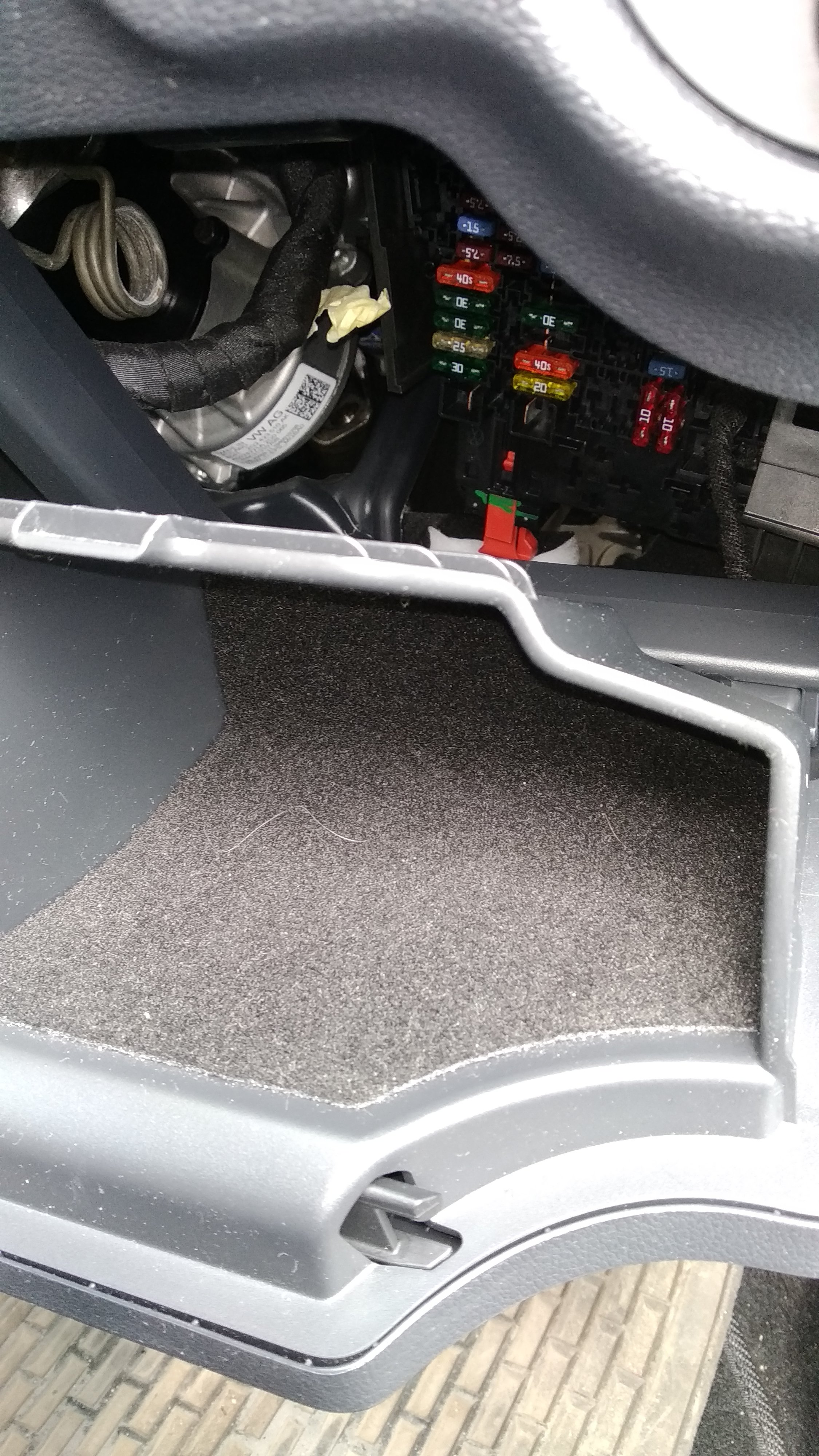
Thanks for your reply. I have managed to remove the miniature glovebox by pulling it harder than I expected. This does improve access to the fuses but I find they are still located well back in the void. It's a shame the fuseboard cannot be pulled out for maintenance as it's difficult to get your hand in and pull out the required fuse. I hope I never have need to replace a fuse myself.
-
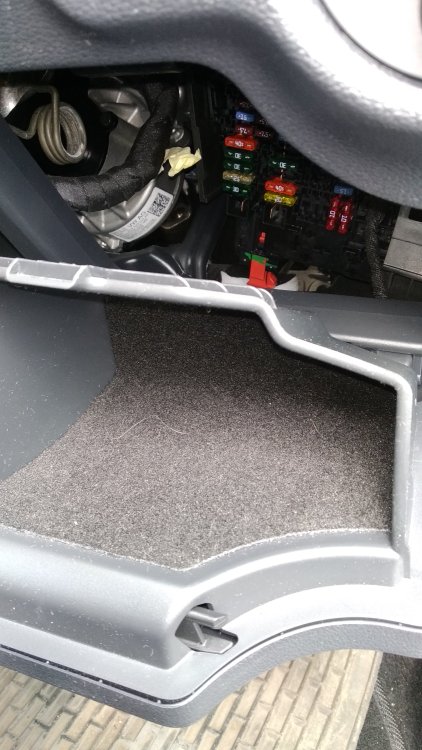
Although not needed at the moment I was exploring how to access the fuses behind the small storage compartment at the driver's side. According to the owner's manual on page 109 it refers to pressing a button to "open the tray" and pulling the "tray" out towards you. I cannot see a tray, unless it means the small glovebox itself. After opening the small storage compartment/glovebox and dropping it down I can see the fuse board which is in a vertical position set well into the dash. I was unable to get my hand it to pull this out or, for that matter, reach in to change a fuse. Anyone else had trouble reaching the dash panel fuses?
-
Thanks. I just need to check my car is definitely titan blue.
-
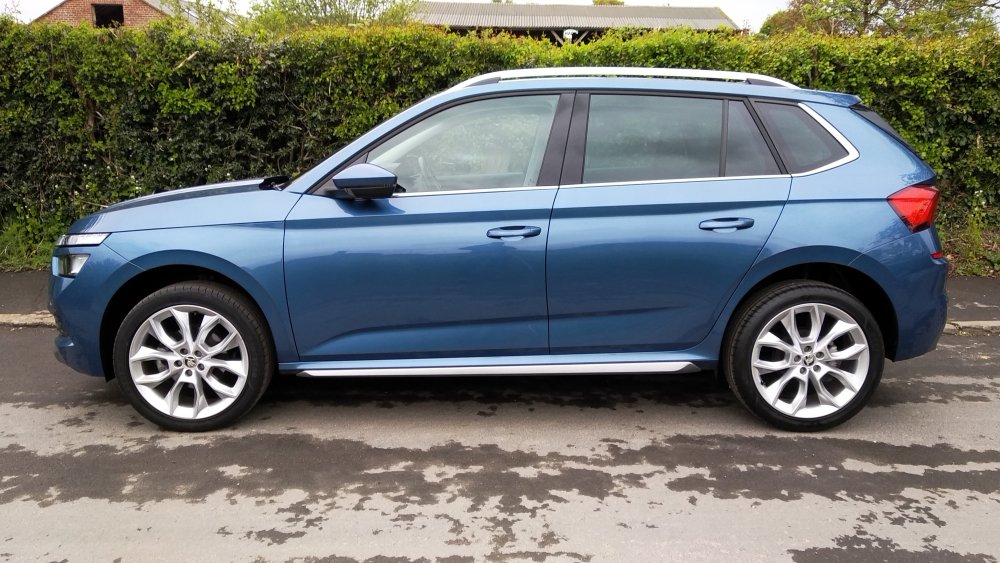
I think this might be Titan Blue. It would be helpful if anyone with the same colour could confirm this and then I can get to find the paint code. Thanks.
-
Thanks for your reply. My car is a mid-blue metallic, not the very dark blue (see photo)
-
Anyone know how to find the paint code on a Kamiq? It's supposed to be on a sticker somewhere under the boot floor but there is no sticker on my car. Thanks.