bvs
New here
-
Joined
-
Last visited
-
Hi Carlston, When I bought mine, it was only the 8-speed. From memory the RS 2.0 TSI had the 7-speed DSG, although it cost another A$10,000 and in Wagon form it was still FWD With the Semiconductor shortage, they have changed what is available in Australia now. They don't have anything in the Octavia range that has the same level of appointment or tech wizardry as my car has. At the moment, they are pushing what they call the Superb which is quite a few ways is a step down. I did get a Superb 2.0 TSI 4WD Sportline as a loan car one day. It had the 6-speed DSG box in it. It was really nice. It was definitely more sure footed and while it did show some of the subtle deficiencies with my car, overall, I thought the 1.4TSI was a better fit. However, this costs about A$20,000 more than my car. At that price you're really being pushed into Audi territory. Not really sure exactly what options are truly available here now. In Australia, Skoda seem quite strange with what they advertise, have on their website, and what you can actually buy.
-
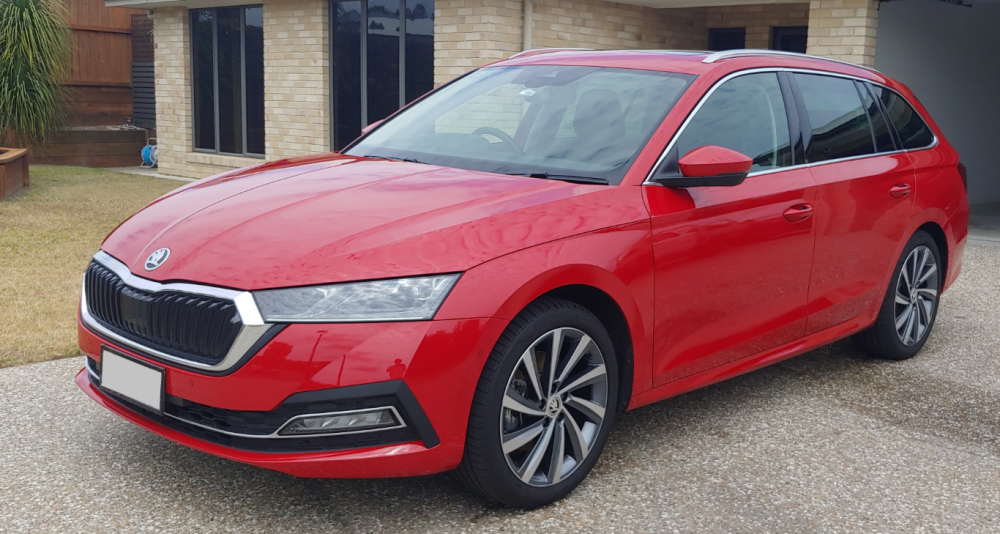
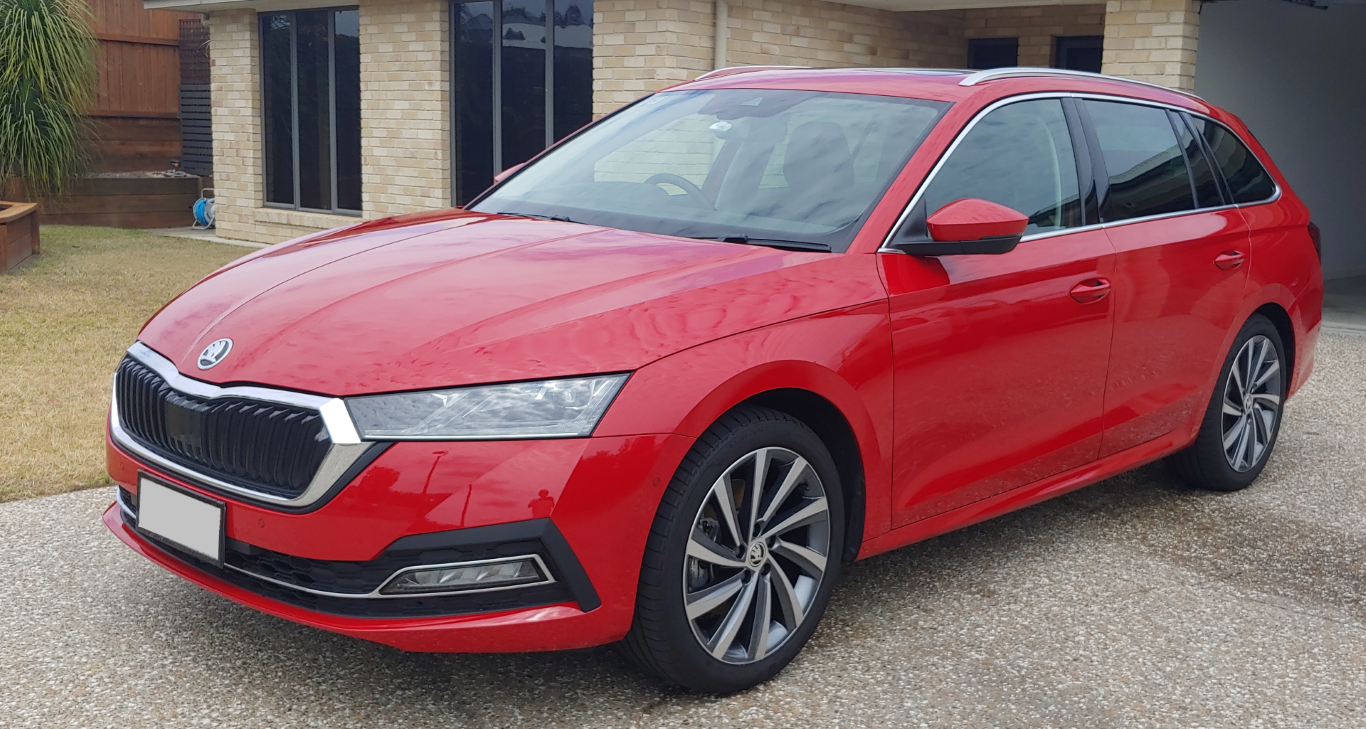
G'day from Sunny Queensland, where it is currently raining Bought our first Skoda about 9 months ago. Octavia Style Wagon with Tech and Luxury Packs, Panoramic sunroof, in Velvet red metallic paint. The 1.4 TSI is quite a surprising little package. Perky and responsive, without torque steer - amazing for a FWD😲. All-round brilliant for a daily driver and country cruising. Looking forward to chatting with you all. The 1.4 TSI is quite a surprising little package. Perky and responsive, without torque steer - amazing for a FWD😲. All-round brilliant for a daily driver and country cruising. Looking forward to chatting with you all. Cheers, bvs