
HJL
Finding my way
-
Joined
-
Last visited
-
No, still doing same.
-
Also forget to say that sometimes they flash really quick.
-
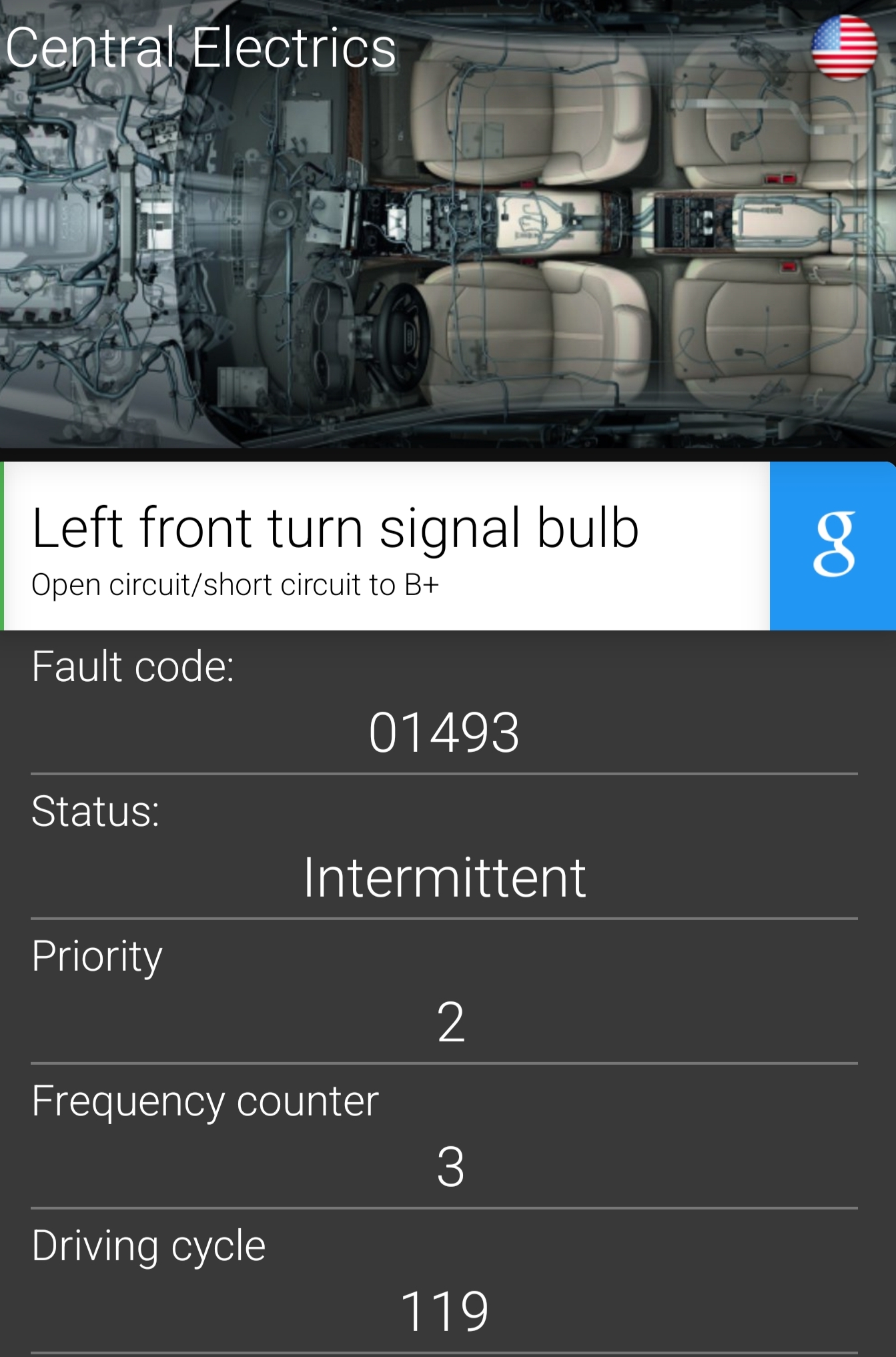
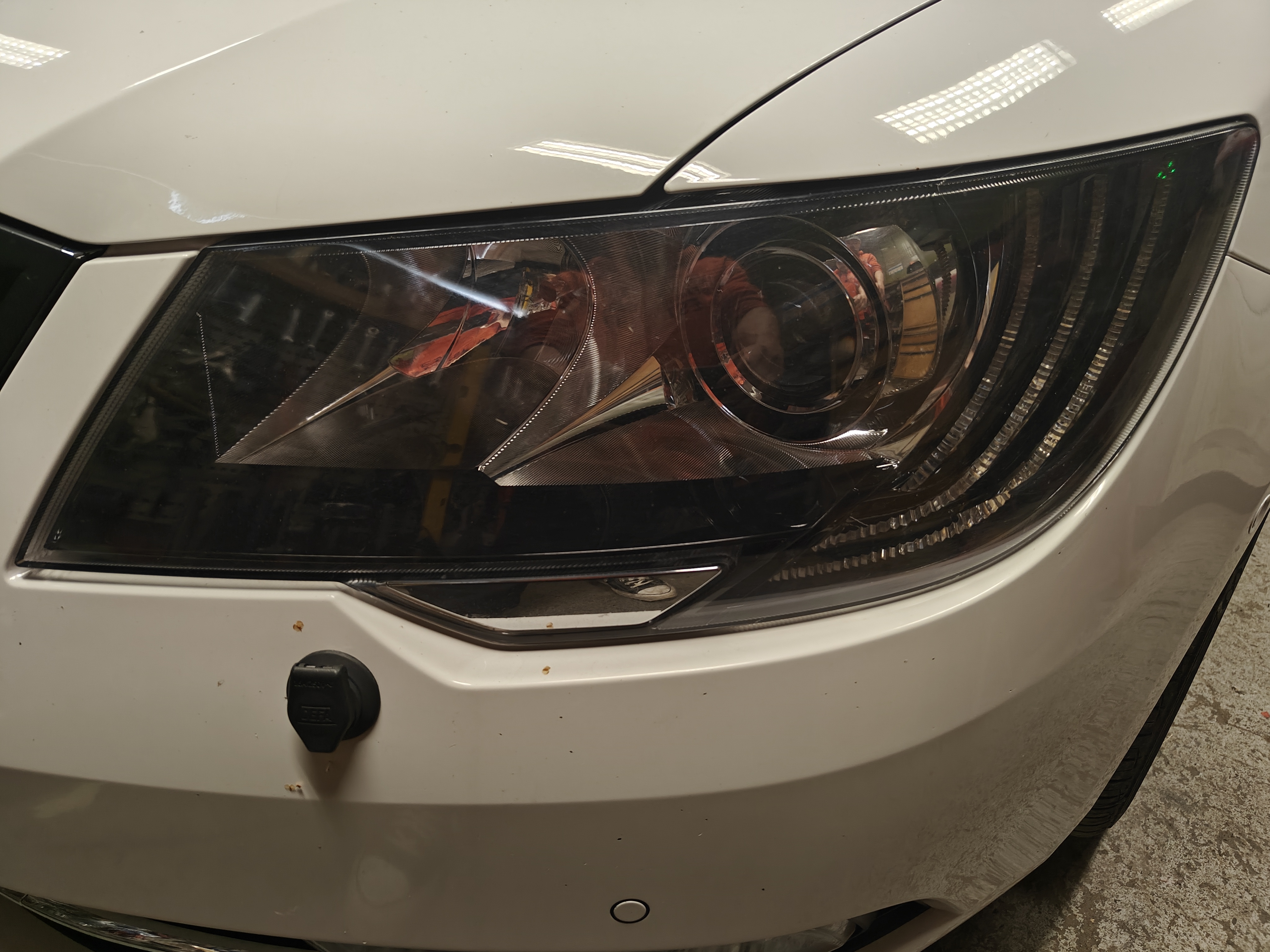
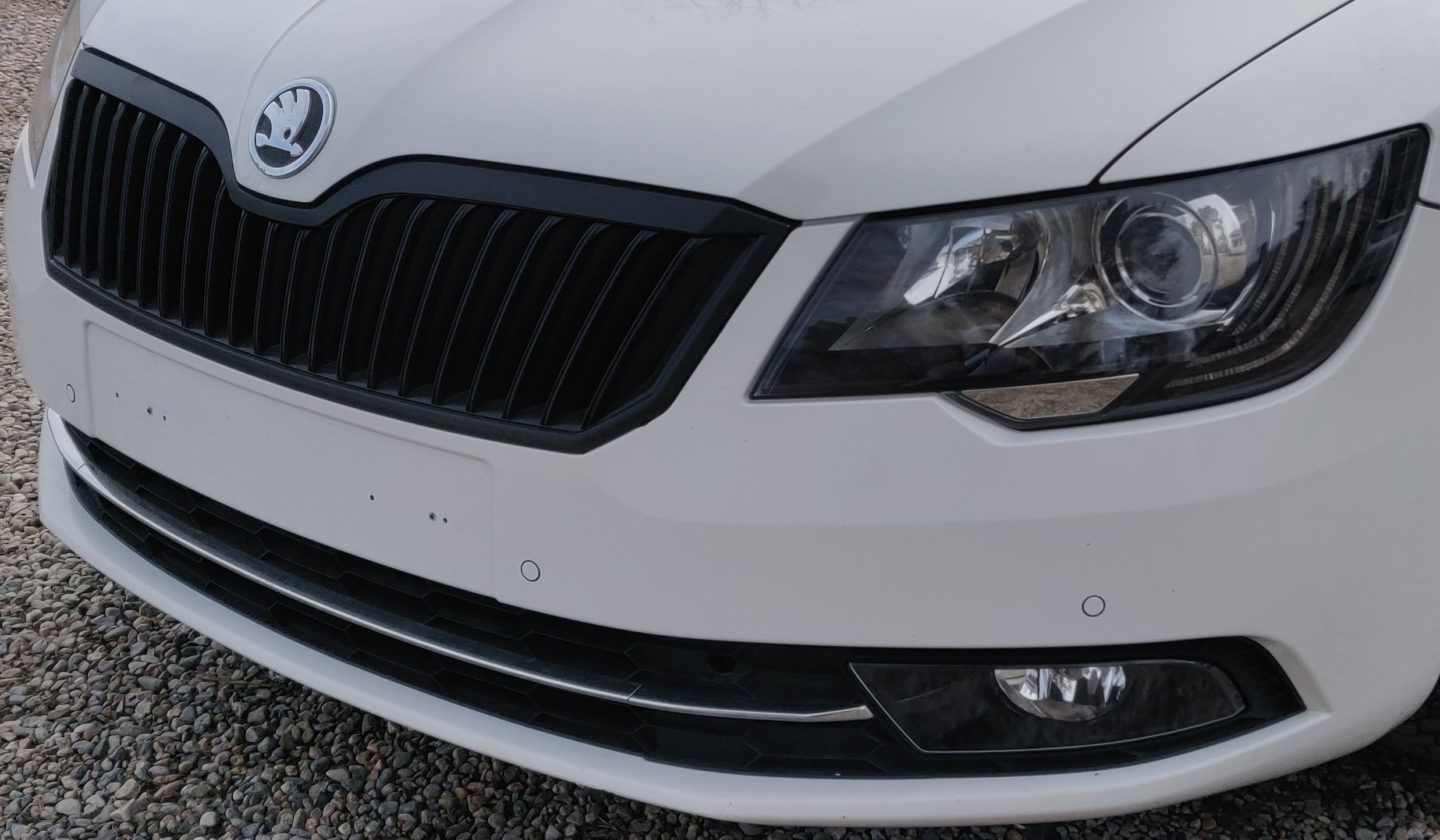
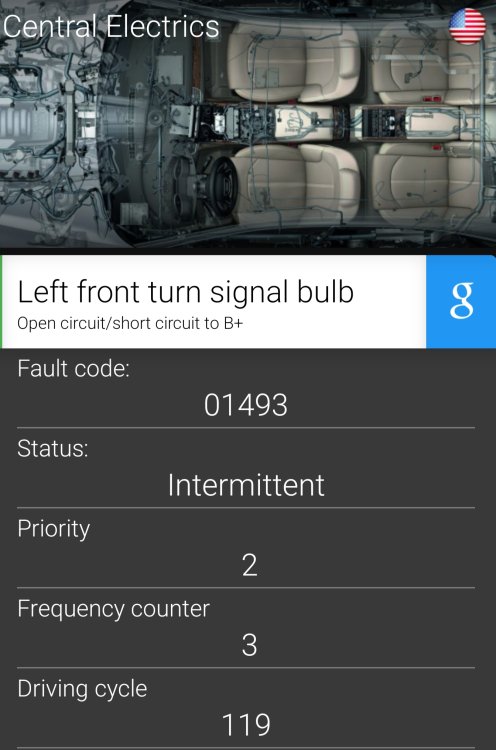
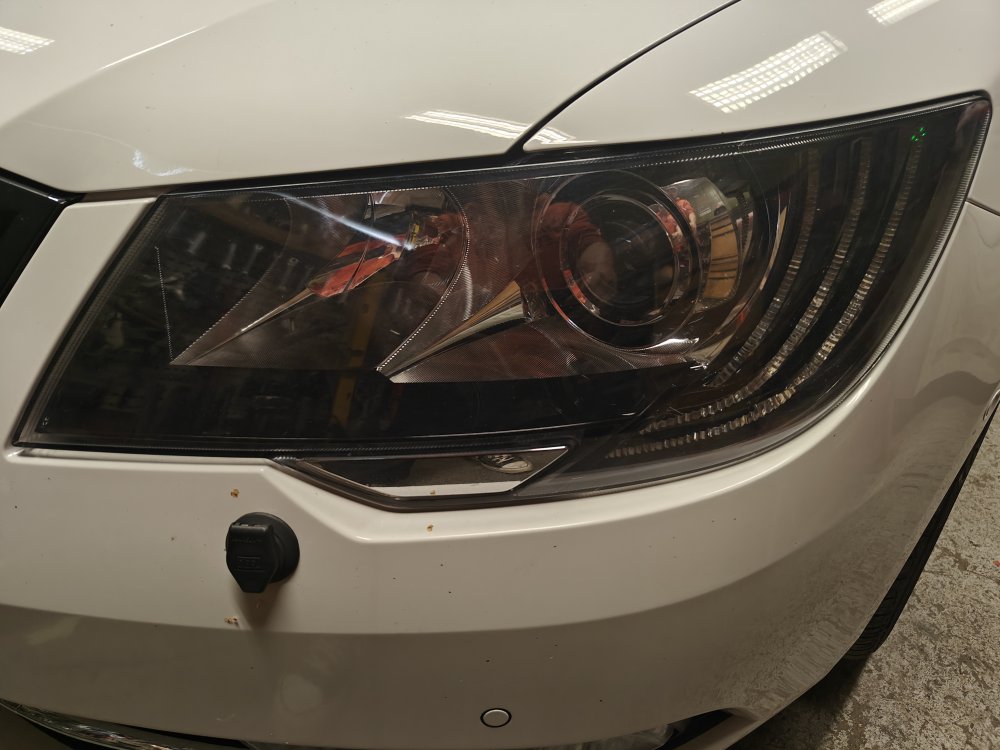
Some times i get fault code 01493 left front turn signal bulb. Car is Superb MK2 FL 2014 so there is leds inside driving light. Anybody ever repaired those or do i need change whole driving light?
-
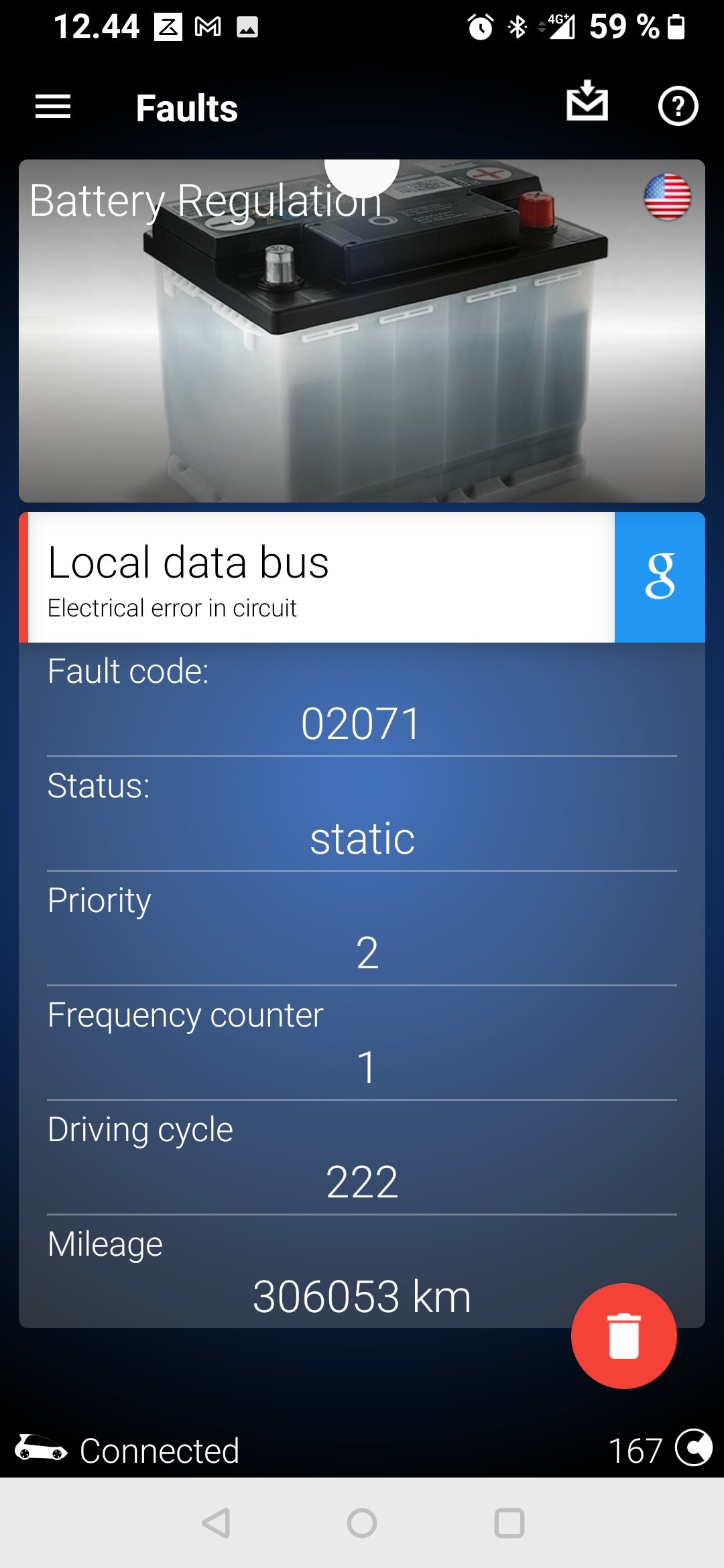
This is solved!! Changed alternator and zero fault codes now. Alternator LIN line was dead in alternator.
-
Data from 61: (sorry for wrong language) Ohjauslaite: 61 Battery Regulation Järjestelmän kuvaus: Batt.regelung Ohjelmistonumero: 7N0907534 Ohjelmistoversio: 1642 Laitteiston numero: 7N0907530AL Rauta versio: H58 Sarjanumero: 220513F2001122 Varmuuskopion nimi: akku Pitkä koodaus: 03060858 Sopeutukset: Kanava 002: 2D202D202D202D202D202D2D Kanava 003: 30 Kanava 004: 3037322054553320424C31493032574B3131 Kanava 005: 30 Kanava 007: 2D Kanava 008: 00 Kanava 009: 00 Kanava 010: 00 Kanava 011: 00 Kanava 012: 00 Kanava 013: 002000 Kanava 014: 00 Kanava 015: 10 Kanava 017: 30 Kanava 020: 3032 Kanava 040: 0000 Kanava 041: 0000 Kanava 048: 0000 Mailit: 305990 km Päivämäärä: 2022-04-28 16:54
-
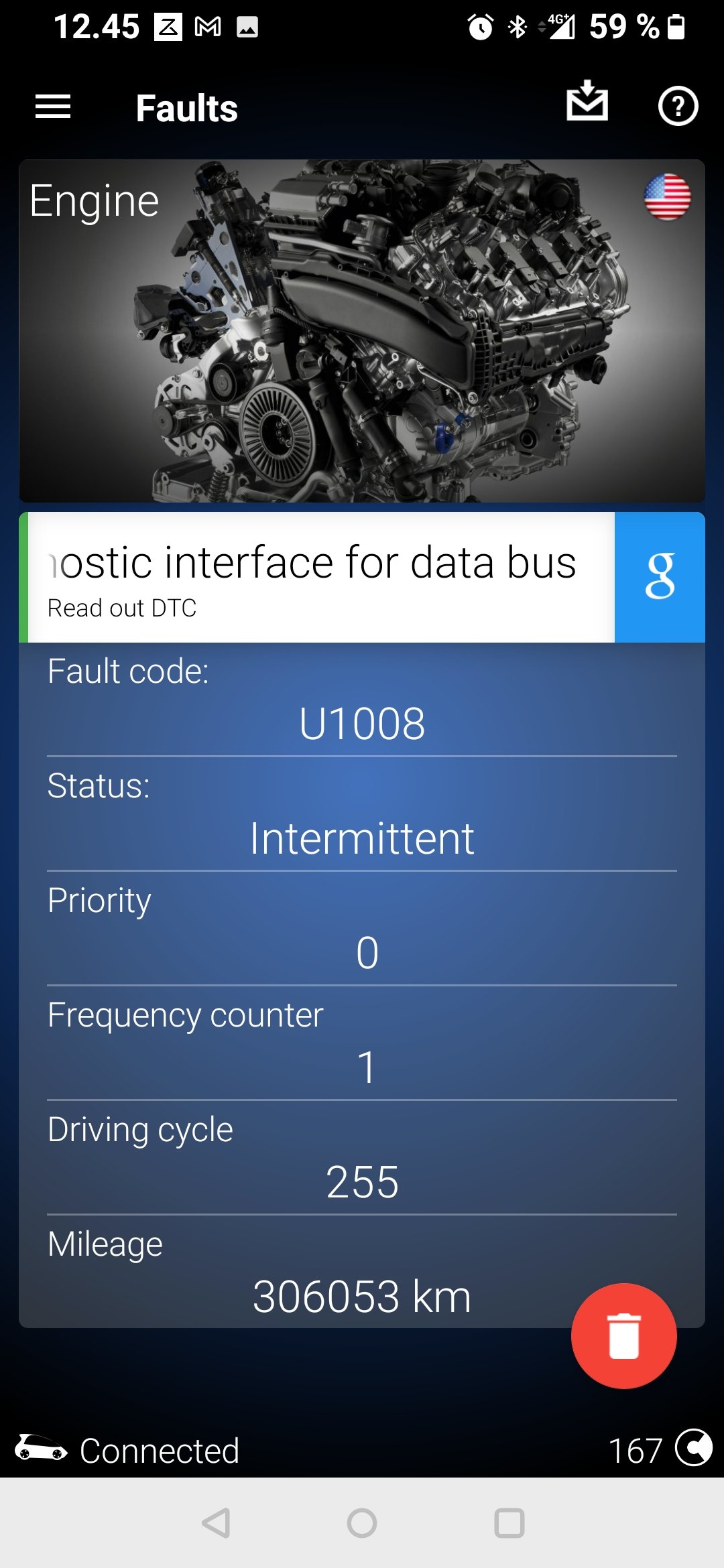
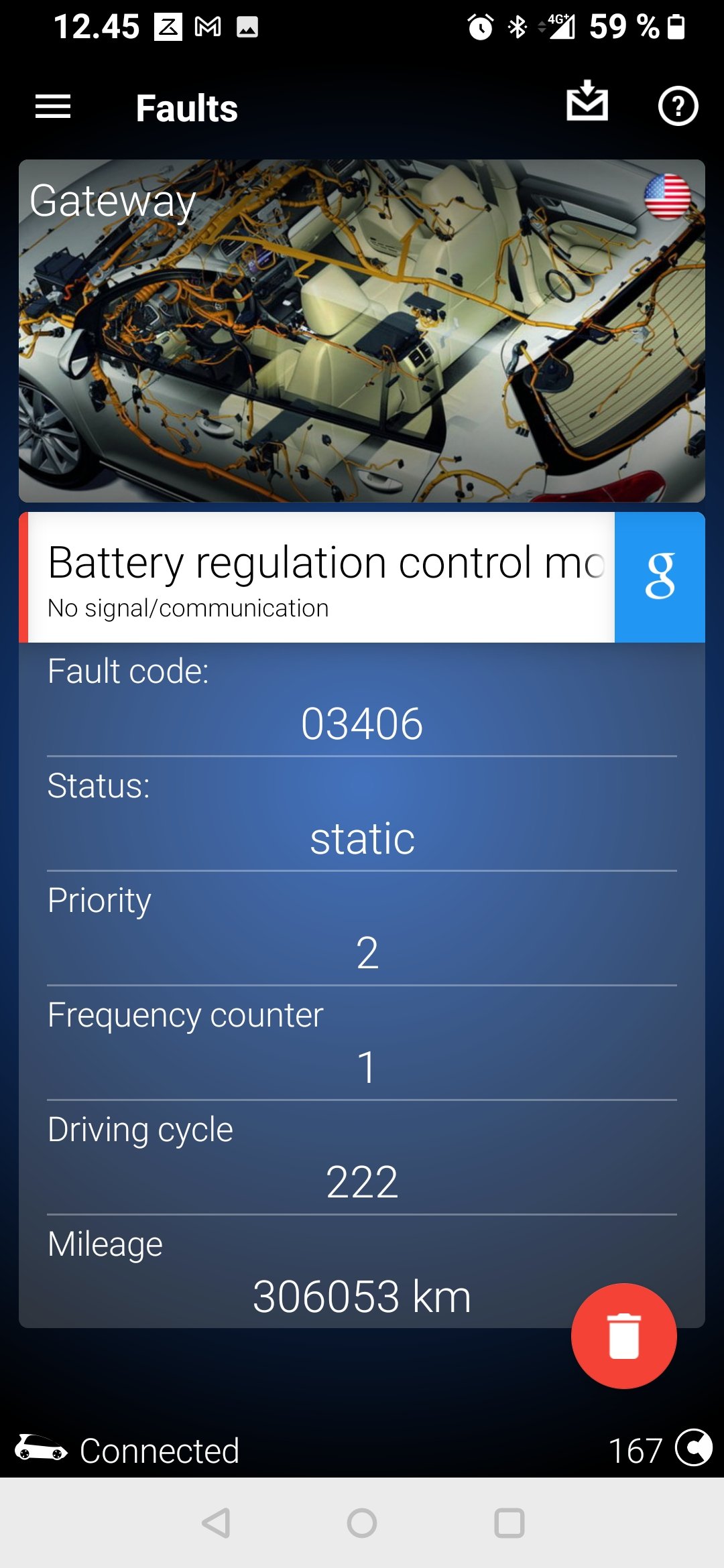
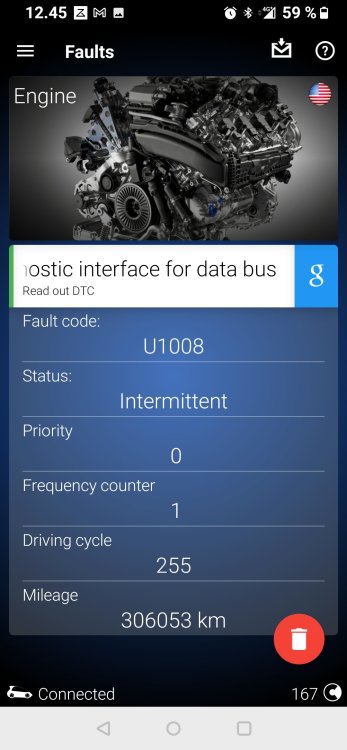
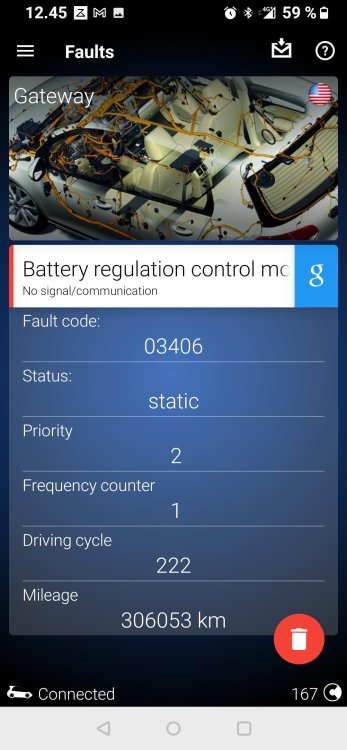
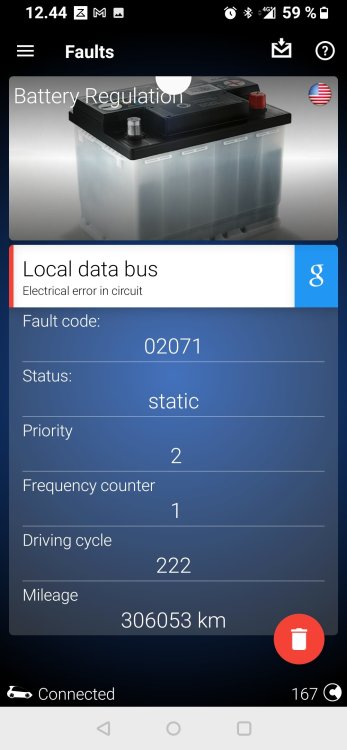
Hi, Trying to find out reason for those fault codes. Car is Superb MK2 FL 2014 1.8 TSI. Already changed battery negative gable and battery. Battery is coded whit obd11. Car was sitting last 5 months before i get it so old battery was dead and i changed new one. Why there is battery monitor because car don't have start/stop system.
-
Hi, new in forum and new whit Skoda. Need help for some fault codes, so thats main reason why I'm here. See you and have a great day.