cameronjones67
New here
-
Joined
-
Last visited
-
Pretty sure it is as it doesn’t seem to be any louder than stock and performs regens regularly usually approx once a week. Just seems very strange. My previous car went through a fair bit of oil too but was well known for it especially being a modded performance car. Switched to a 0w-40 ester based oil and the consumption reduced by more than half. Going to have a good look over everything tomorrow to look for anything obvious. Possibly change to a 5w40 too to see if that makes a difference.
-
My priority is sorting the oil mystery out however was wondering if some work had been done by the previous owner hence the high oil usage. There is zero signs of smoke, no signs of any leaks, dpf has zero issues not thrown any CEL lights which seems weird. MPG is great with high 60’s easily achievable on motorway runs.
-
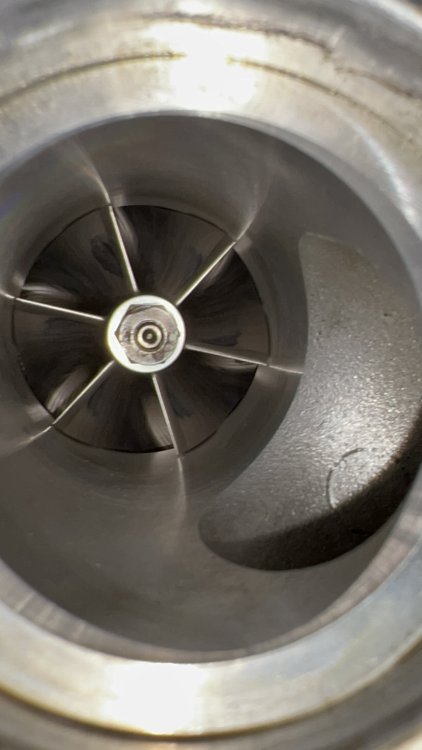
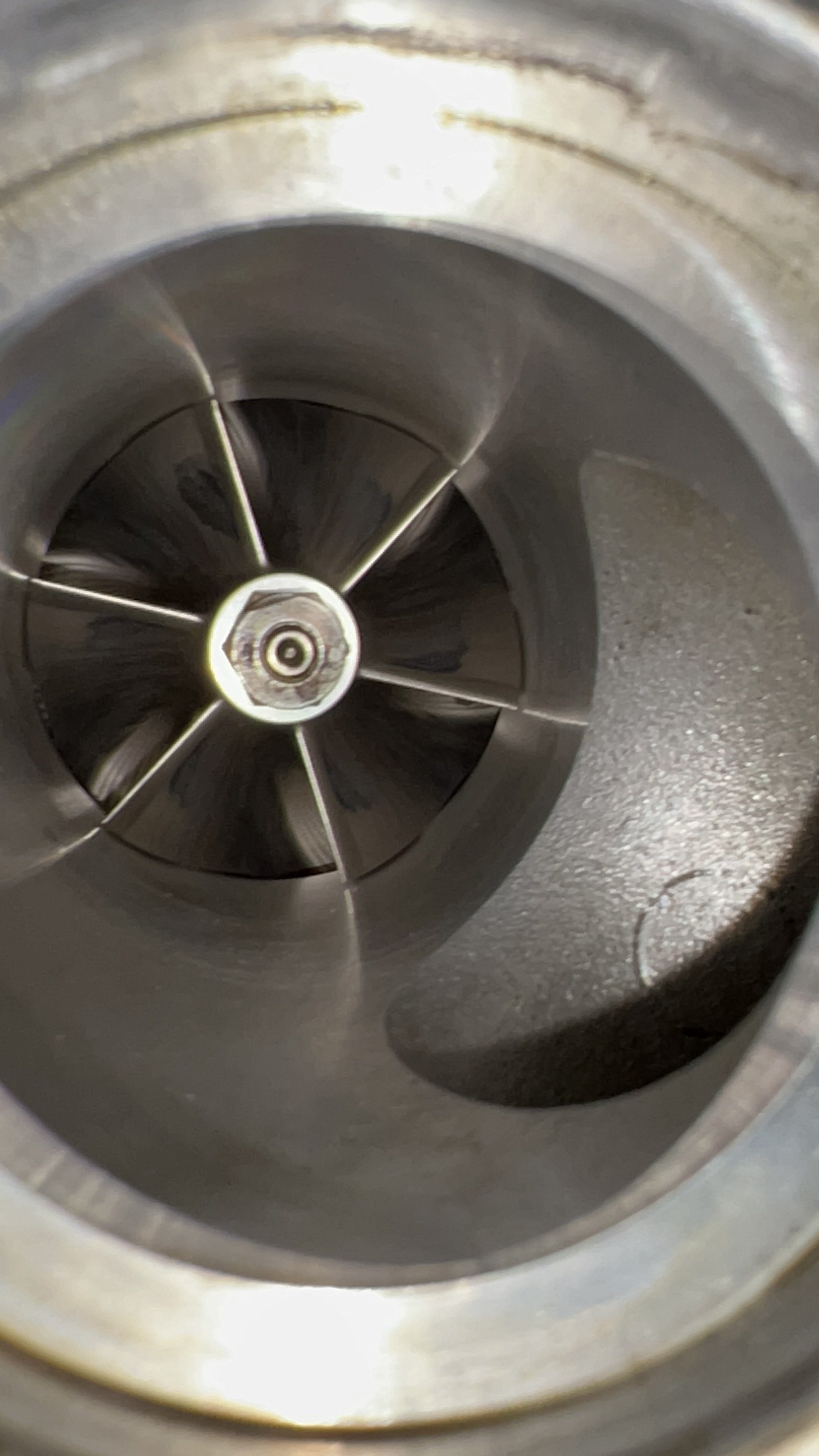
Hi, I’m new to the forum but have a question regarding the turbo on my Octavia 3 VRS TDI. I’ve had unusual oil consumption of 500ml around every 600 miles. I know this is within tolerances but still is high. Mileage is currently 63k. No running issues runs very smoothly and quiet for a diesel with plenty of power. After looking around I took some photos of the turbo. I’ve noticed it has what looks like a billet compressor wheel on the intake side. Is this standard on the oem turbos? I’m very confused as I also notice mine picks up from standstill slower than my friends but mine picks up higher top end. It’s not currently tuned as far as I am aware. I’ve tried getting advice with no luck. If it is a hybrid this would be great as I’m looking at tuning options. Any help would be appreciated. Thank you ☺️