AYES
Finding my way
-
Joined
-
Last visited
-
@fencer If you are talking about the vehicle in your profile picture, the vehicle has a lens headlight. No problem with the lens headlight. There is also a problem with all LED headlights.
-
@ApertureS Headlights have a manufacturing defect. The weather has just warmed up here and I'm a daytime user, and I don't drive much in the evenings. The led part in the headlight is under the plastic part and with the newly installed headlights, it has been 200 km and the melting has started. I used it 3 times in total in the evening within 200 km.
-
@fencer Is it possible to add pictures of the upper led part of the headlights?
-
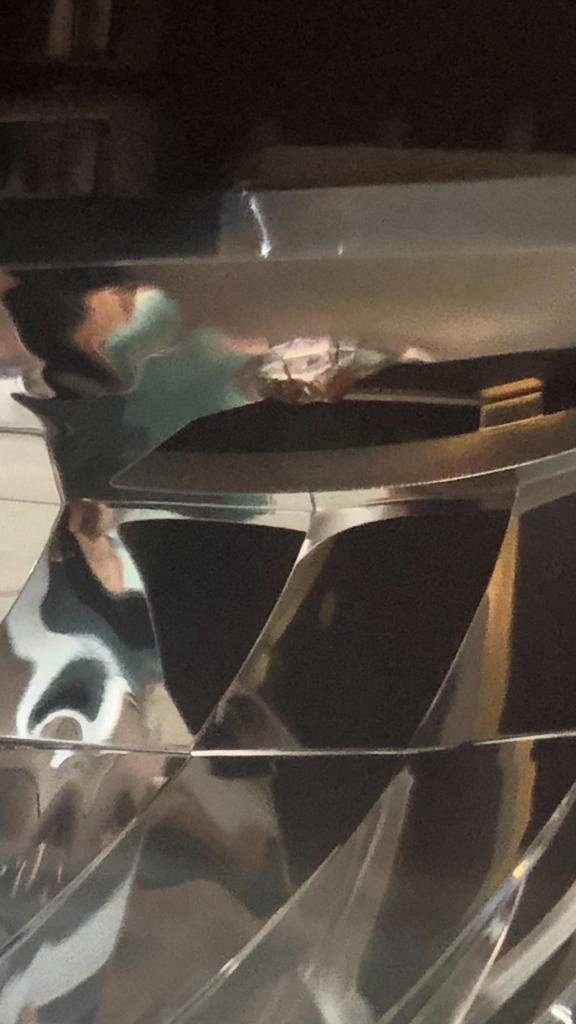
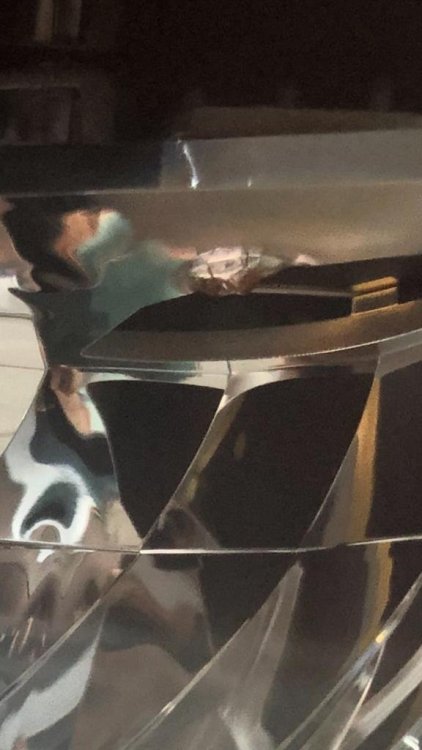
Unfortunately, I could not add a picture, but if those who have a vehicle look at the second LED in the right or left headlight when they look at the car from the opposite side, they will see that it has melted. I looked at the vehicles on the street and in the service center in Turkey, all of them had a melting problem.
-
When I drag it to the bottom left it doesn't accept it. I couldn't see a button to add. I have added the link to the links below, you can check it here.
-
I cannot add a new image. I couldn't find where to add it.
-
I've seen all vehicles in Turkey, I haven't come across one yet.
-
Greetings All Friends; First of all, I would like to say that I love my vehicle. All of the new chassis Skoda Superbs have headlight melting problem and no service knows about it. Look at your car headlights from the bottom up and be ready, where the leds are located at the top, the second led begins to melt the bright part of the headlight. In all the vehicles I have looked at, they have all melted in the service on the street and no vehicle owner is aware of this. The reason is that the leds stay under the headlight bowl and melt it due to the heat.
-
I am ismail 1.5 TSI 150 hp I own a white skoda superb.