
IanGrainger
Finding my way
-
Joined
-
Last visited
-
@pab567will know!
-
I'd really love to talk to someone that has done this work or something very similar? I'm nervous of doing it myself! 🙈
-
IanGrainger changed their profile photo
-
Hi! I have a 2015 and want CarPlay/Android Auto badly!! The main man pabs567 has told me I don't have the CANTON sound system (yay) - but I am NOT experienced with car mechanics and nervous of installing myself. pabs567 the absolute hero has offered to supply me with parts (glove box, display and USB) - but won't I still need to get them coded at a Skoda dealer? Does anyone have any installation instructions/videos? Sawing bits off sounds 100% outside of my comfort zone 🤣 I'm also intrigued as to the differences between Amundson 5Q0035874x and Bolero 5Q0035842x?
-
Pab567 on this forum said he could supply the parts for mine for well under that. I bought a 2016 and it could have smart link! I was quoted £151 to have it switched on. Unfortunately the car had swarf in the engine and was scrapped!!
-
Hi! I want to add SmartLink (and Android Auto) to a 2015 Octavia Mk3 which I reserved yesterday, but haven't yet collected - however I can do it!! I also need someone who will install 🙈
-
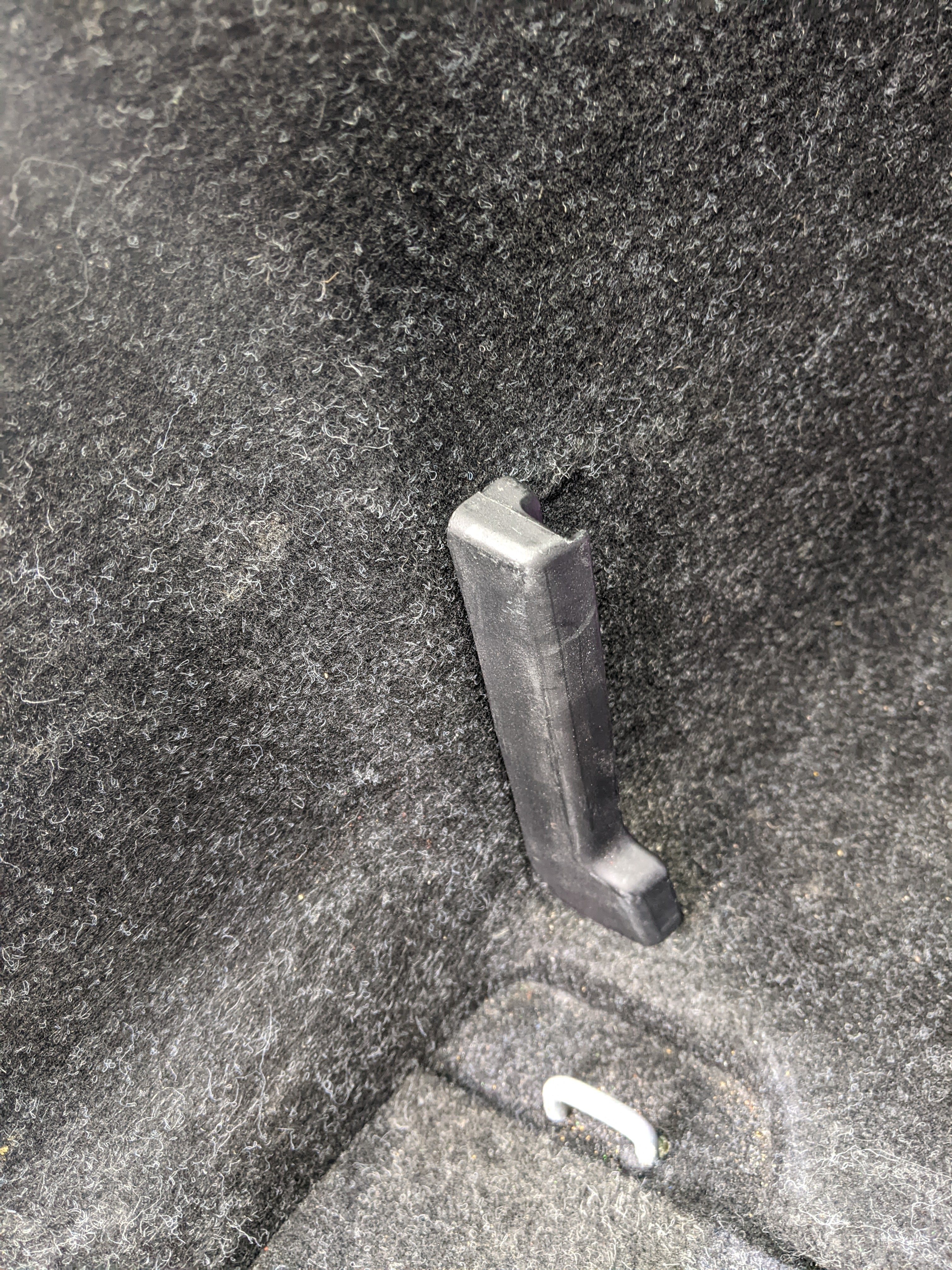
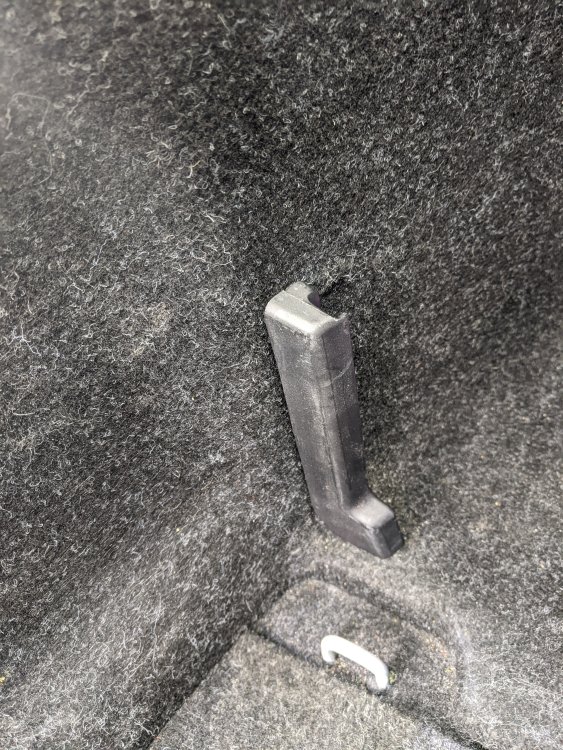
3/4 boot dividers are snapped off in the 2nd hand Octavia I just bought. Has anyone fitted new ones? Are these worth replacing?
-
Hello! New member here! Just bought an Octavia 2016 1.6 diesel and need to get SmartLink enabled! It has the Amundsen MIB 2 with a scratch on the screen and I'd like to fit the larger Columbus but not sure it's worth the hassle (/ can't afford it!). I had https://www.vw-retrofit.co.uk/ recommended by a passionate Octavia owner I know, but I'm in Cambridge and that's 1:45 away! Anyone have any ideas closer to me? I've found these guys: https://m.facebook.com/cambscarcoding/ - and will try to see if they are any good!
-
Hiya 👋. I've just bought my 2016 Octavia Diesel 1.6 through Cinch and will be looking to sort out the scratched touch screen! (Once I can afford it) 🫰😁