
Gravious
New here
-
Joined
-
Last visited
-
I believe it does have DPF but I'll check the code sticker, NI regs, etc. Thanks for the extra info!
-
Gravious changed their profile photo
-
Hi Schtum, indeed it has the plastic intake. I see Darkside do a kit to replace: https://www.darksidedevelopments.co.uk/products/ppd170-used-bkd-aluminium-inlet-manifold-conversion-kit.html I will get that ordered soon. While at it, I guess it's worth an EGR delete + EGR cooler delete. Will this throw check light that would need mapped out? Assuming I have the BKD intake in place, what would you then say about the mufflerectomy? FYI - RARB is on the list. Not sure if worth the money and effort, but I'm also looking at a front strut and the chassis brace. Not sure if this car is mapped - might consider a basic map, but nearing 14 years old with 152,000 on the clock, I'm concerned I'll end up putting this beyond economical repair. Any and all advice for a new vRS PD170 owner is very much appreciated. My other car is an offroader Disco 2, light mods to exhaust and engine.
-
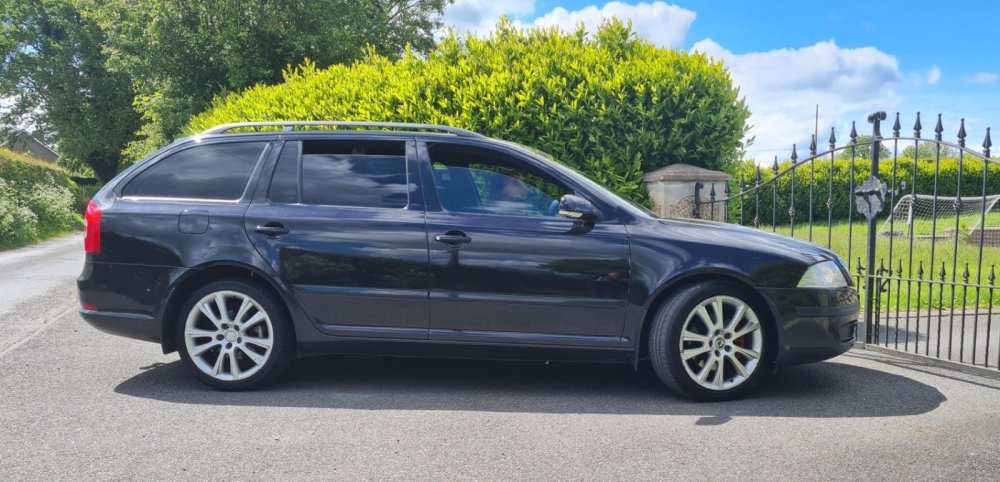
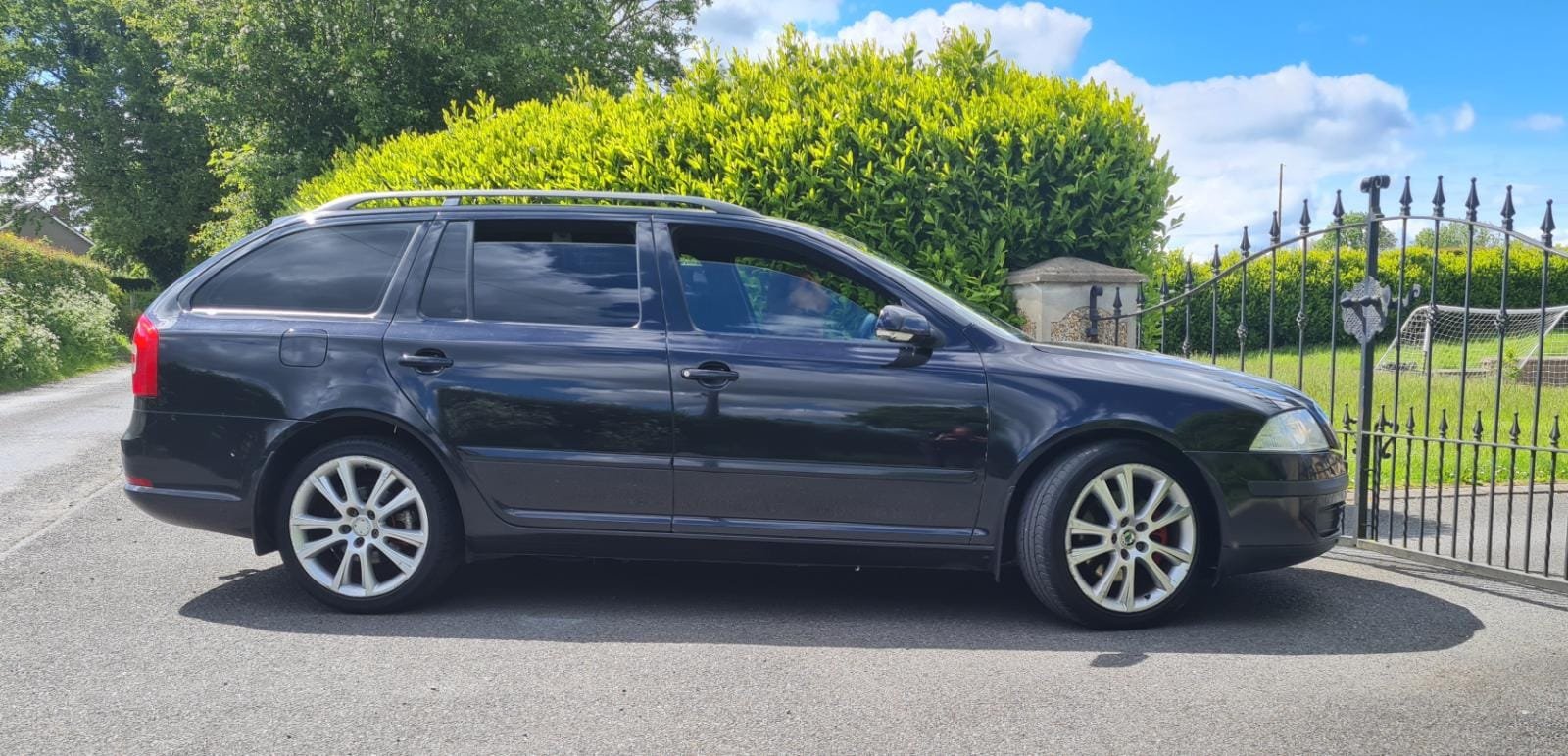
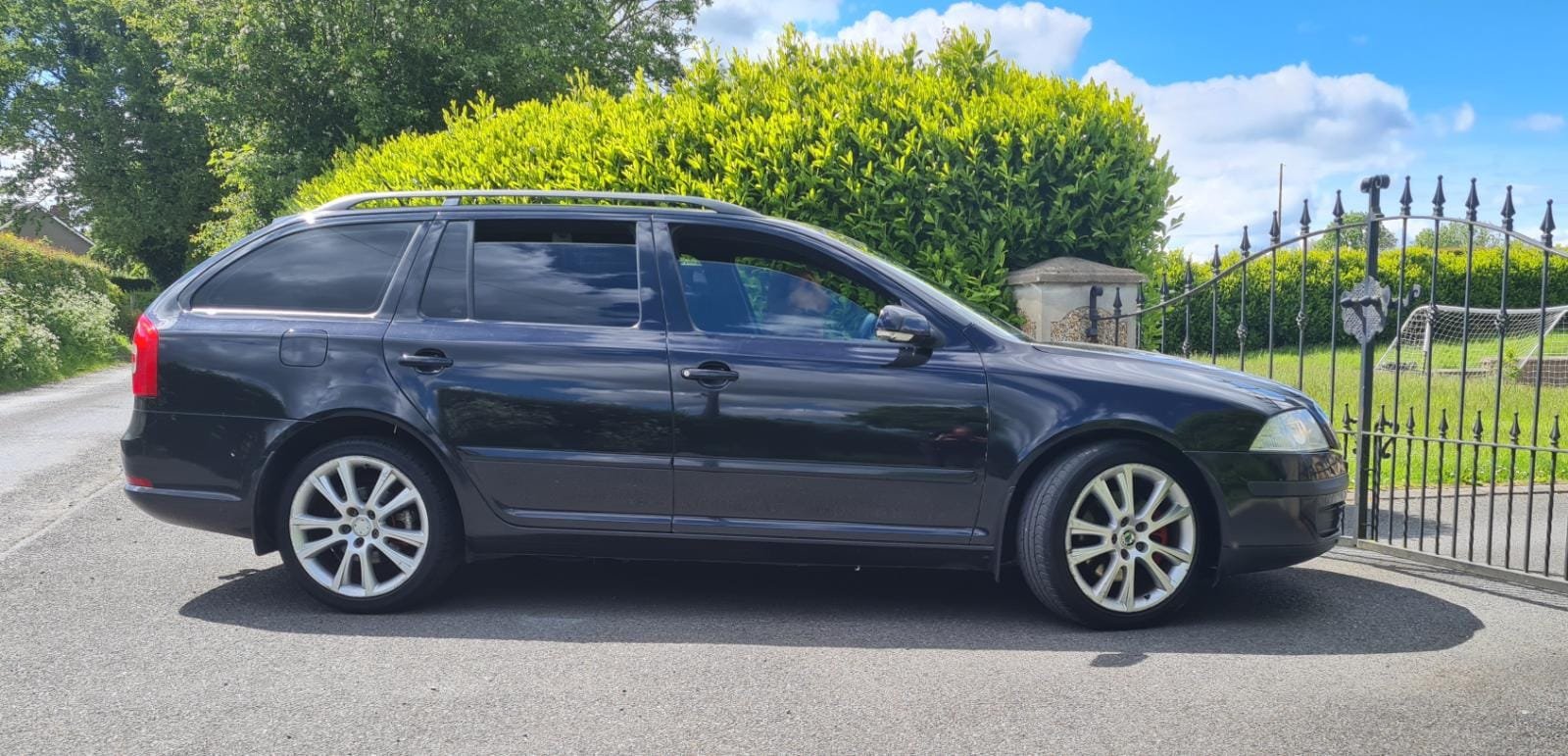
Hi all, Just picked up an '08 vRS PD170 and absolutely loving it. Some years ago I had a PD130 Passat w/ remap which, when I did the mufflerectomy, really benefitted with faster spool up, slightly more turbo noise, and a slightly deeper note. Has anyone done this on a vRS PD170 - what are your thoughts? Hoping I would get the same benefits, not expecting anything dramatic or sweet-sounding, but it was definitely noticeable. From a Youtube test video, A SEAT Cupra TDI made 7 bhp and some torques when dyno tested (x3). Nevermind the numbers though, on my PD130 it definitely had a more 'willing' character, and that was worth the £60 to lop it off and replace the missing section. Cheers!