Tom360V
Finding my way
-
Joined
-
Last visited
-
Hi, I was wondering the same, because I few your ago I had a Volkswagen Golf 5 which had this feature: press the car open button on the carkey for few seconds and it will open all windows, press the car close button for a few seconds and all windows will be closed. Imho it is just some software handling this, so hopefully there is a way to active this...
-
-
@pab567 Thanks a lot!
-
Hi all, Saying hello from Eindhoven (Netherlands).
-
Thanks for your answer, I thought both where the same as in if you update your firmware you also get new maps. Actually I'm looking for new maps for my amundsen system, do I have to update my firmware to use the latest maps?
-
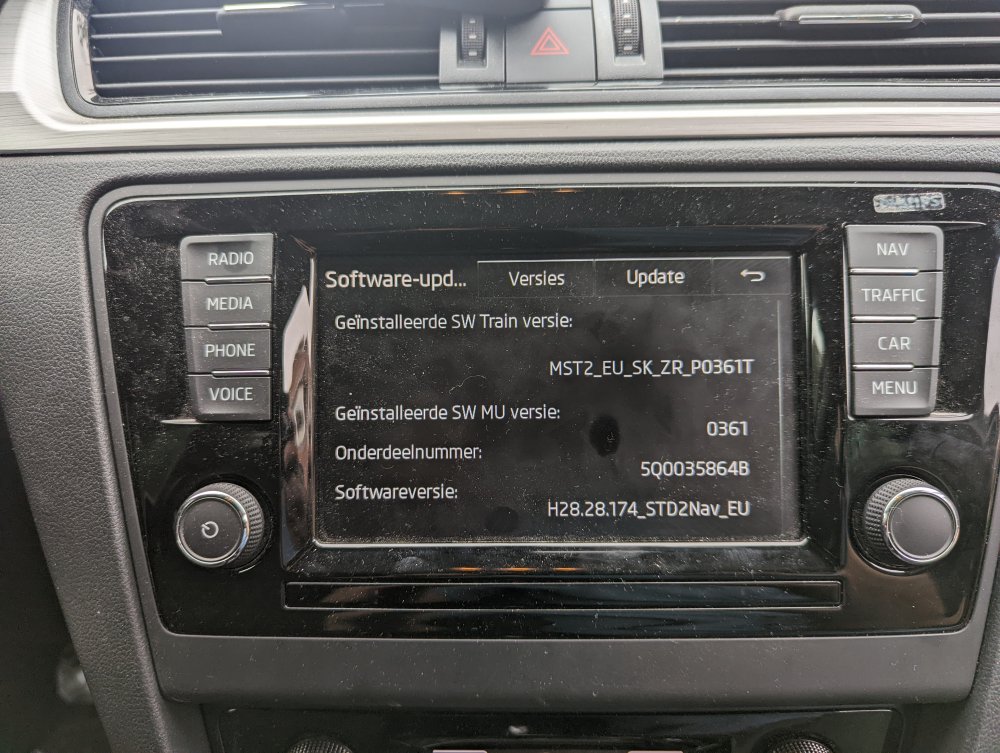
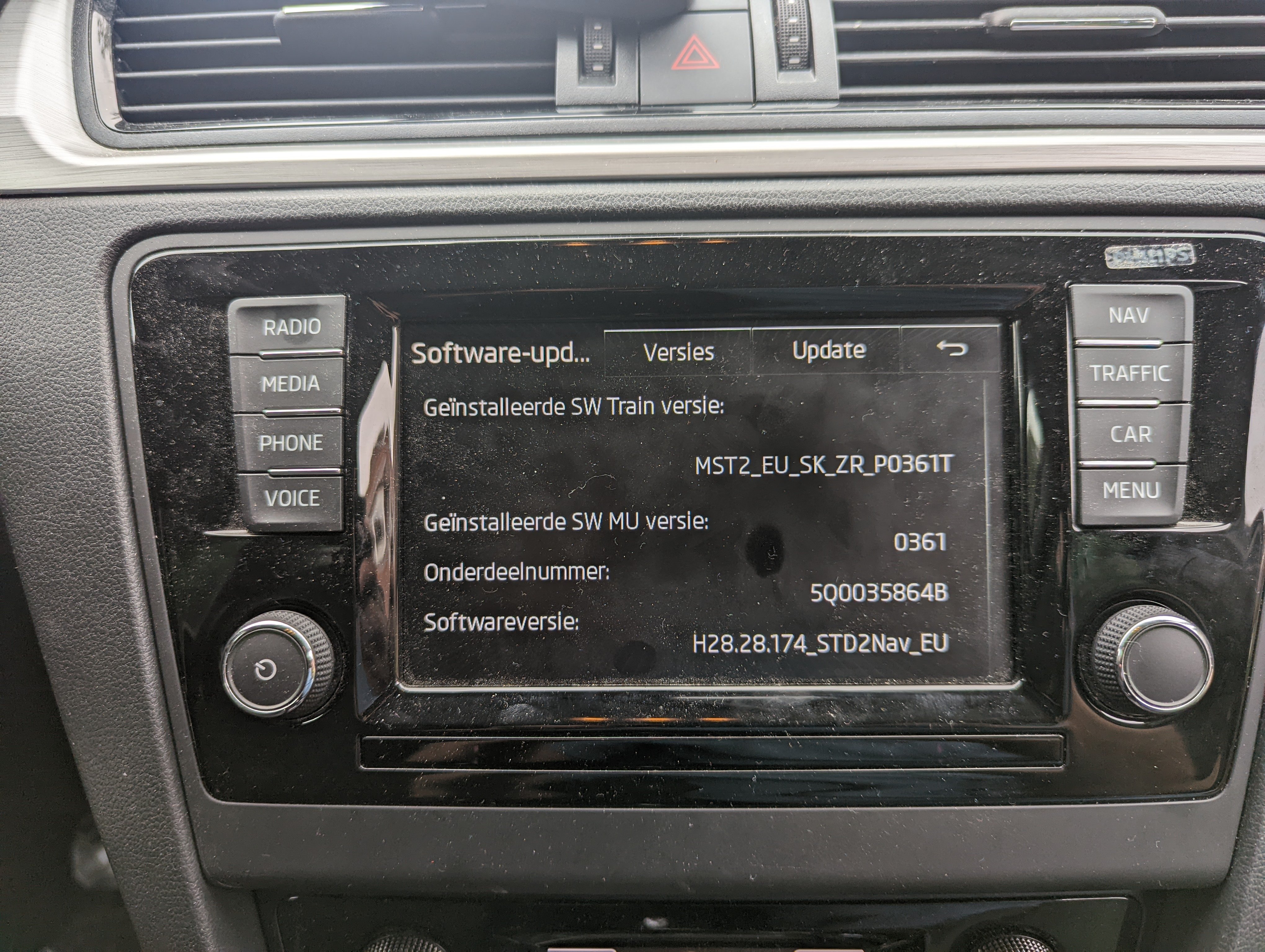
If I check the Skoda update site, there are no updates for my car available, which is strange because my car is not updated in the last 5 year, so at least there should be something. From another forum I understood that the firmware from Volkswagen and Seat are the same as Skoda, but you have to know which cars have the same media/navigation systems. The Volkswagen Golf, until 2015 seems to have the same system as my Skoda Rapid (NH), but that firmware does not work. How I tried to update my system: - Clear original sd-card (after making a backup - Extract downloaded firmware on the sd-card - Insert locked sd-card into the car and see what happened So far system only complained about wrong data (can't remember the exact message).
-
@pab567 I'm searching already a few days for a new firmware update for my amundsen of my Skoda, found a few but none of the is working. Hopefully you can point me to the right firmware!