Ernie2000
New here
-
Joined
-
Last visited
Everything posted by Ernie2000
-
Yes I'll have to go back and see what comes up on the codes. I'm wondering if it's worth replacing the MAF sensor as a starting point?
-
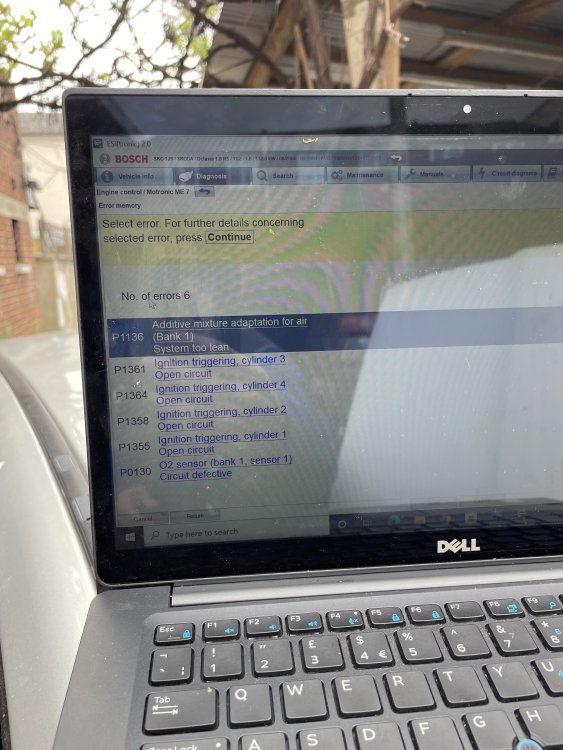
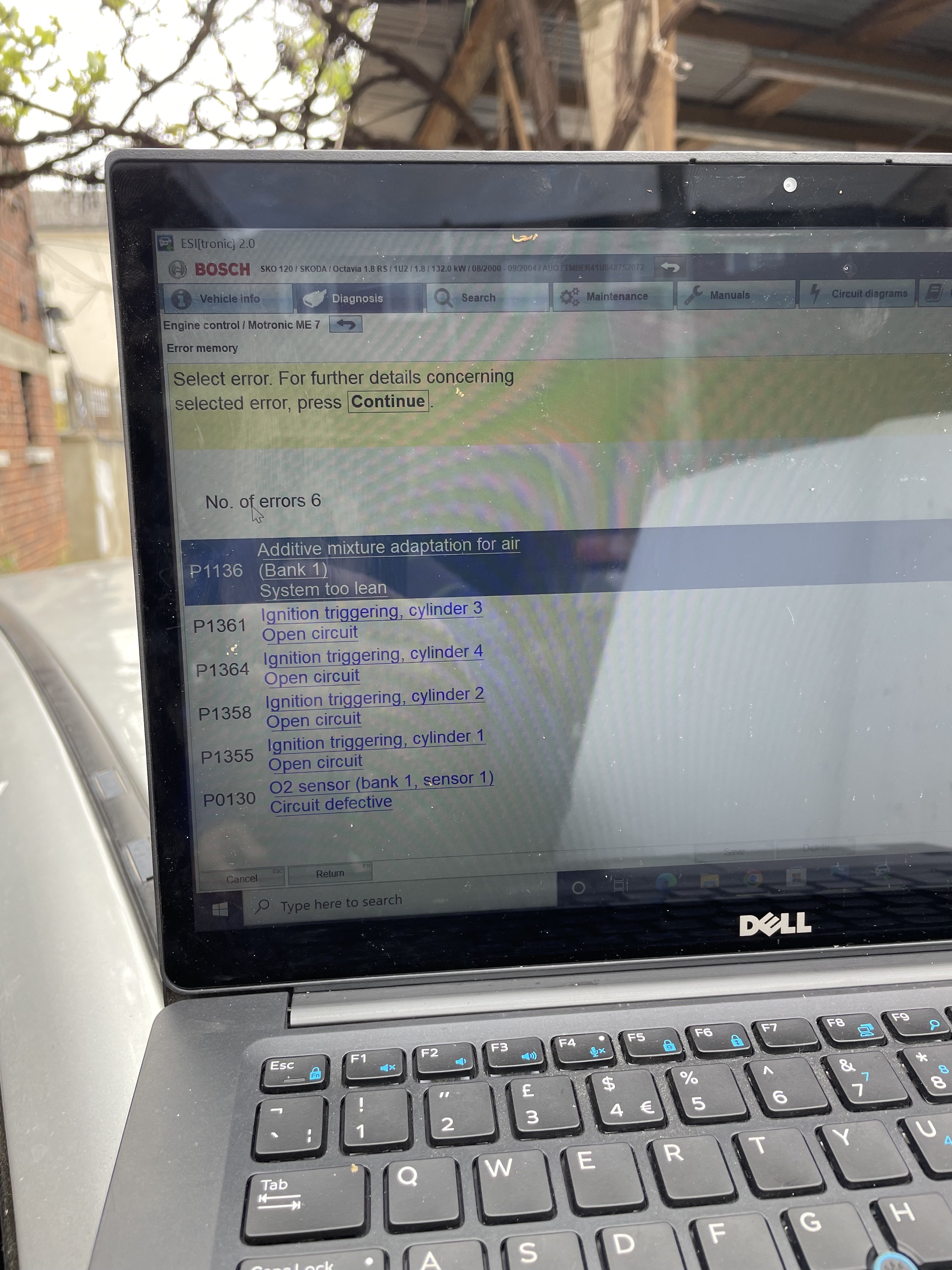
The codes are from when it was initially read, I haven’t had the codes checked again since they were cleared and the engine light came back on.
-
https://youtu.be/j96M7eU2Cpo
-
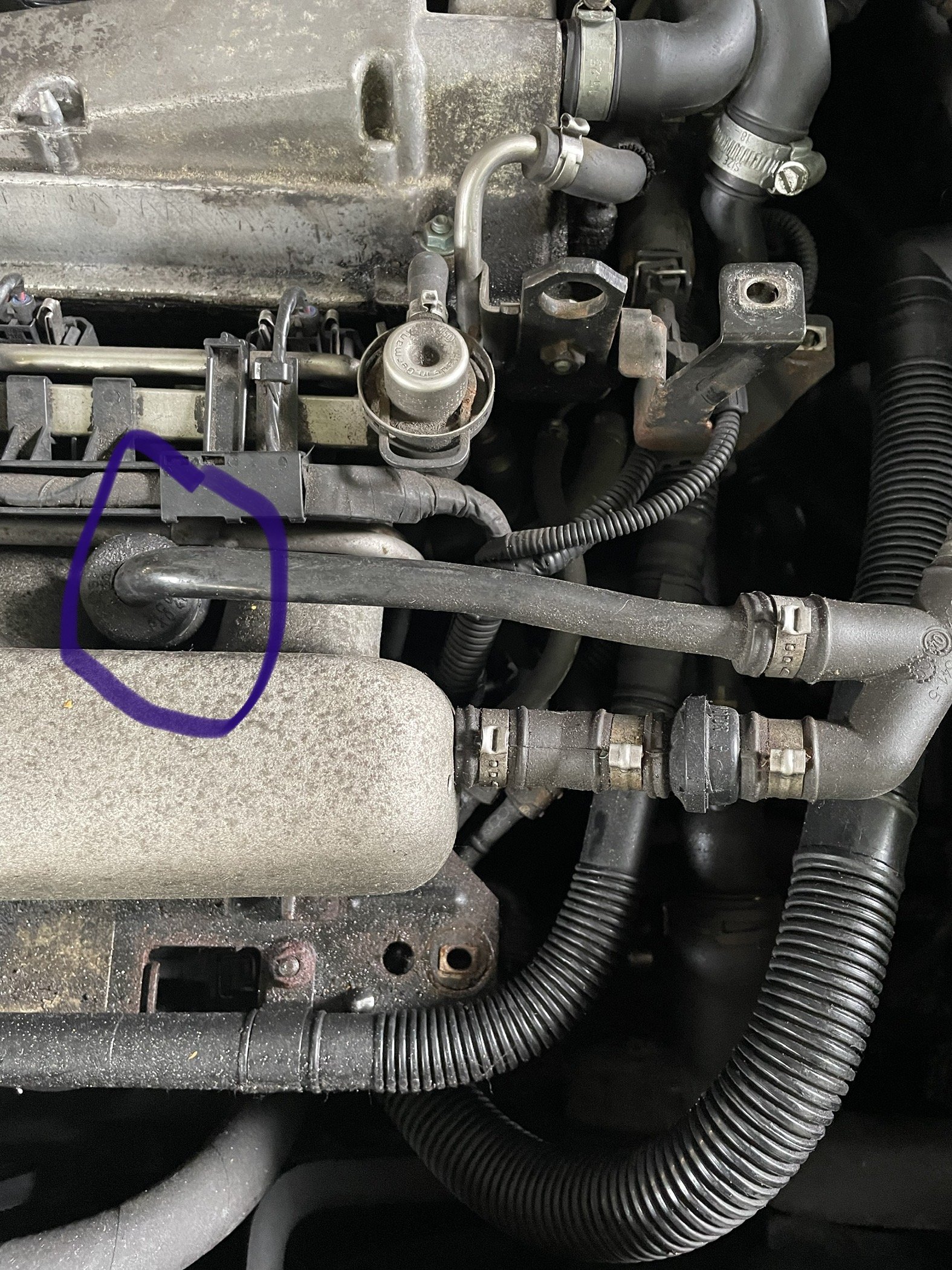
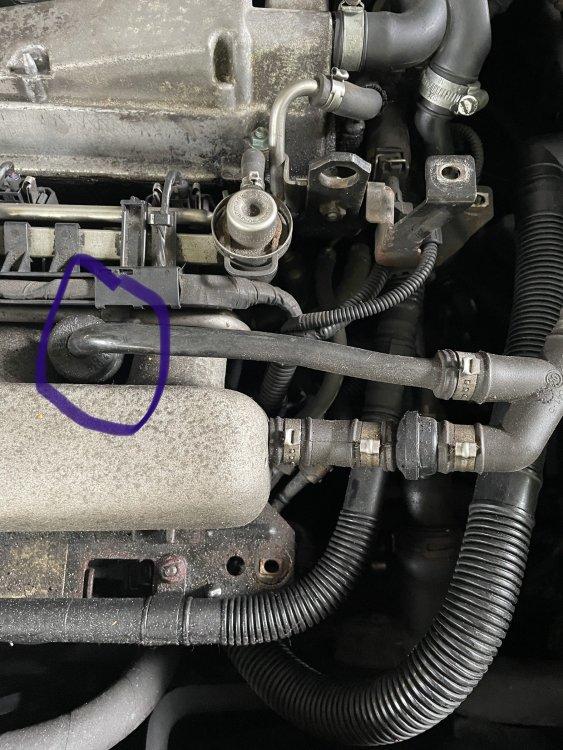
I've had another poke around the engine bay, it does sound pretty noisy especially on the first minute of start up, not sure if this is just the secondary air pump. I can only find one hose which is loose under the intake manifold. Could this be the culprit? <iframe width="560" height="315" src="https://www.youtube.com/embed/j96M7eU2Cpo" title="YouTube video player" frameborder="0" allow="accelerometer; autoplay; clipboard-write; encrypted-media; gyroscope; picture-in-picture" allowfullscreen></iframe>
-
Look for help with figuring out why my check engine light is on. It came on soon after a service at my local garage, I'm not sure if this is a coincidence or related. The car is a 2004 Octavia VRS 1.8T petrol with 130,000 miles. I haven't really notice much difference in the running of the car. I'm using the car most days and it's running fine. I took it back to the garage to see if it was a simple fix and they checked the codes which I have uploaded below. The mechanic had a fiddle with the airbox/air intake and said there might be an air leak somewhere but couldn't see anything obvious. He cleared the codes and told me to come back if the light came back on. I drove another 100 miles or so before the light came back on. I haven't had a chance to go back yet but managed 1000 miles or so without issue. I have attached the codes that came up and would be interested in what people though the issue might be;