ftb189
New here
-
Joined
-
Last visited
Everything posted by ftb189
-
@pab567 thanks for the file and useful answers in this forum! I want to give it a try this weekend but as I’m completely new to this I still have a couple of questions and I hope you or anyone could help with these and the answers are helpful for others: - Is this the correct process? 1. FAT32 format SD Card (min. 4GB) 2. Extract file onto SD Card root 3. Turn on ignition and insert SD (Slot 1) 4. Hold MENU and select Update 5. Click next and wait till it finishes - Should all features still work after the update? (e.g. navigation, carplay, bluetooth etc.) - No additional steps needed to register the update or features that were activated before? (Read something about a message to register the update with F5 codes etc.) - No additional steps needed to remove an error? (Read something about error 1555 which should be removed) Sorry for the probably dumb questions, tried to find as much information as possible but confirmation of understanding how it works hopefully prevents me turning it into a brick and an angry misses 😉
-
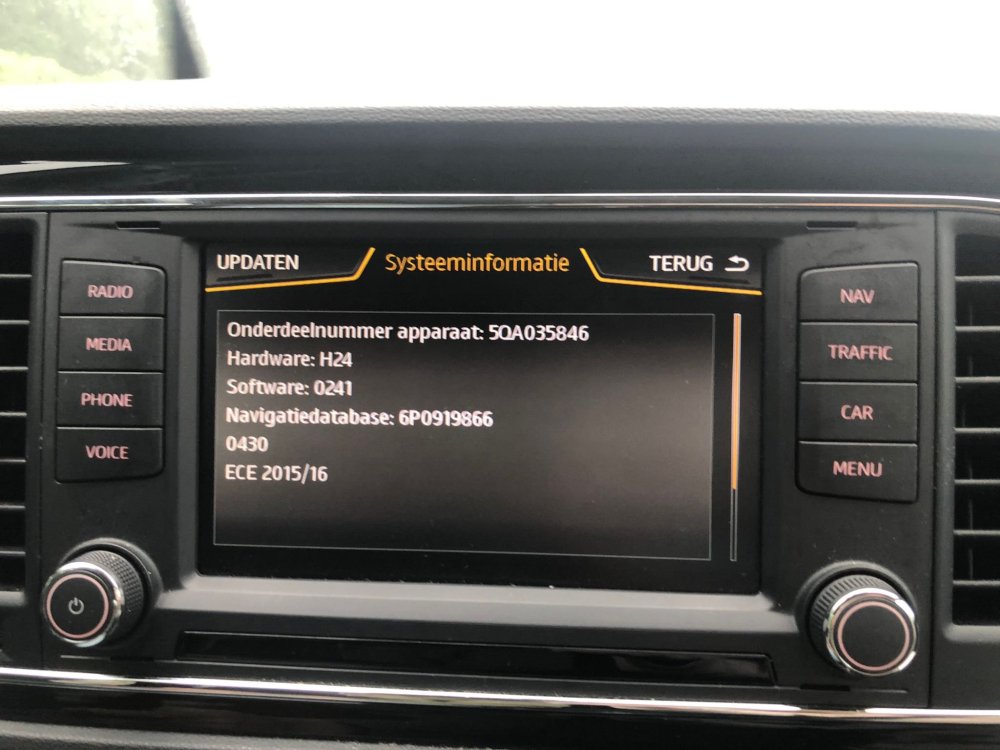
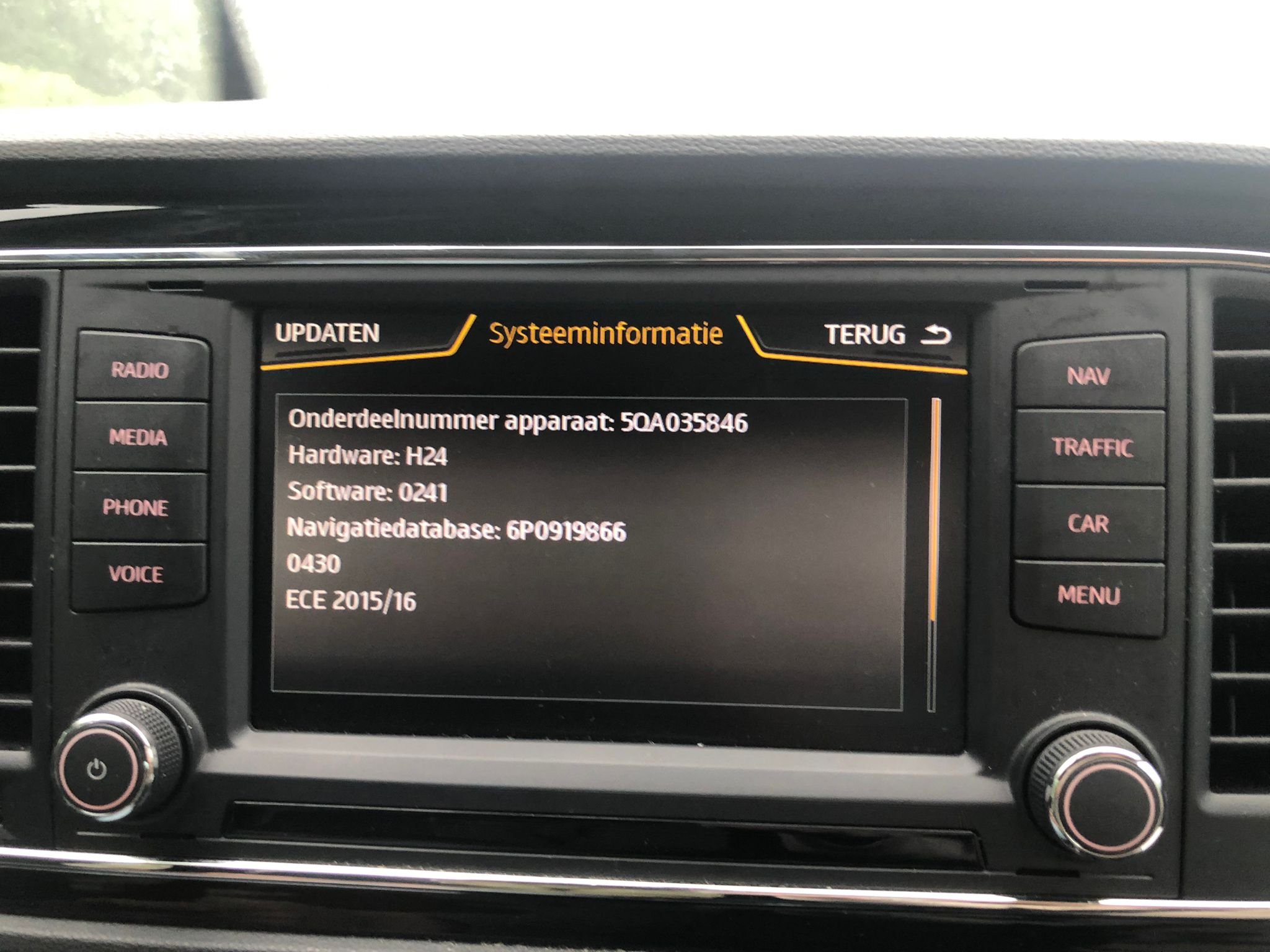
@pab567 maybe a weird question but my girlfriend just bought a secondhand Seat Leon and I tried to find an update for her system which brought me here as the system seems similar. Can I use the same update others received? Here are the specs: