Nugz
New here
-
Joined
-
Last visited
-
OK thanks mate. I get more useful information from just 5 minutes on this forum than the drivel coming out of the dealer. The installers want the dealer to run a diagnostic on it to rule out any error codes but I am not confident that will reveal anything and I have absolutely no confidence in my Skoda dealer. I suspect I will have to do the "kick dance" choreography - who knew this was what you have to do to get the virtual pedal to work!
-
Hi @Teir, can you tell me about the new antenna? my Hayman Reese hitch receiver installed aftermarket is just not useably working... I maybe get it to work 1 out of every 4 tries? Installers/Hayman Reese seem to know nothing about this and my Skoda dealer is washing their hands of the whole thing as they (predictably) are saying that its not a factory fit so they won't be held responsible? Whats involved in a new antenna? would I have to order it from Skoda?
-
Yessir. They are hopeless!
-
Thanks. And yes factory tow prep has been in place. I think it’s a standard in Australian Kodiaqs thanks for the heads up @Teir Dealer insists it has something to do with the sense for automatic boot kick release. They know nothing … grr. You’d think they’d know their own product
-
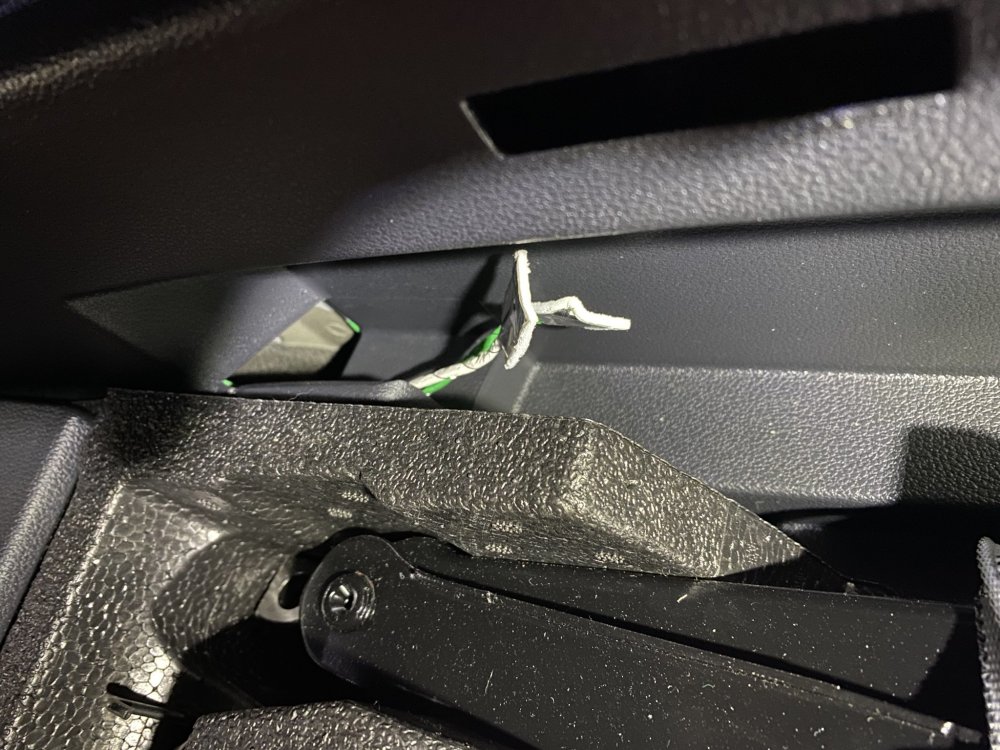
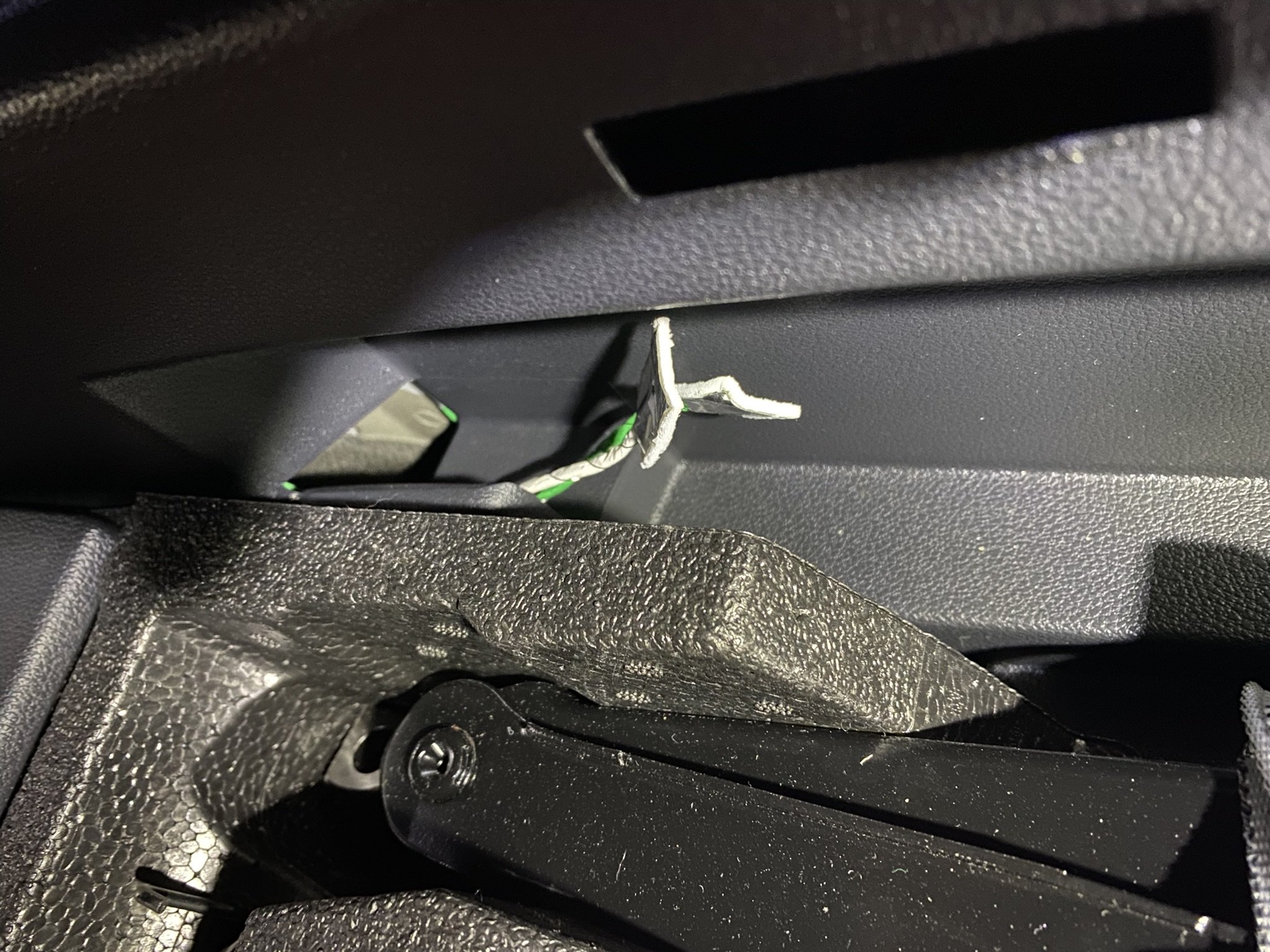
Hi @Teir, do you mean this: I have been wondering what these wires are for... asked the dealer and they had no idea... I had an aftermarket Hayman Reece Hitch receiver installed and the automatic kick sensor boot opener thingy doesn't work!