Rotsun
Finding my way
-
Joined
-
Last visited
-
Thanks guys I'll look into that once the weather improves!
-
Hi, For a while now I've been getting a slight rattle when pulling away which is now getting worse. If i use high revs it doesn't happen. A friend suggested it could be the rear engine mount but I fear it could be the DMF failing?
-
On my way to work it would be but not on my way home. Its only done it once somewhere else, thing is I only really use the vrs for work tend to use a couple of old retro cars when I'm at home so that might be why it's only happened at that point.
-
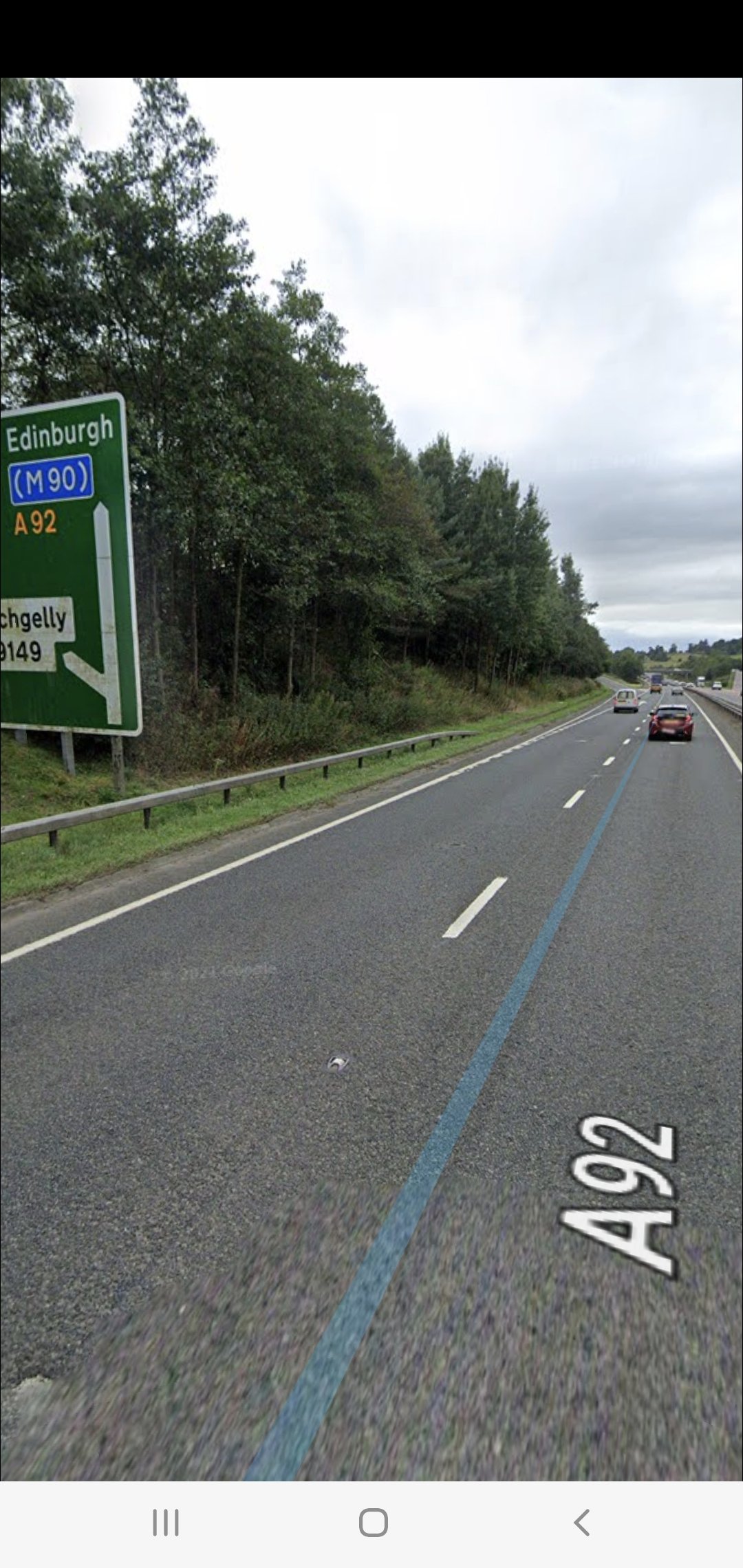
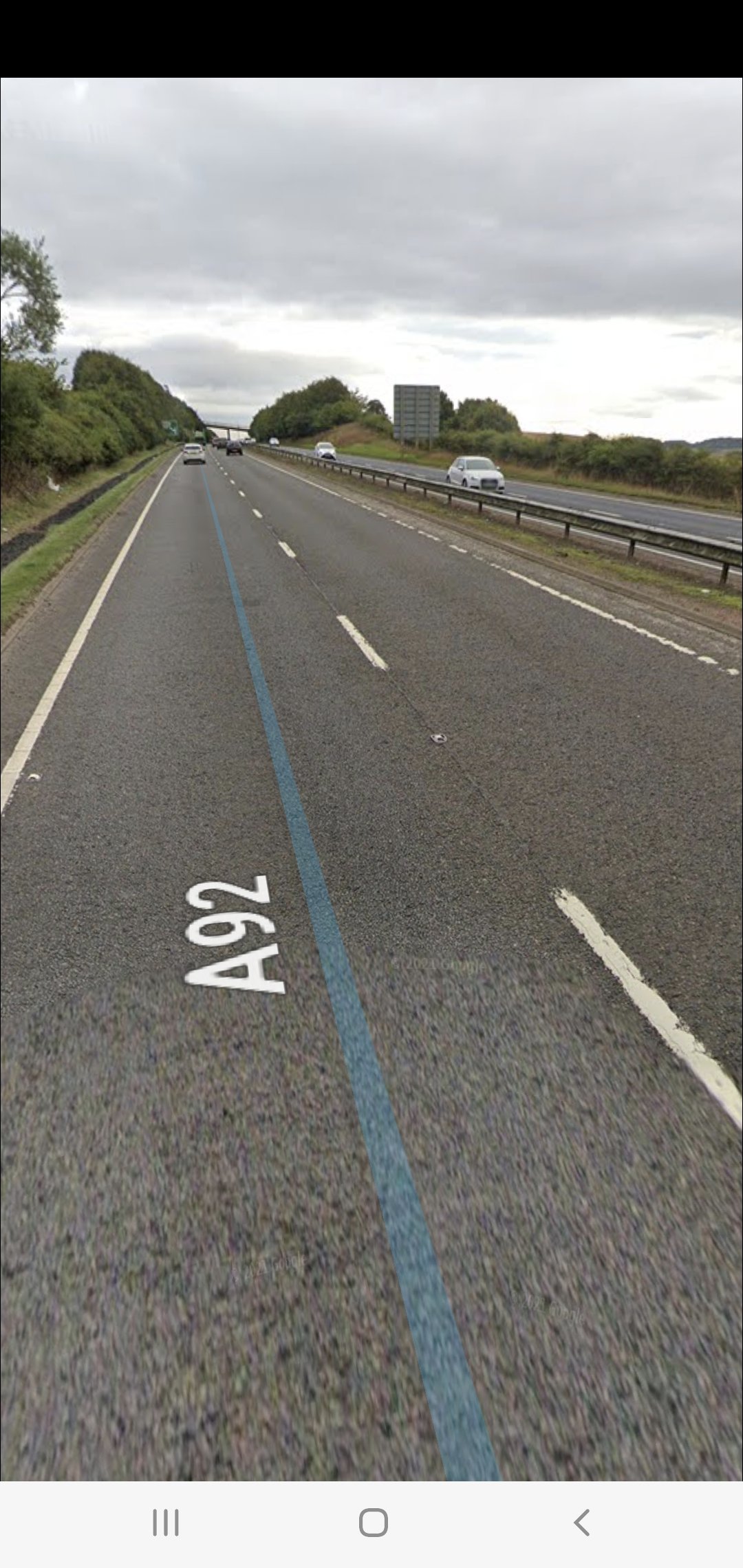
The point it usually happens is going to work its a slight downhill and heading home its a slight uphill, all within half a mile of each other. These pictures show exactly where it usually happens
-
It's completely standard and no idea on the fuel filter it was something I was going to look at. It does seem to be up or downhill and not on the flat
-
Hi, Its at 7 miles in to journey. Usually nine minutes but if I'm caught in traffic on the same journey it will still do it at the same bit of motorway. 5th gear between 60/70 which is around 2600/2800rpm? . Worst I've had was it dropping from 70 to 60 but unsure of rpm probably 2400/2500
-
Haha it was when I first wrote the post but normal wet weather has resumed!
-
Hi I've had my octavia VRS for around 6 months now and since I bought it its had an issue which I can't work out and was looking for help. Basically the car loses throttle when cruising on the motorway and always at the same spot when going to and from work, only for a few seconds then all is fine again! Mostly at part throttle not WOT. Pressing the throttle does nothing, no stuttering etc. Driving A and B roads it has never done it and it is not every time either. No CEL and no faults on vagcom either so I'm stumped can anybody help? Thanks
-
Hi new member here just thought I'd better say hi 👋