Baltazar
Finding my way
-
Joined
-
Last visited
-
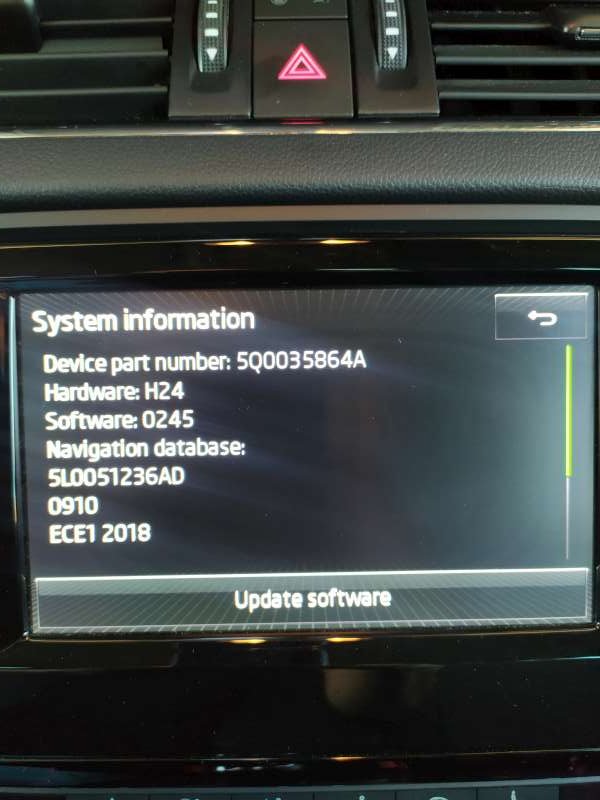
Hi Everyone, Any new update for this hardware: Device part number: 5Q0035864A Hardware: H24 Software: 0253 I have MST2_EU_SK_ZR_P0253T Thanks
-
Thanks for the fast feedback.
-
Hi @Houdini Can i ask you to test one issue that i have before you do an update on the unit. Are the rear tweeters loud like the front? If you adjust to max you hear them loud like the front or not so? Thanks in advance
-
Thanks for the tip. I thought as well that the crossovers are the issue or the rear tweeters are not playing so high like the front. But still you hear difference from min to max on the rear tweeters but not like on the front. Front are really noticeable. Since the preamplifying is controlled with software digital to analog i guested that the software is responsible for that. Maybe if i install the previous version i can debug the issue. Eliminate the software as an issue perhaps and looking for the hardware issue.
-
Hi @pab567. I was not playing a lot with the media in my car, but recently I have found out that the loudness of the rear tweeters is very low. Even if I adjust it max high. The front is loud, but the rear are like there are not even there. There is a very small difference from high to low, but not even close as the front tweeters. There are speakers you can hear it if you put your ear close. I updated the version of the media that you send me the link. From MST2_EU_SK_ZR_P0245T to MST2_EU_SK_ZR_P0253T. Maybe the new version has this issue? I am not sure if it was like this before the update. Didn't test it. Thanks in advance.
-
Hi @pab567. Me again. I have some issue with the updated firmware version. I run a full scan today at work with Gutmann tester and I get an issue that the software version is false. I scanned at home again with VCDS and its the same. " Control Module Part Number: 5Q0 035 864 A HW: 5Q0 035 864 A Component and/or Version: MU-S-N-ER H24 0253 Software Coding: 03730201FF00000011110001000000002F0200C401200100C4 Work Shop Code: WSC 73430 790 00063 ASAM Dataset: EV_MUStd4CTSAT 001022 (SK37) VCID: 3169A0C36029530EB4-8064 1 Fault Found: 1555 - Check Software Version Management B201A 00 [009] - - [New feature! Extended UDS fault detail is only supported by current gen. interfaces] Confirmed - Tested Since Memory Clear Freeze Frame: Fault Status: 00000001 Fault Priority: 6 Fault Frequency: 1 Reset counter: 206 Mileage: 92718 km Date: 2022.06.23 Time: 08:46:17 Voltage terminal 30: 12.0 V Status_Software_Version_Management-module_name: D " Any idea? Is it possible that the version is false for my devices. Or if its correct but still I get the error can I revert the update so I return to the previous version. Thank you in advanced
-
So. I did the following. I used an old map SD card form Skoda formatted as you told me and also I erased the "system volume information" hidden folder that windows create not to make any confusion with the device. This time it worked out. It only updated the one that failed the first time. Many many thanks @pab567for the unselfish help and sharing the updates with us. One more short info. Any idea is its possible to activate the SmartLink . With VCDS maybe.
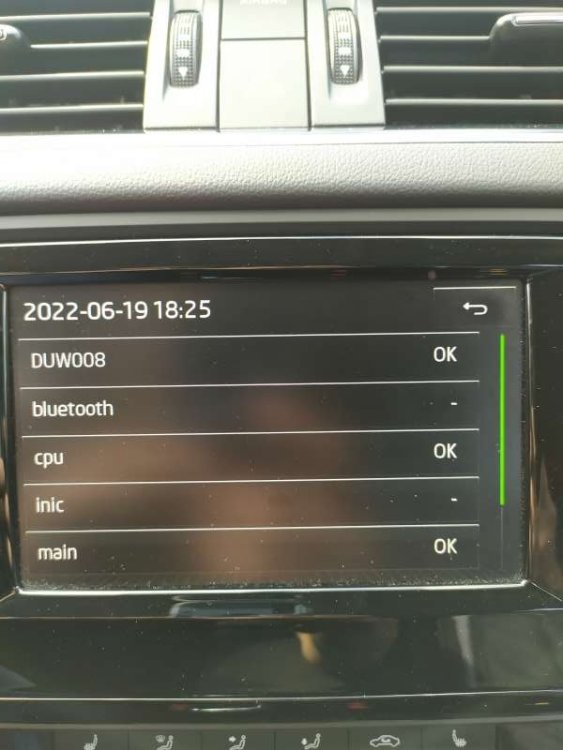
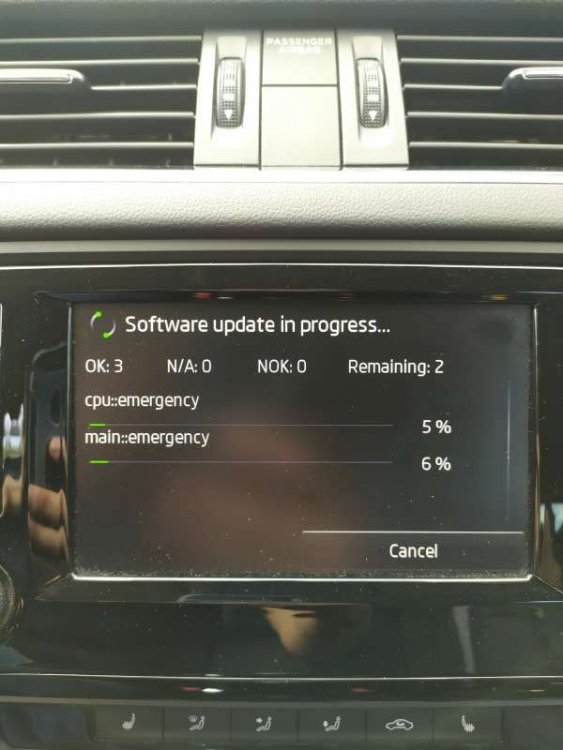
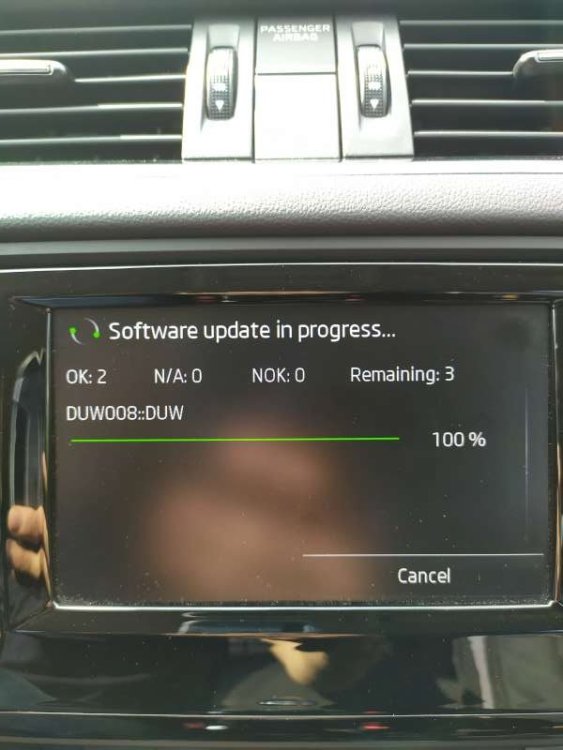
-
and the card was locked also
-
I put on a miscro sd card 128gb fat 32 formated with sd adapter in to the slot 2
-
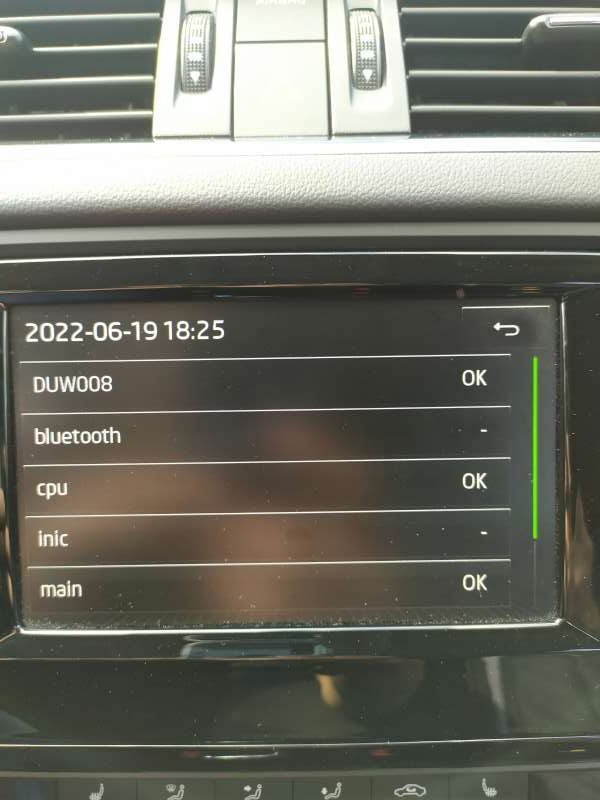
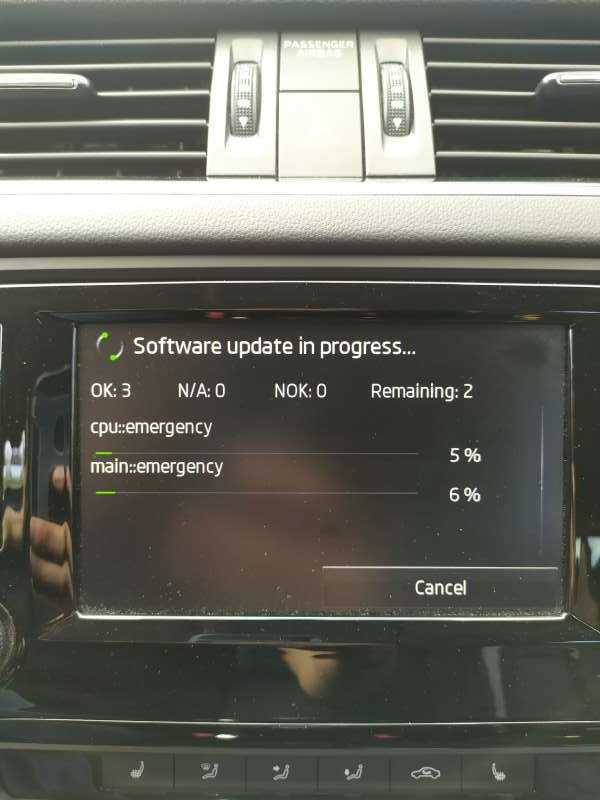
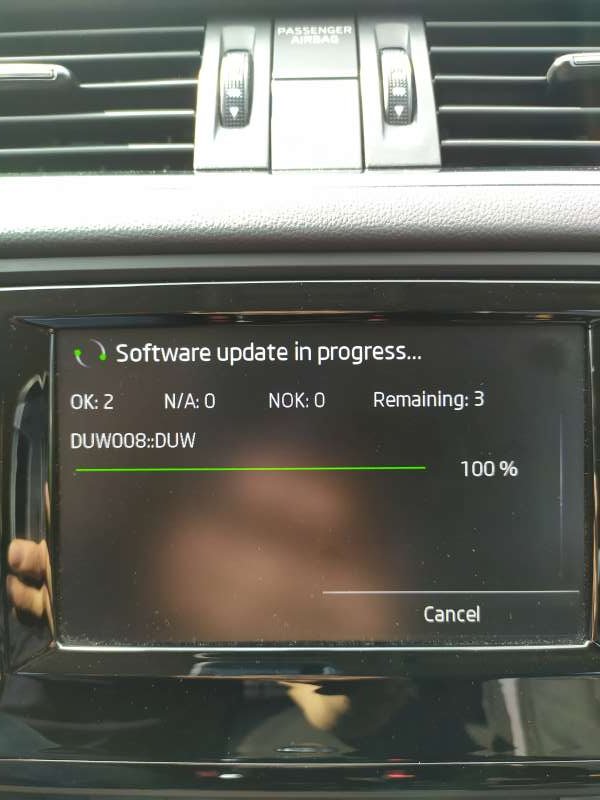
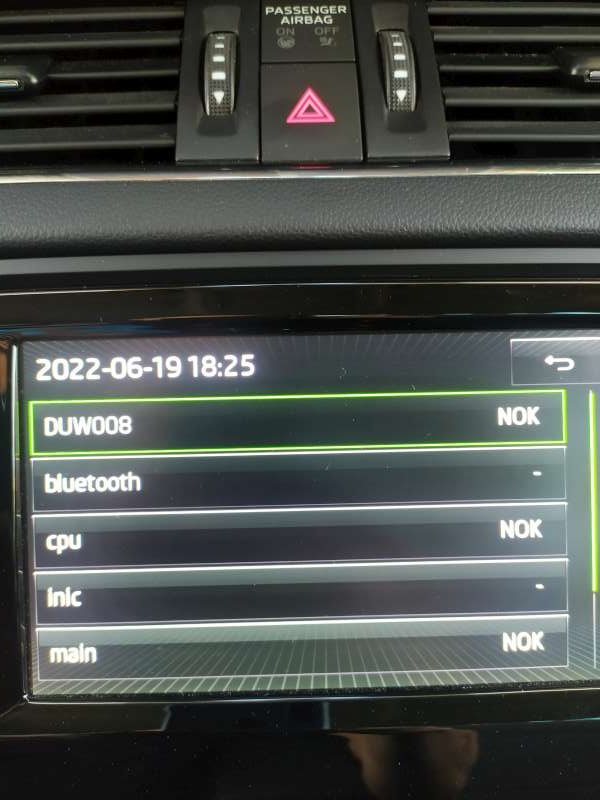
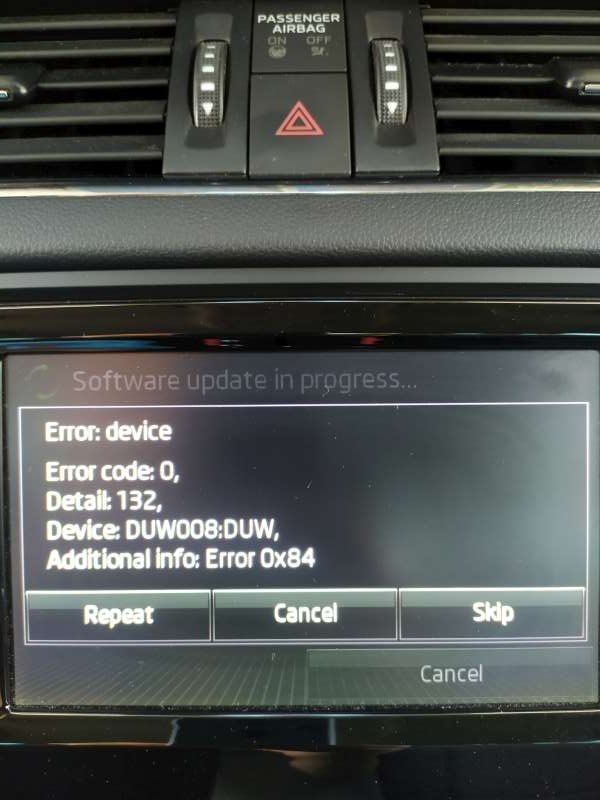
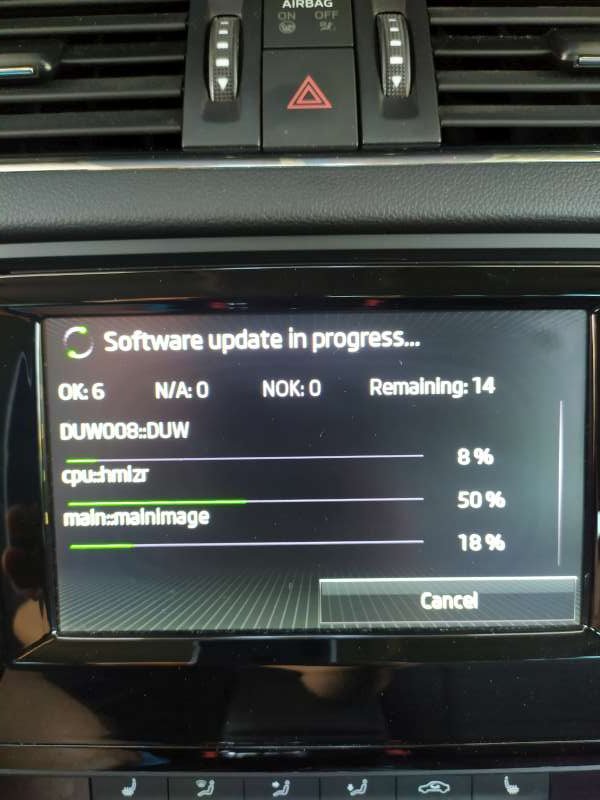
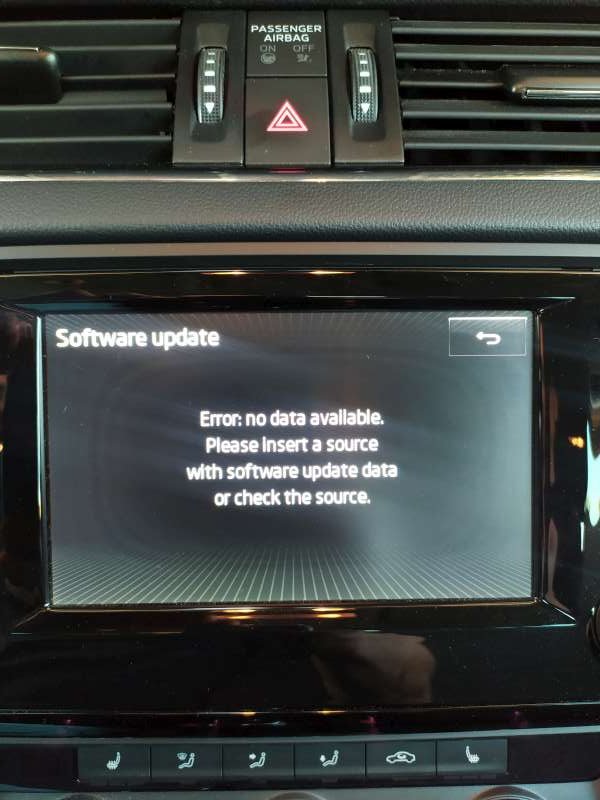
It start good but end up not so good. Can you please help me with the errors and the modules that were not installed. It is good that it is still working but the update was not completed. Or maybe I reinstall the version MST2_EU_SK_ZR_P0245T if you have it. Any help is welcome.
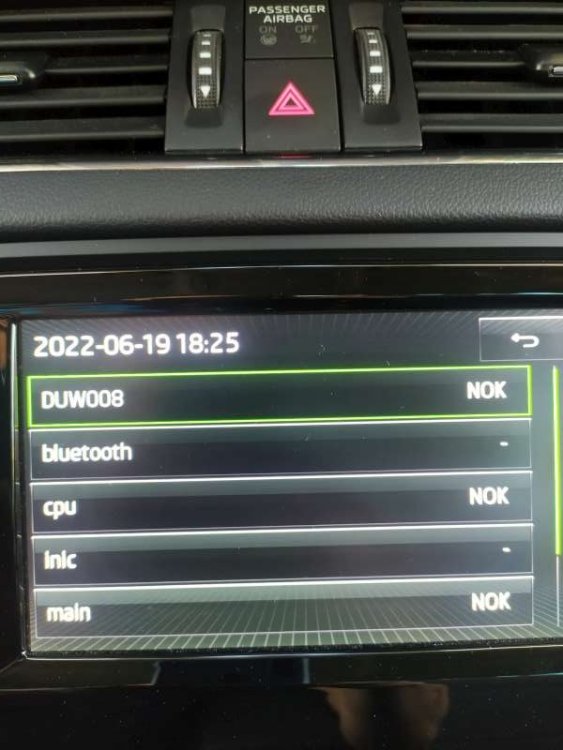
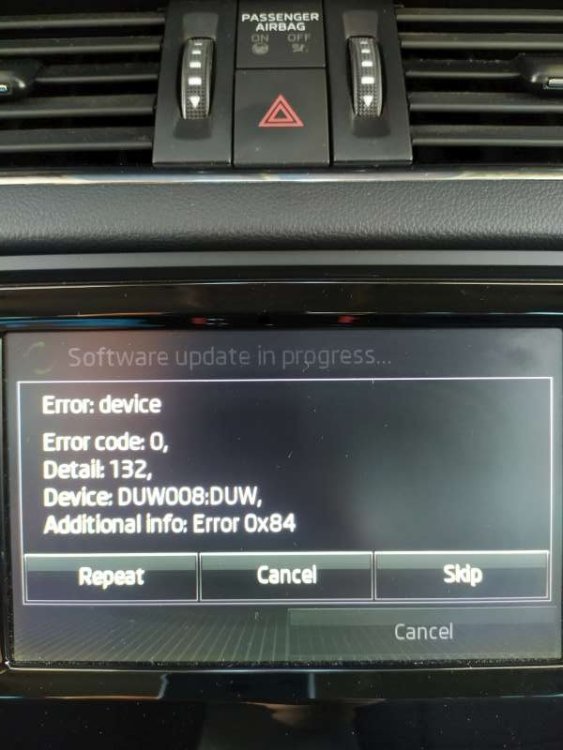
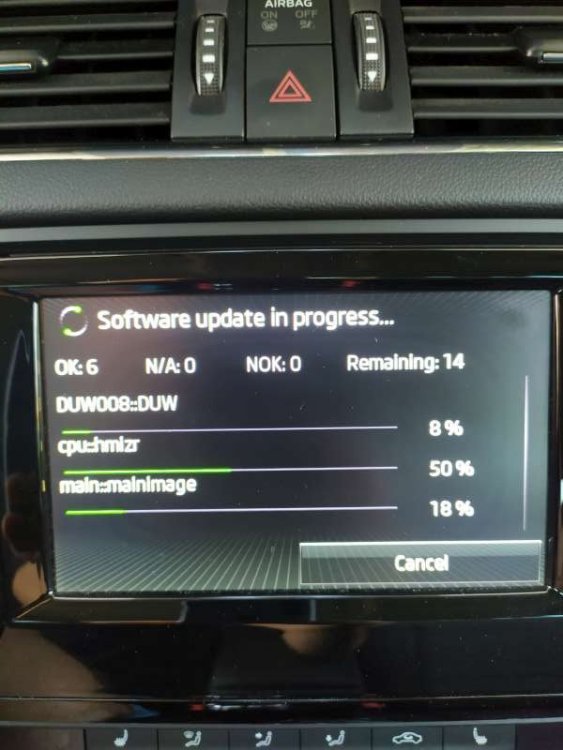
-
Thanks @pab567. I appreciate your help.
-
Thanks for the fast respond @pab567.I didn't check that way. Can you please send me also the correct firmware and maps update if you have. I will be very grateful.
-
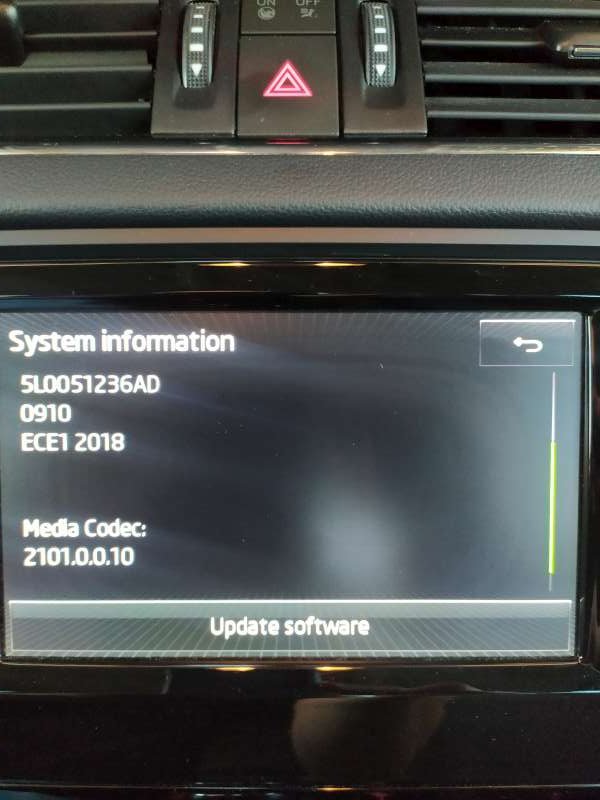
HI @pab567. Sorry to bother you also. I am trying for more than a week to update my system and maps also but it does not work out for me. Can you please take a look at my configuration and let me know if you have any working firmware update and maps ECE A1 2023. Thank you in advance.
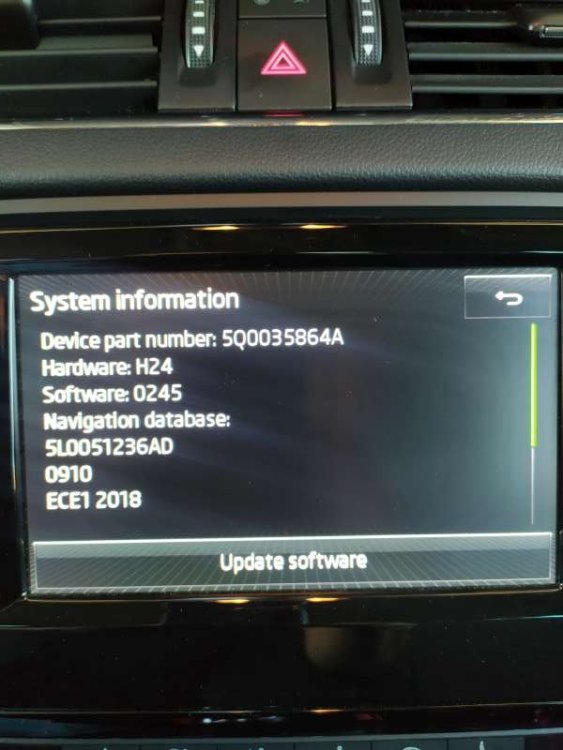
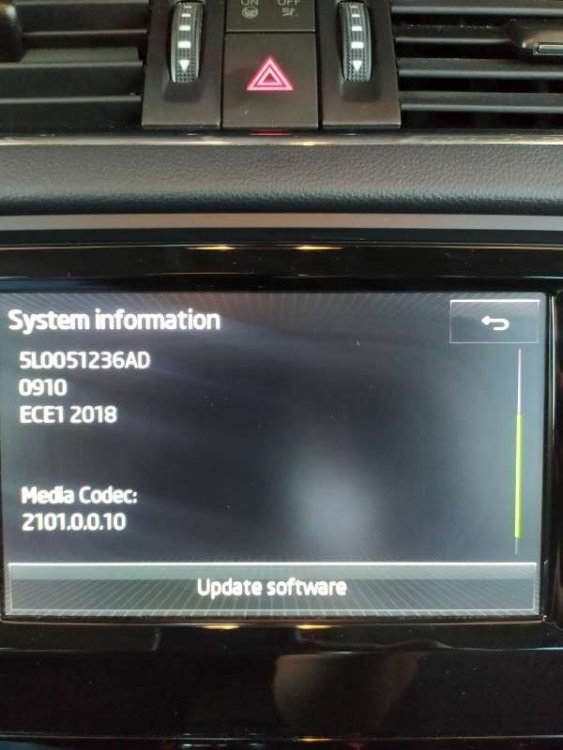
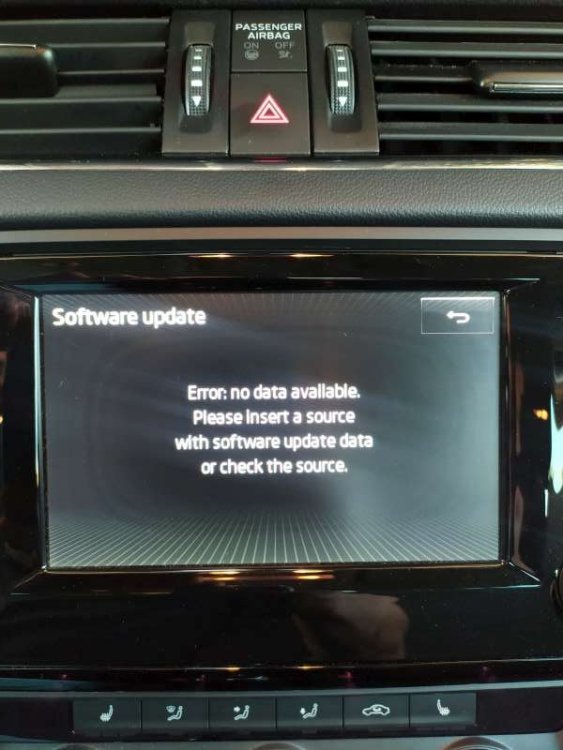
-
Hi everyone. I hope you are doing great and having a good fun here. Stay healthy