Skoda6100
New here
-
Joined
-
Last visited
-
I tried doing that but nothing happened.
-
My MMI unit seems to be acting up. Whenever I try to connect my phone via bluetooth a message stating " Bluetooth could not be switched on" pops up. As for carplay a message stating " Activation code required" pops up. I took the car to the dealer according to them the only way to fix it is by installing a new MMI unit which would cost upwards of $2000. I don't plan on keeping the car for much longer so the only way for me to play music via my phone would be through an Aux.
-
The MMI unit in the glove box was replaced to the part number: 5Q0035864C As far as I can tell the one that came stock on my car was part number: 5Q0035840C Will replacing my MMI unit again to the one that came with my car fix the problem. Aldought the radio seems to work fine the only issues I am facing are with Bluetooth and carplay
-
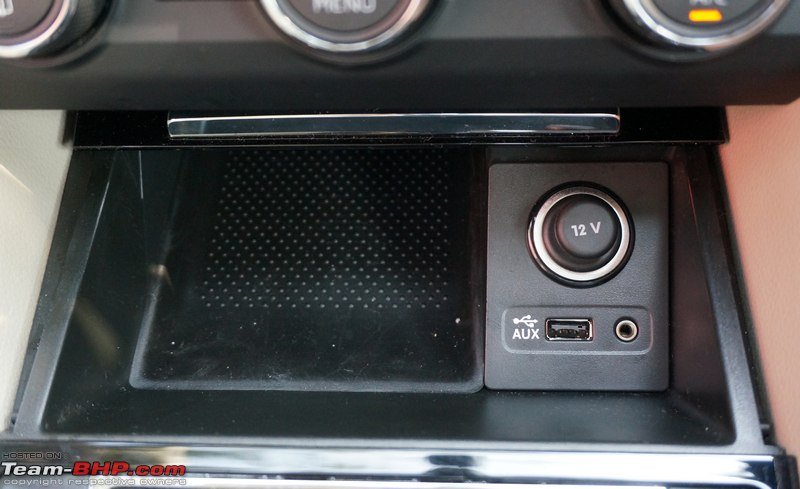
I would like to know how to enable aux input in a 2016 Skoda superb mk3. The car has a place to input the aux connection but there is no option for aux in the infotainment.
-
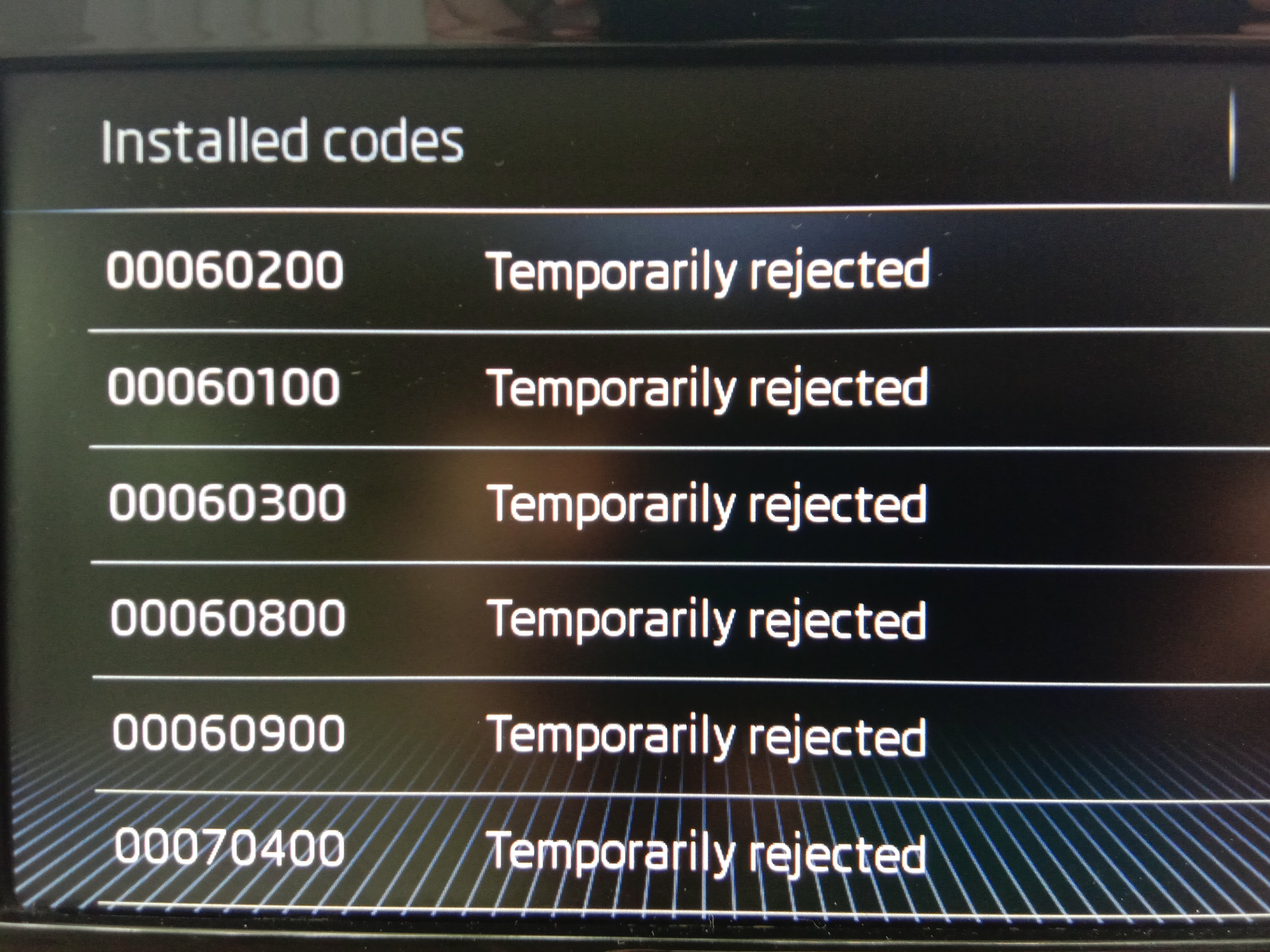
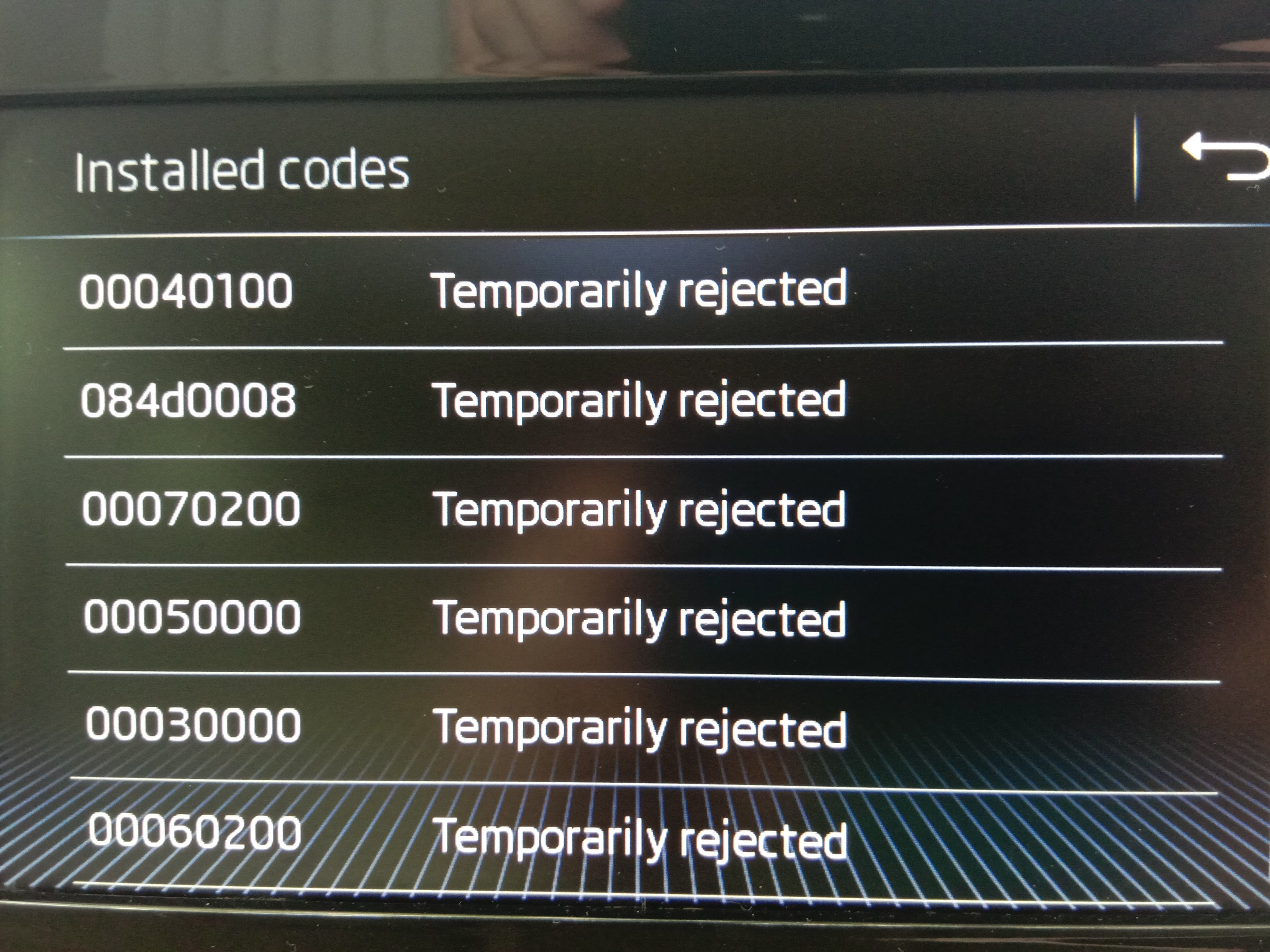
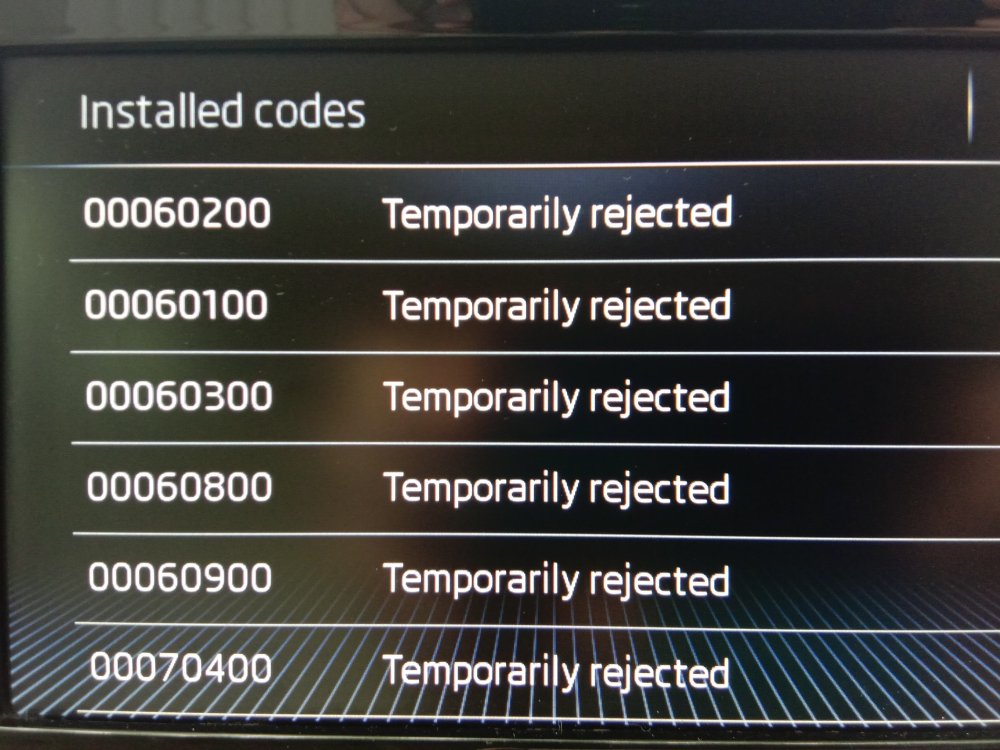
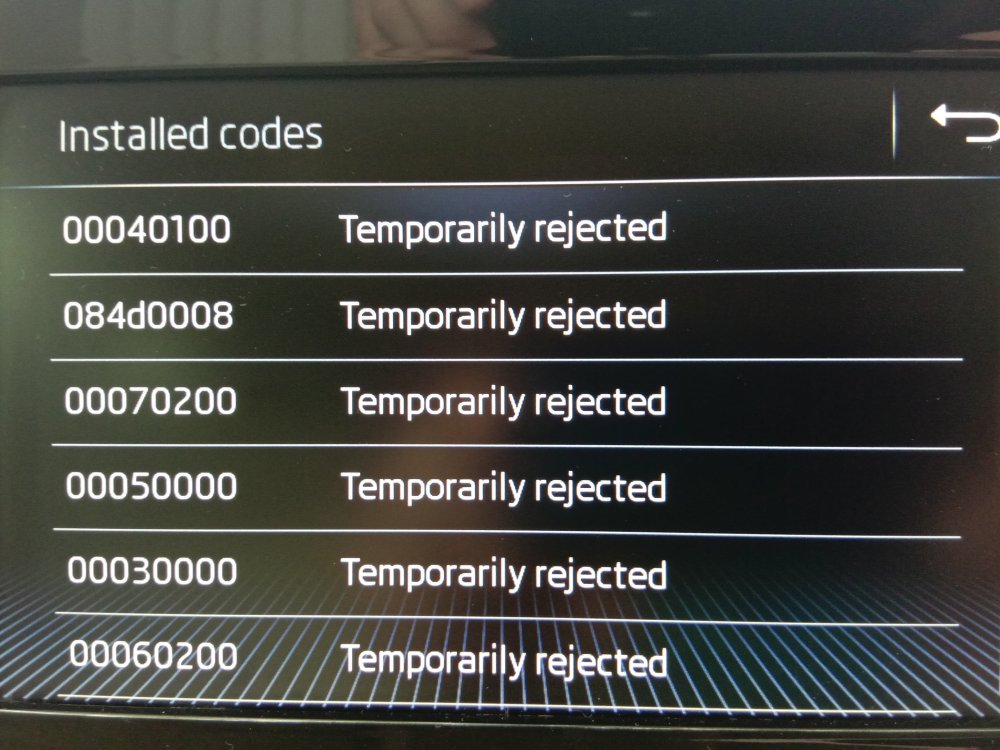
All my FeC codes are temporarily rejected. This has translated to isuued such as when I try to turn on bluetooth an error message stating " Bluetooth could not be turned on" pops up.
-
I would like to know where the Bluetooth module is located. Is it embedded in the MMI unit which sits inside the glove box or is it in a more easily reachable place like under the seat.