Hradlo
Finding my way
-
Joined
-
Last visited
Everything posted by Hradlo
-
Do not have experience with this. I never brick any unit because I know what not to do 😃 and I install lot of them to 480
-
Because you also updated emergency you are now not able to do emergency restore to older firmware. Now the only option to restore the unit is to find someone who can directly connect to the PCB to memory chip and reflash it.
-
Well important question did you modified metainfo and changed the CPUID? If not that is the reason why it is bricked. You also update emergency I assume you did not uncheck this part of update?
-
Are you sure you export it right because it is also lot smaller then the July database.
-
Lot of radars are missing in my area compare to July 2025 version. It is useless now for me.
-
Hello the update you try to copy si for Seat "SE" you need 369 SK is for škoda. I can send you link.
-
Do you know how to switch the skin?
-
Yes I know how to do it it is not straight forward unluckily. You can write me message and I can tell you. But if you want just new modern skin it is build in 369 you just have to switch the skin in developer menu.
-
You can download here the 369 latest update: https://mibsolution.one/#/1/9/MST2 - TechniSat Preh/Firmware/SKODA_ZR/EU 480 is also possible but not so easy to do.
-
I was just there and it is running. I have it at my PC at home I am at vacation right now.
-
https://mibsolution.one/#/1/9/MST2 - TechniSat Preh/Firmware/SKODA_PQ
-
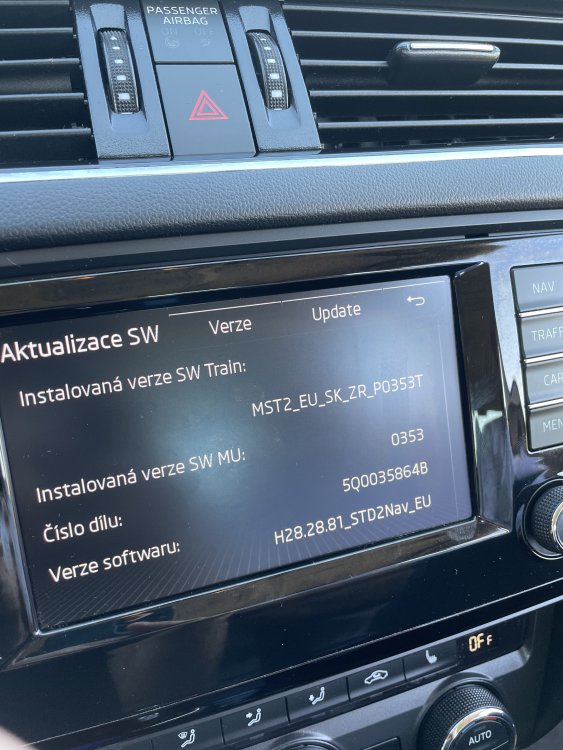
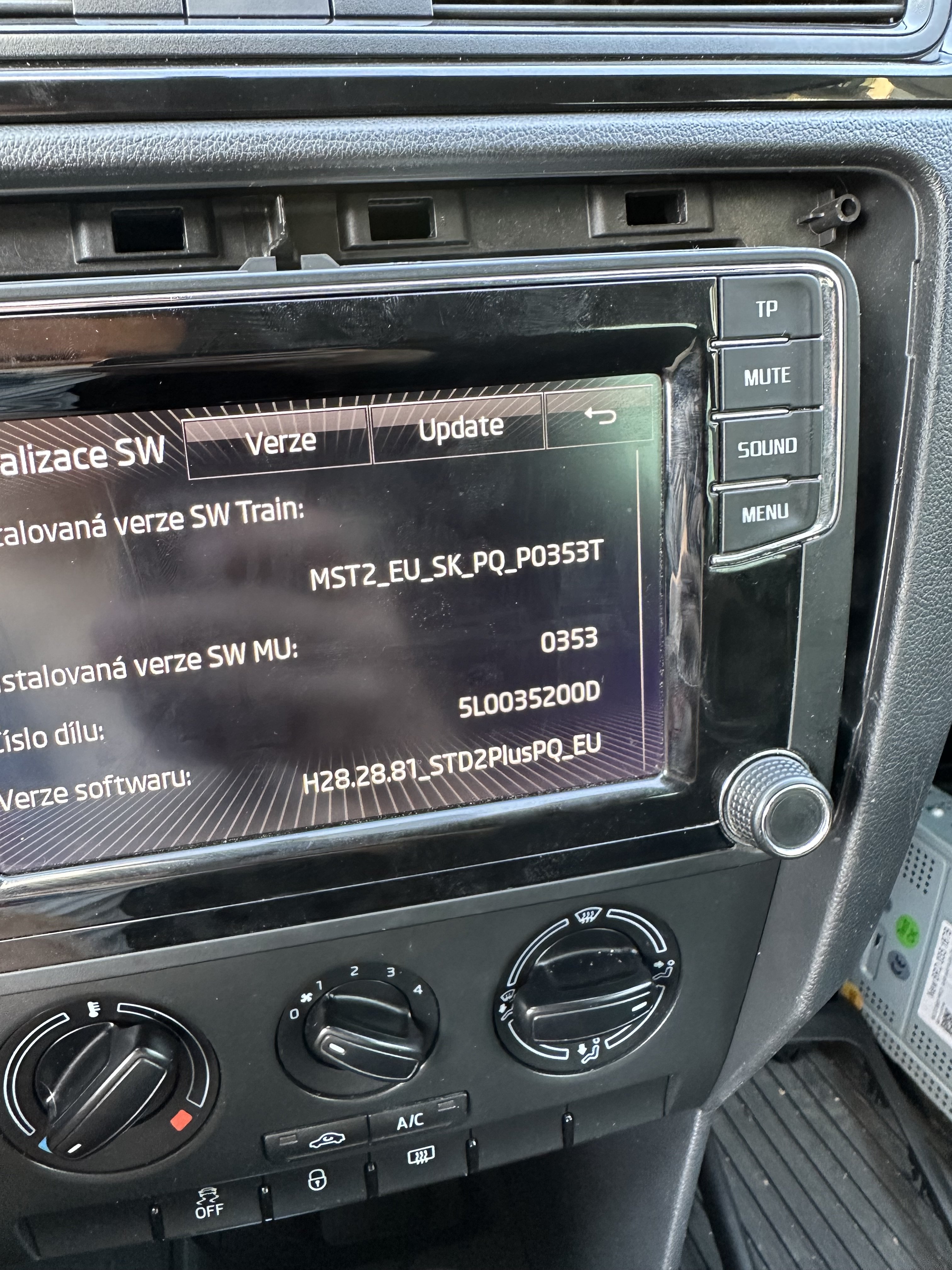
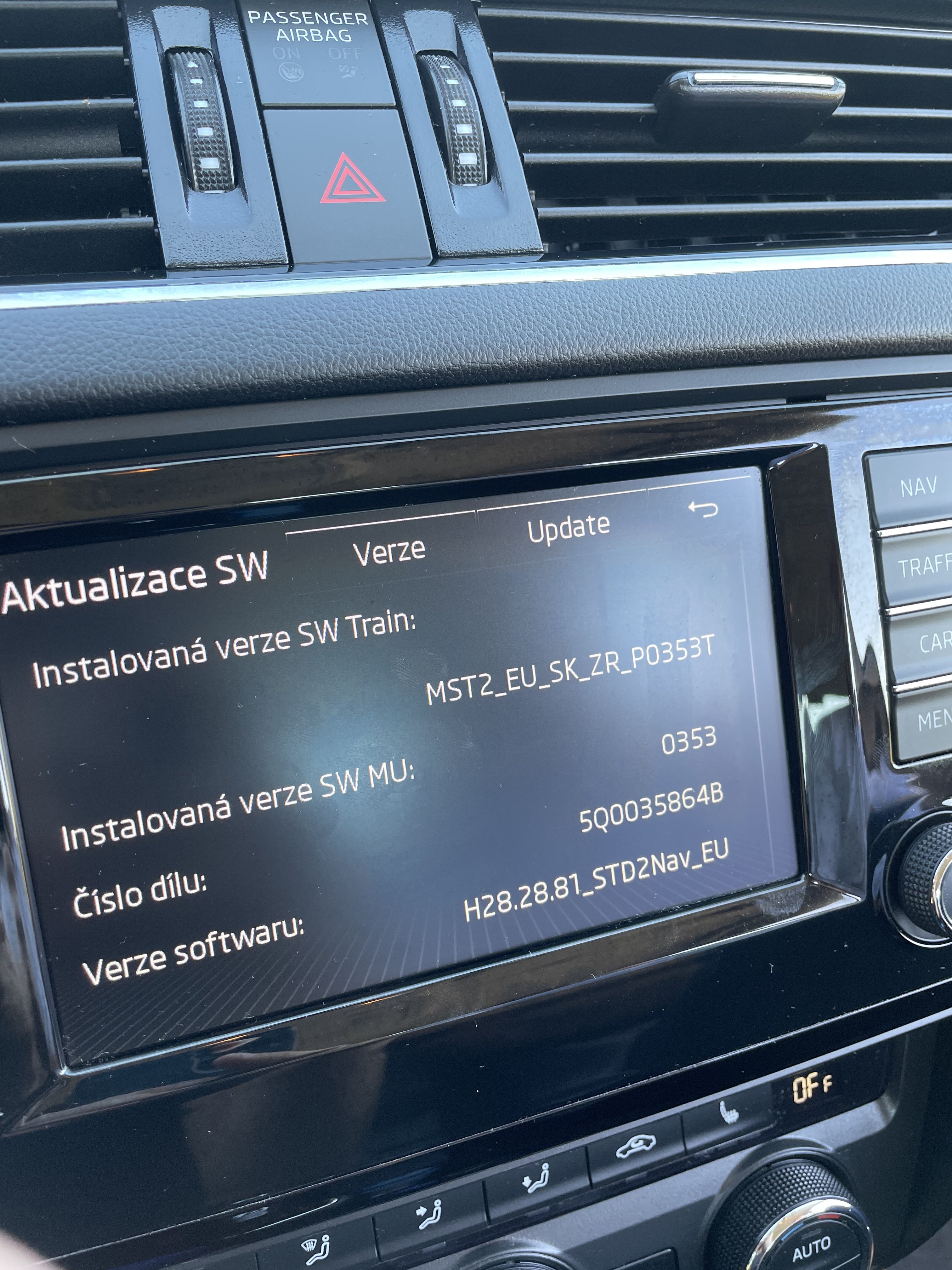
I have MST2_EU_SK_PQ_P0353T latest I saw on radio was 363 but do not have files for this one.
-
Hello, can someone help me with coding? I want to add comfortable appliances to CAR menu. Thanks
-
Hello, Does anyone have MST2_EU_SK_PQ_3xxT Any version. I have in Amundsen MST2_EU_SK_PQ_253T I would like to go higher to 3xx software. I have also Bolero with MST2_EU_SK_PQ_353T It is possible to extract it and install to Amundsen?
-
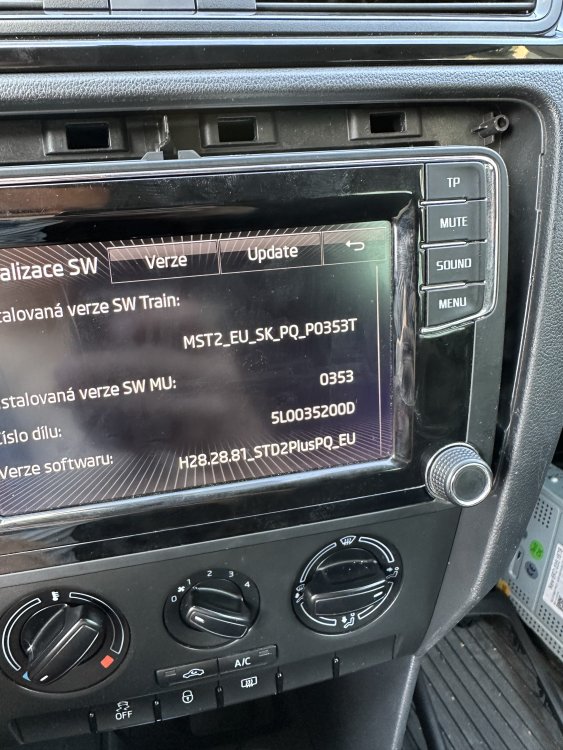
Is there any update for this unit? I believe there should be 0369 but I am not available to find it.
-
Hello, do you have newest software for my unit?