KVT
New here
-
Joined
-
Last visited
-
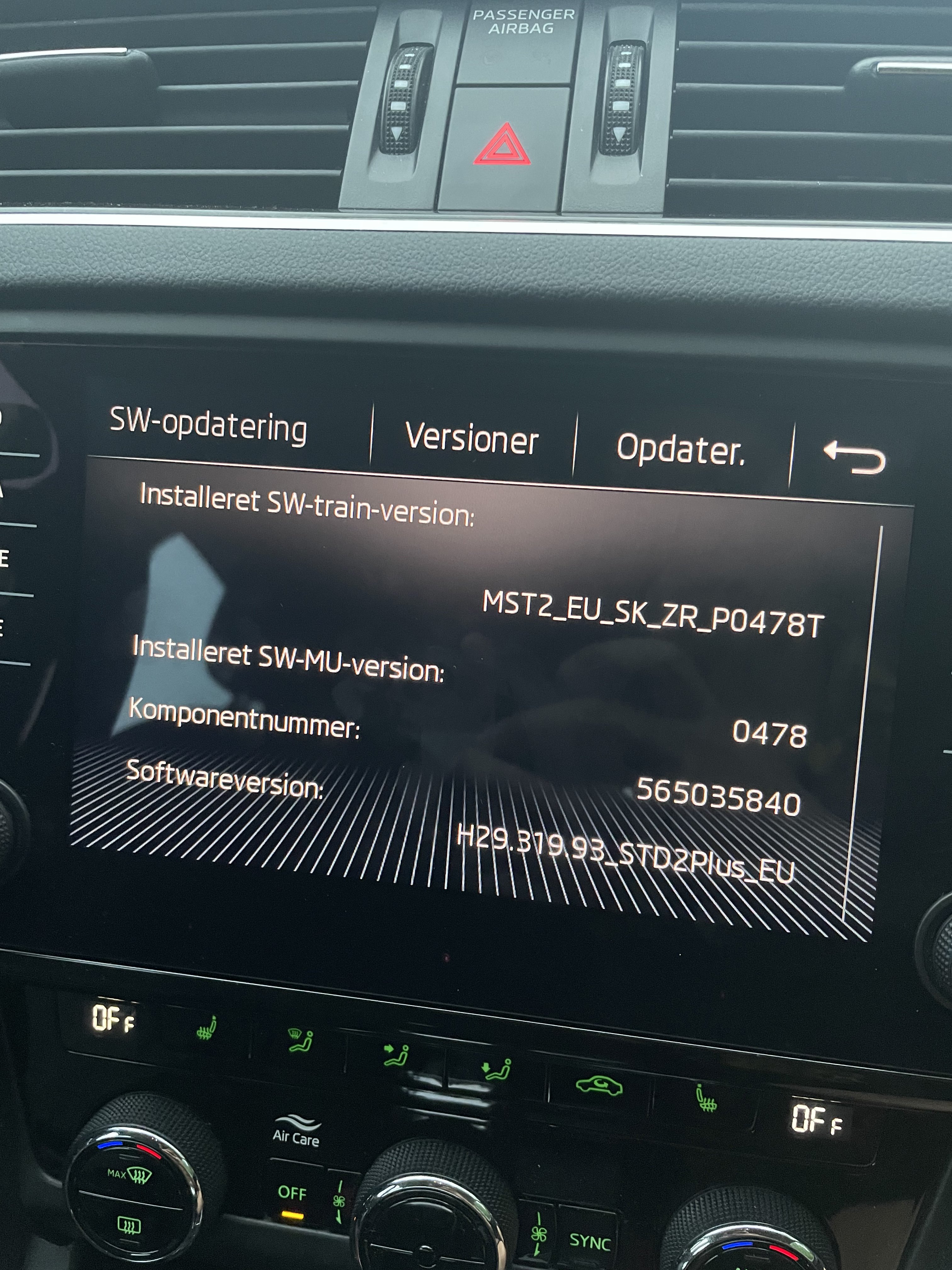
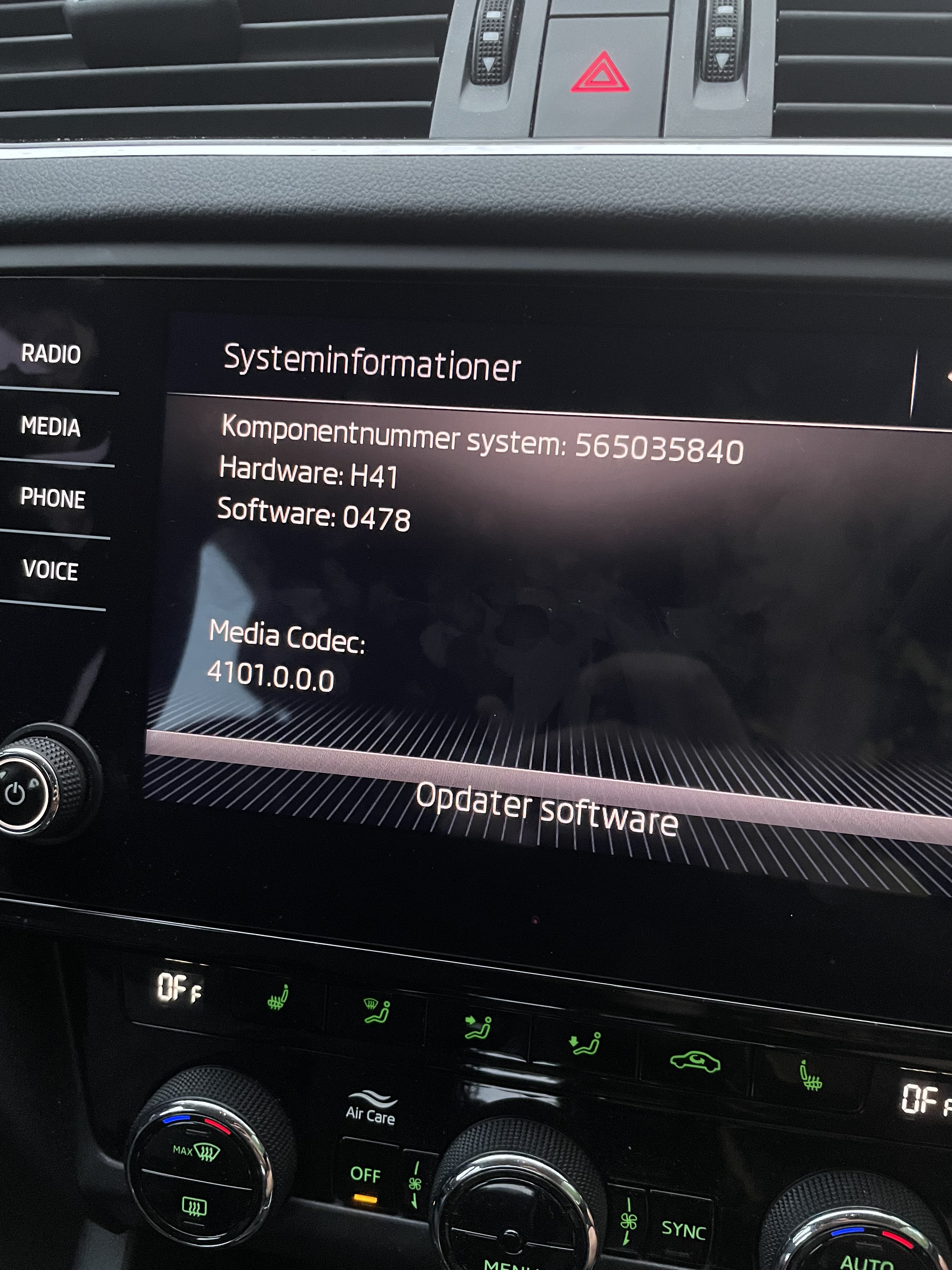
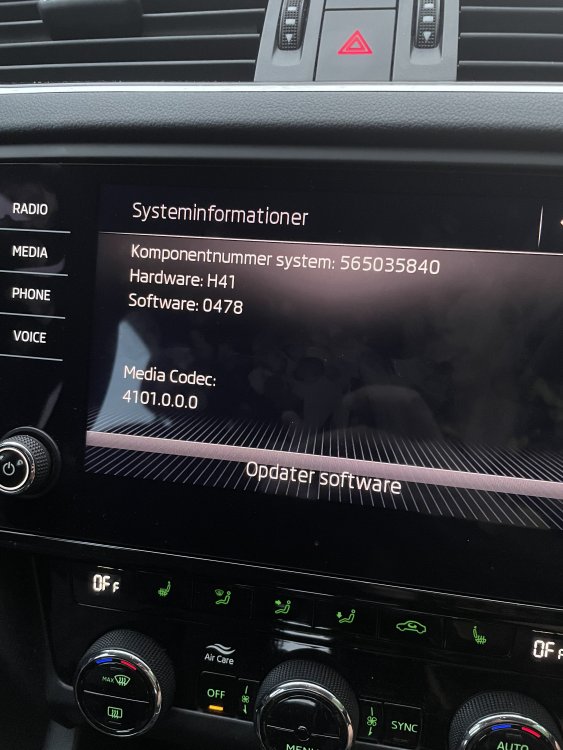
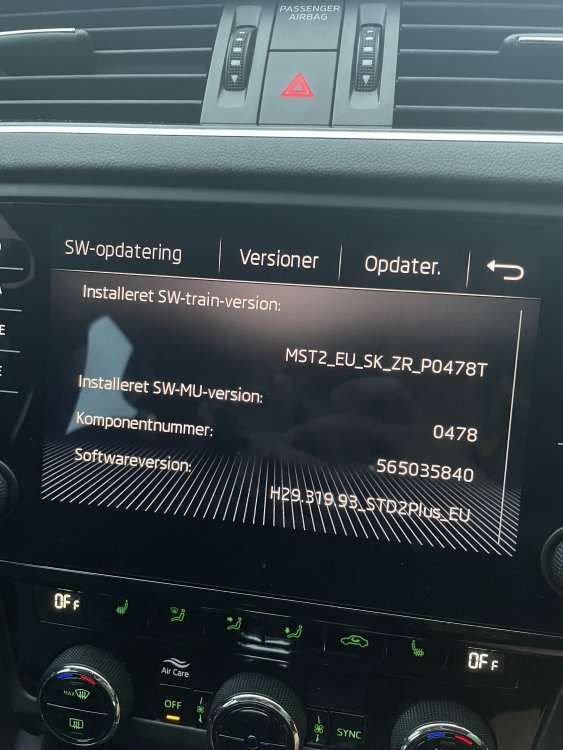
@pab567 - Can you send me the latest software version? Having problems with usb and Bluetooth and was hoping that a fresh install would sort out the issues. If my version is the latest I’d still like a link to my current software. Much apriciated.
-
Photos attached here. I’ll try going through the fuses later tonight.
-
@langers2k - How do I do a hard power cycle? Sorry for the dumb questions, this is not my strong point. The infotainment was acting a bit weird as it kept saying “Park pilot is not available at the moment” While driving and turning on and off (Sound as well). Could re-installing the software help? If so do I have to go the the dealership to re-install it or is it possible to do it by myself?
-
@TheWanderer - could be a fuse, but I don’t have experience checking for it. Tried looking at the diagram, but haven’t gone through the fuses yet, would it be the one for the infortainment even though all the other features are working? I’ve tried unplugging the camera (have been working for around a year). I’ll try leaving it unplugged tonight.
-
Hi Everyone! The car model is a 2020, 5E hatchback. As per the title my USB port and bluetooth stopped working as of yesterday. I have an aftermarket rear view camera installed (the plug and play one from AliExpress). The USB port doesn’t charge or recognize the phone. I’ve tried to reboot the infomatainment several times and done a factory reset of the infotainment multiple times as well. Also tried unplugging the rear view camera. Hope someone here can help me fix the issue.