GRIFF4226
Finding my way
-
Joined
-
Last visited
-
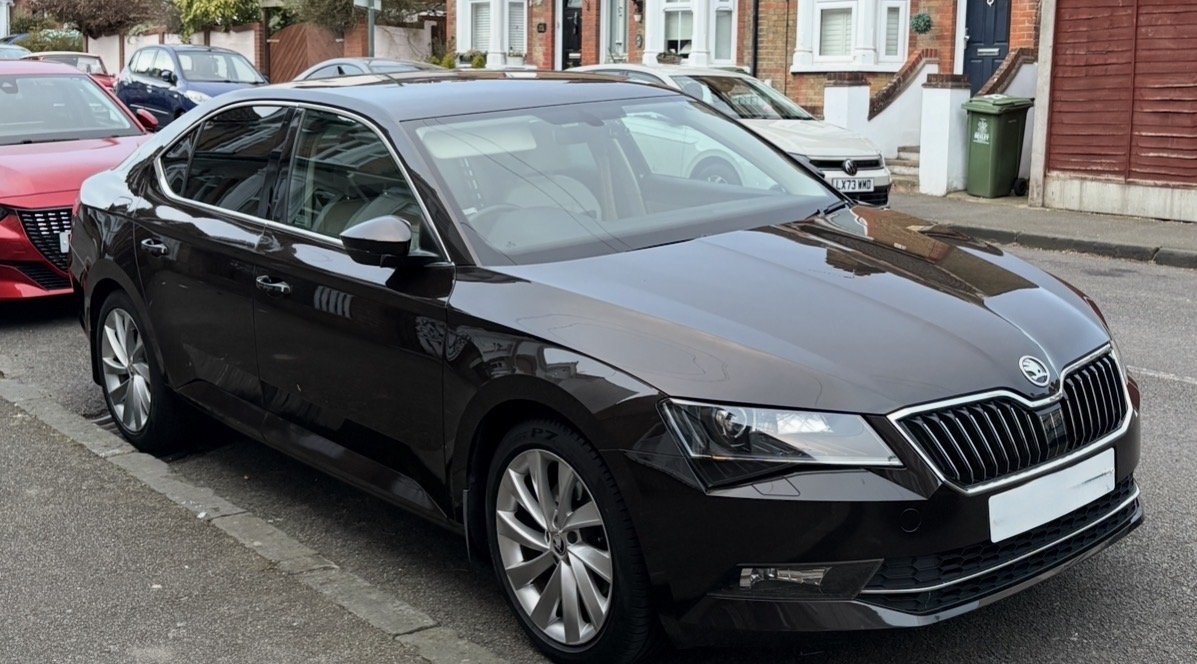
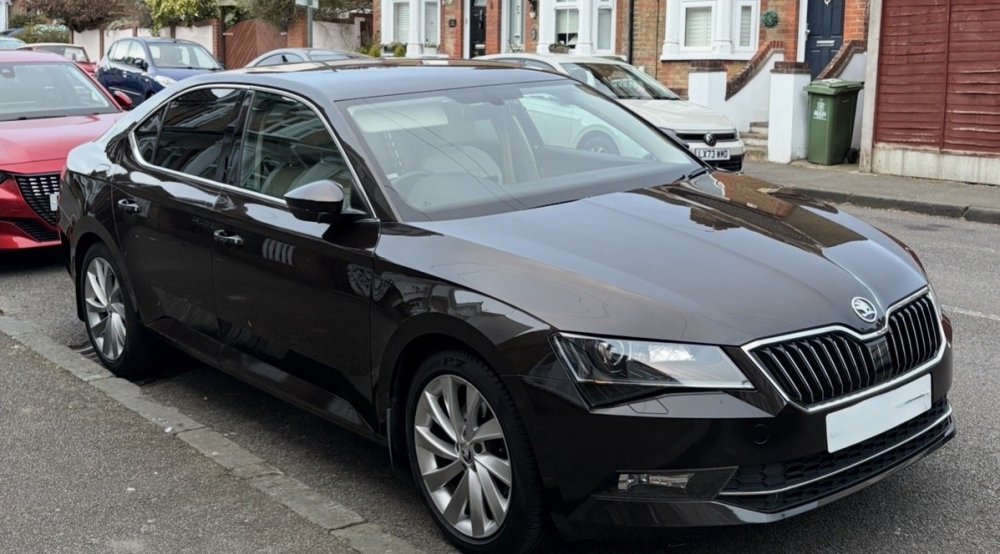
This is my 2016 2 litre petrol automatic in metallic brown. I’ve had it for 7 years and it has less than 50k miles on the clock. The only problems I’ve had with it include a water pump failure, and a fuel cap fault. Other than that, it has been a brilliant car.
-
Thanks very much! This is useful information.
-
That worked! The other key must have been configured to unlock all doors. Your help is much appreciated! Thank you!
-
Thanks for your reply. I just checked, and it’s isn’t unlocking any other doors, apart from the driver’s.
-
Hi! After losing the main key fob for my 2016 Superb, and putting a new battery in the spare, I found that it remotely unlocks the driver side, but not the passenger side. I was wondering if anyone is aware of a fix for this?
-
Thanks for taking the time to reply- much appreciated.
-
That’s a good idea. Do you know how to do it?
-
That sounds like a good idea. Thank you.
-
Thanks for your reply. That is an excellent suggestion. The only issue is that I’ve installed a cage behind the headrests to stop her jumping over. And this doesn’t allow me fold the seats down because it goes up to the roof.
-
I have the same question because I don’t want to decapitate my dog. These boards don’t seem nearly as busy as the Alfa Romeo one I used to frequent.
-
Hi, I have a superb hatchback and would like to put my dog in the boot, but I’m worried that she might decide to jump out whilst the electric boot is closing. Can the boot be closed manually or is there another workaround for this issue? Cheers.