WojciechB
New here
-
Joined
-
Last visited
-
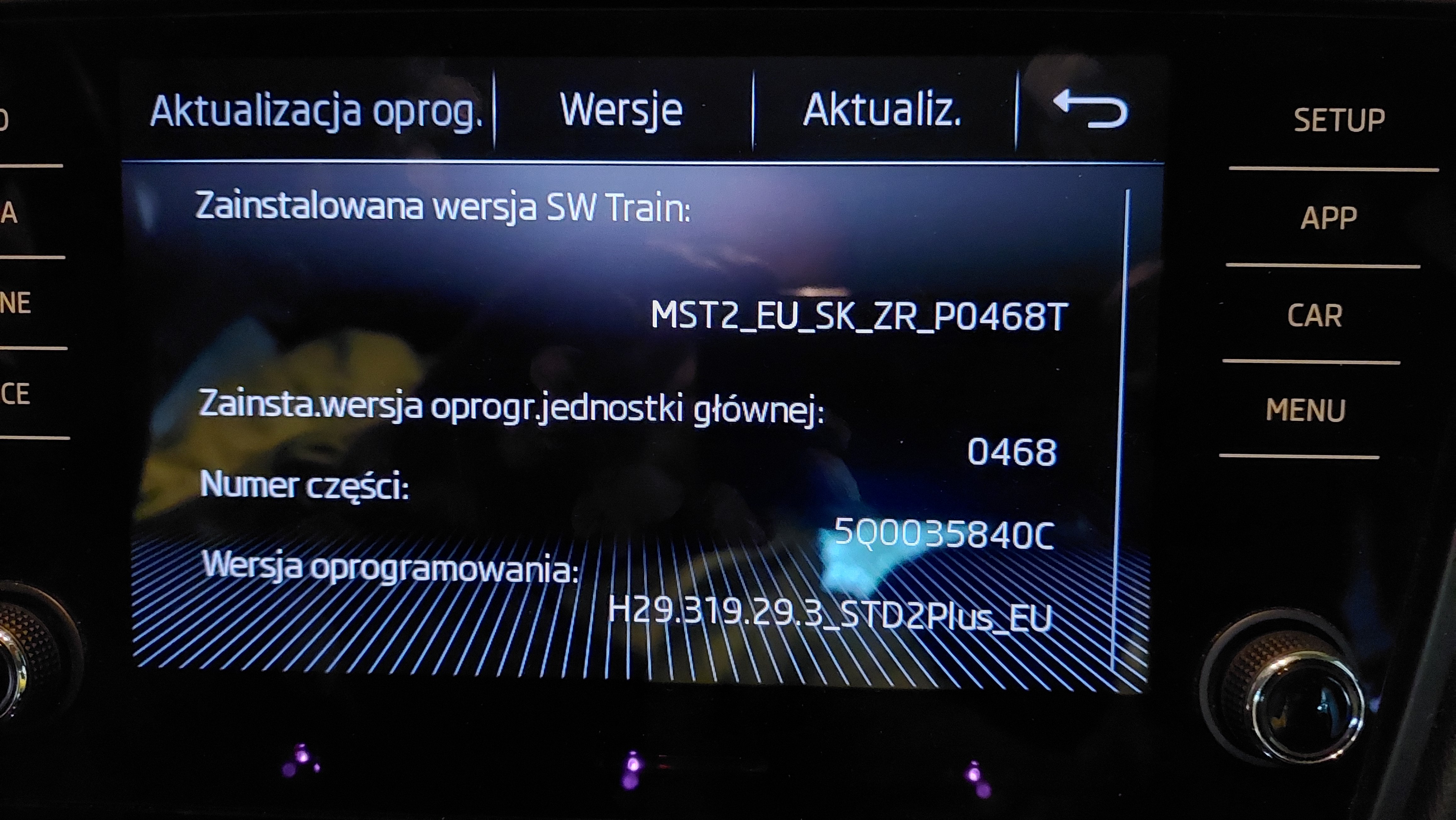
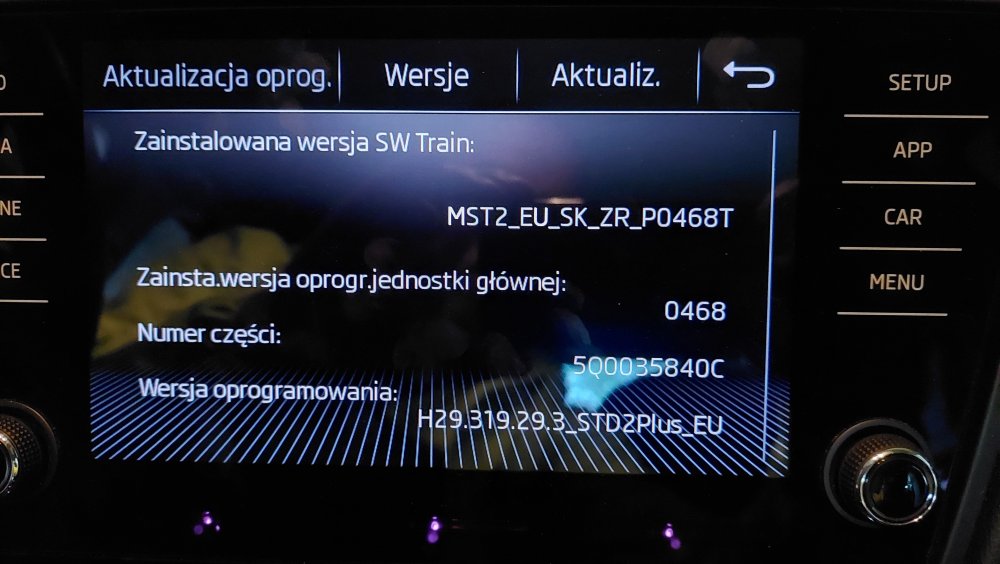
Hi @HappySam probably not the latest one. Thanks to @pab567 I have just received the newest software, let you know whether it helped.
-
Hi @pab567, Is there update available? Dzięki 👍
-
Polish Community WojciechB2 search icon Samsung Community Devices Smartphones Galaxy A Dot series: A52s 5G - network identification problem after pairing with the car radio Original subject: Good morning, The patient is A52s 5G (Android 12, One UI version 4.1). After connecting via bluetooth with the Skoda Bolero infotainment, the indications on the car's display do not show the network range (no range bars) and the network name. Despite this, I can normally make calls, view contacts, text messages, etc. Importantly, during and after a while after the call is terminated, the normal range and name of the network will appear, after disconnecting several seconds passes and again no network, no coverage. I assume the problem is dual sim, I have two cards. I had a similar problem with the S9, but I couldn't make calls at all and it helped to assign one card to all calls. And after changing the phone, the situation is similar again. Anyone had a similar problem? It is not bothersome, except that when using the phone from the steering wheel I cannot select the last calls (the system does not see them). Maybe the problem is 5G? Thanks in advance for your support 👍