tolikes
Finding my way
-
Joined
-
Last visited
-
Hello, my AdBlue tank heater was defective and had to be changed completely, but you can still check the control unit and sometimes it is also broken.
-
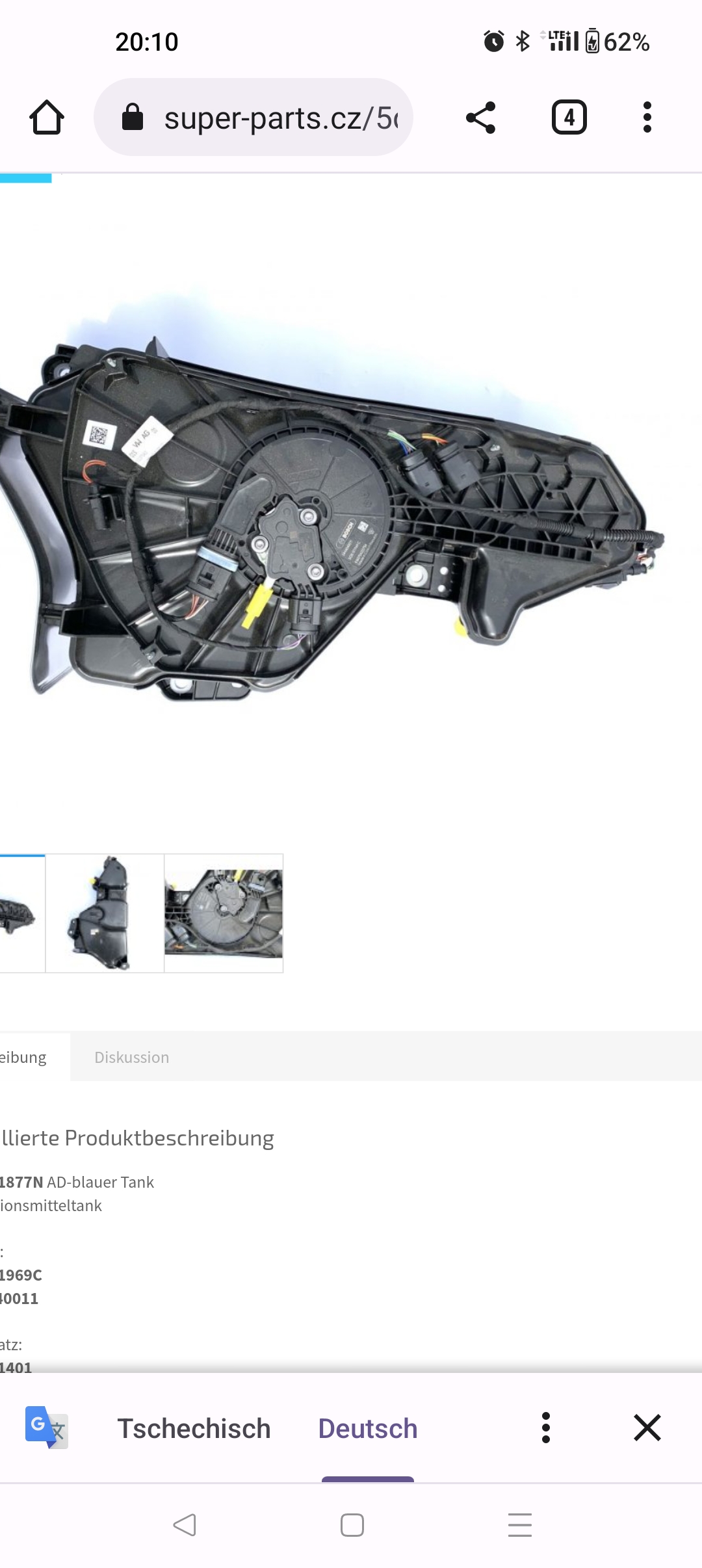
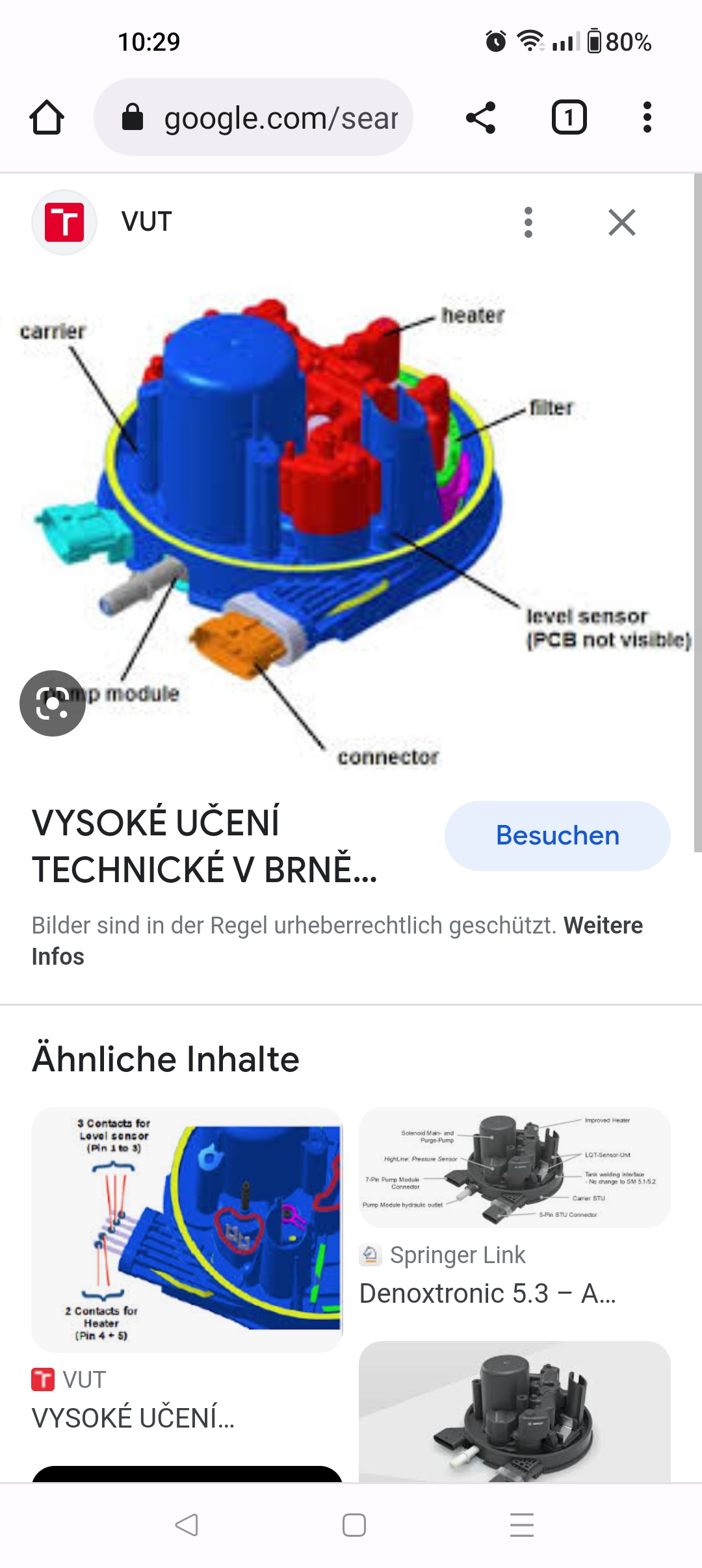
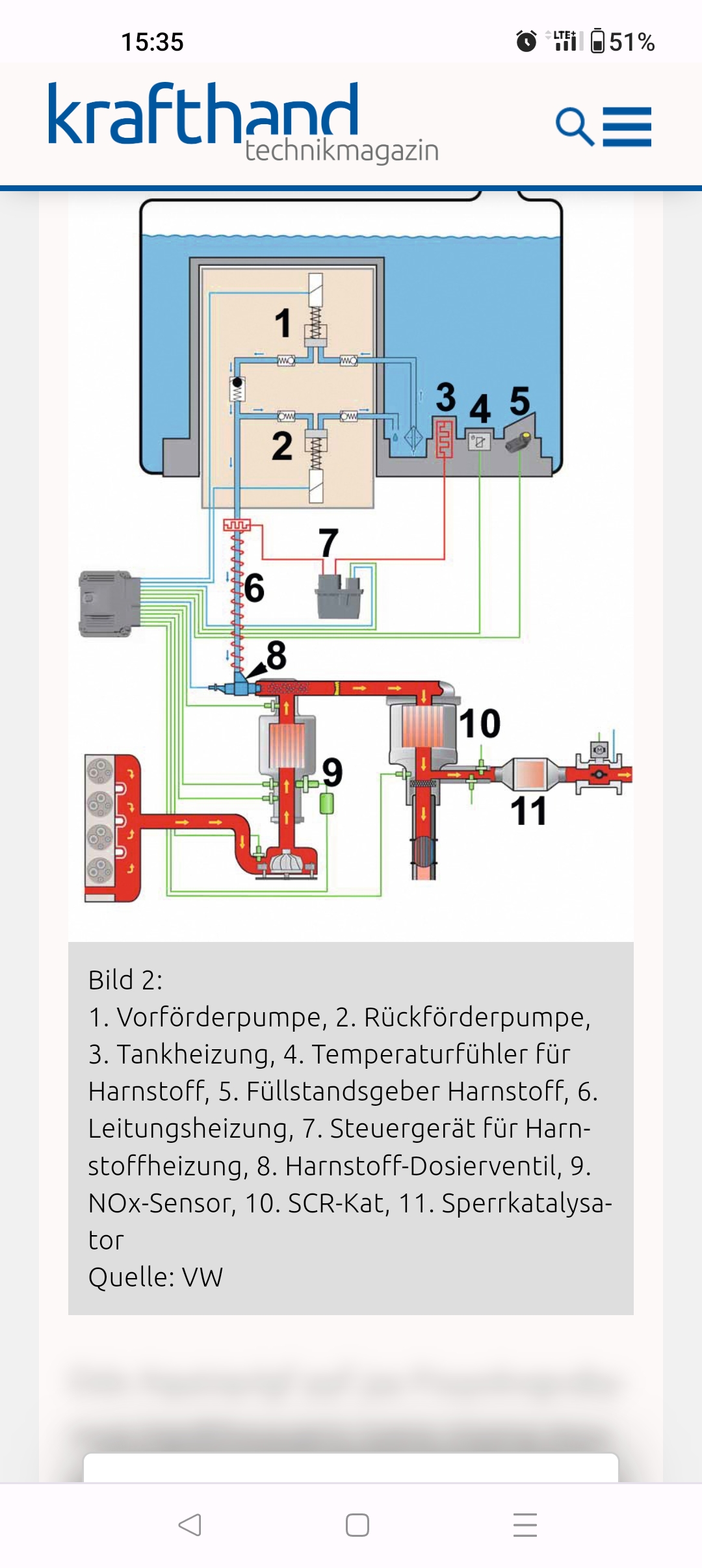
Hello guys, I finally fixed the error, namely the AdBlue tank changed with control unit and error was gone, I had bought all this on eBay for a total of 230 euros. The heater is located in the tank, which is unfortunately permanently installed, if the breakdown you have to change the whole AdBlue tank, I also posted the pictures for better explanation
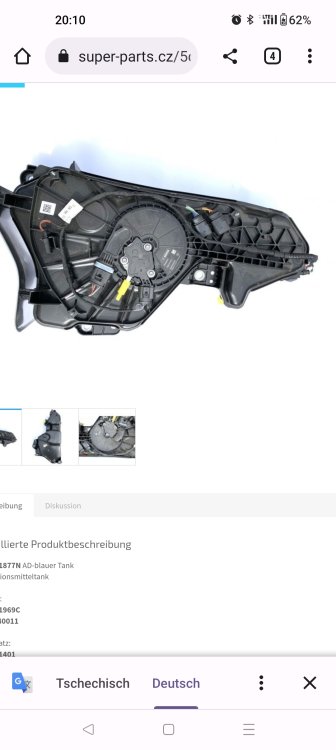
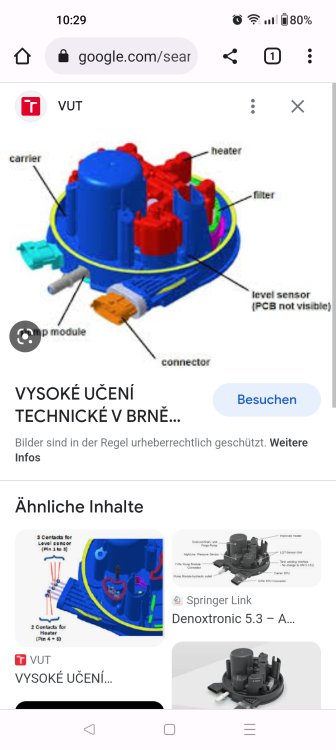
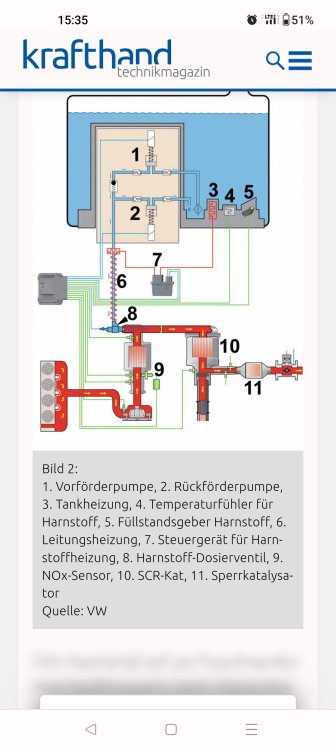
-
That's a good idea with multimeter, will test times and thanks for the great tips
-
How to check this? because I had read that the AdBlue tanks have 2 power heater and which is now defective that is the question The new adblue tank costs new almost 800 € and that is much too expensive for me
-
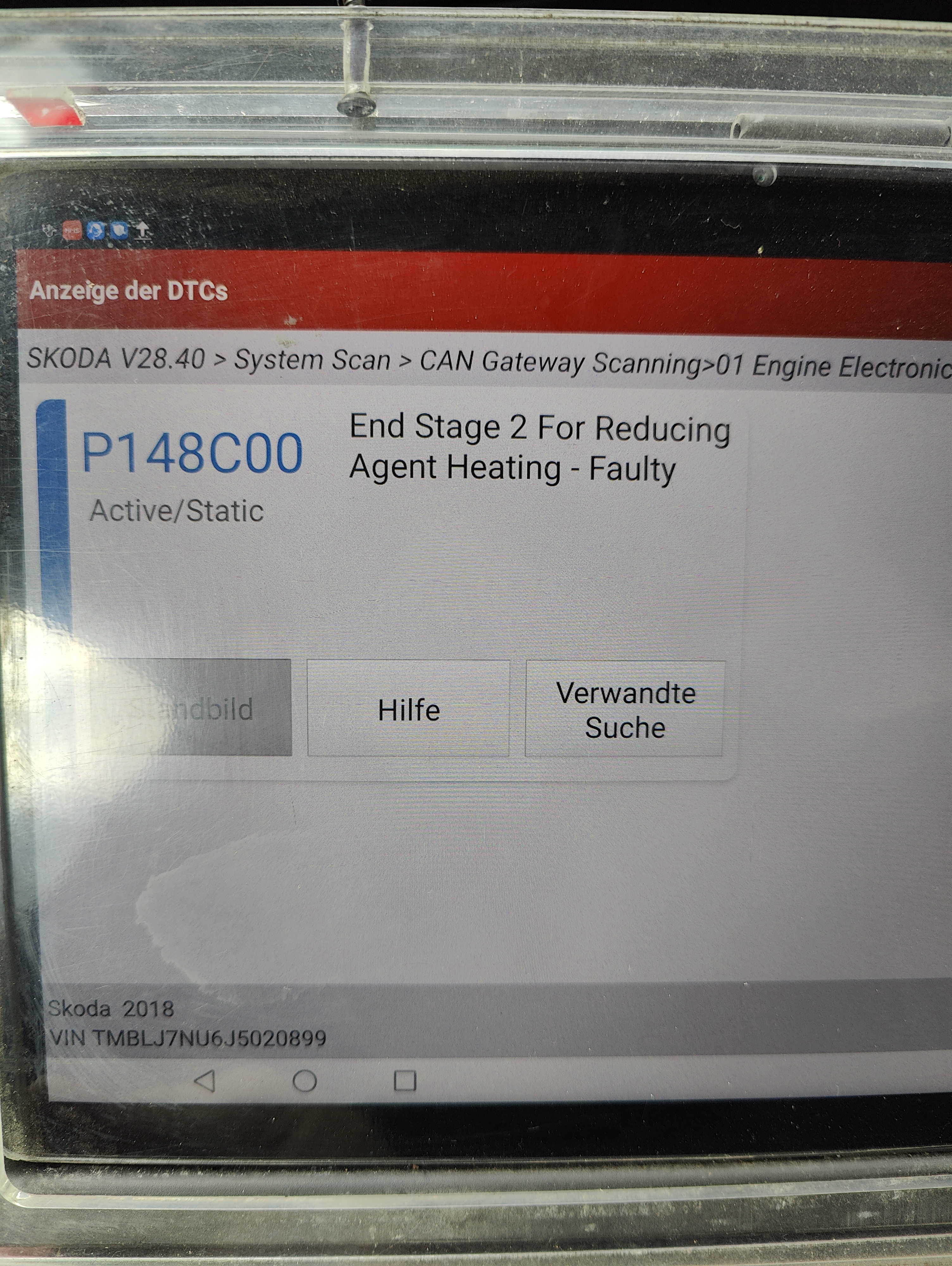
Hello dear people,have small problem with my car and namely after reading the fault memory shows me that with the adblue heater something is wrong my question maybe someone had already had such problems and what that means my car Skoda Karoq Diesel 2018 year 150 hp.
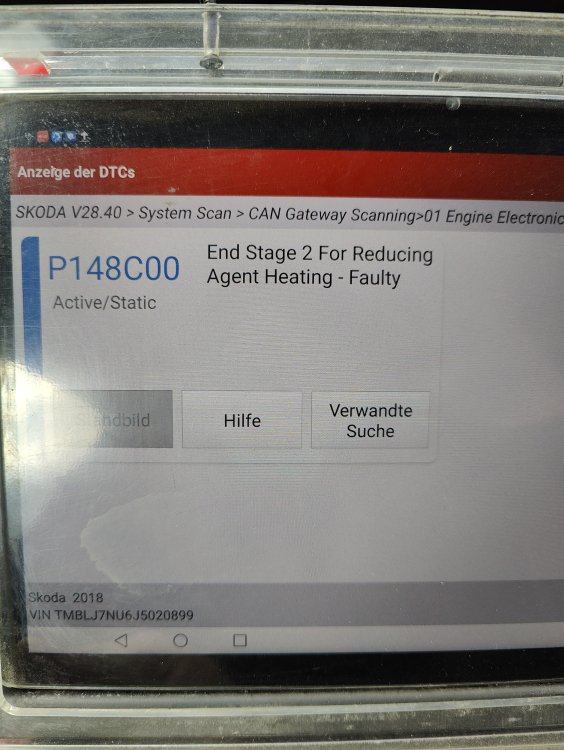
-
hello everyone can anyone knows how to upgrade the on-board network unit and comfort of BCM on Skoda octavia E5E ,will be very grateful
-
a good option with reset, go try right away👍
-
You just installed that and that's all, or do you still have to help with car scanner after?
-
do you have to help with car scanner or is that possible without?
-
how did you update this with usb or with micro sd carte ?
-
have no xenon headlights☺️
-
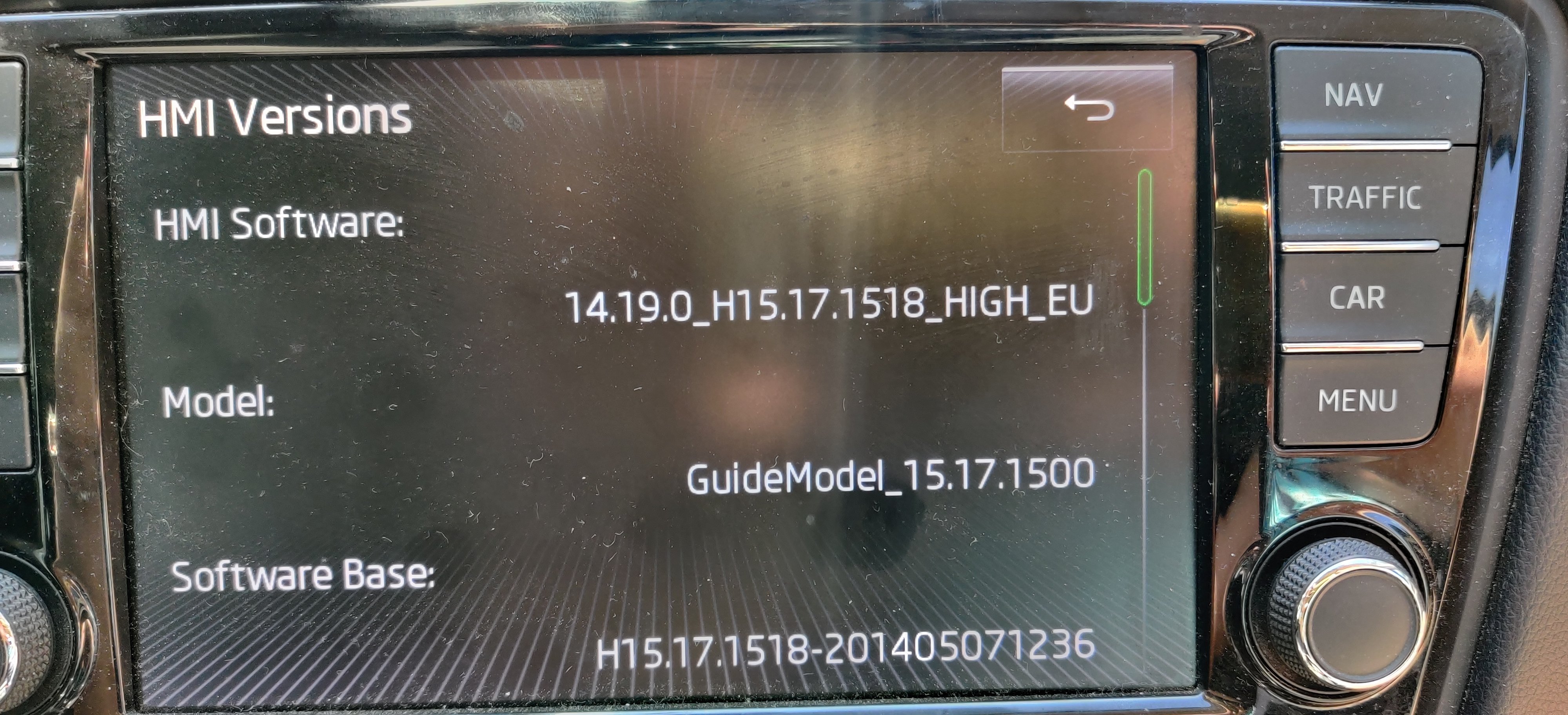
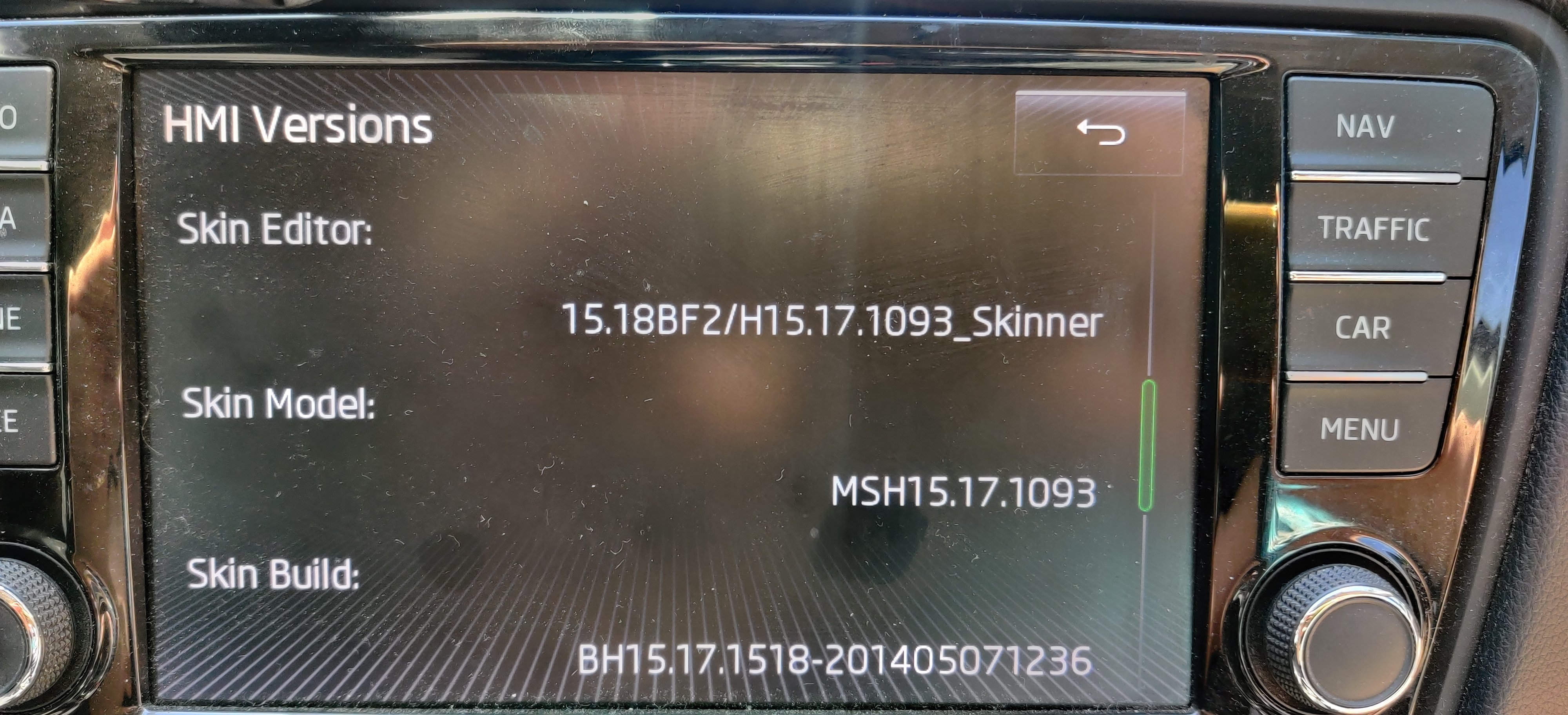
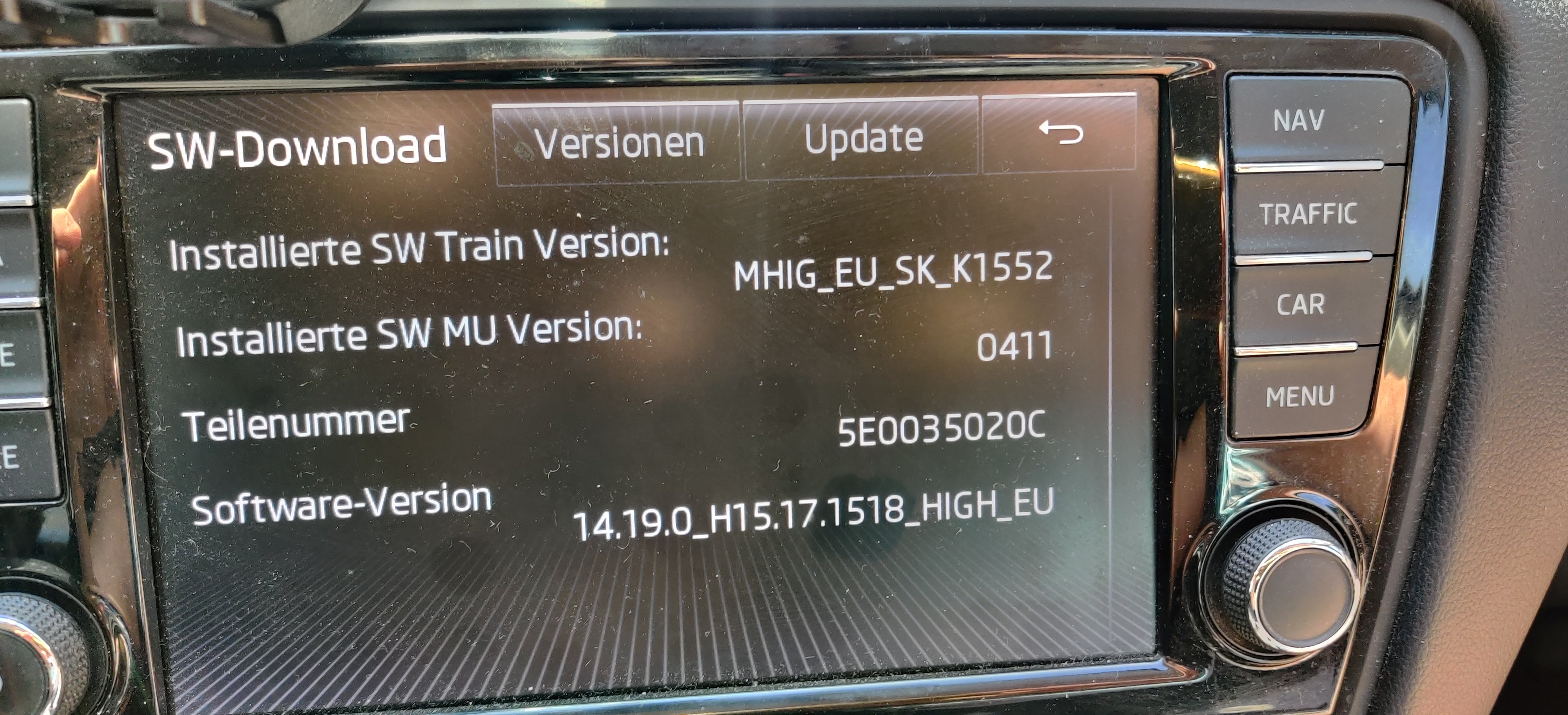
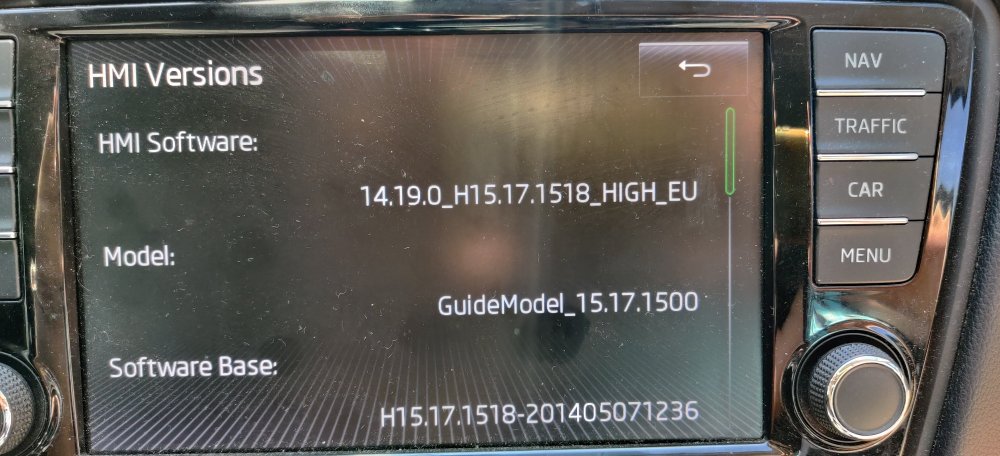
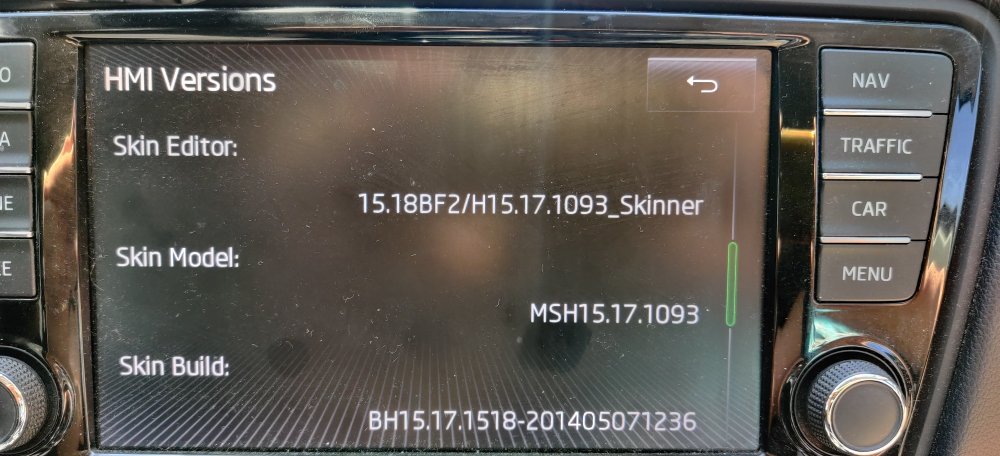
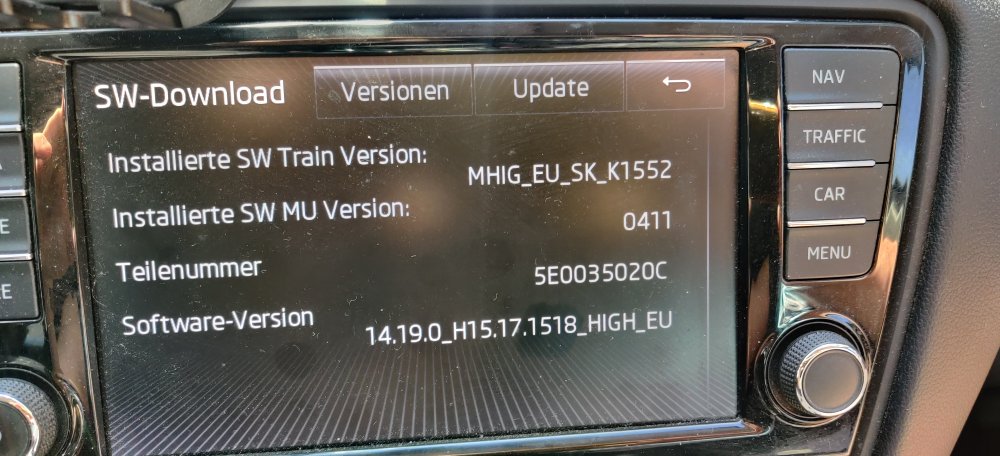
hallo alle,das ist meine aktuelle updats
-
I'll watch tomorrow, and thank you for your help
-
I have checked all the lamps in the car, all lamps work perfectly.maybe someone will get in touch who has any idea about it, I hope😌
-
I haven't done a firmware update for the radio yet I don't know if it's because of it