CostinVictor25
Finding my way
-
Joined
-
Last visited
-
Hello guys, do anyone have the patch for MFSW fix for RNS510 on O2 NFL and can leave some instructions for installing?
-
Hello guys, i have a '06 Octavia BKD with Audience mp3 and Sound System. What navi can i install and what supporting mods needed? I tried with a RNS 315 (Amundsen+) and i have no sound. Thank you for you help!
-
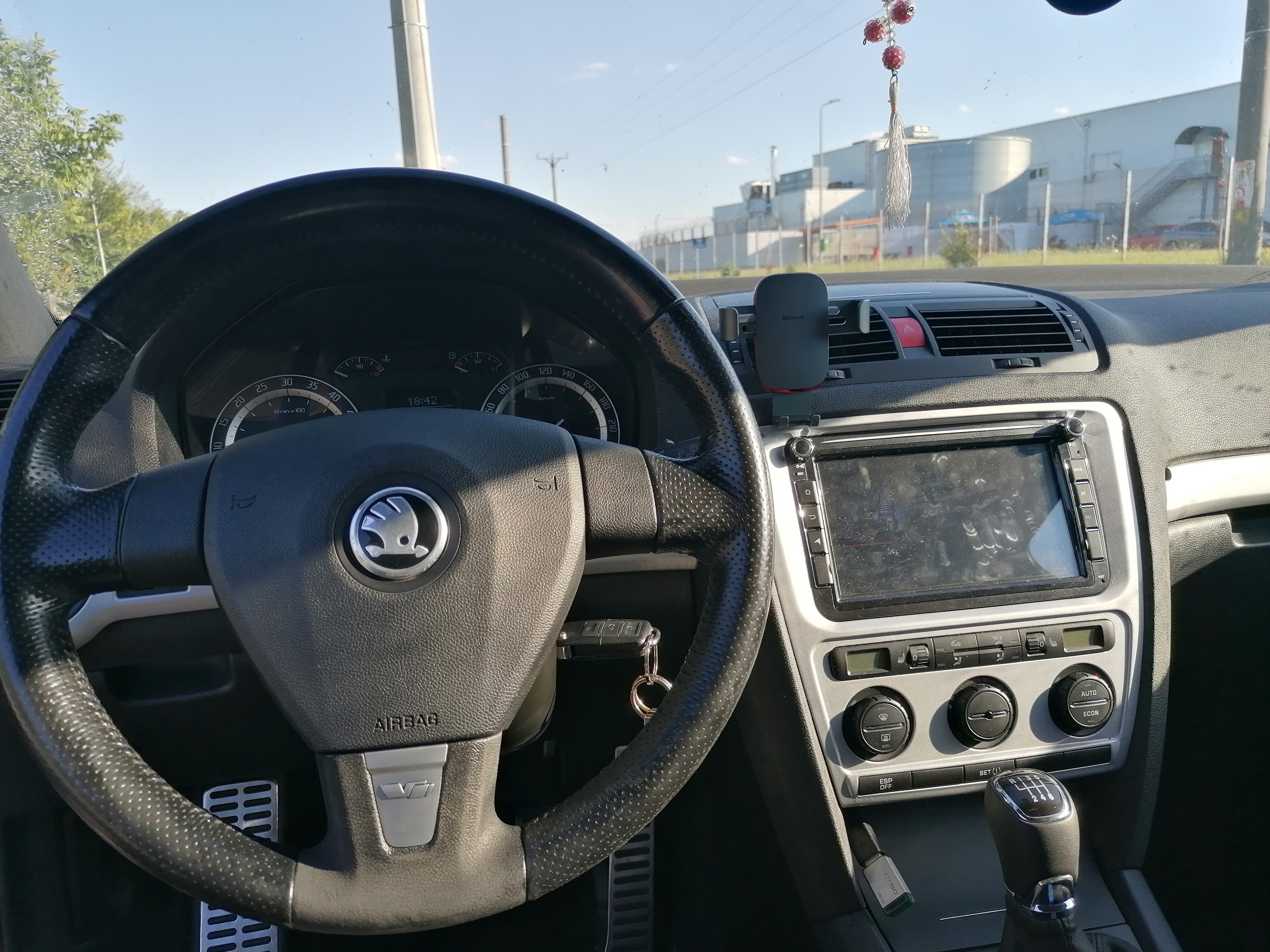
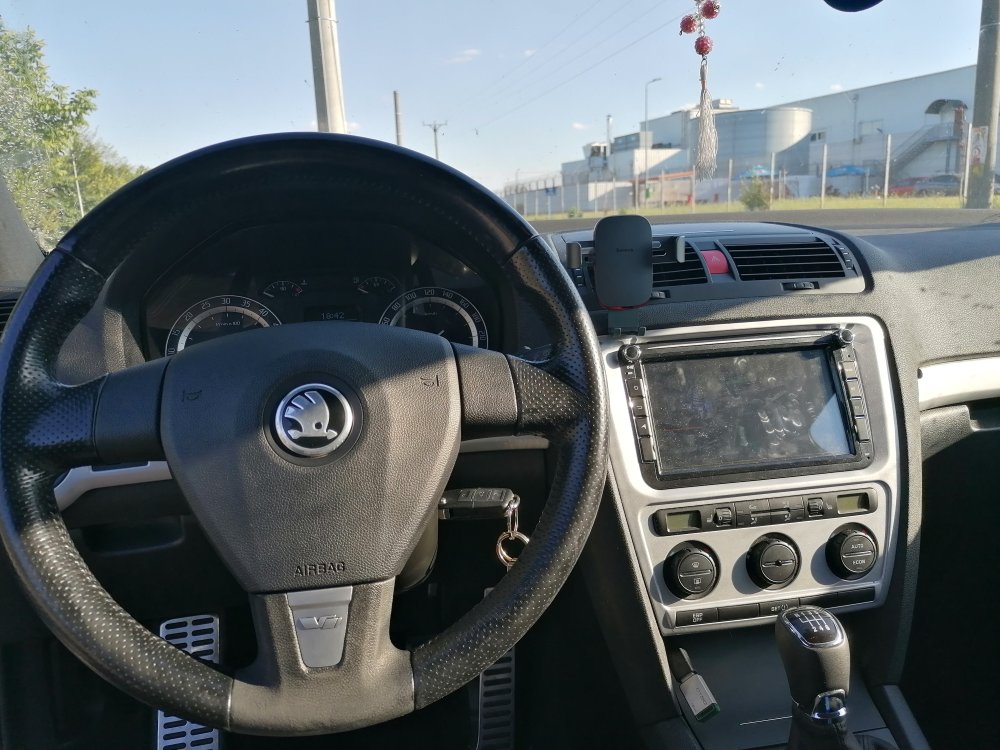
Seeking advices for refurbishing an Octavia 2 VRS steering wheel. I already painted the leather, and looks kinda alright, and i don't know what to use for the bottom part. Any tips?
-
Actually, i would like to remove the DPF or replace it with a downpipe, as i'm also seeking an 2260 turbo upgrade, but i dont't want any noxes in the cabin or any strange smoke apart from the specific diesel smoke. As far as i know, if the software is done correctly, the CR hardly smokes even without DPF and EGR. If i delete the DPF, i should delete the EGR also? I'm trying to figure out a solution as soon as possible.
-
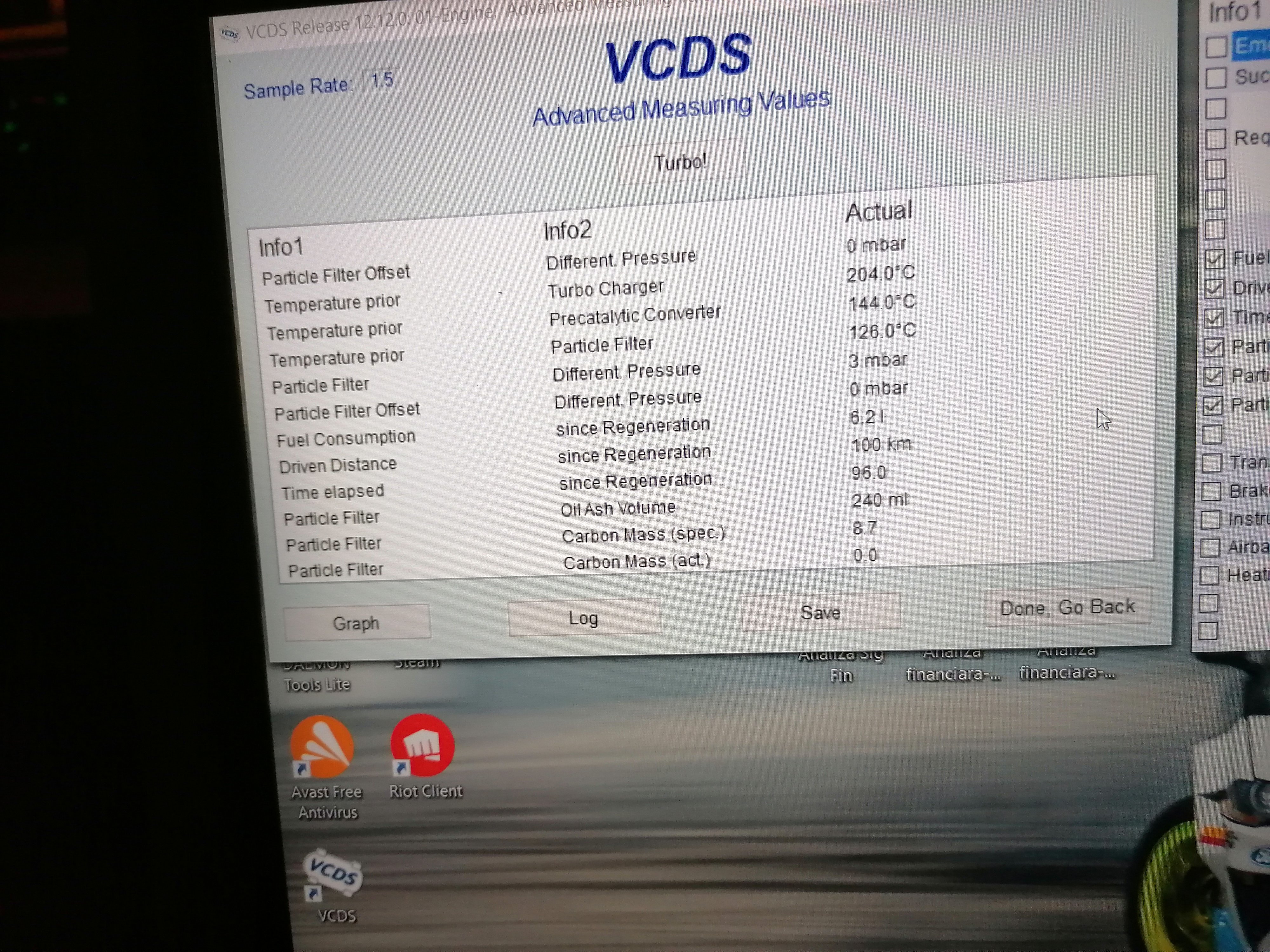
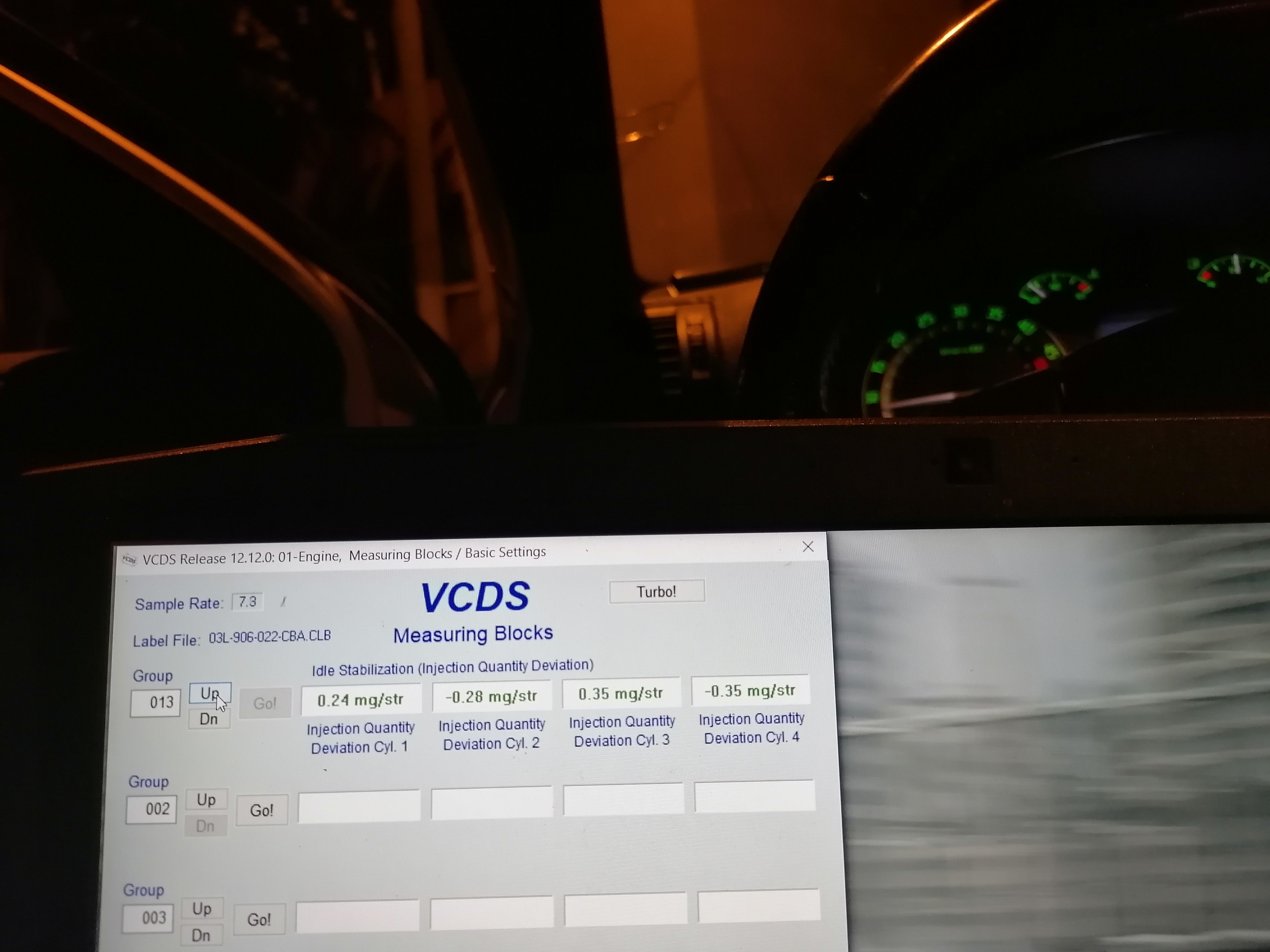
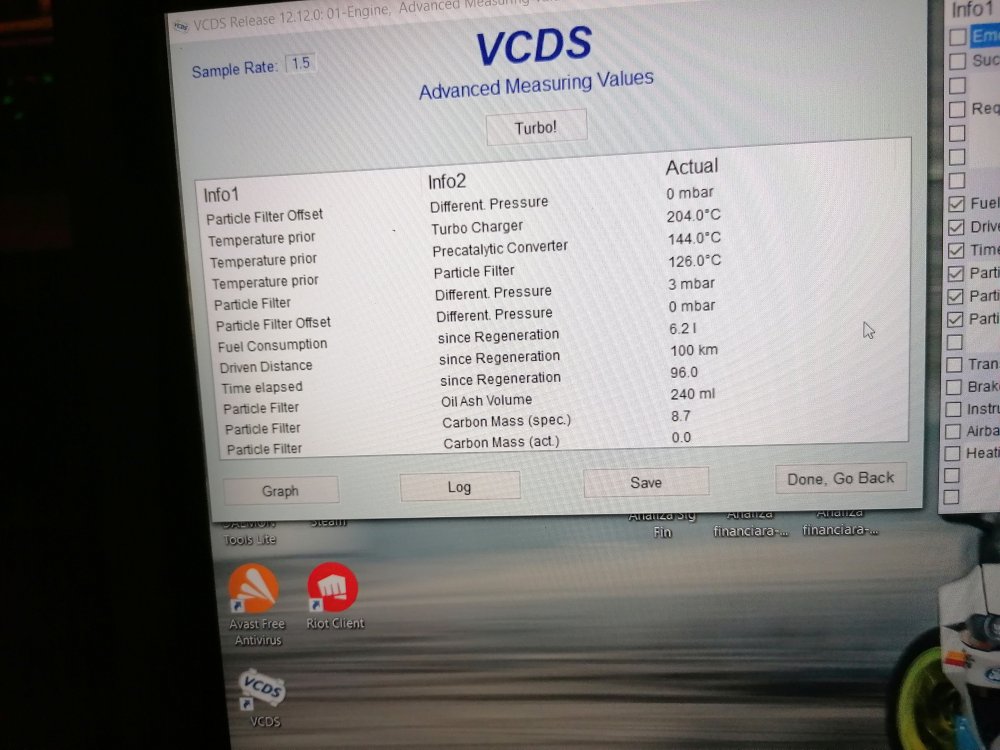
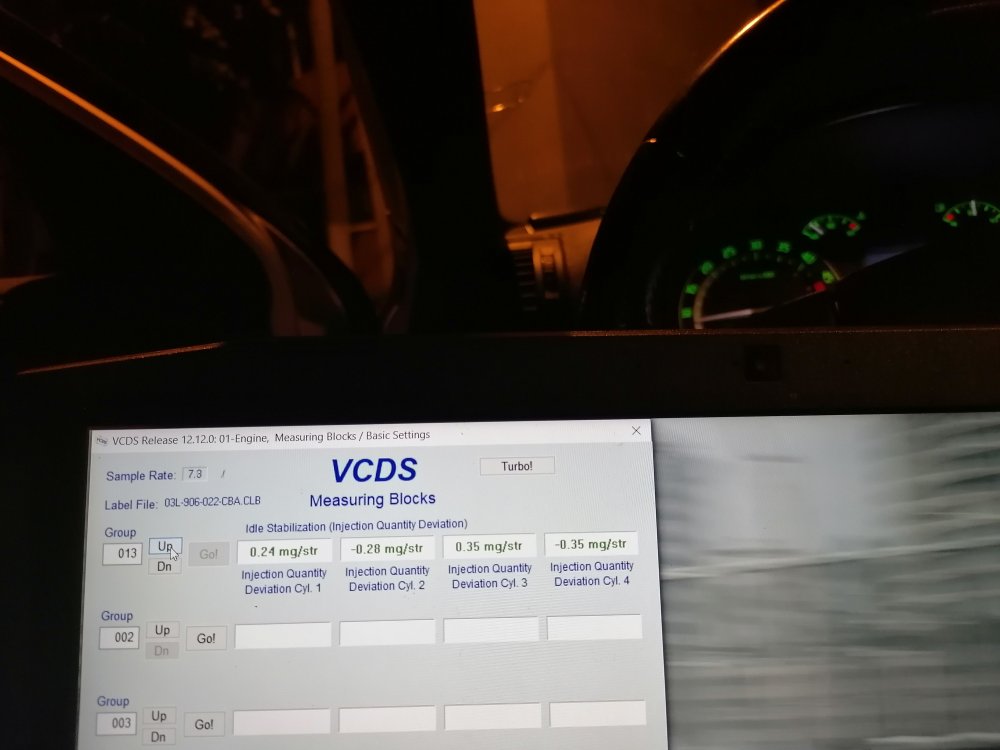
I also tried VAG DPF but it didn't work for me, but instead i use VCDS and i have some parameters here
-
2009 Octavia VRS, CEGA engine code, 295k km. Sooty tailpipe, bad smell, DPF on, stage 1 remap for the last 30k km. The smell is before the remap. Should i delete it? Should i keep it? How i should delete it with minimal noxes and smell and minimal soot levels?
-
I can't see any external leaks at all, and oil doesn't seems to be contaminated with coolant
-
Hello guys, i own an' 2009 Octavia VRS non-facelift, CEGA engine code, and the coolant is disappearing from the coolant tank. Sometimes i see some steam / white smoke, usually after the car warms at 90 degrees, then i turn it off for 20-30 mins. It consumes ~500ml in a month. I pressurized the system, and i didn't see any external leaks. I thought about head gasket / cylinder head. Any thoughts ? Any advice ?