Nerff
Finding my way
-
Joined
-
Last visited
-
Yeah you're probably right, to be fair my garage is usually pretty good but yes I checked all them, they were all OK too.
-
Honestly no idea, gonna take it to a garage to get it checked over.
-
Thanks found out when I'd been checking my fuses before I put one of the small ones back in the wrong slot! My own stupidity, but it's all done now, wipers and indicators working and car starting, thank you to you all!
-
Well this morning started fine after a battery charge however a few things aren't working, namely front windscreen wipers, indicators, although hazards are fine, and the dash is lit up like the lights are on, when they're not.
-
OK I'll charge it up and see how it goes. Thanks all
-
Right, yes I've had the negative cable off the battery. The engine is not turning over at all. It basically trips the electrics when I start it, all lights go out on the dash. If I take the battery wire off and put it back on they all light up again, no dimmer than normal, even when it's turned to the starter position, just when I turn to actually start it clicks and all the lights go out.
-
Yeah I was just trying to work it out they're all back on now.
-
Yeah they're all in tact, thanks by the way
-
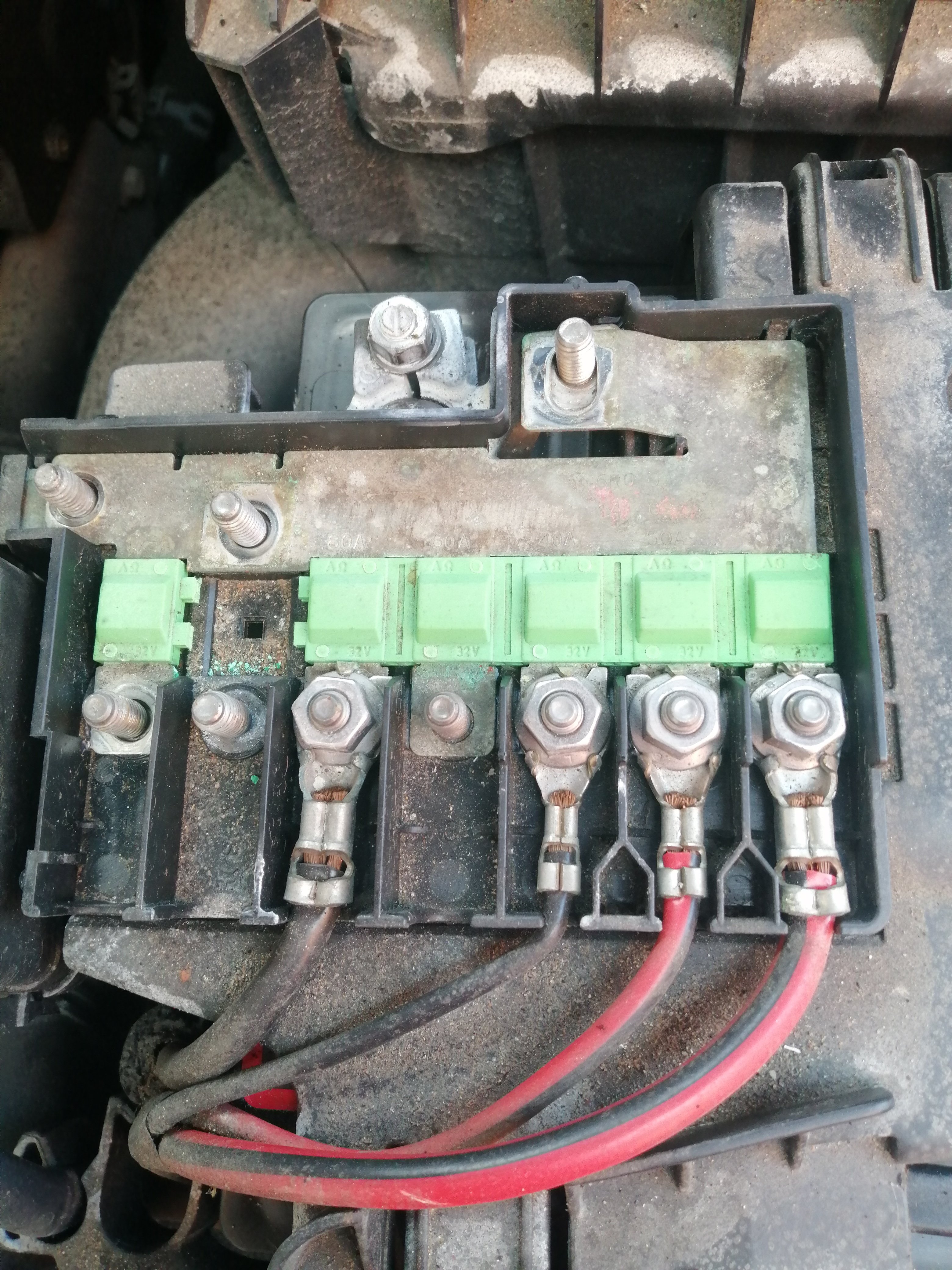
I've took the first wire off, no multimeter unfortunately.
-
Yup that's what I'm doing at the moment, they all look OK but I gotta be honest I don't know what I'm looking for.
-
No when I tried to start it, it popped, the engine hasn't actually restarted.
-
Just for a bit of clarity I was changing the glow plugs, started it up heard a popping noise, now it won't start just clicks.
-
I've found my fuse box but can't find the relays?
-
Hi, just joined, I have a fabia 1.4 tdi, she's been having a few problems lately, hoping to learn some good tips here.