obe
Finding my way
-
Joined
-
Last visited
Everything posted by obe
-
I had the same problem and started with the same actions. I even replaced the instrument cluster. But it turned out that a cable under the hood near the battery going to the speed sensor was frayed and causes both issues. Fixed the cable and cursed and all the unnecessary spending and went on with my life.
-
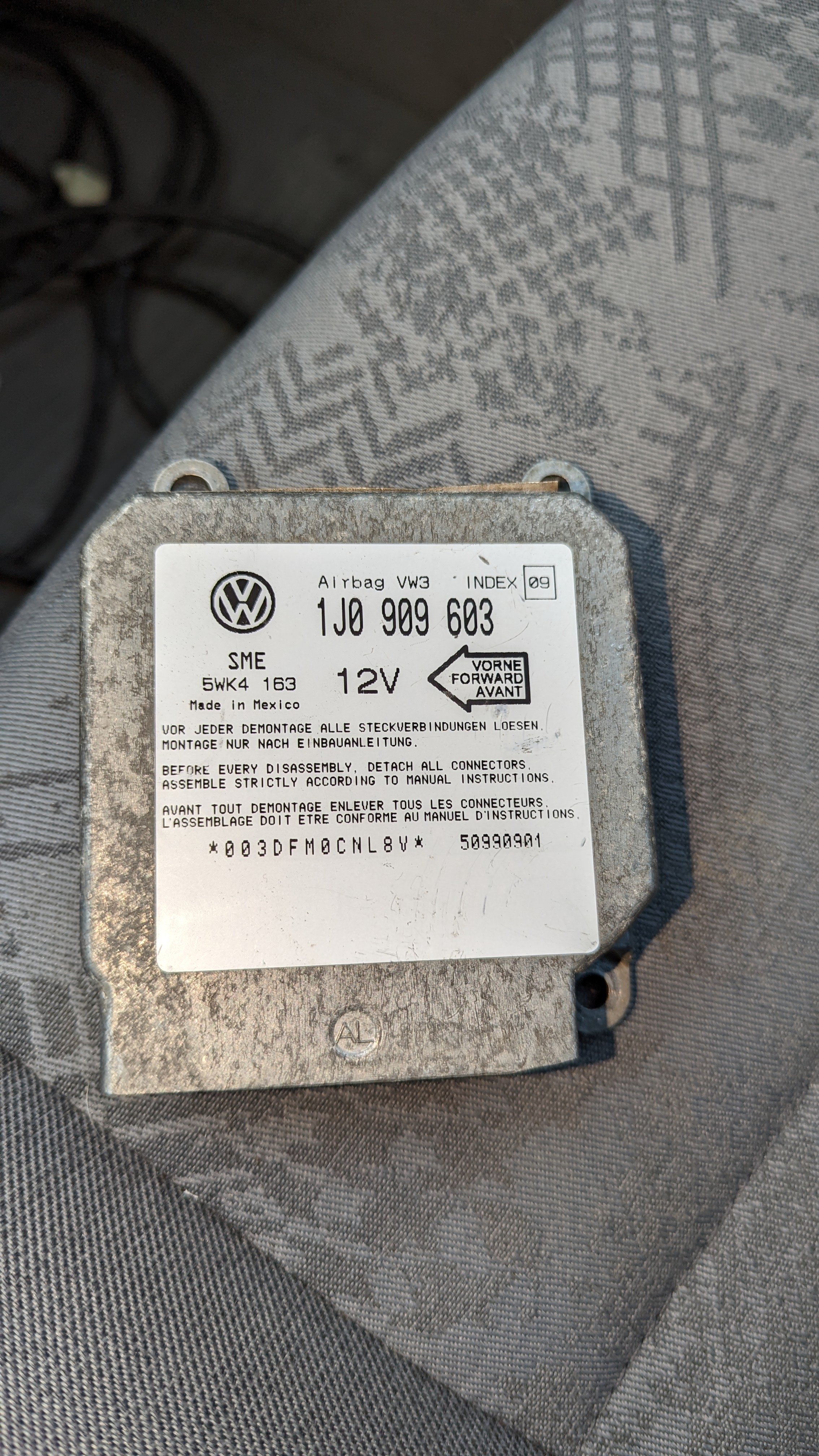
Solved it by buying another airbag module from ebay where the seller could confirm that the donor car only had one airbag.
-
Even if i find out what resistor i need I am not sure where to place it
-
You decide.
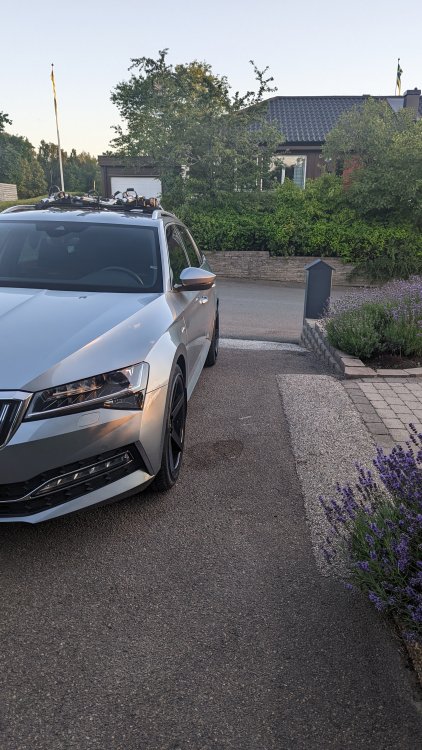
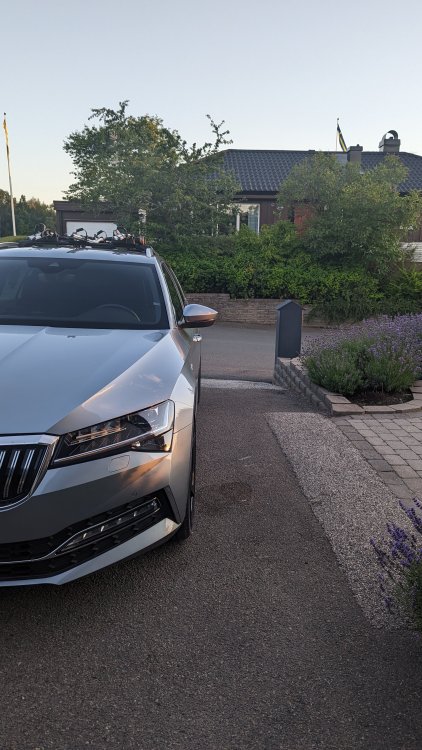
-
Is it possible to code the airbag controller to not think it has a passenger airbag?
-
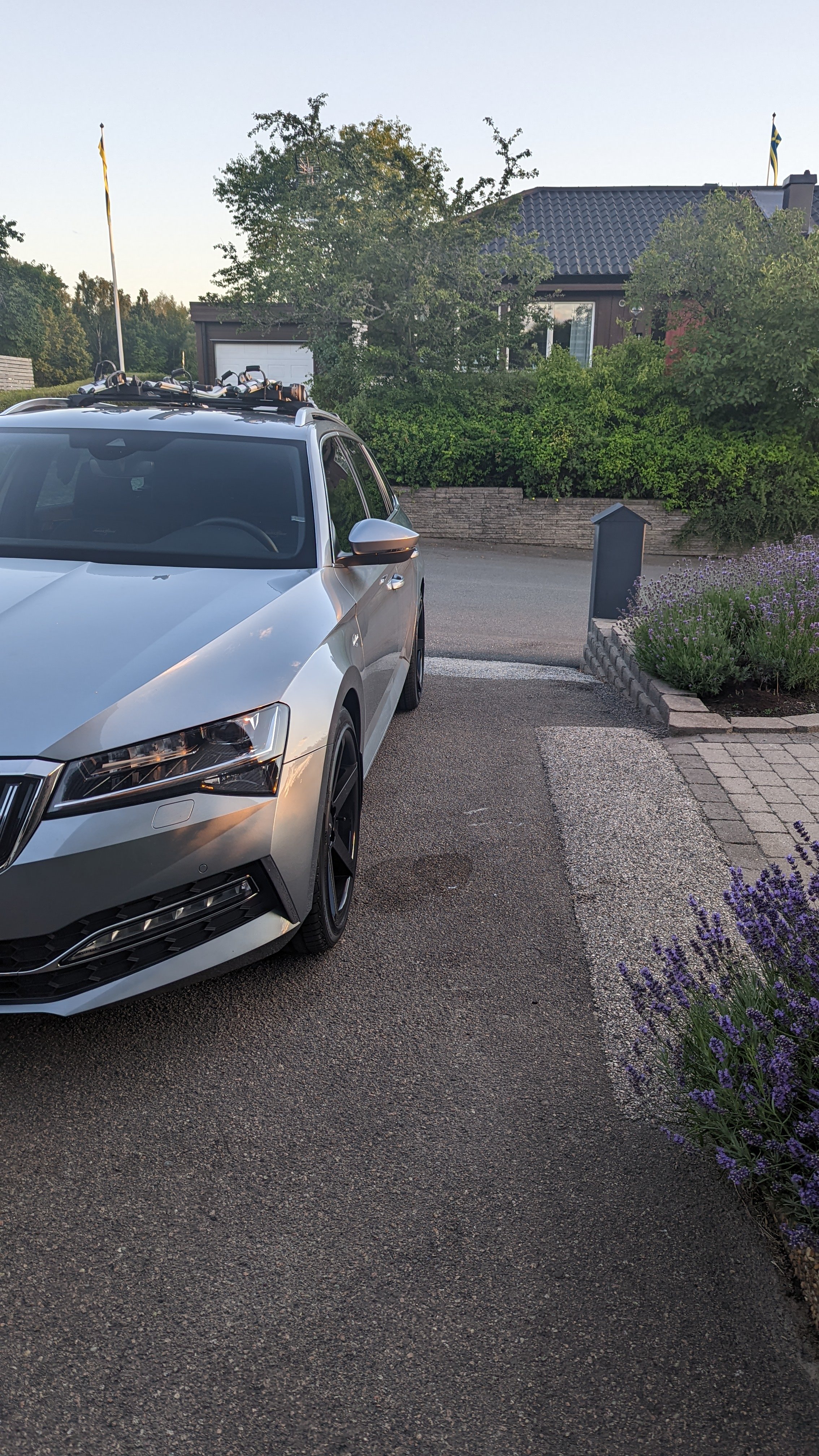
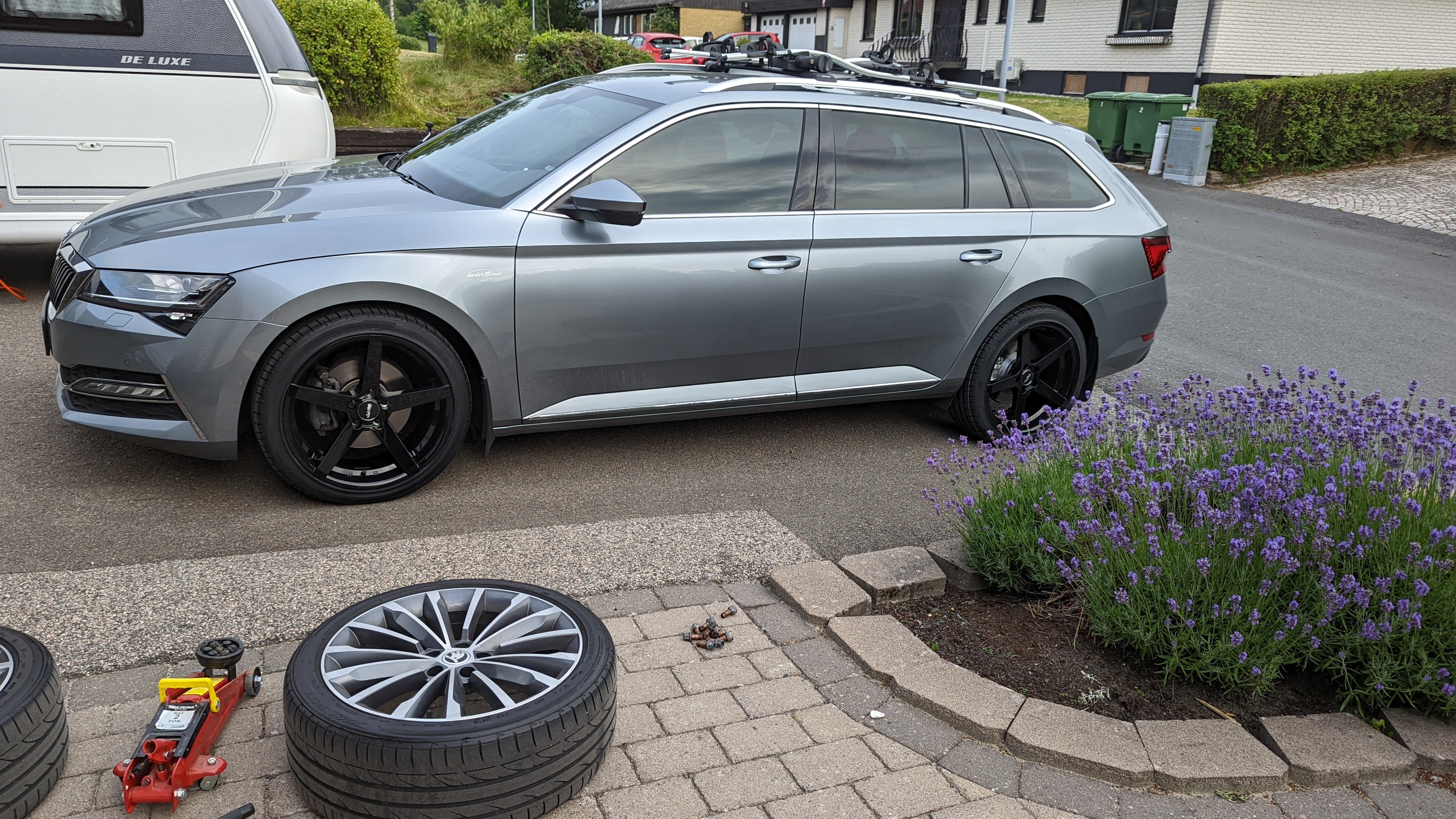
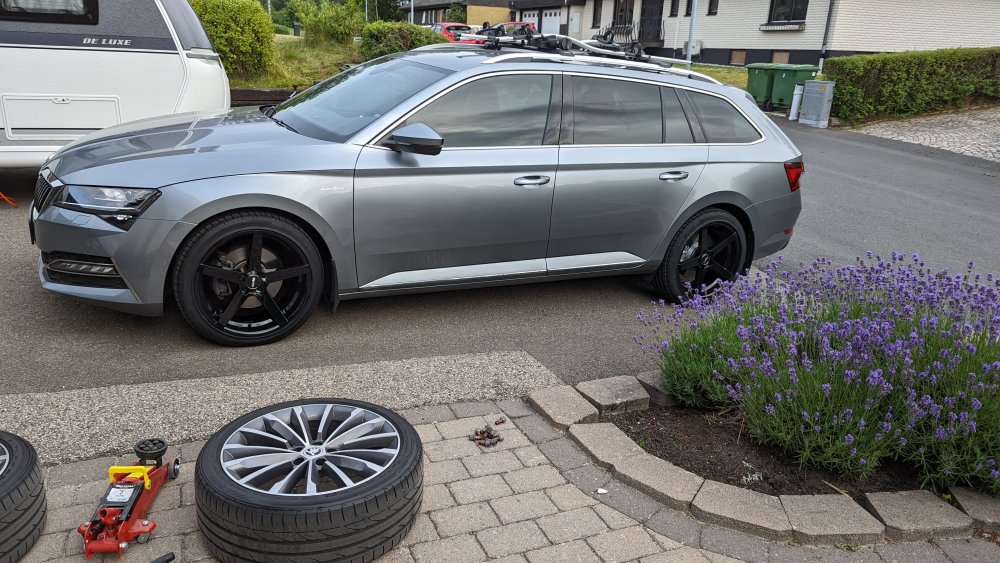
They are from ABS wheels. Model ABS355 GLOSSY BLACK 19x8.5 ET35 With tires of 235 width the edges are near flush with fenders so for me no need for spacers. The rims have lower ET and are wider then standard rims so they sit about 2cm wider then standard rims.
-
New wheels day
-
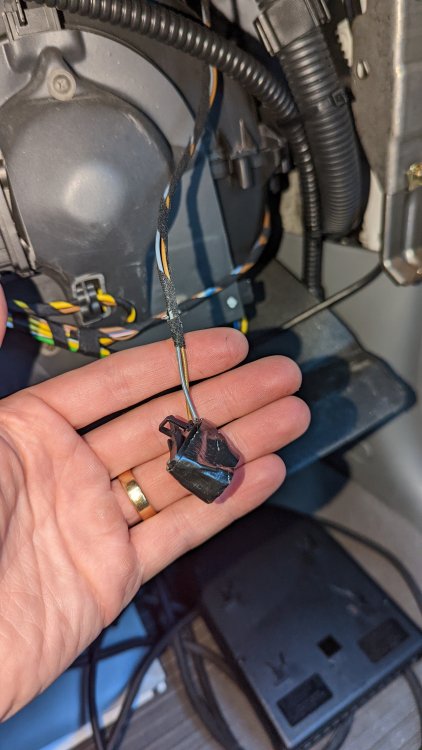
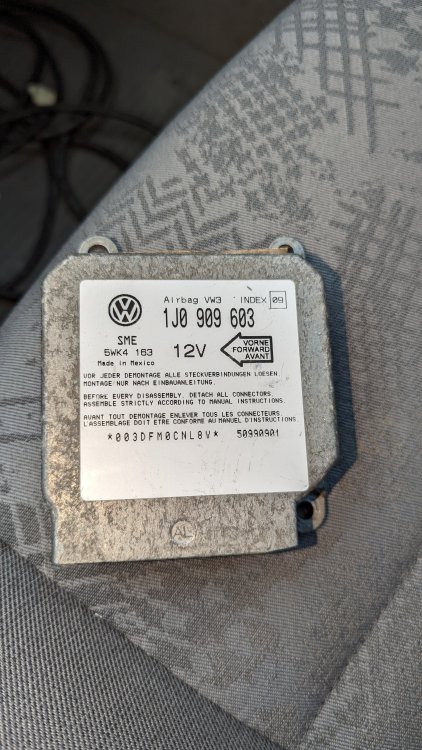
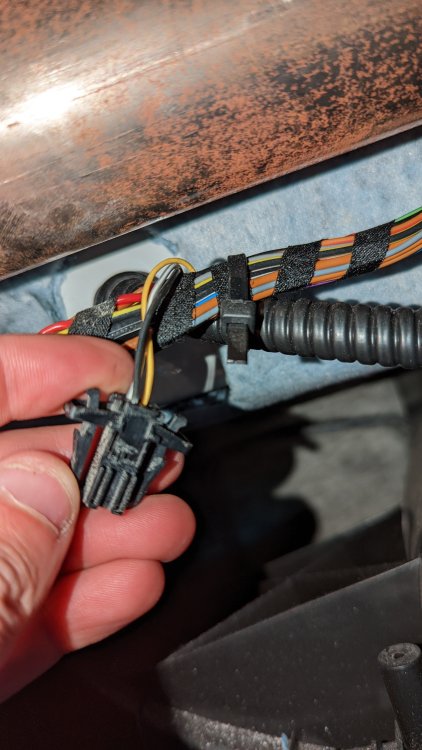
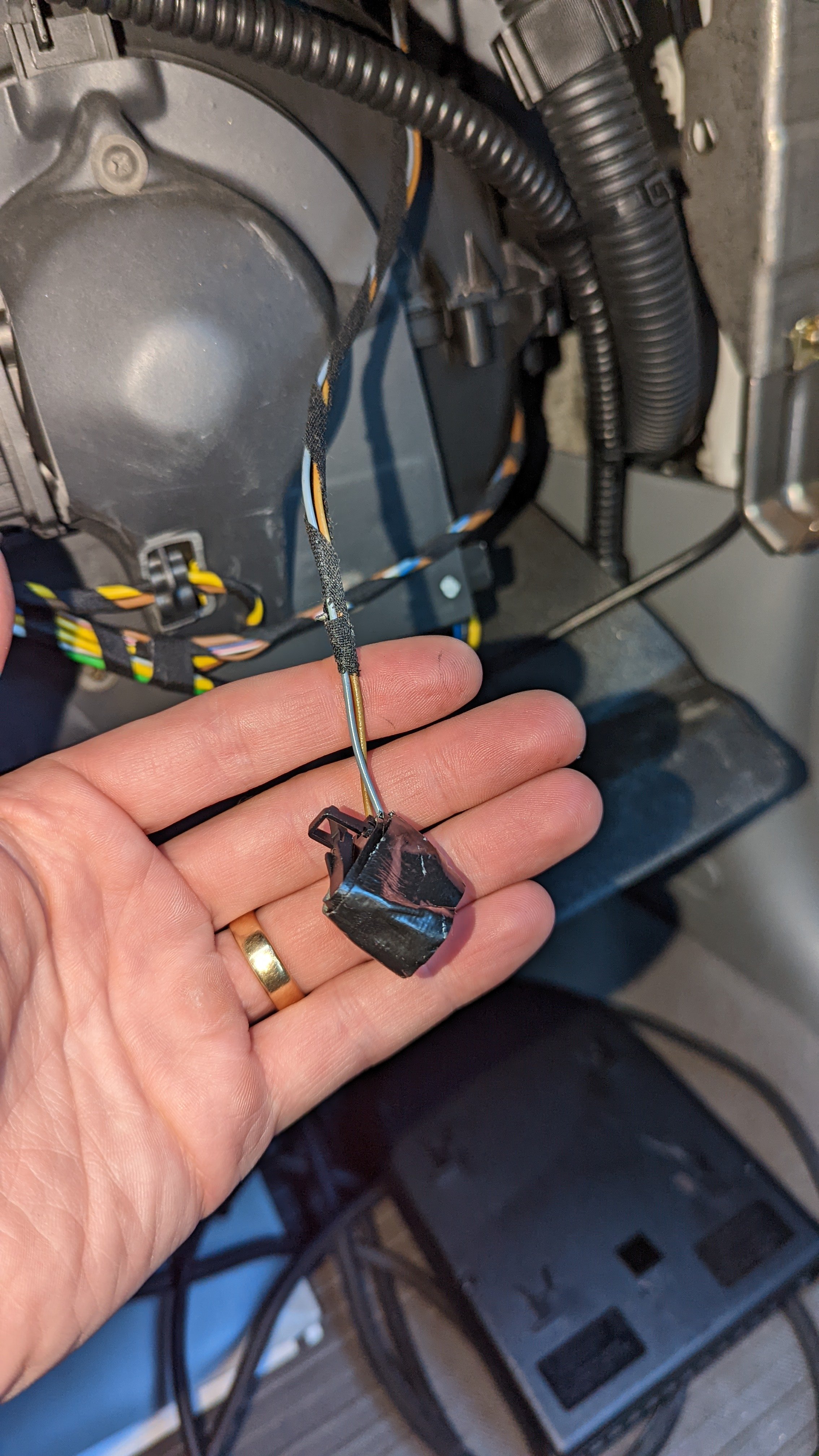
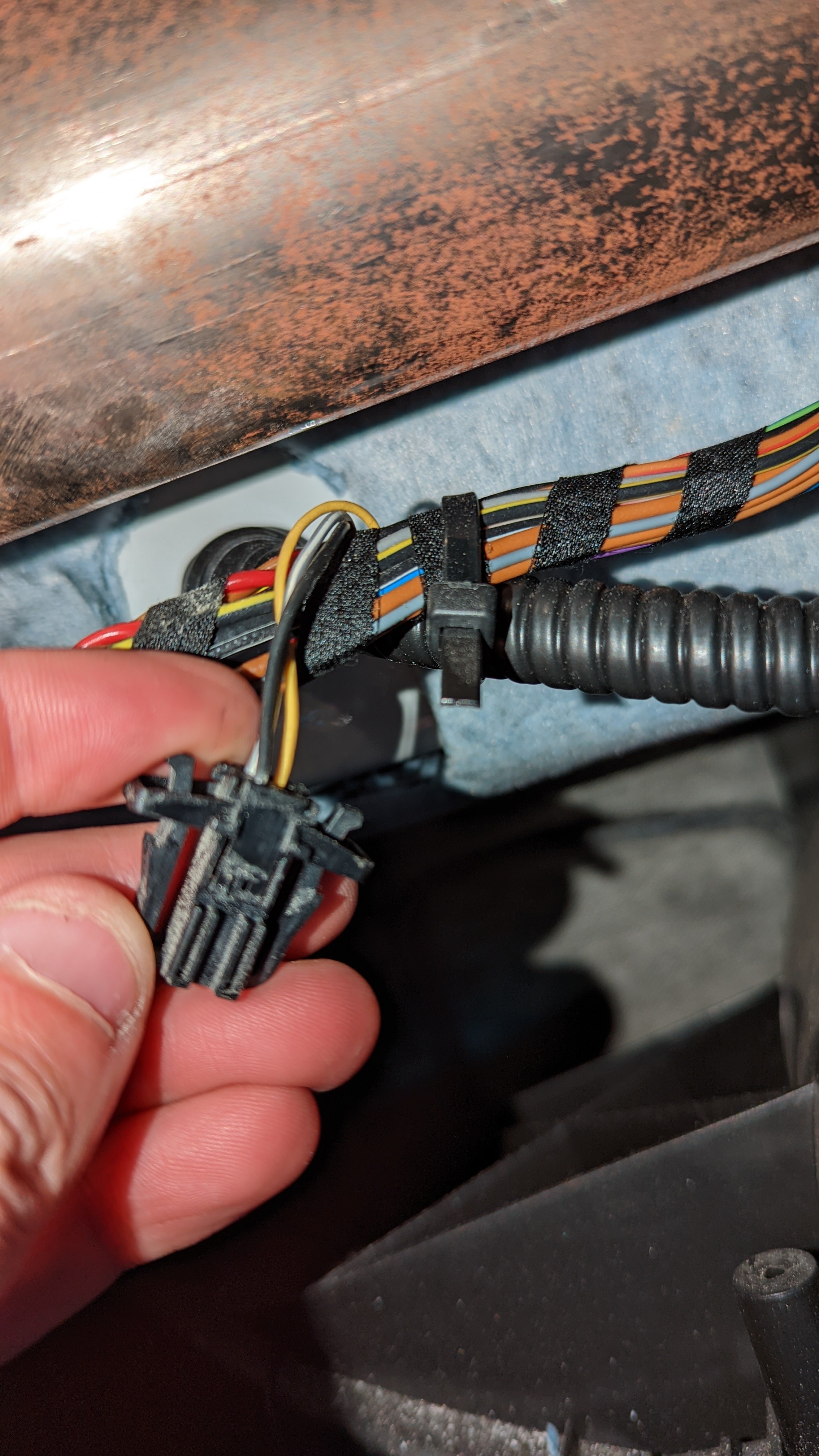
Hi, i have a octavia MK1 from 1996 with a airbag problem. The airbag light has been illuminated a couple of years and i decided to try to fix the problem since they changed the rules so it is no longer allowed to pass the government inspections with the airbag light not working. I visited my local mechanic that said i had a faulty airbag controller. So i ordered 2 used one from ebay but the "new" airbag controllers seam to think that my car has a passenger airbag but my car only have a airbag in the steering wheel. Instead of faulty controller i now just get error code 00589 "Front passenger side airbag igniter 1" I have have disassembled the glove compartment and there are not airbag mark on the dash and their exists not airbag and from what i can se airbag harness behind the glovebox. I found two loose connectors but not sure if any of them are for a airbag or even if i am helped with that. Is it possible to tell the controller that their is not airbag or can ai know if I buy a used one if it also think that there is a passenger airbag? Or what are my option?