h3lixir
New here
-
Joined
-
Last visited
-
Thank you very much, I managed to download the update and I just applied it in the vehicle, it works perfectly ✌️
-
Hello Varrom, thank you very much for your reactivity, unfortunately I can't download the link of your shared file, it looks like the link is dead (maybe I waited too long to download it) Would you be able to make me a link for this version 0253 please? Thanks in advance
-
-
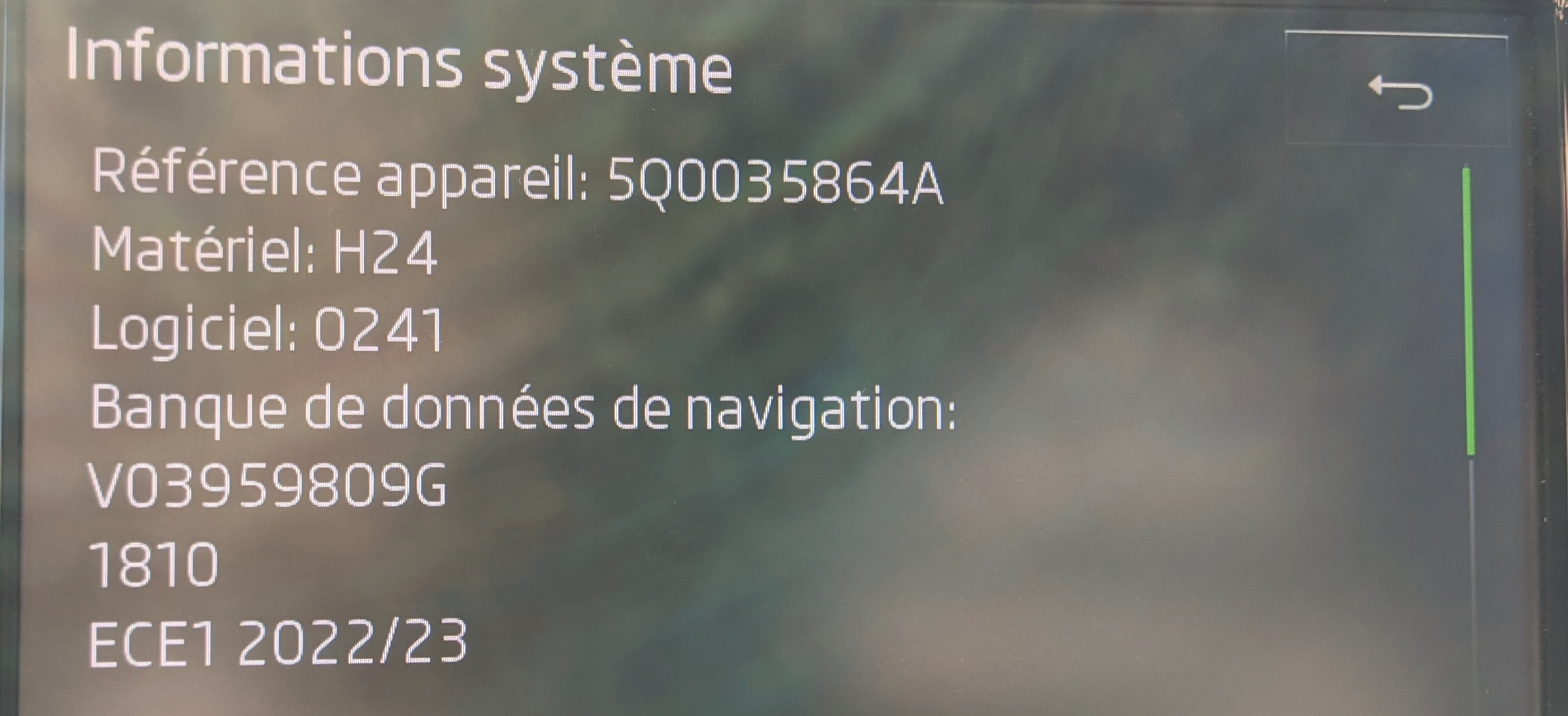
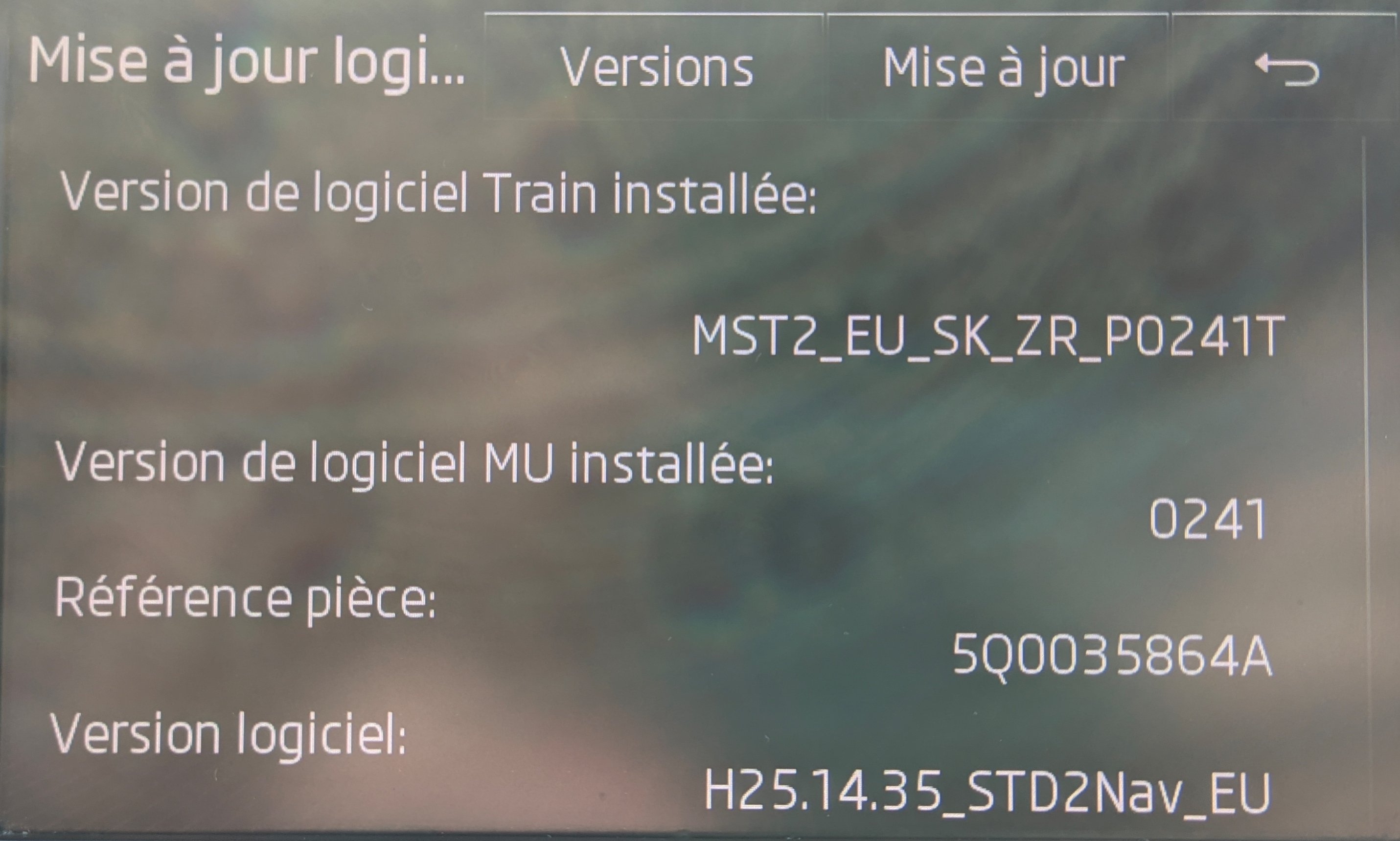
Hi, I own a Superb 3 with a 2015 Amundsen MiB2 that has never been updated (except the maps 🙂 ) Since I changed my phone (Poco), I encounter disconnections with the Bluetooth. I wanted to know if you had an update to propose for my device, my dealer says that it could solve the problem and asks me to pay for this service...😒 Here is the information of my version, thank you in advance. Max 😉
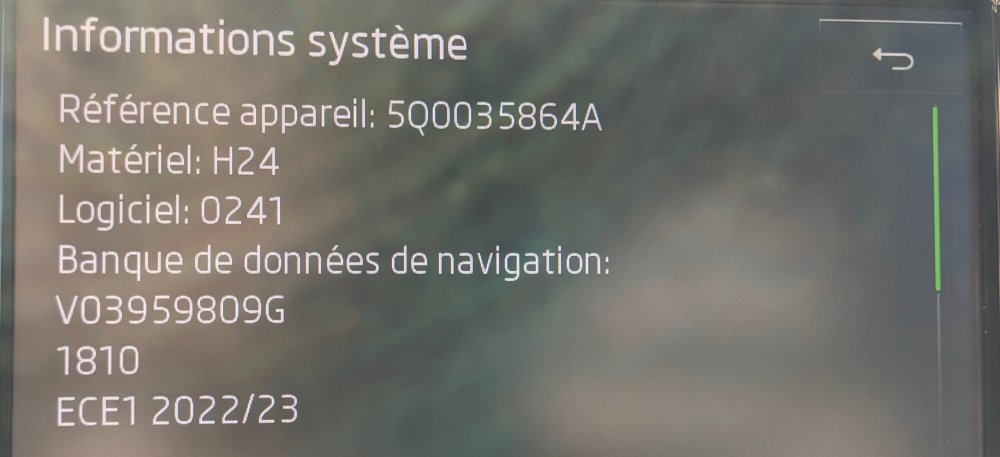
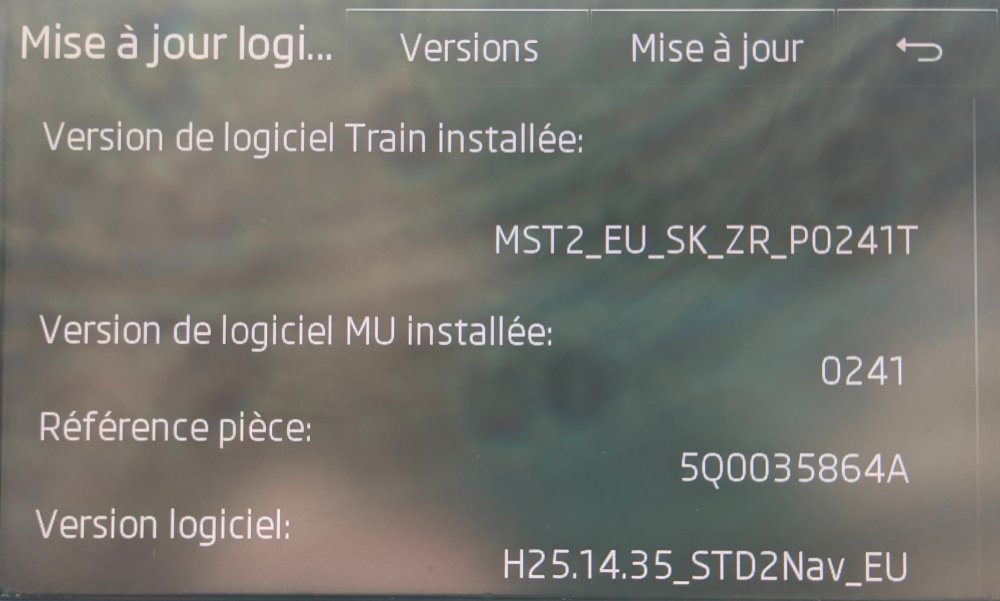
-
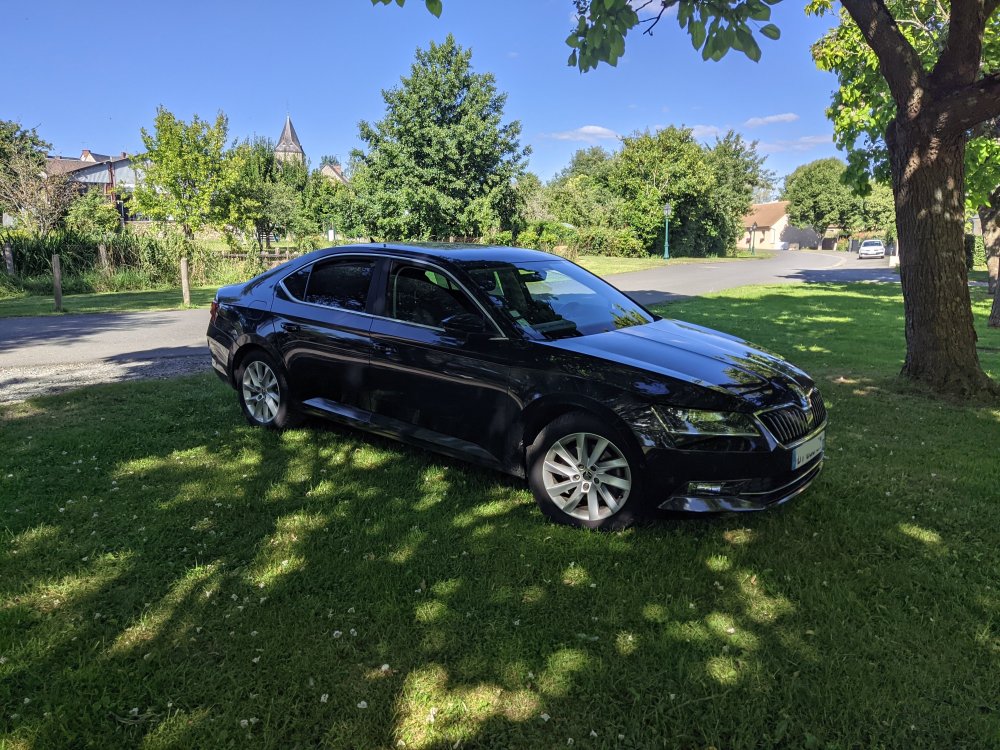
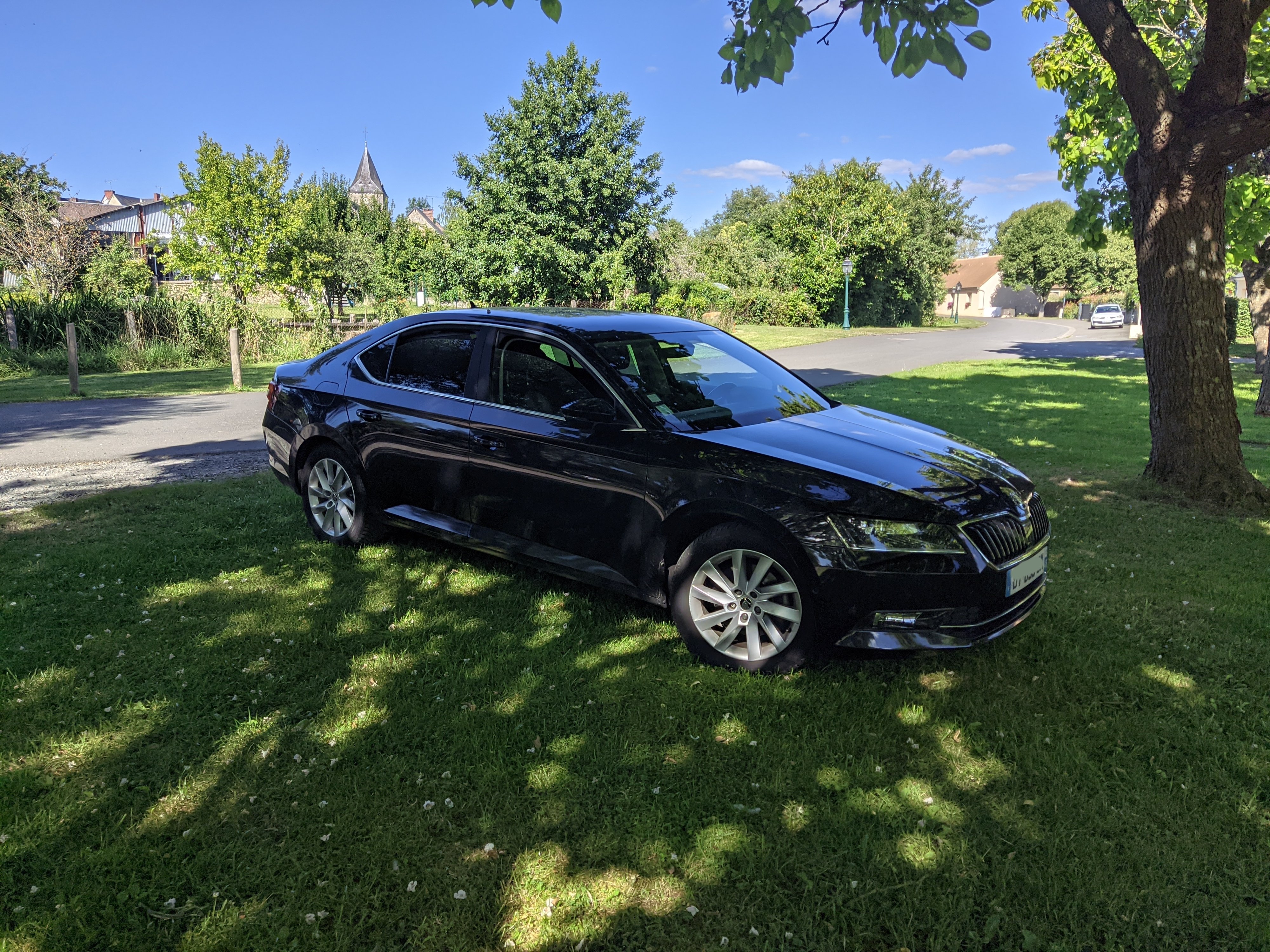
Hello everyone, I'm new here and I would like to say hello from France I own a 2015 Superb MK3 (2L tdi 150l)w previously I had the Superb MK2 (on which I had an engine damage unfortunately, broken valve it was unlucky...). This doesn't take anything away from the respect I have for Skoda's because I bought one ;-) I hope to be able to help you and learn things here. See you soon