leklivet
New here
-
Joined
-
Last visited
-
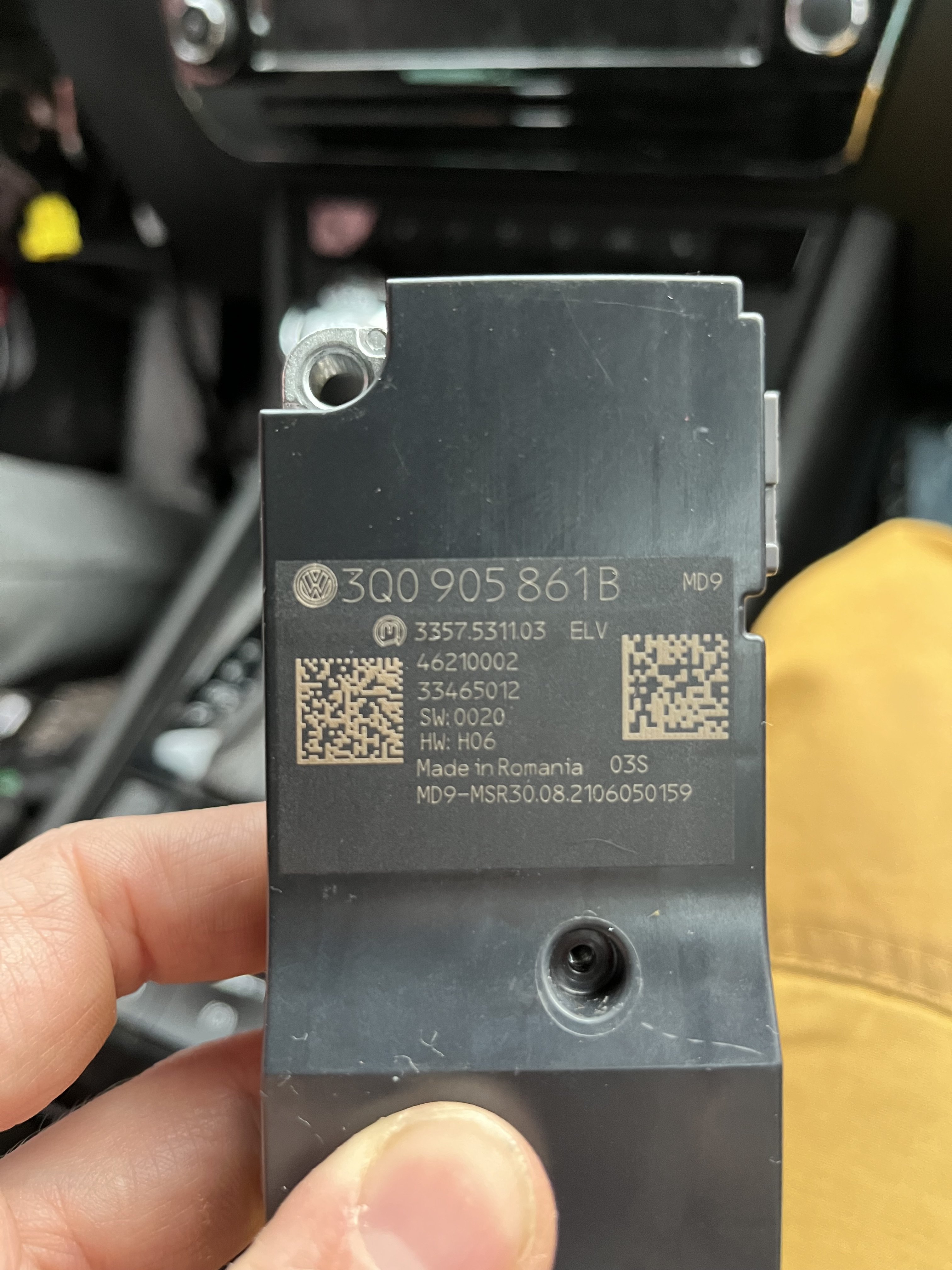
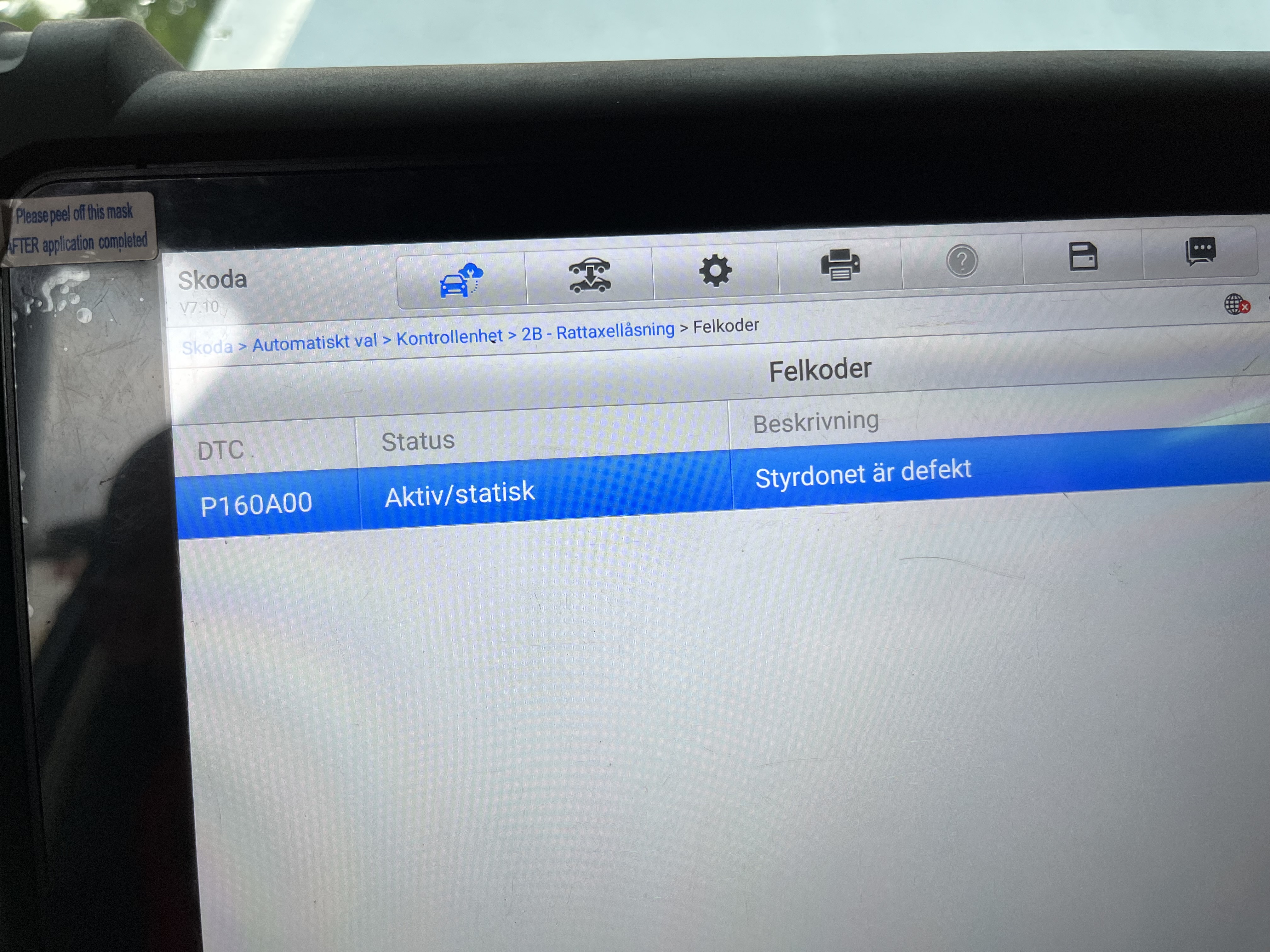
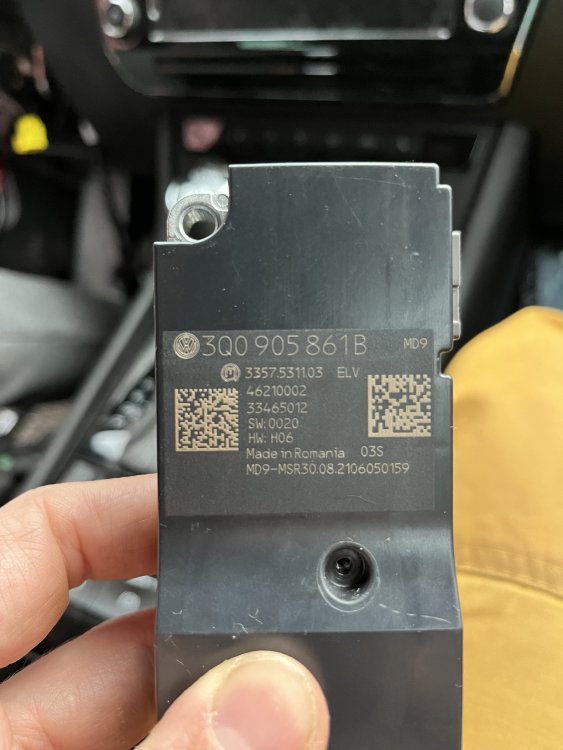
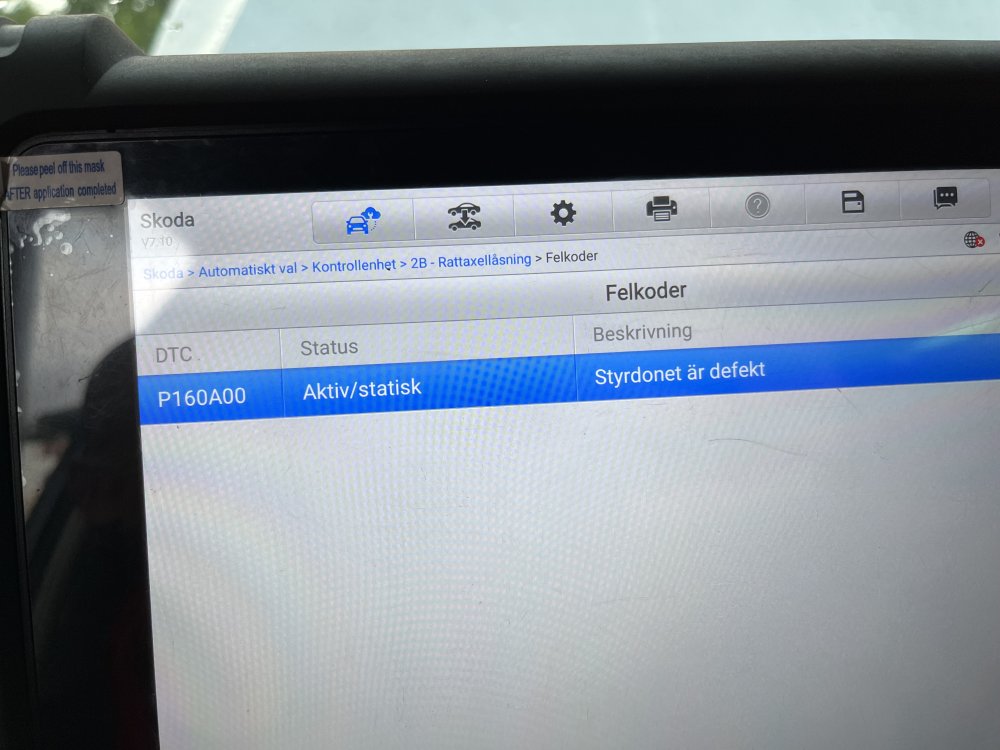
Hello. I got it fixed. The scan for codes showed P160A00. I changed the steering lock module (3Q0 905 861B). Then the fault code disappeared. Then I had to recode all the keys to the new module to get the immobiliser up and running. Good luck with your car. Please update if you had to do same as me.
-
Hello, I have a problem with my car. Unlocking works fine but nothing happens when I push the start button. The car won’t start. A message pops up on the dashboard saying “Steering lock faulty. Stop!”. Does any one recognise this and have a clue what to could be the problem? Yesterday I played around with the steering wheel while trying to calibrate the seat to get the seat positions memory function going. Today I tried adjusting the steering wheel to different positions but it did not helps. the steering look is not engaged.
-
As far as I know and see everything is original. I've own the car for 6 months. The problem started about 1 months ago. I haven't checked any fault codes. Older car used to have a separate 12 v signal when the ignition was turned on. I was thinking something similar on this car. But maybe this is not the case with the skoda. Anyway, that's why I asked for a wiring diagram.
-
Hello, I'm having a problem with my Superb -17. The infotainment don't recognize status of the ignition. Symptoms: - Display won't turn on and off automatically - Revers camera wont show - I don't see any car data while driving. Except this I don't have any problems with the car. First the problem came and went less frequently but now the problem occurs all the time. I don't have any wiring diagram. So hopefully any of you could give me help regarding this.