uski
New here
-
Joined
-
Last visited
-
Yes I can fold by long-pressing the key, but I thought I read it was possible to make it automatic through VCDS. Maybe I was mistaken. That brings me to another question, was anyone able to mod the door wiring to do that ? Maybe with a relay or similar Thanks
-
Hi ! I am trying to dig into old forum posts about VCDS adaptations (seems like everyone did that years ago ! I missed the train it seems 😁) I have found most of what I am looking for, but what I can't get my hands on is where in VCDS to enable the automatic folding of the front side view mirrors when the doors are lock. Anyone has a link or information about this mod ? Thanks !
-
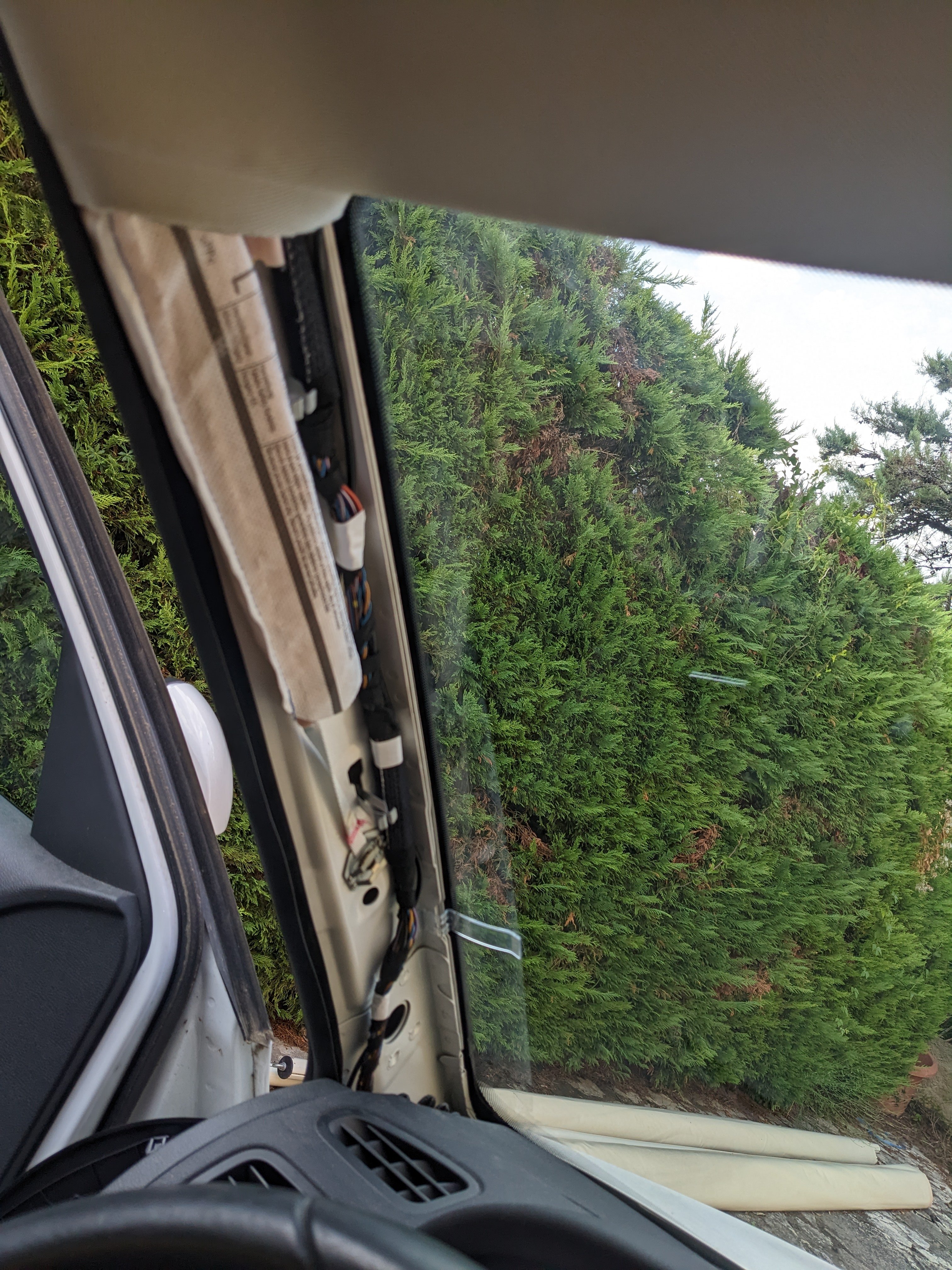
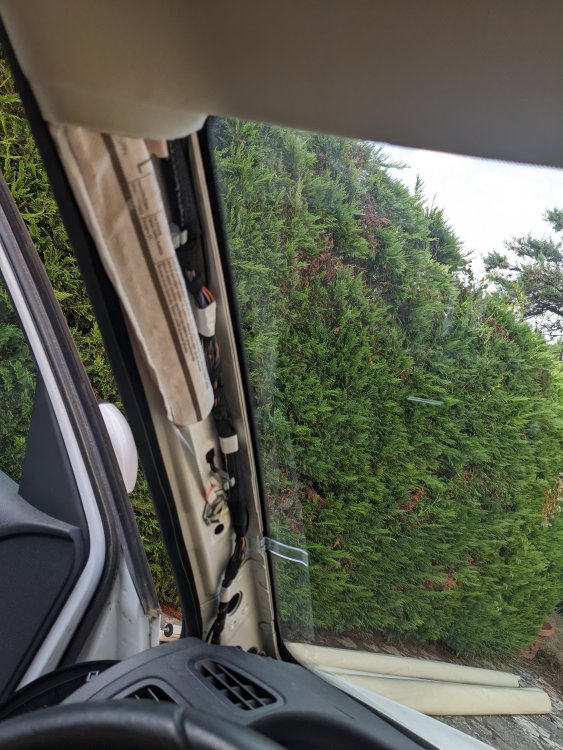
Hi, Thanks, I ended up doing it that way. But I am having issues finding a fuse that is shut down when the car is shut down. I don't want to drain the battery. Any clue ? I used fuse number 6 but it seems to be getting power all the time which is unexpected according to what I have seen on the other posts. Also, I disagree with the way many people are routing the wire on the pillar. They do it in a dangerous way, in the path of the curtain airbag. This can cause airbag failure and/or serious injuries in the event of a crash. So instead I removed the pillar trim and ran the wire properly, on the windshield side. It is a big harder, but much safer (I routed it along the existing wire harness and secured it with the white electrical tape as seen in the picture below). The clips holding the side pillar are the two metal clips and I believe that the pillar must be lifted away from the center console to unlock them, but not 100% sure, it wasn't easy. Hope this helps someone
-
Hi ! I want to hardwire a dashcam, and to do so, I am trying to remove the ceiling light (the one at the front, center, next to the rearview mirror). I can't find how to do it, any clue ? Thanks !