Mark_245VRS
New here
-
Joined
-
Last visited
-
Yeah she's a 2.0 TSI, not even 50K km on the clock though! I couldn't find any definite intervals/recommendations online about anything other than the basic filters/oil changes, and no other info than that in the User manual either which I thought was weird. I know manufacturers usually X amount of mileage OR X amount of years, but 5 years for a chain is quite short in my eyes, for such an expensive job too. Also asked the dealership could I get a list of the required/recommended/advised intervals and was told it was all online 😶 I think they quoted something like €600-800 for the brakes- as the VRS rotors are bigger than normal, and with labour it's probably not an outrageous price, but I'd be looking at €550-600 with aftermarket OEM in the local garage instead...
-
An update to this long saga: So the dealership finally agreed it was replaceable under warranty. A light at the end of the tunnel for me, or so I thought! They ordered the control unit and let me know they had it, dropped the car off to them to get a service at the same time. They let me know 6 hours later that the unit they ordered is the wrong one! So I've to wait another few weeks for the right one, I don't know whether to laugh or cry 😂 They also let me know that as the car is 5 years old now it needs the timing chain and water pump replaced, plus they recommended new pads and rotors all round with a brake fluid change. Probably close to a €2000 bill which I politely declined for now until this radio gets replaced. I don't doubt them with the front pads and rotors, but I can't imagine the rear need to be done too. Plus €10 for a new key battery but I got both keys replaced by the same dealer a few months ago when the car was in having the radio checked! Had to tell her twice I didn't need it and wasn't paying. Once the radio gets sorted by this dealer, I don't think I'll be back again..
-
They’ve really turned me off every buying a Skoda again, that’s for sure. This is the flagship Skoda dealership in Ireland that I’m dealing with, expected a lot more to say the least!
-
My thoughts exactly, everything works fine with the infotainment system/calls etc. other than touch detection. What do you mean by a full scan, with an OBD reader or something?
-
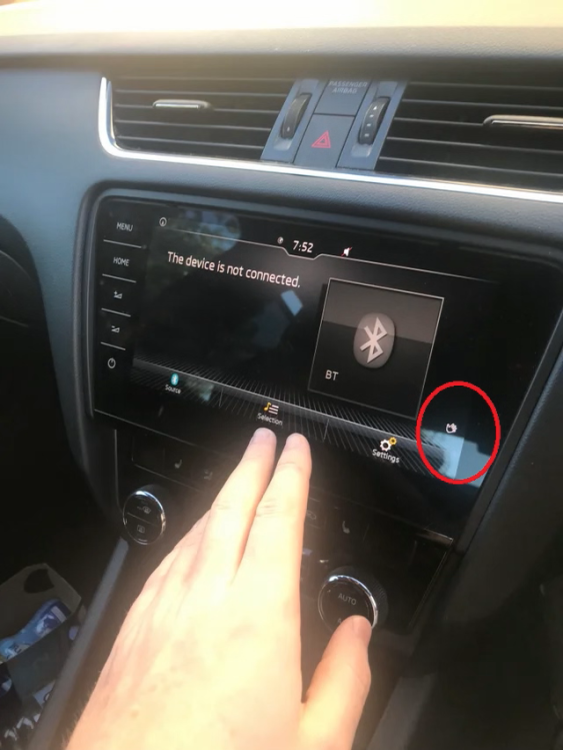
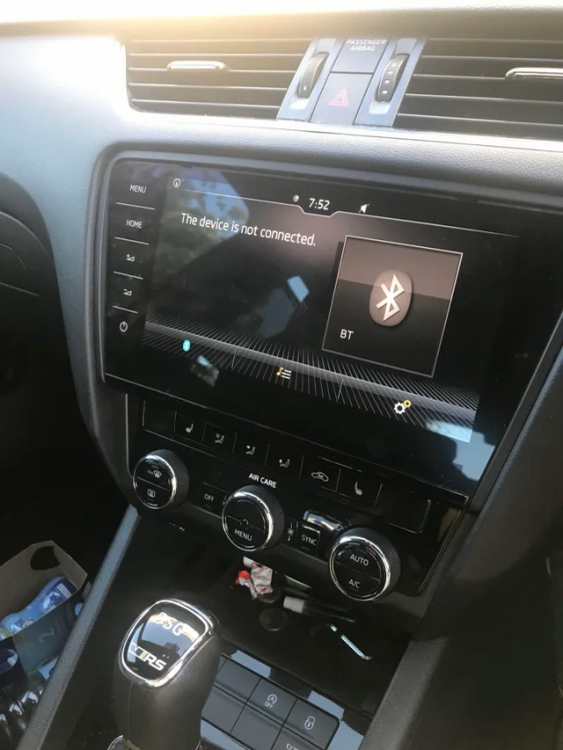
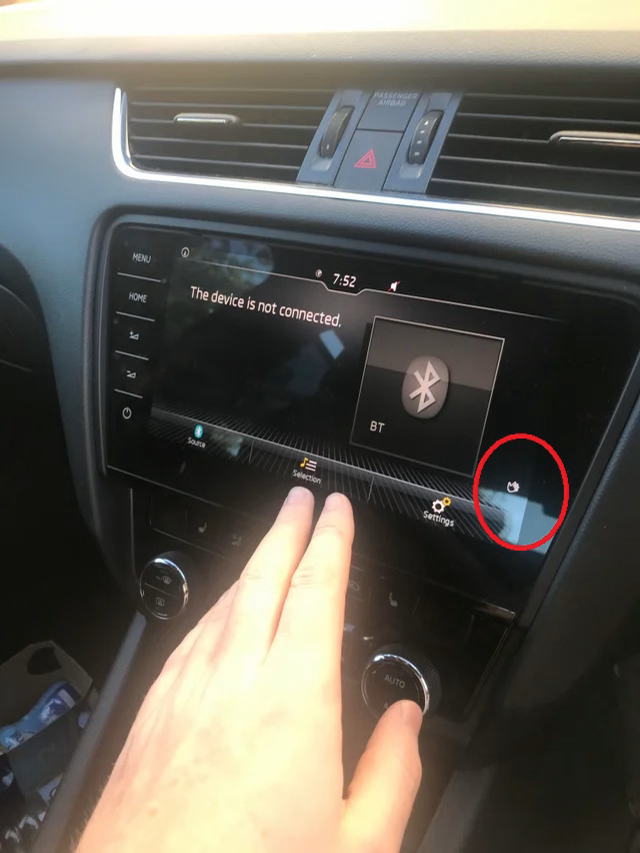
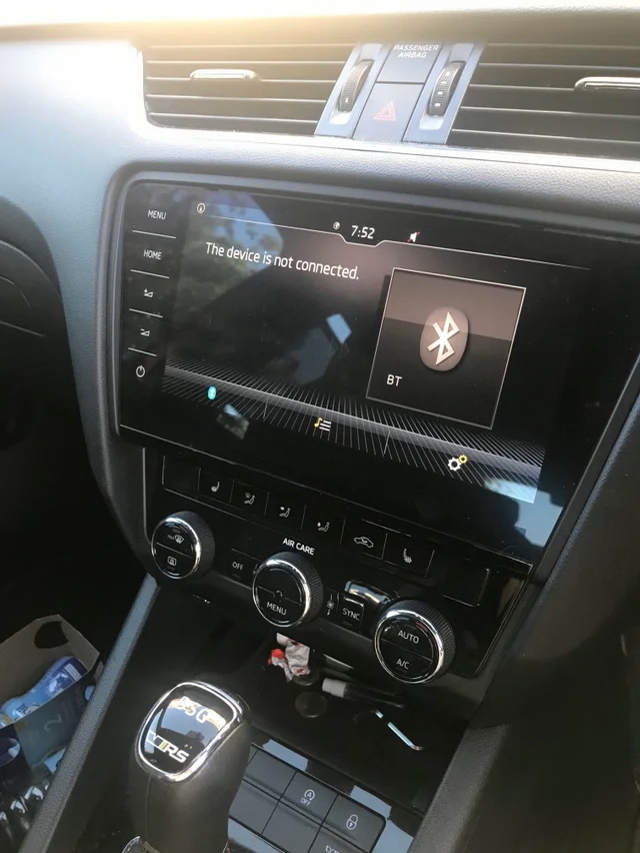
Hi all, I'm just back from the dealership who have quoted me over €2000 for a replacement headunit for my Octavia, it's a late 2017 VRS model with a Columbus head unit I think (not sure on the exact model) I bought this car last year with a 2-year "Skoda Approved Used Warranty" and I'm in a bit of an argument with the dealership's reluctance to even check if it's covered or not. If they've said this is a faulty unit, I'm not sure what their argument is to not cover the replacement. Besides all that, the issue with the unit is that the touchscreen isn't working. The power button still responds to touches, and I've tried resetting it numerous times, disconnecting the battery for a period of time, only thing I haven't tried it checking the fuses myself, though I doubt this could be caused by a fuse. What's more, the unit can still detect my hand and shows the icon on the screen, so to say this is infuriating is an understatement! I'd prefer if it was just a blank screen 😂 Everything still works, bluetooth, FM radio, CarPlay, etc. but I can only do some basic controls with the awful voice control. I got a puncture 2 weeks ago and since then I can't clear the warning as I need to do it via the screen, so I'm not sure will my car be able to pass inspection next time. Am I out of options here?