




VLADISLAV73
Finding my way
-
Joined
-
Last visited
-
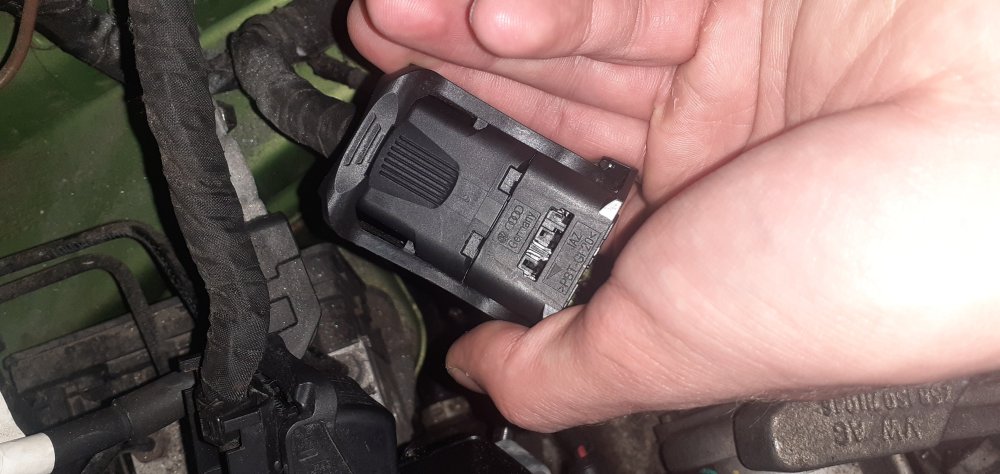
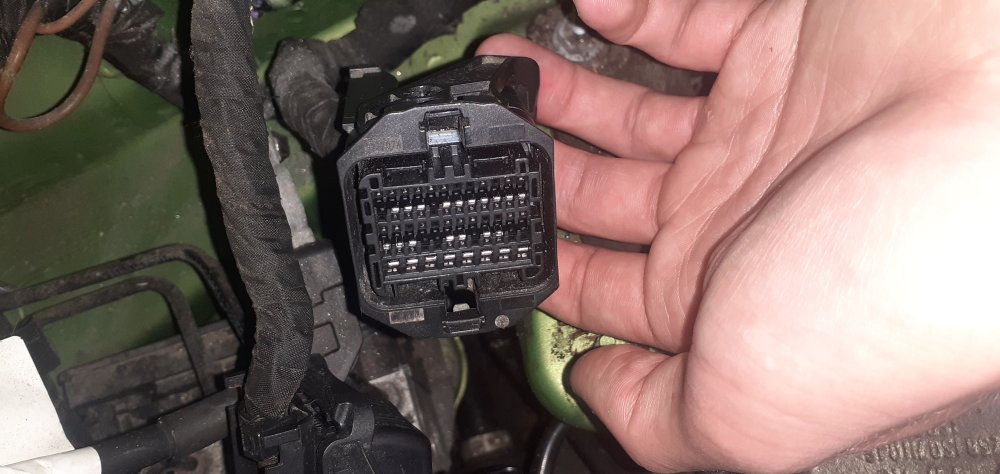
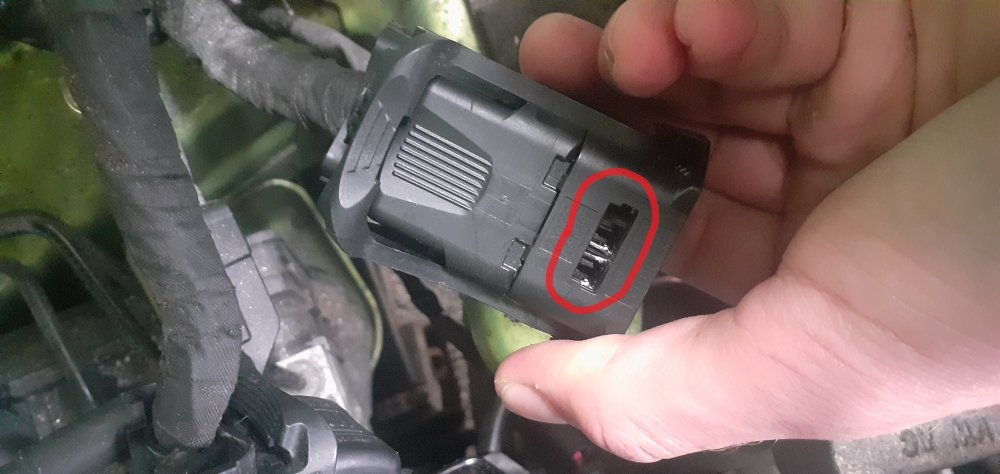
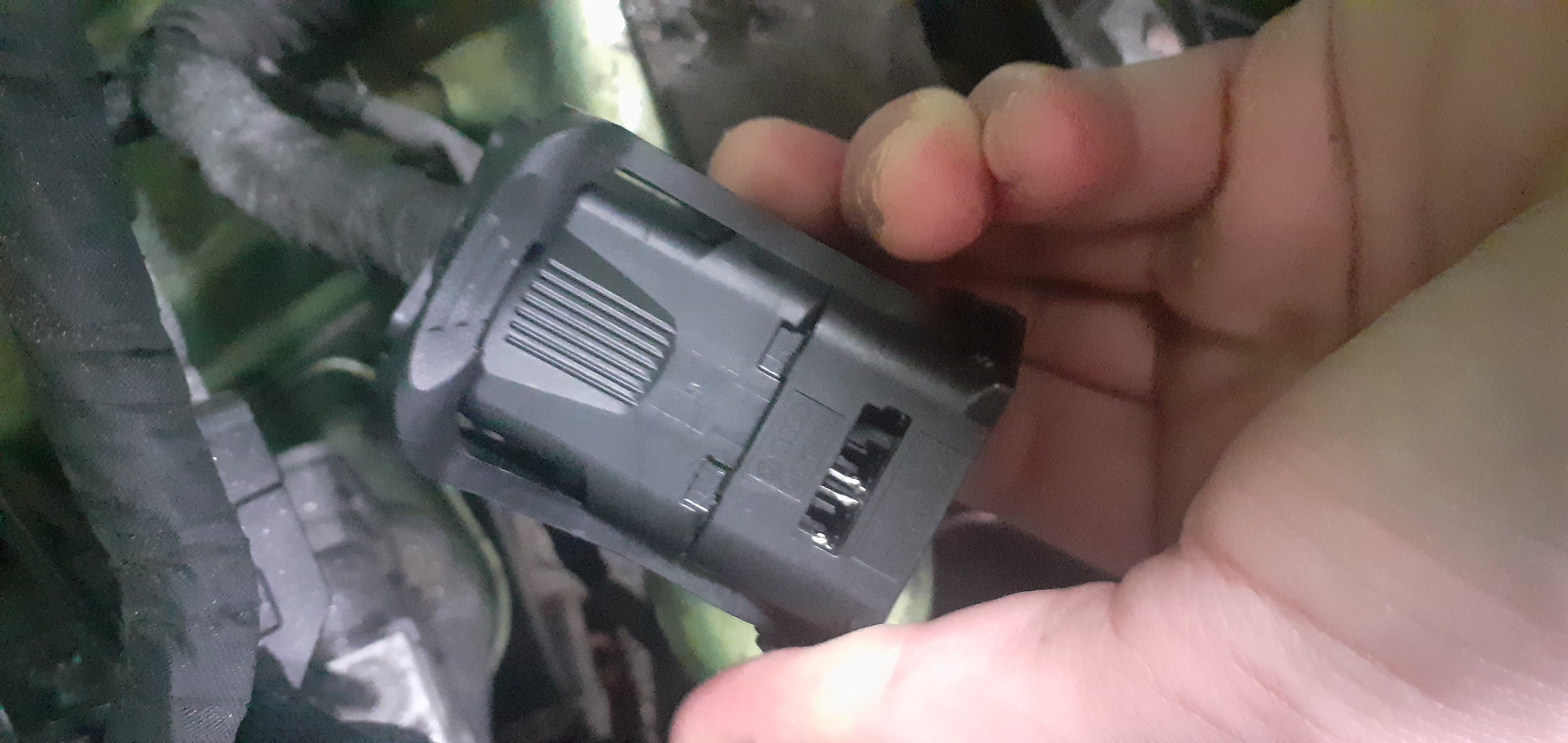
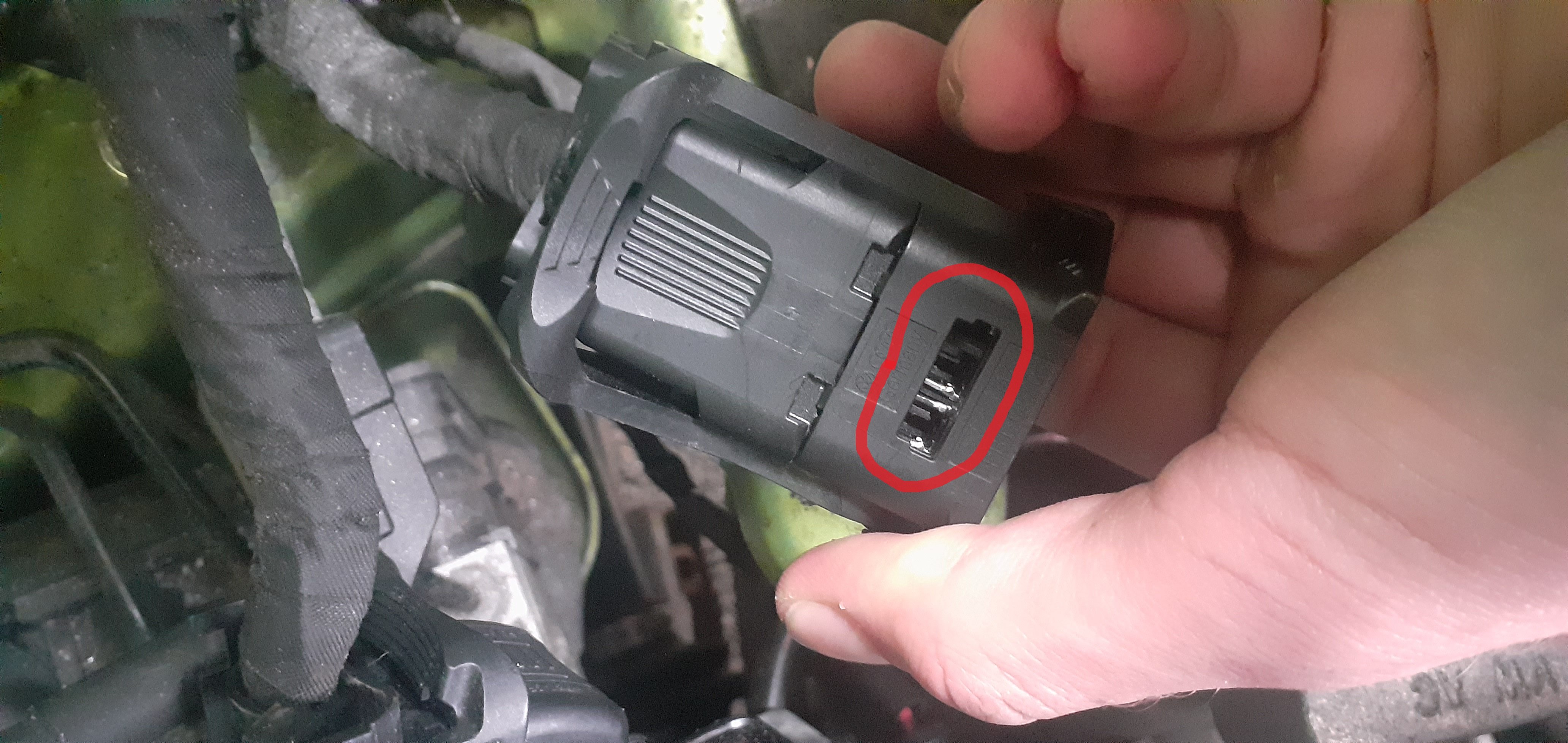
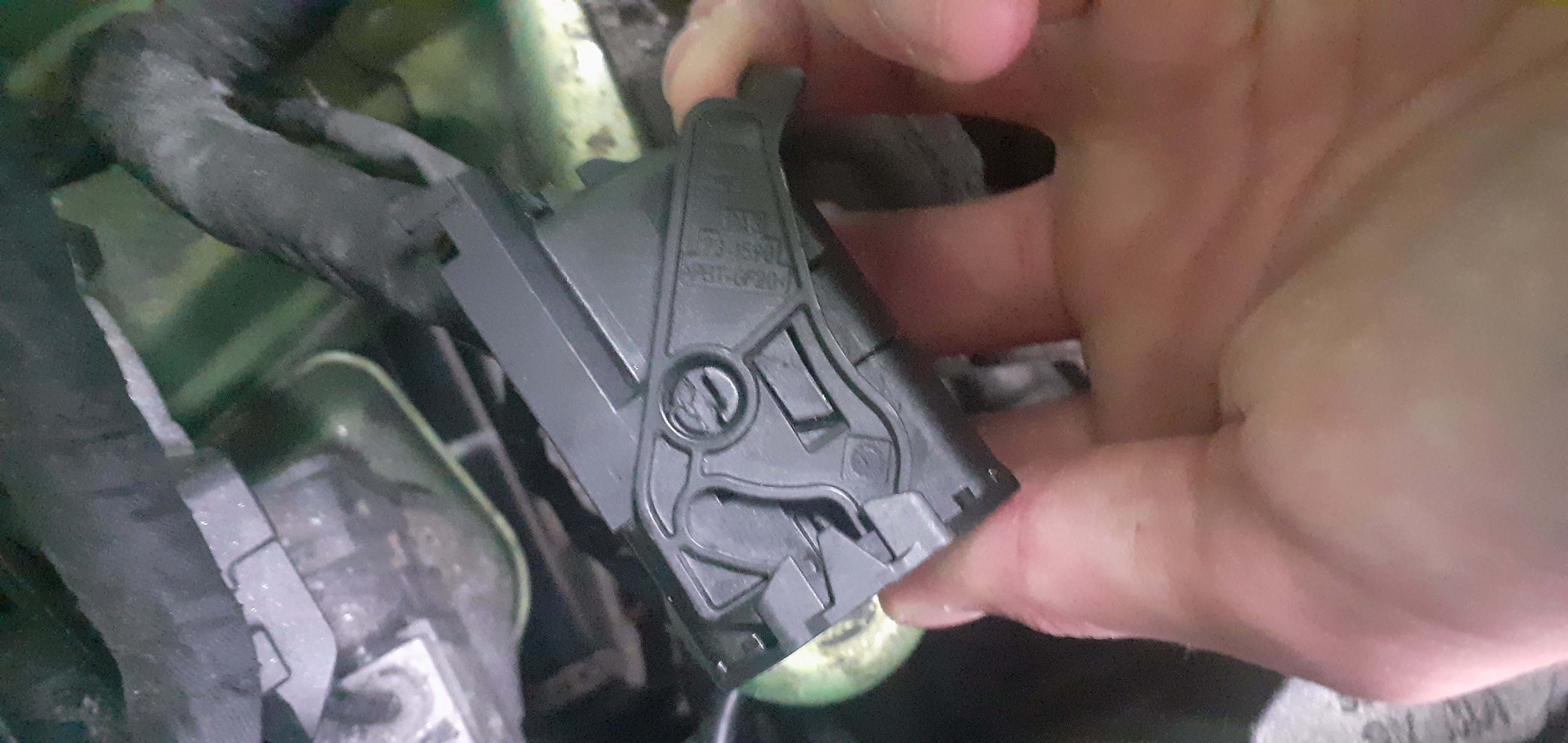
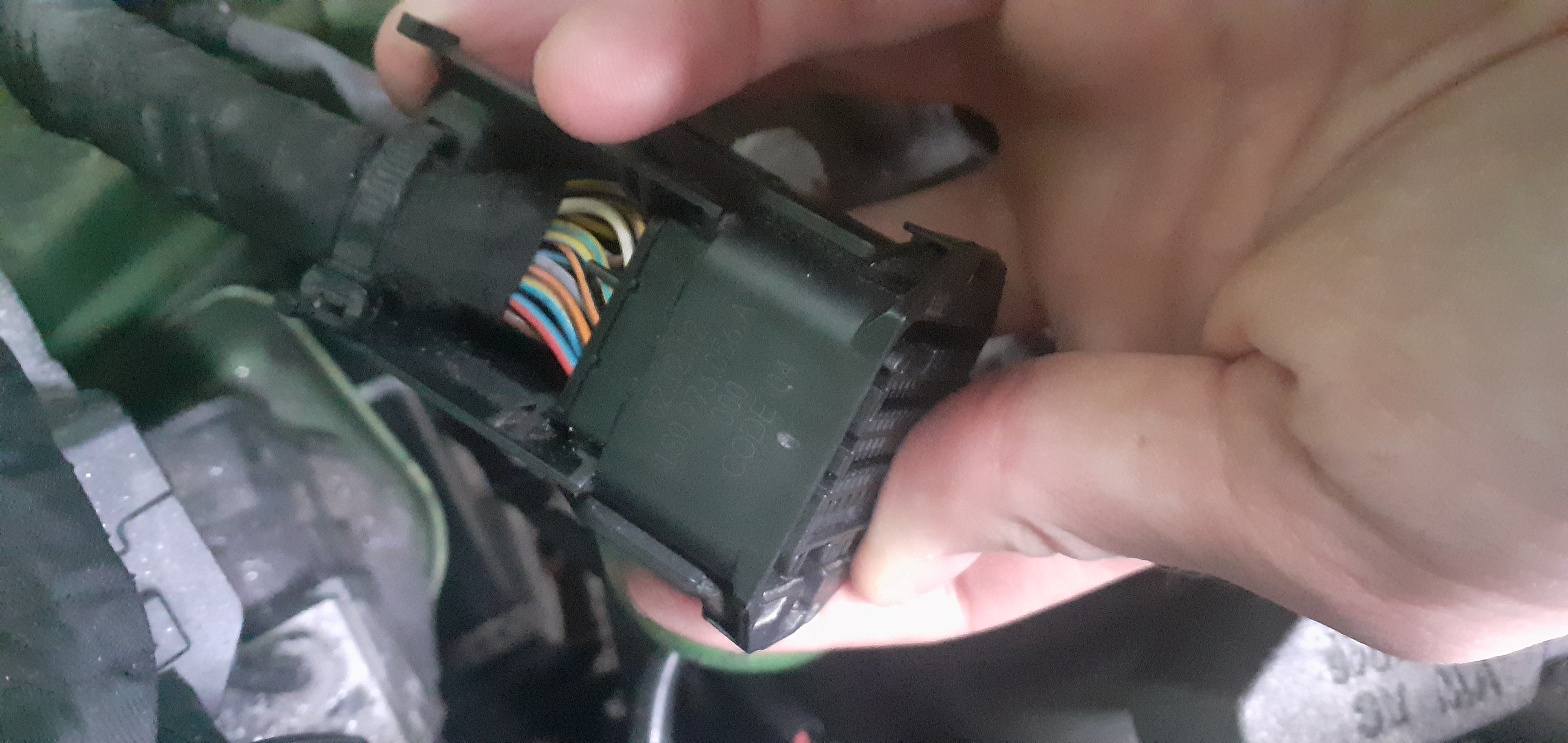
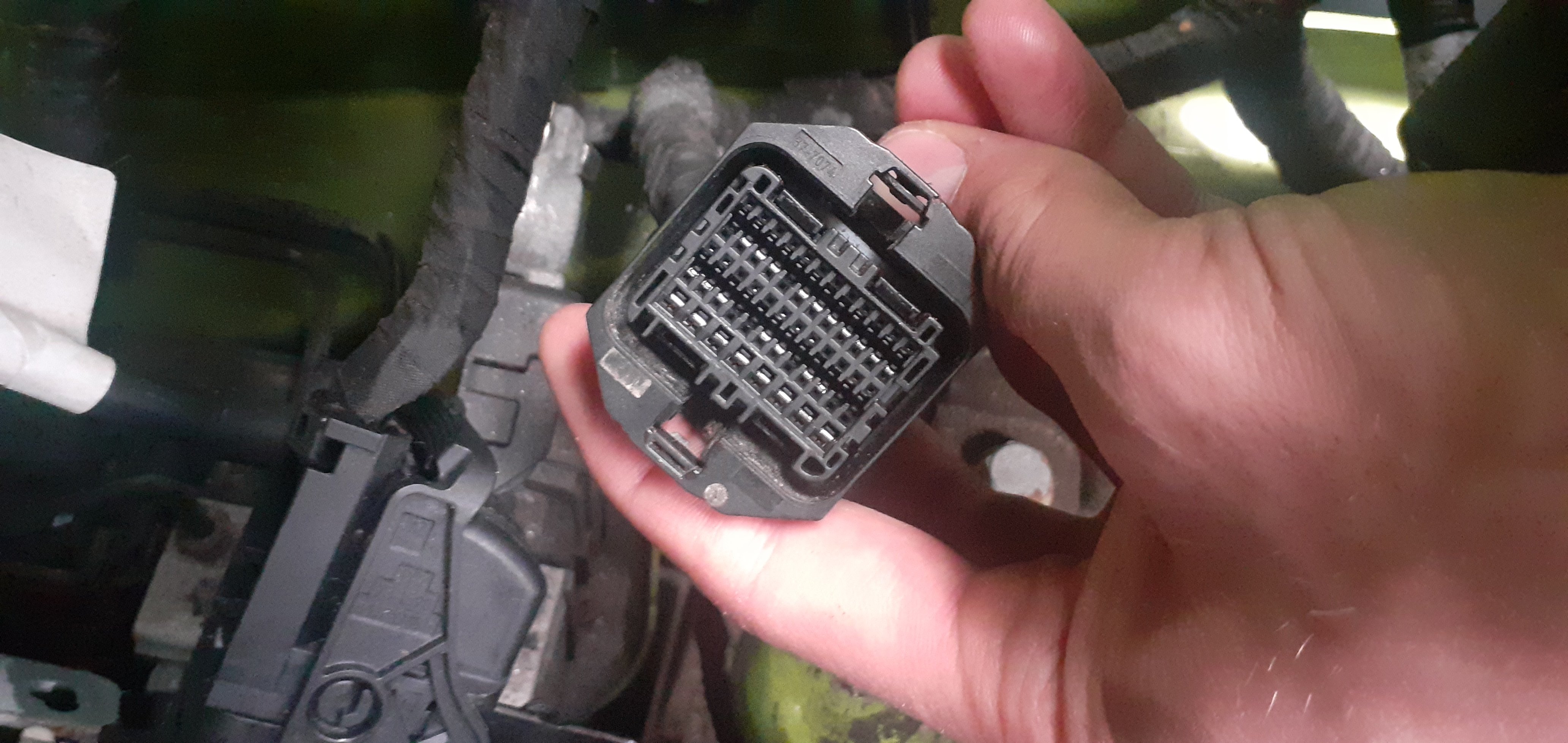
The 3 prong purple piece was removed from the slot in the 2nd to last picture.
-
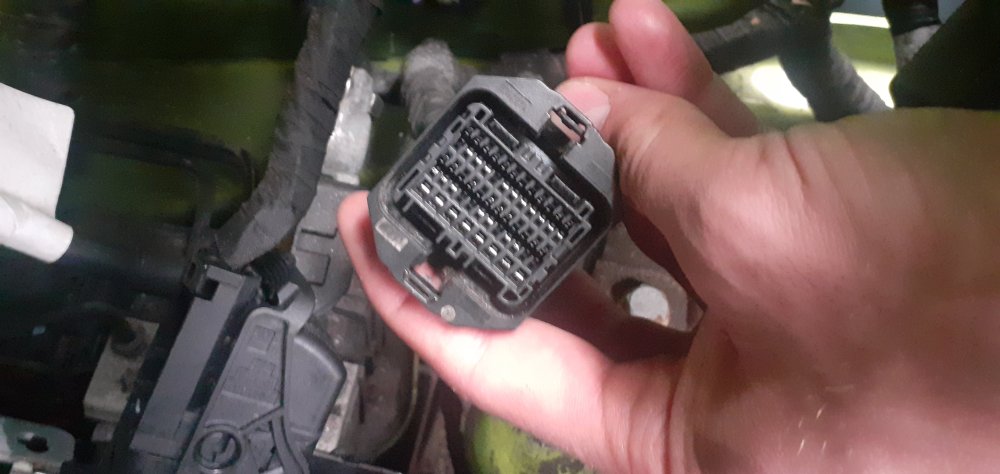
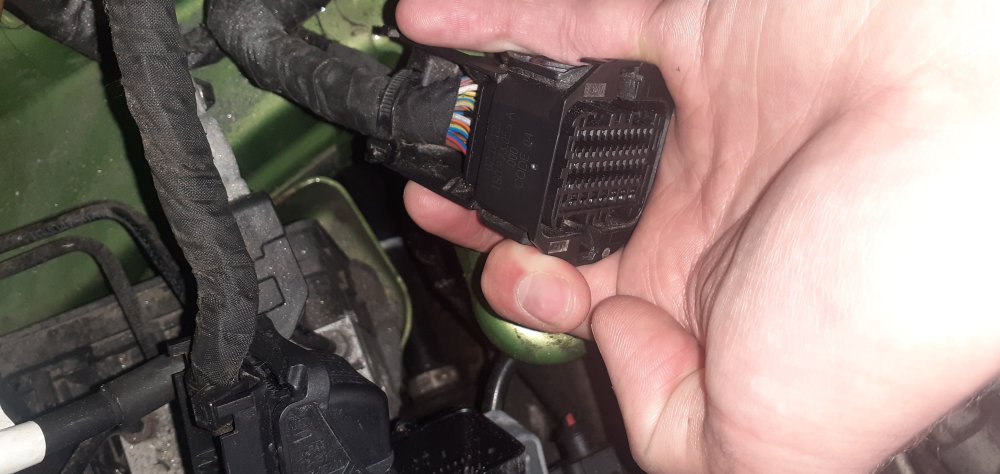
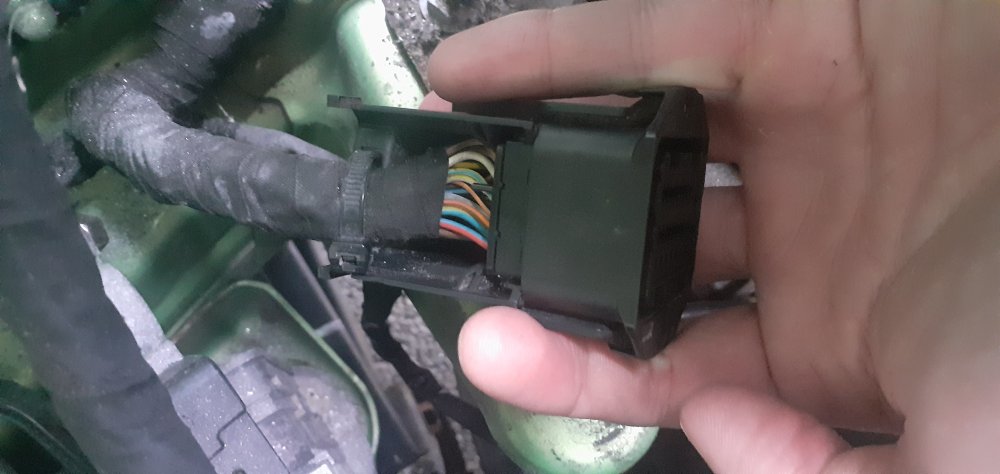
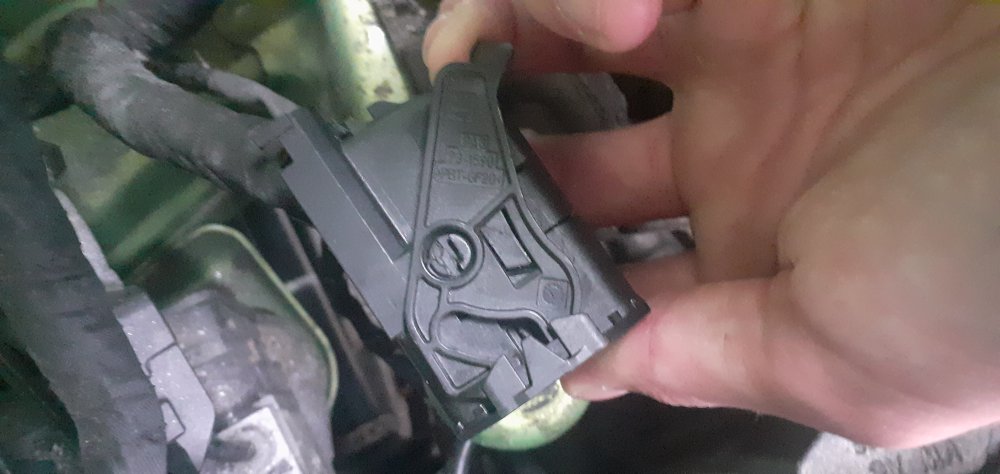
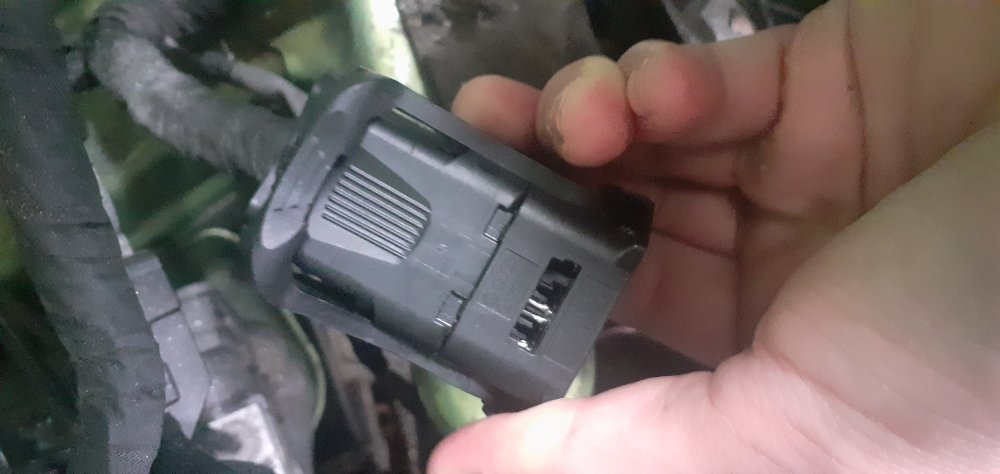
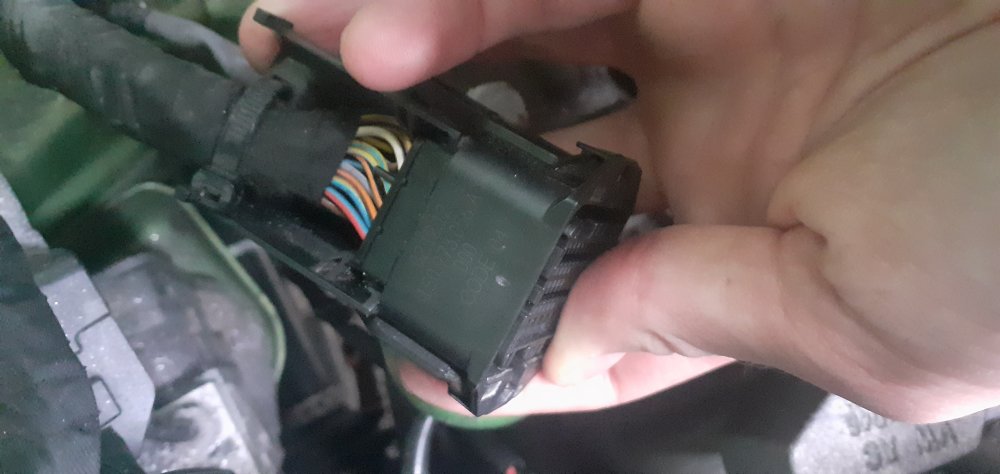
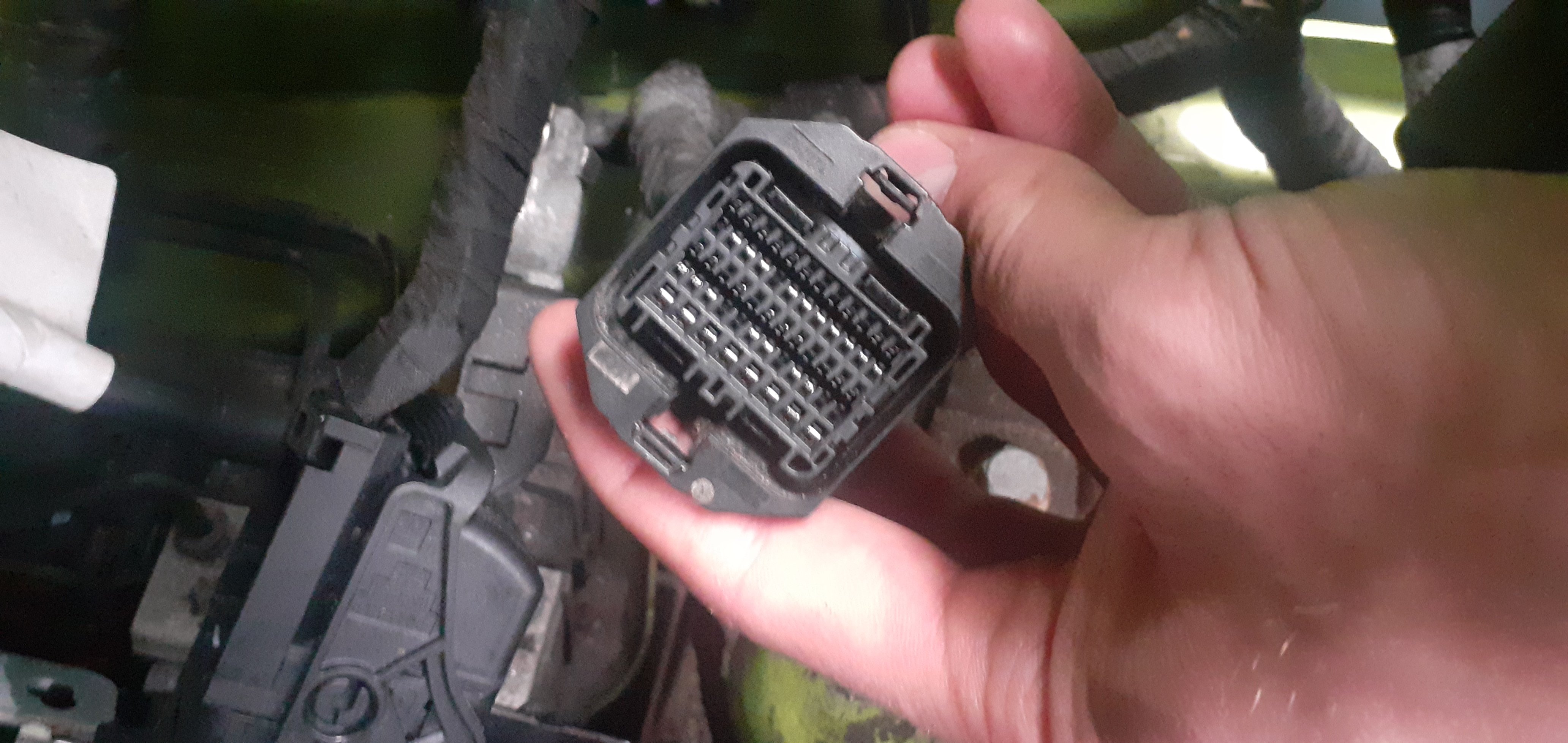
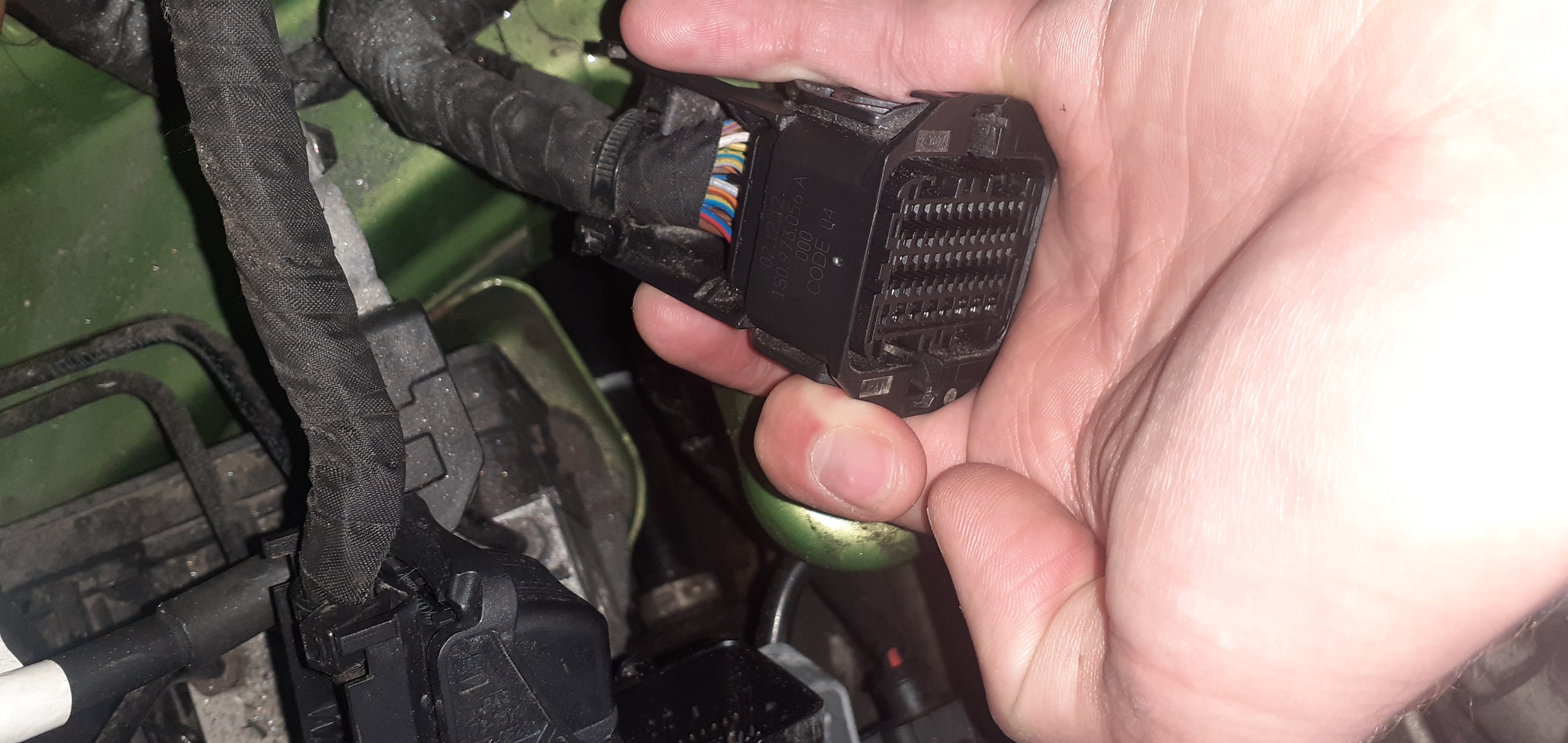
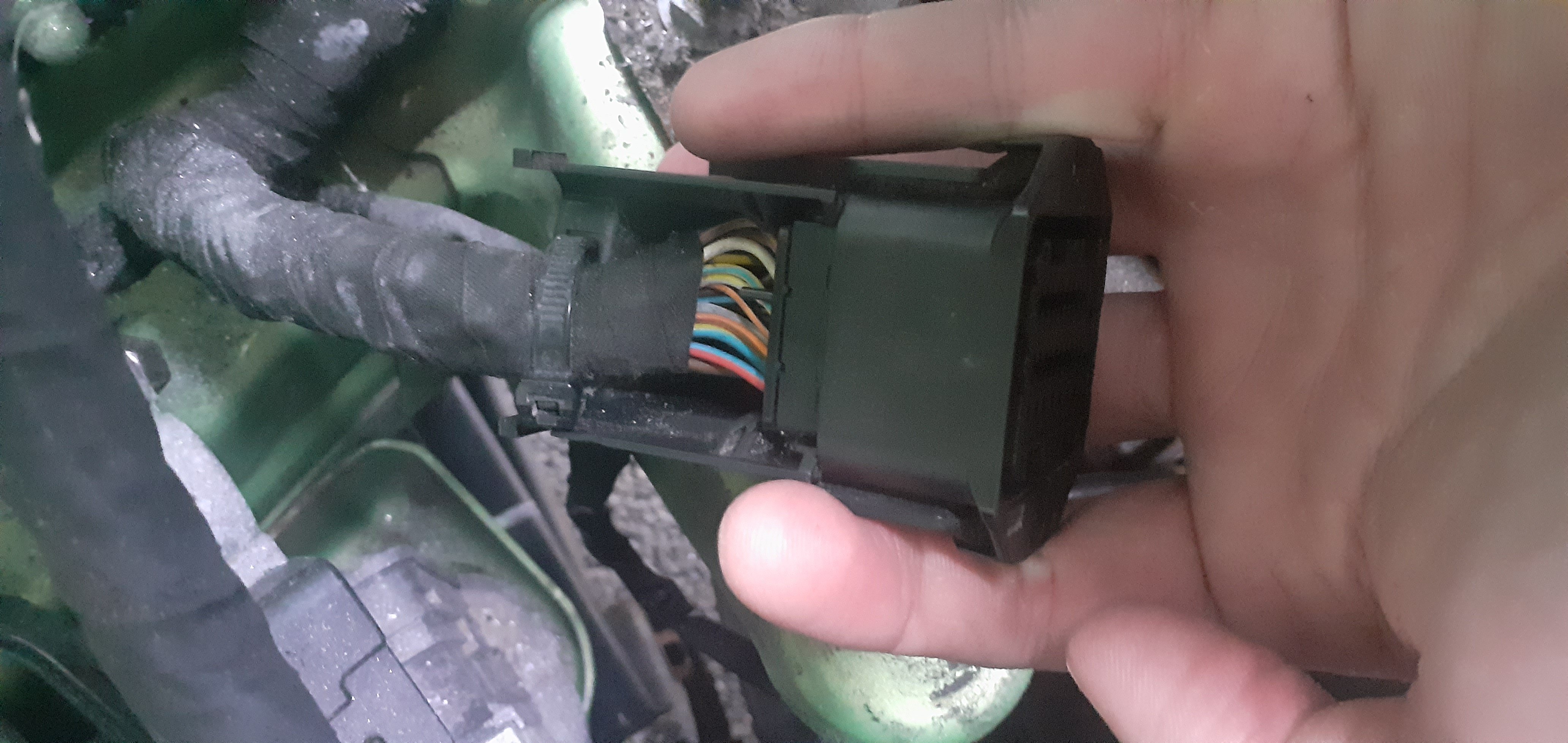
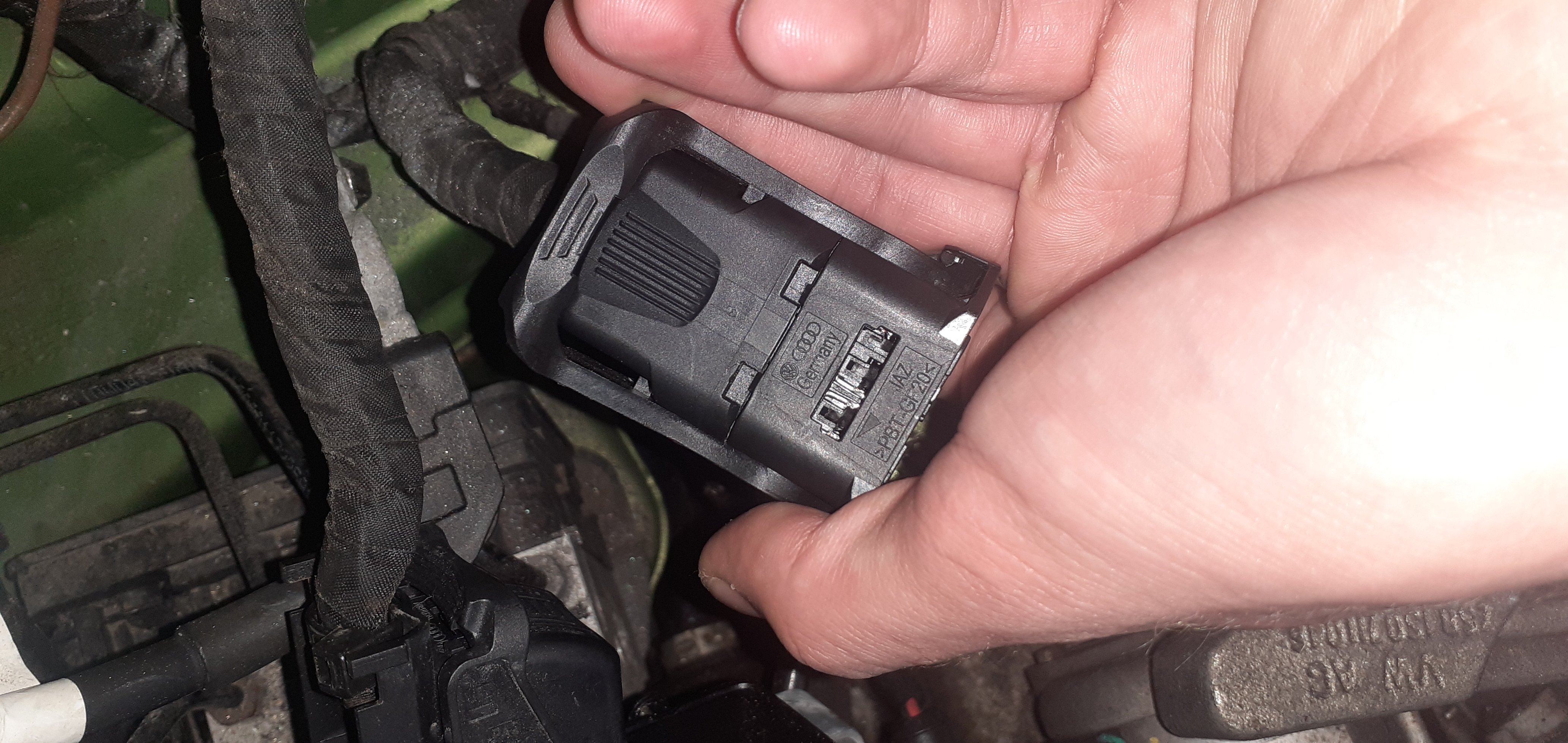
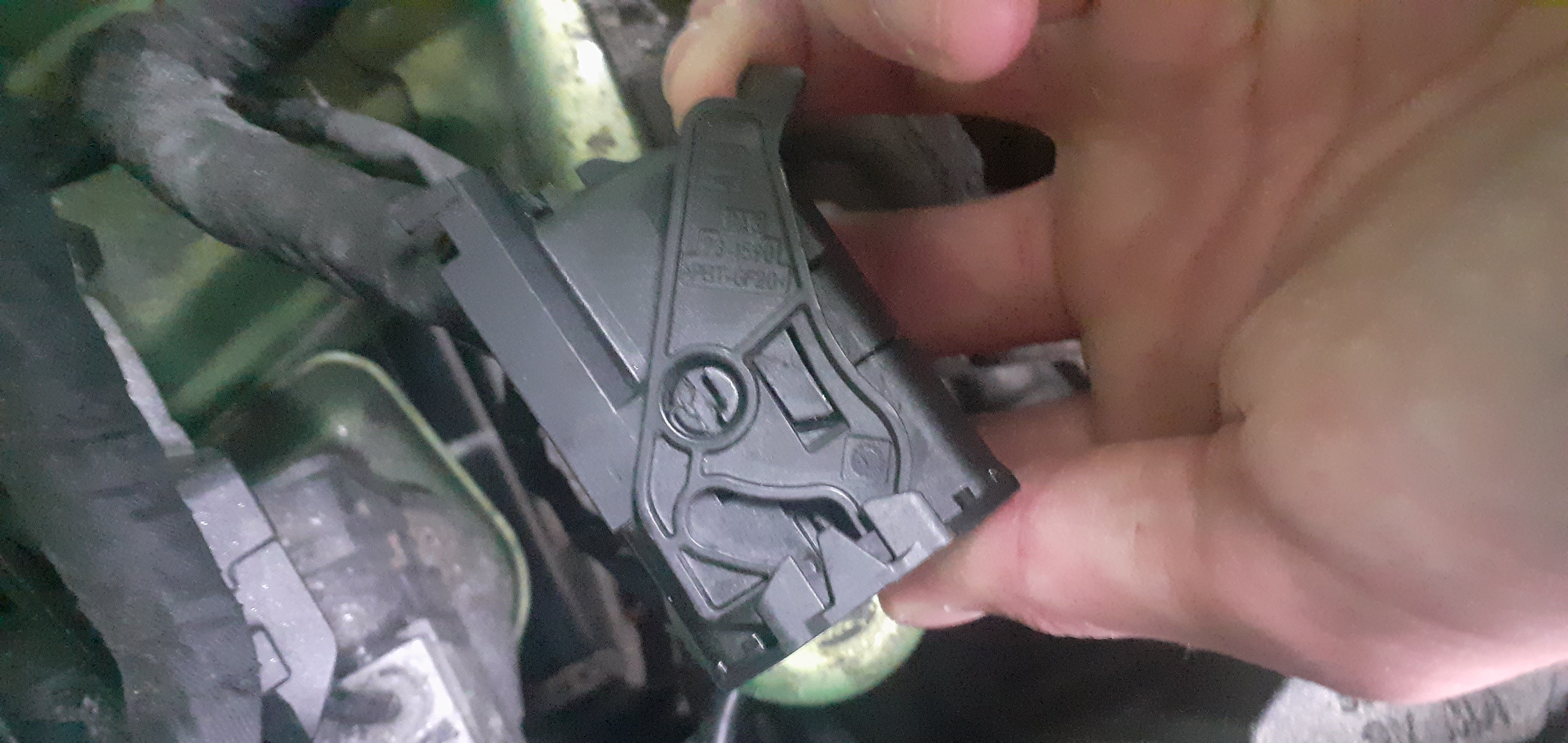
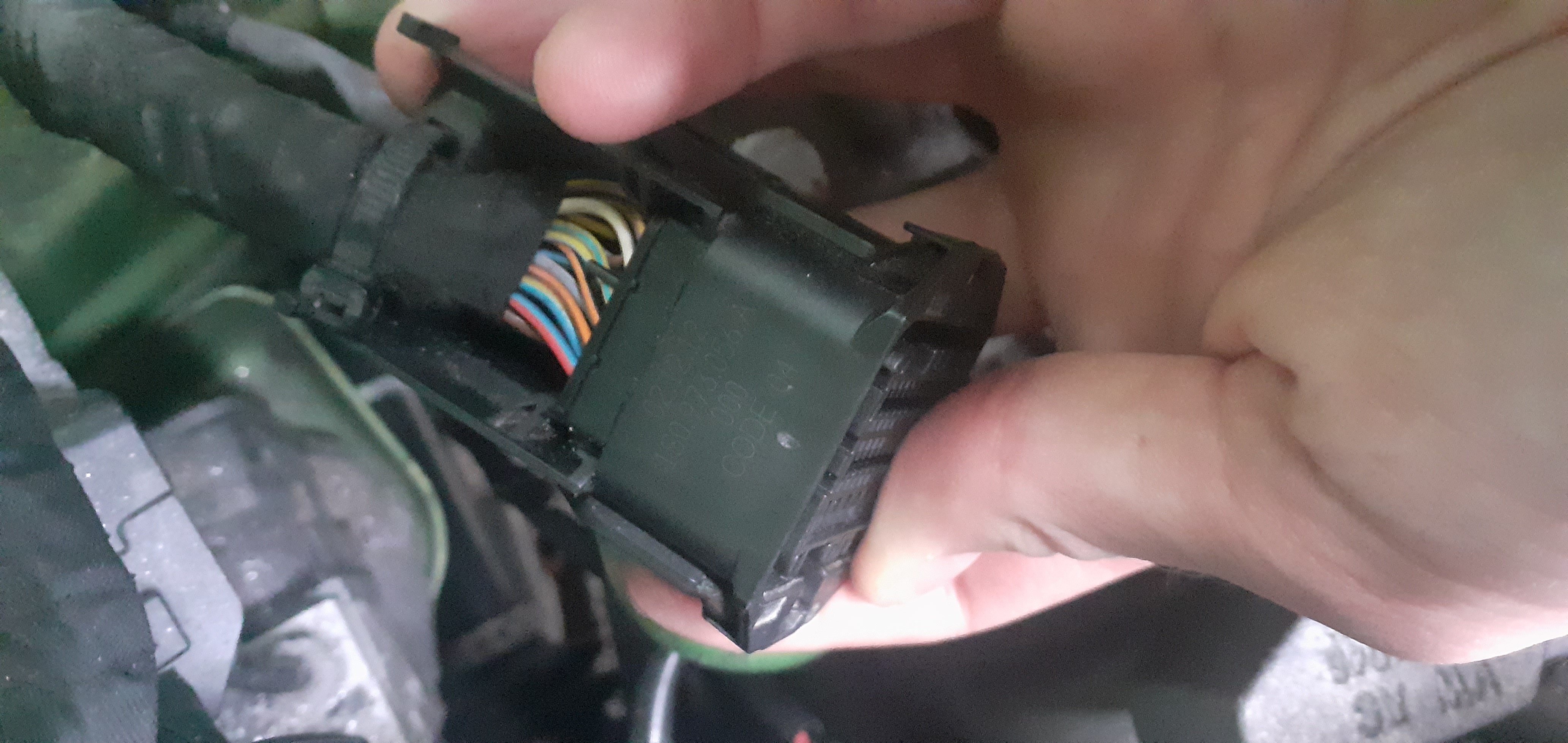
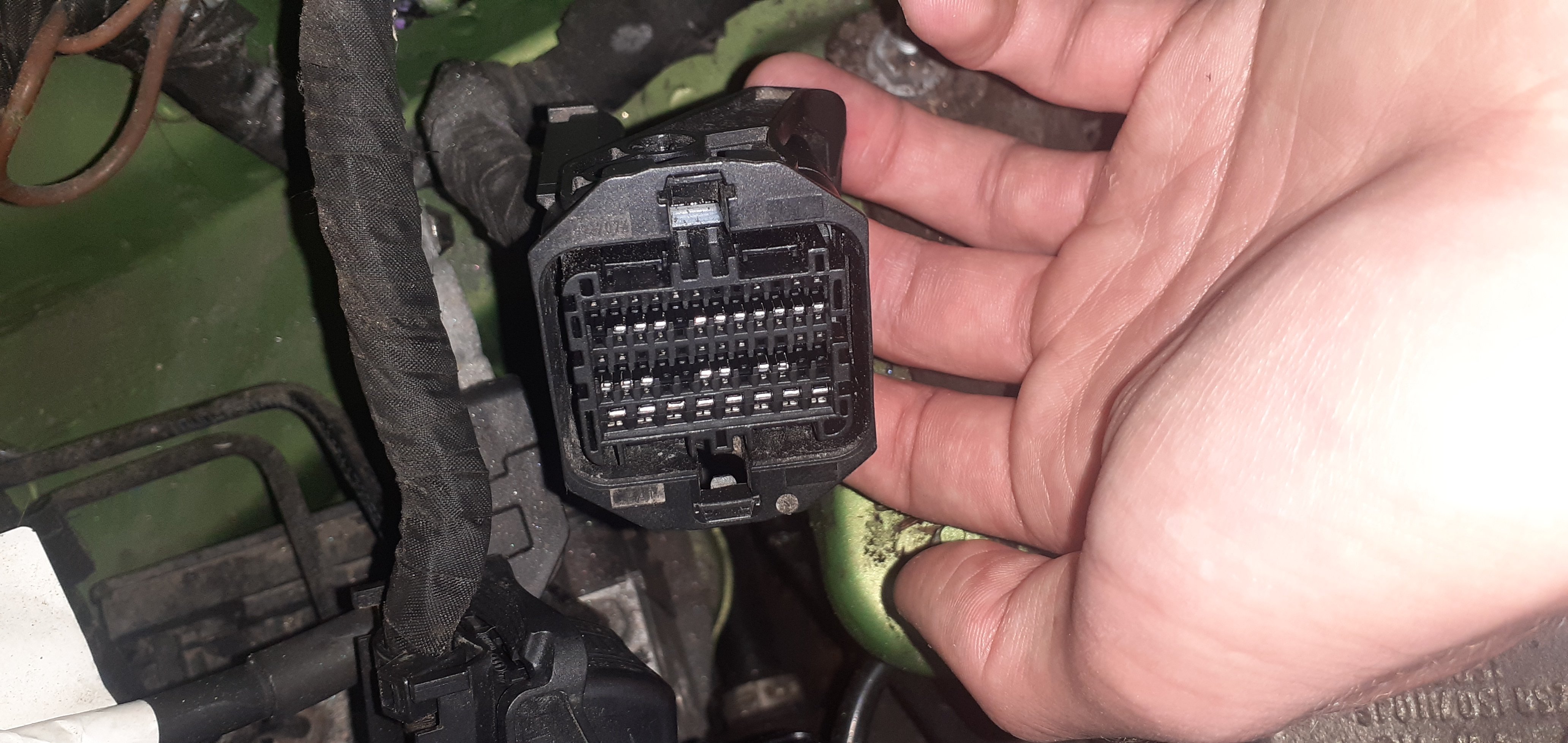
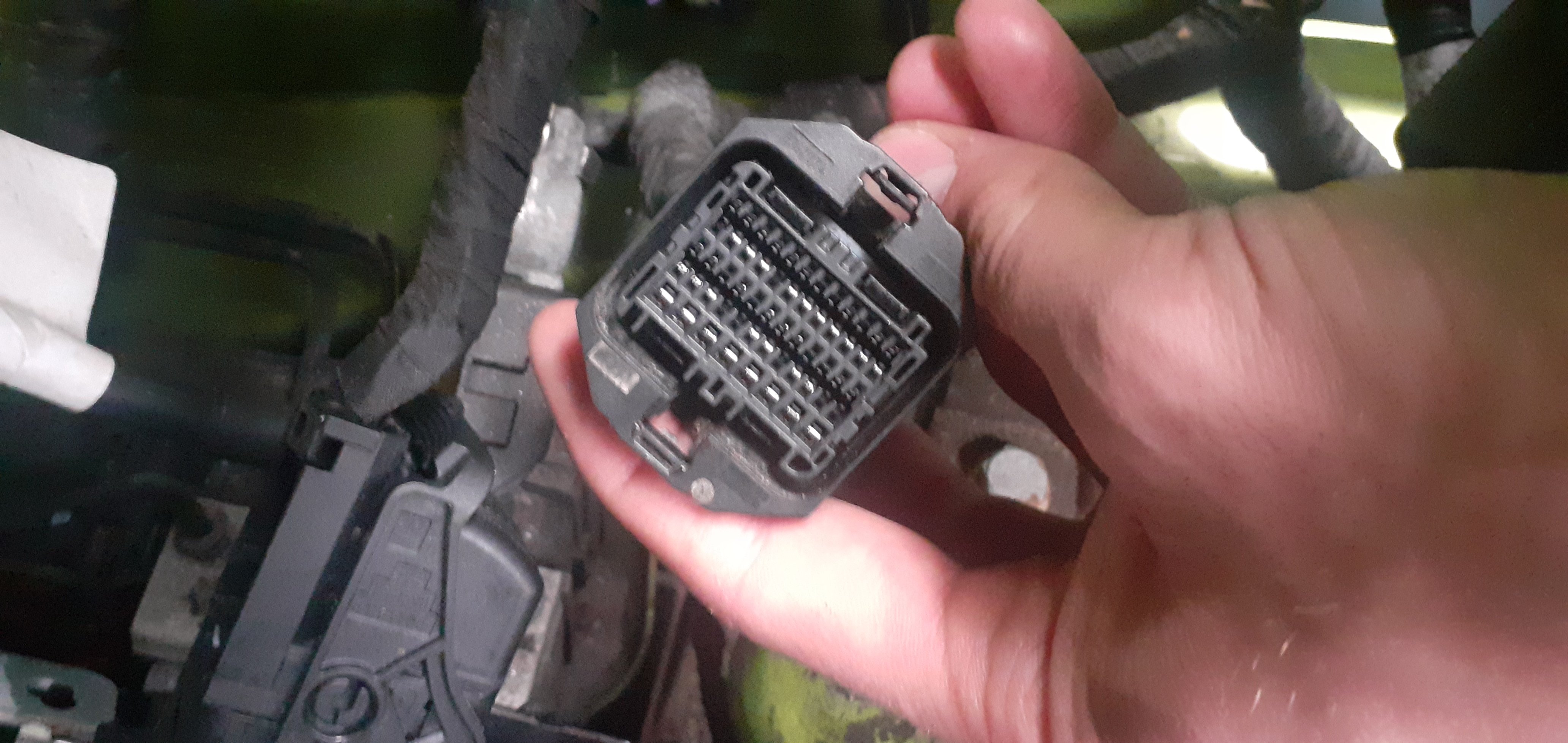
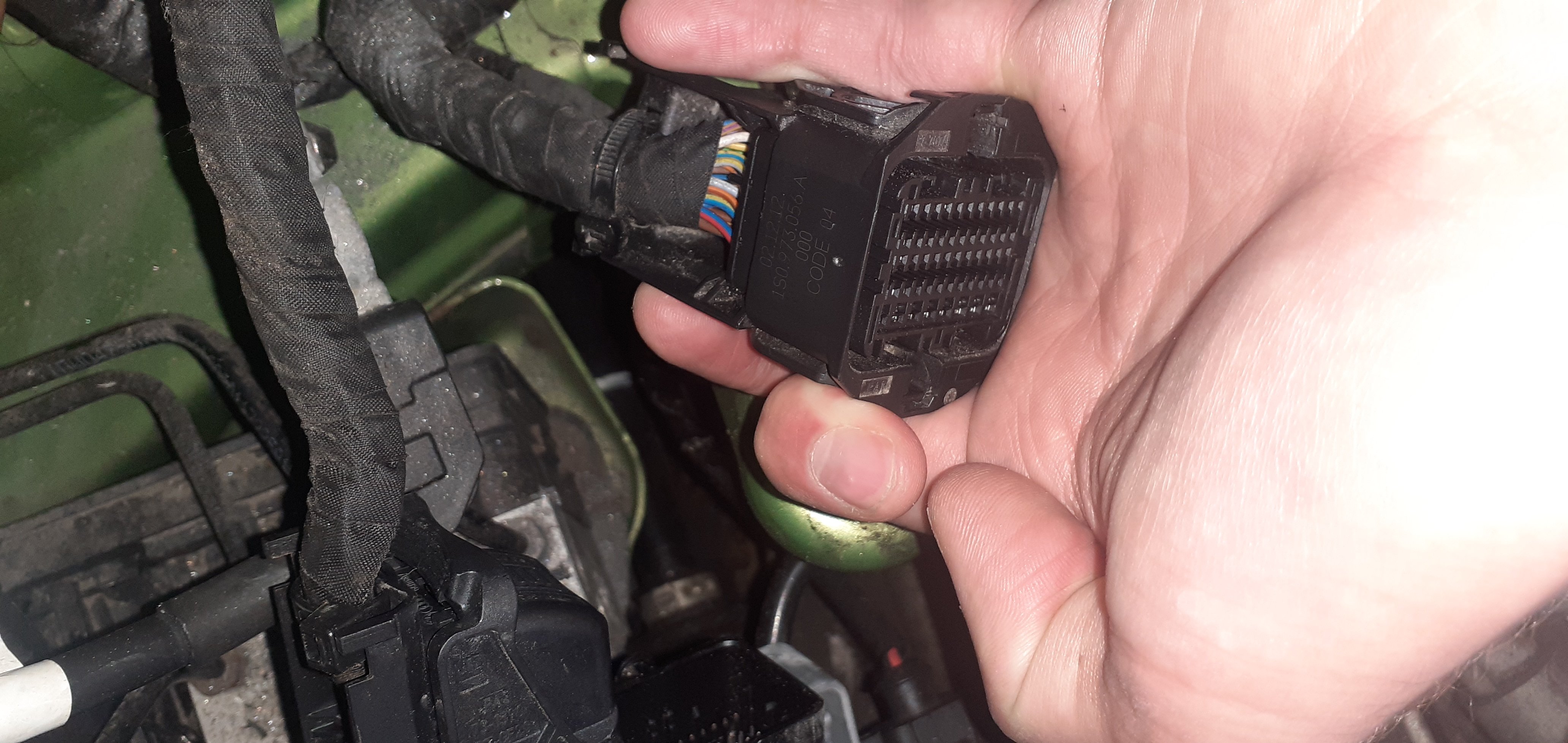
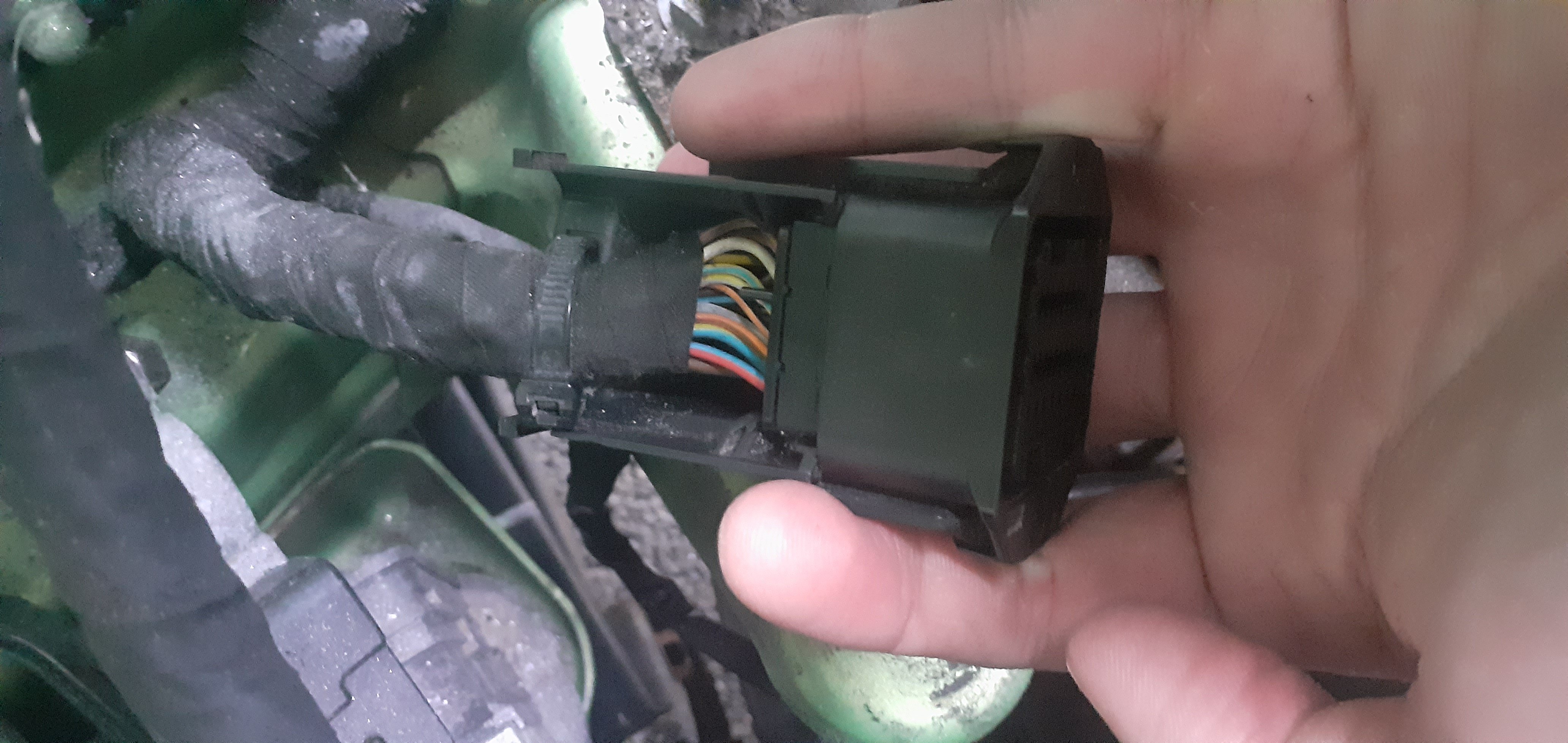
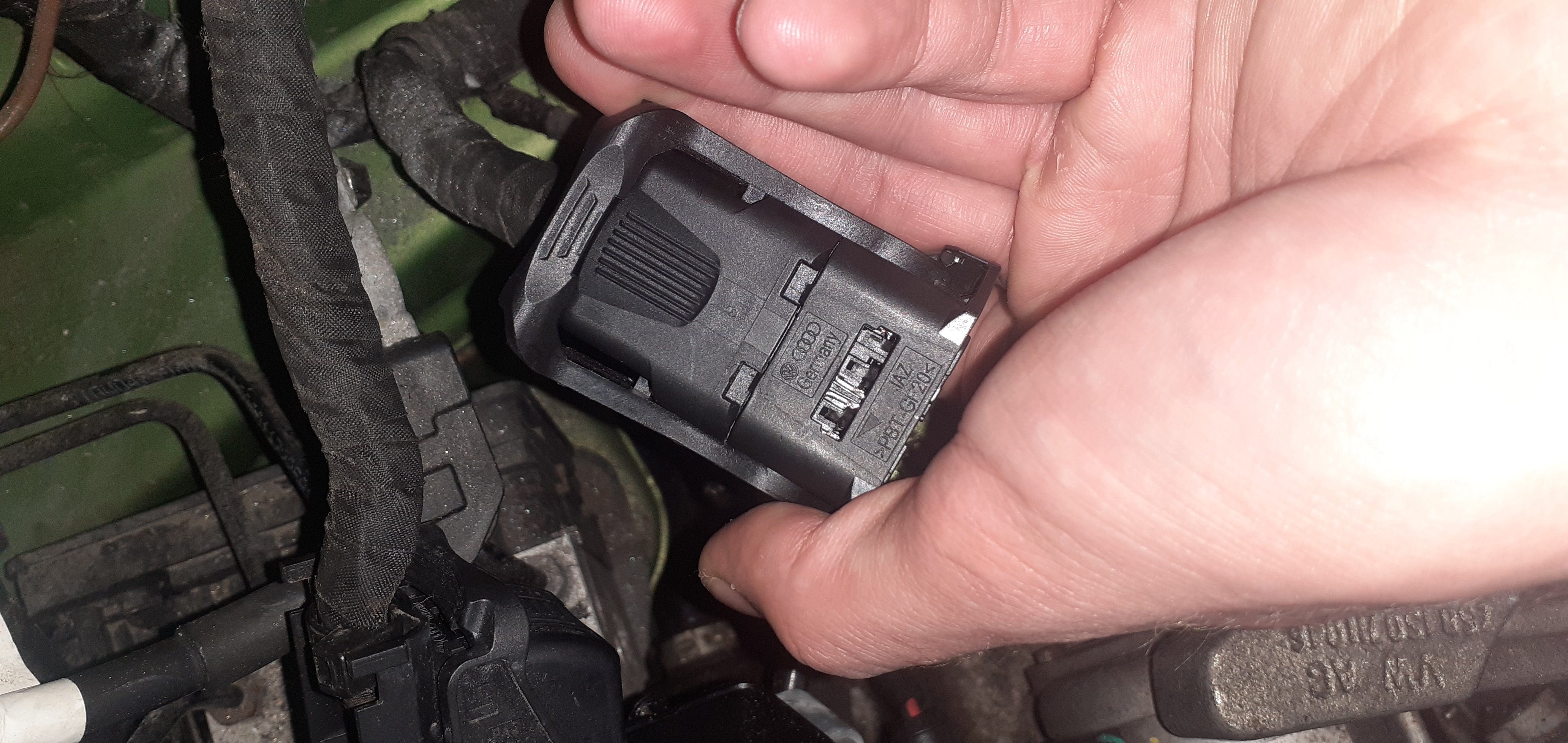
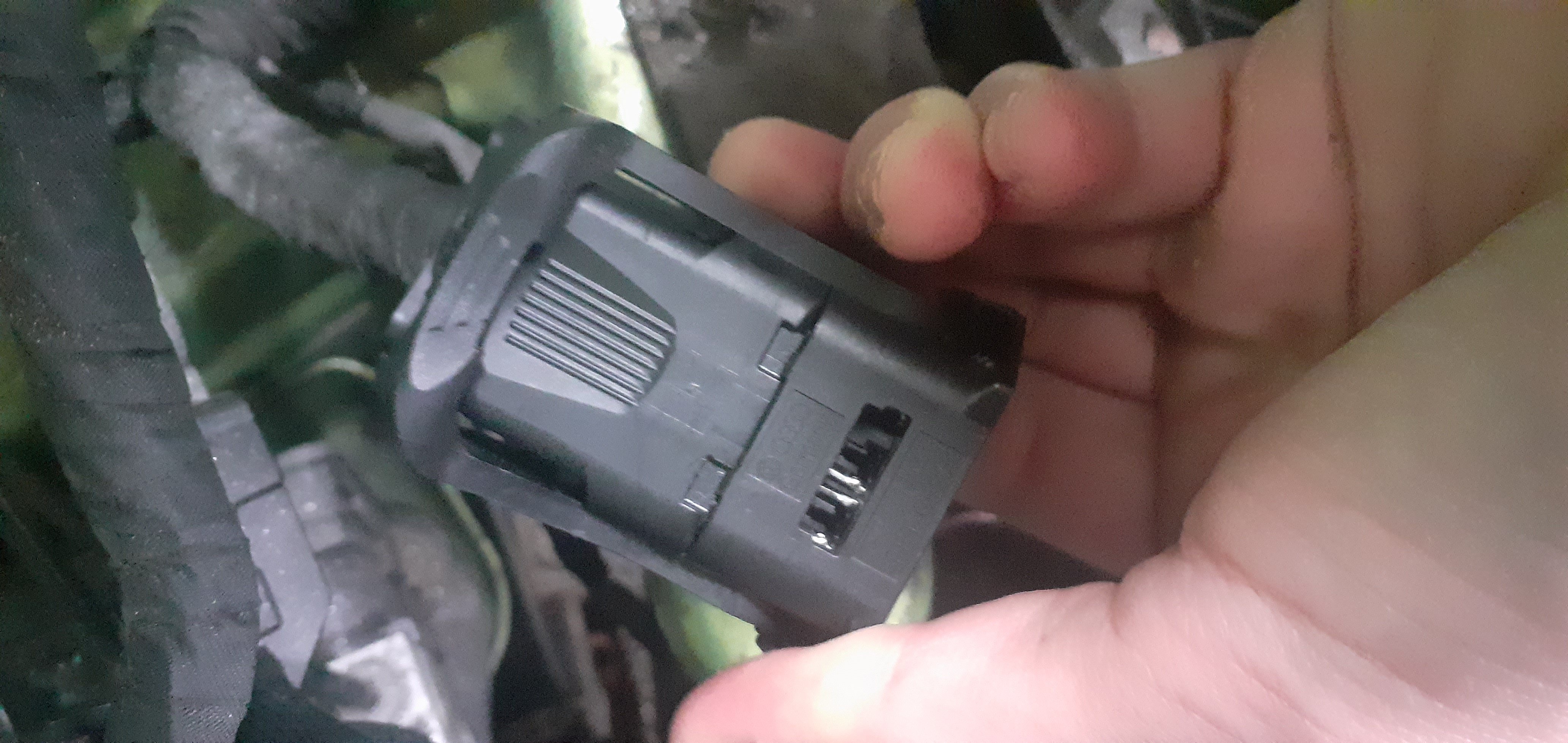
Hi there, trying to disassemble this plug to feed a cruise control wire in. Still not sure how it comes apart. I have removed the 3 prong purple piece but cannot see how to proceed. Any help appreciated.
-
The area circled in red is where I slid out the 3 pronged purple piece.
-
I have disconnected the plug like in the video, but I need to disassemble it to feed a wire in. There is a purple 3 pronged plastic part that slides out which I have done, but no clue on anything else. More pictures to follow.Hi, I have removed the purple 3 prong piece but I cannot figure out how to disassemble the rest of the plug. Any suggestions?Hi, I am wondering what (free or cheap) software is available for me to code for cruise control on my 2013 Skoda Citigo. Many thanks.Hi all, thanks to @thebrighton for the video link, I worked out that I had to take the panel off the side of the dashboard (facing the door) to get to 2 bolts that I hadn't undone before I could loosen the panel.Hi, I started installing cruise control for my 2013 Skoda Citigo with the Cum Cartec Kit, I have got to the point where I need to remove the lower dash trim in order to connect wires to the BCM but I am not able to do so. How do I remove the lower trim? I have pulled away 2/3 of the top clips but cannot see how to fully remove it. Any help is appreciated, thanks.
Important Information
Welcome to BRISKODA. Please note the following important links Terms of Use. We have a comprehensive Privacy Policy. We have placed cookies on your device to help make this website better. You can adjust your cookie settings, otherwise we'll assume you're okay to continue.