FantasiaDK
New here
-
Joined
-
Last visited
-
Is it possible to disable the animations in the infotainment system? It looked fancy the first time I sat in the car, but now it is simple a pain. It reacts very slow, and sometimes the radio reboots due to lack of ressources. When I turn off the car (Keyless button) the digital cockpits make an animation of the car turning, and then after like 5-10 seconds shows some trip information, like how many km/l, avg speed and distance. Only thing it I have left the car before the data appears. So if the animation can be disable and it would just show me data, I would be happy. Hope someone knows the answer to the above
-
I just bought my 3rd skoda, going from 99' felicia to 07' Octavia, and now to a 19' Octavia (think it is mk3) and wow it is wonderful to be a skoda owner...
-
FantasiaDK changed their profile photo
-
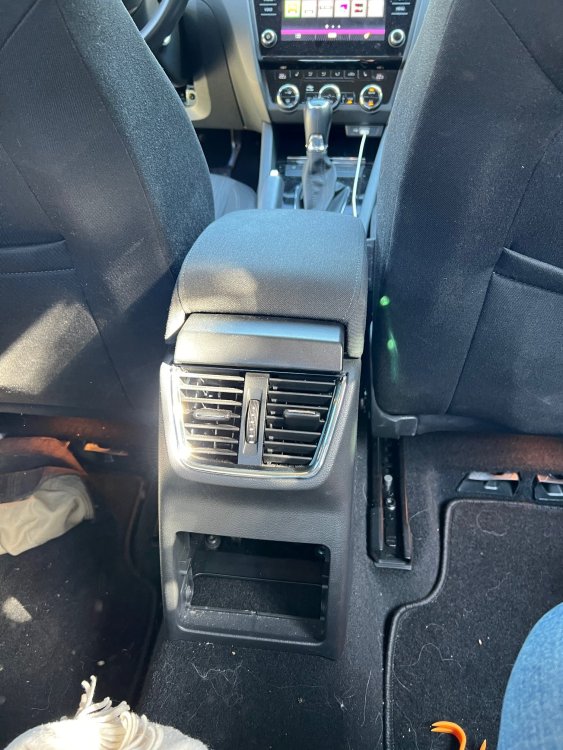
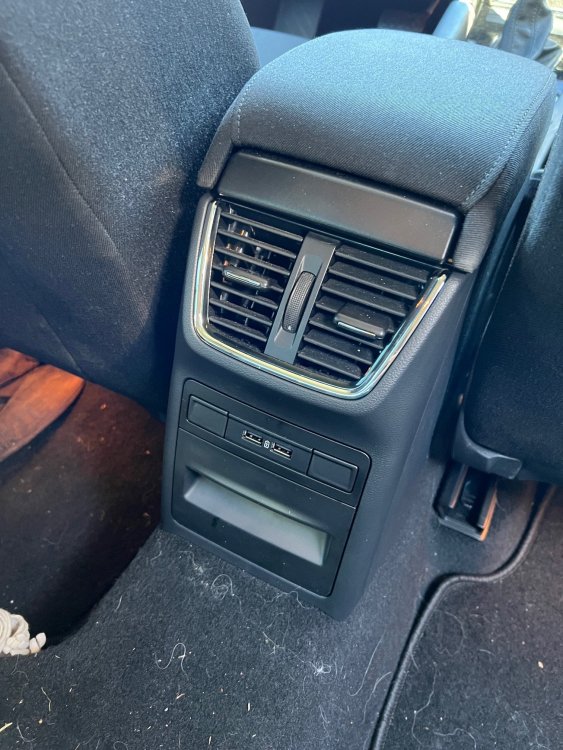
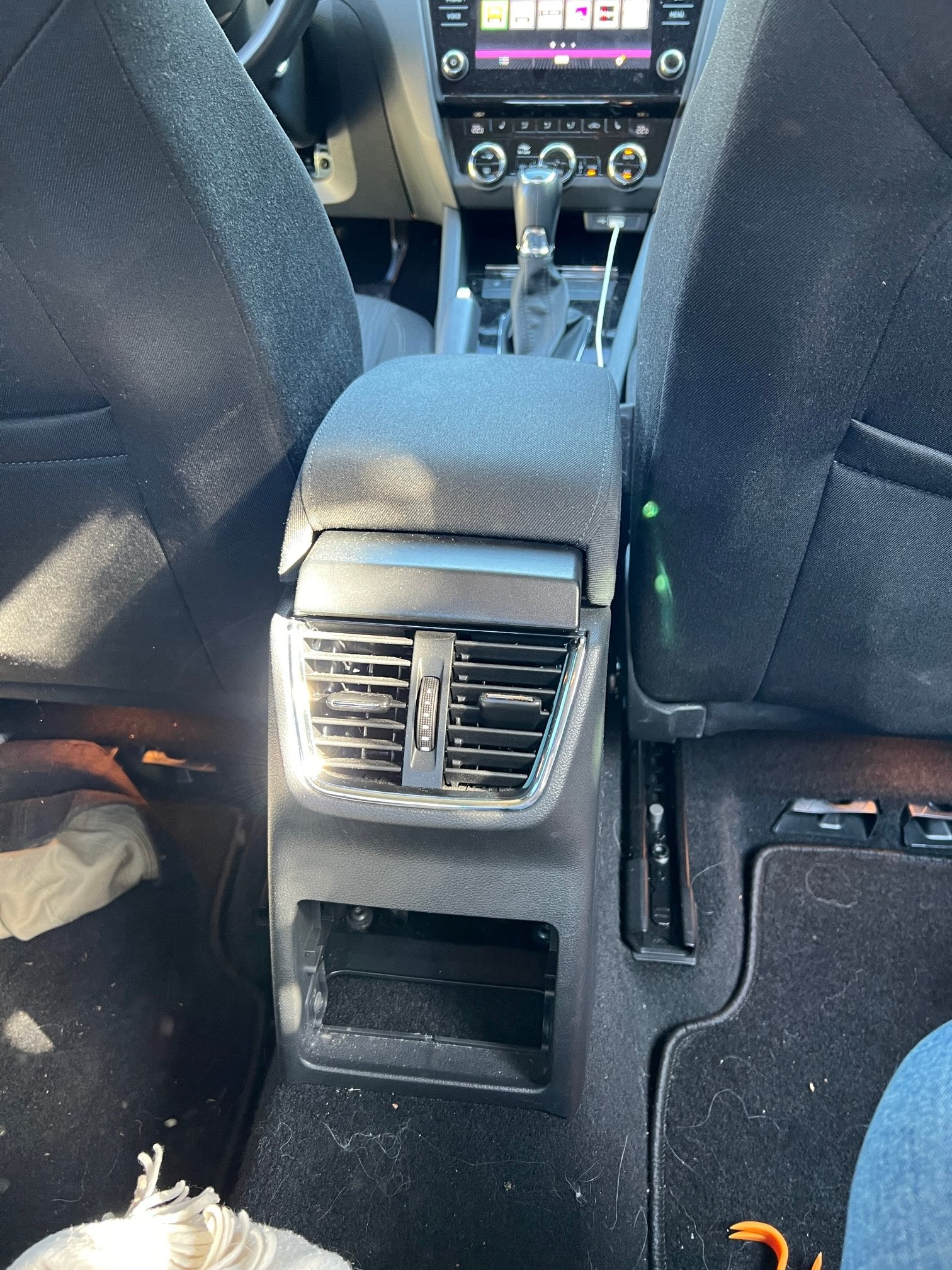
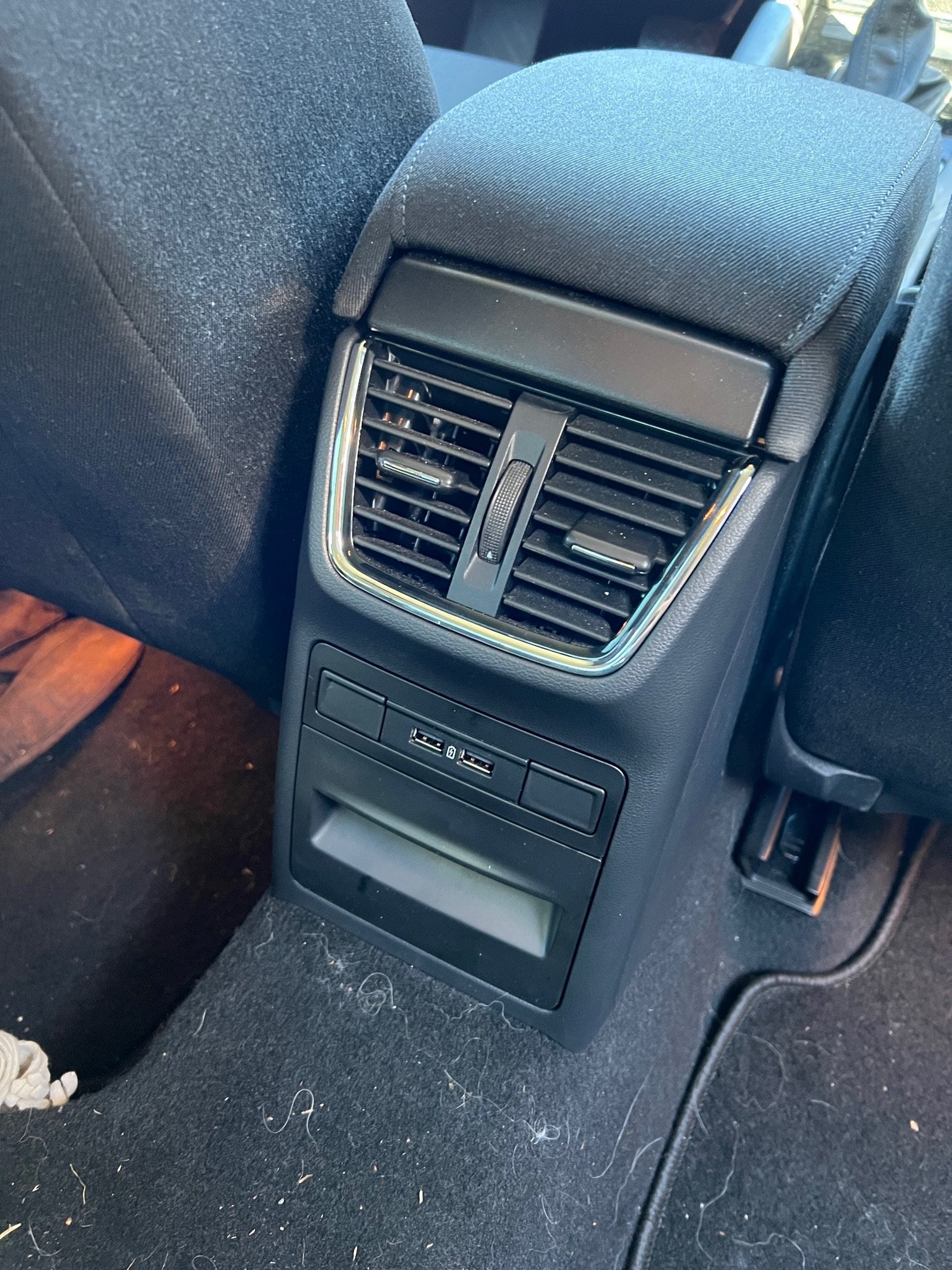
@sessions thank you so much for sharing, I just followed your guide, and loved the images, made some things a lot easier. Buying the stuff from Skoda Parts was no problem, it was a bit more expensive, but so is everything. The thing that actually took most of my time was that damn cigarete plug. I wan't to a carshop to buy a lighter socket removal tool, but they don't have it. I guess having such a tool would make it take like 2 minuttes to change it, and not being afraid of breaking the lighter socket. I bend it a bit, so it can be a bit hard to put something into it, but I don't need it anymore. I have 3 usb chargers now Should have cleaned my car before taking a photo