vastan97
New here
-
Joined
-
Last visited
Everything posted by vastan97
-
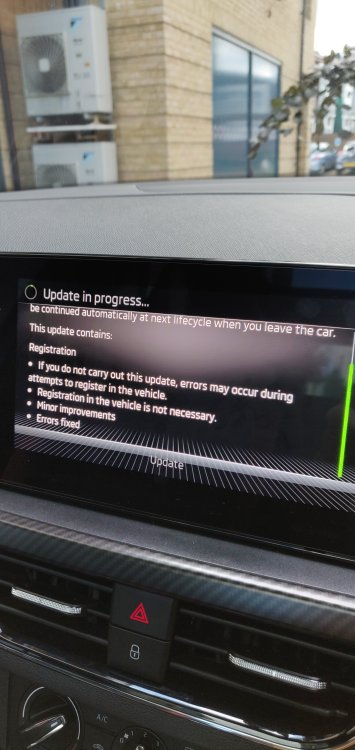
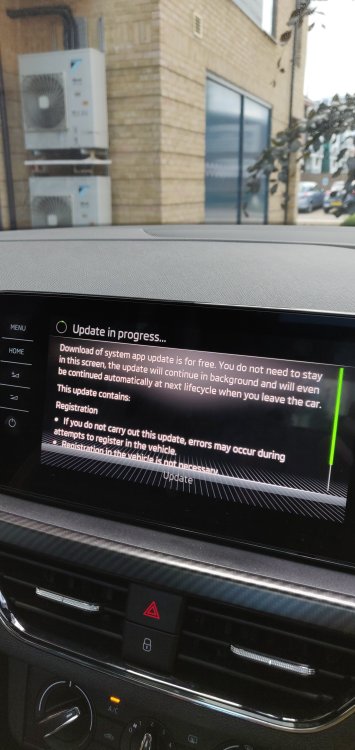
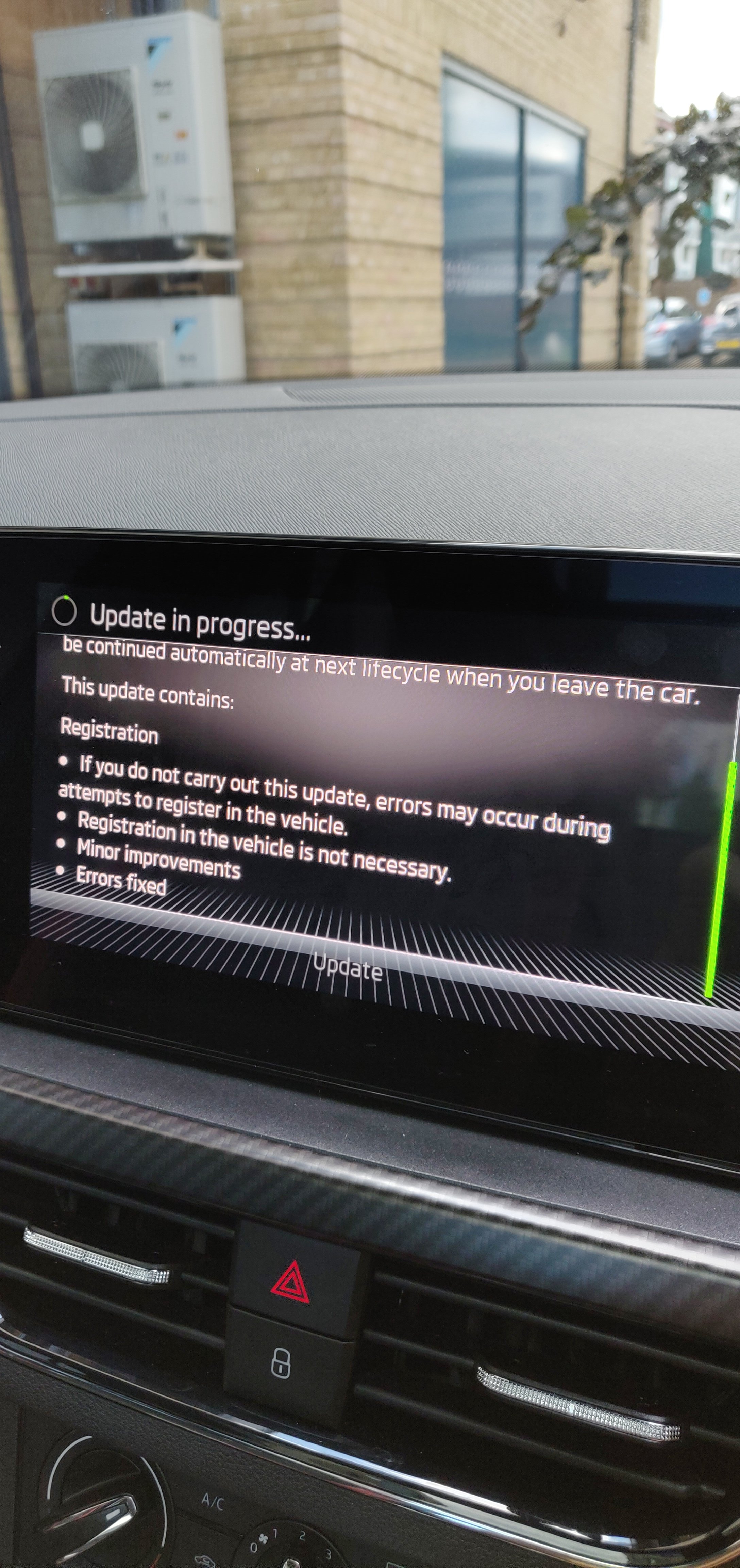
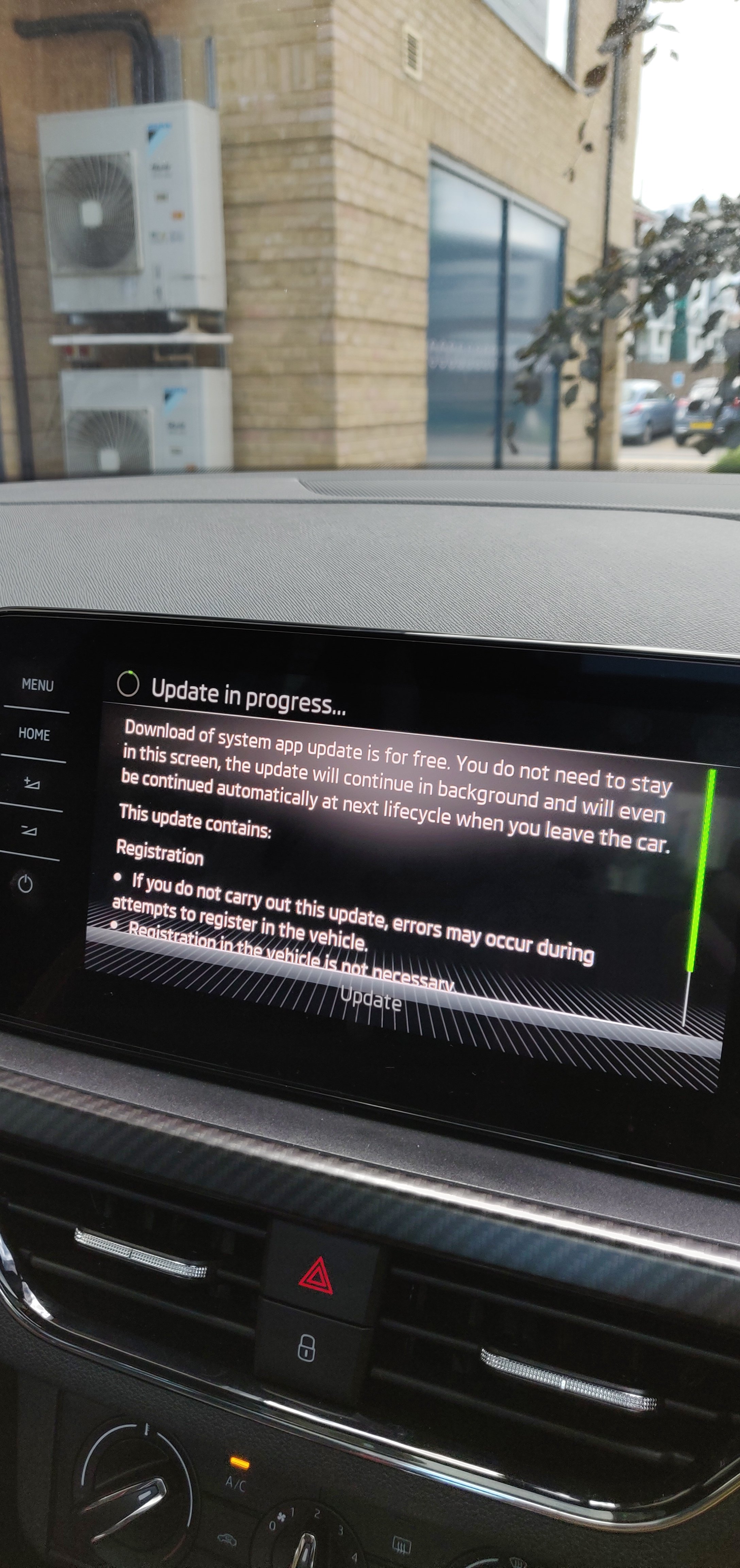
Hello everyone, A few weeks back I bought an ex-demo Skoda Kamiq 2021 Monte Carlo from a Skoda retailer. Upon receiving it, I registered on Skoda connect, but I am unable to setup the Primary user with the 2 keys method - keep receiving "Please try again or contact customer service". I have read the forums and tried everything - resetting the infotainment system, factory reset, creating a new profile, nothing helped unfortunately. I got the car booked into Skoda service and the engineer claimed to have updated the OCU and the radio receiver, but the problem is still there. After playing today with the car, I somehow (randomly) managed to launch an update (see images below) that could potentially resolve the issue judging from the description - but after about an hour in the car, the update did not finish and did not even proceed. I have all 4 bars present (with the globe icon and "share my location" settings on), so should have good connectivity via the eSim. Do any of you guys have any tips as to why the update could have stalled, and in general, what I could do to resolve the Primary user issue? Thank you.