




chembers
New here
-
Joined
-
Last visited
-
thanks both, I guess that makes sense. The last car she had, the Toledo had regular bulbs for DRLs and a separate bulb for sidelights. Switching sidelights on switched off the DRLs and turned on the sidelights. So you can see why I'm confused. My Leon has auto lights so I never generally think about it.
-
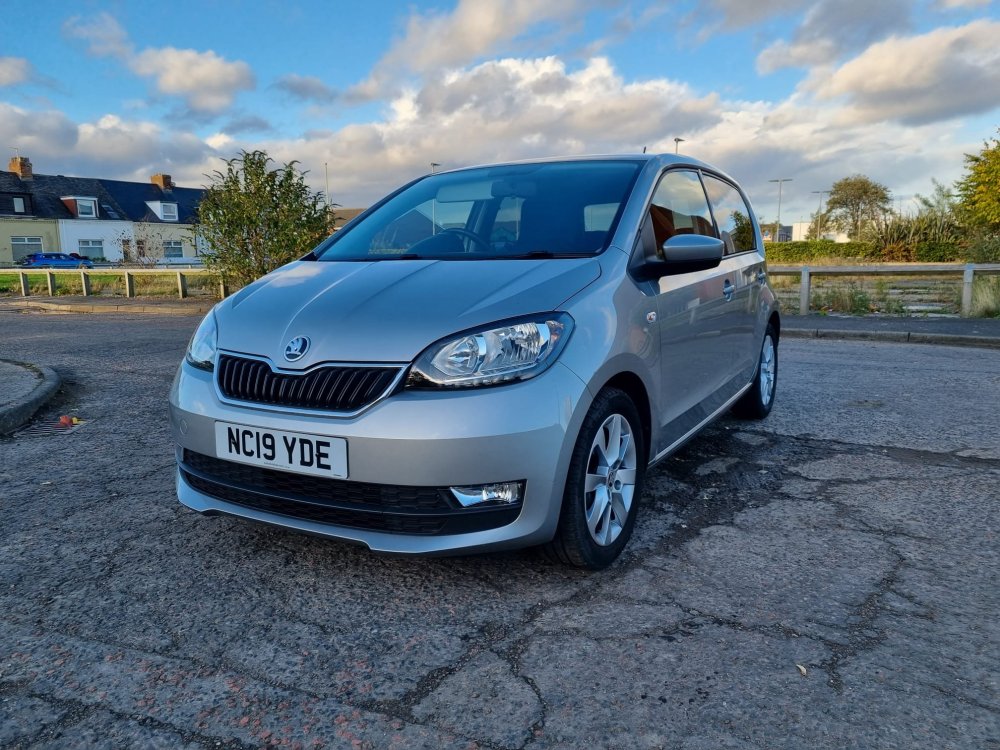
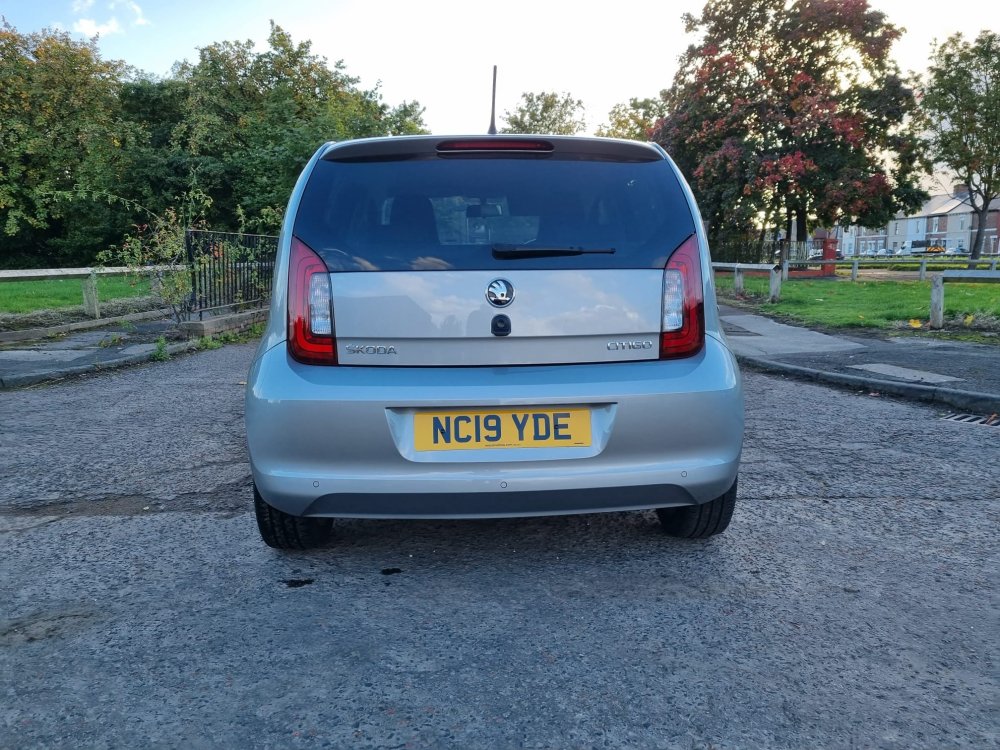
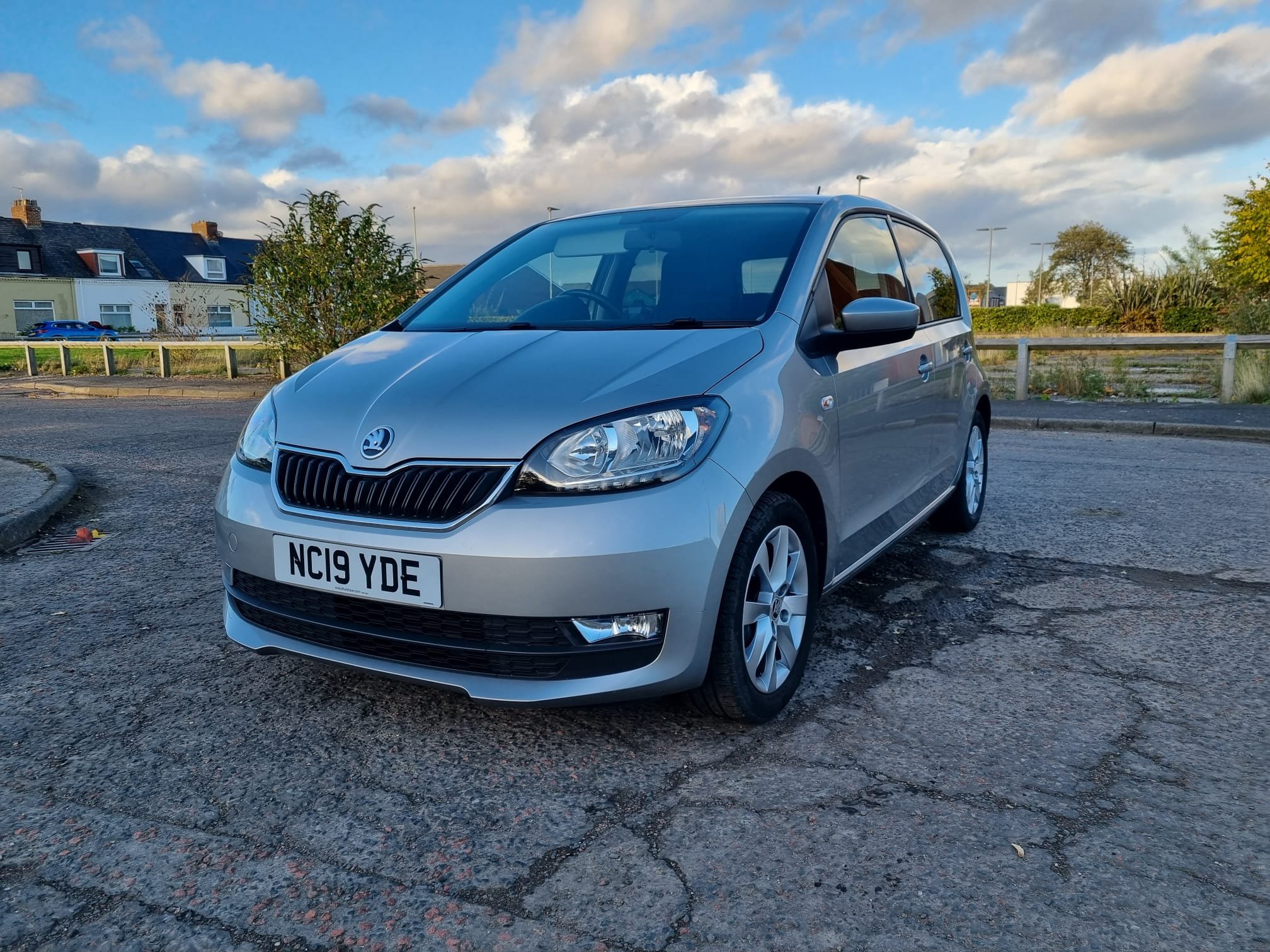
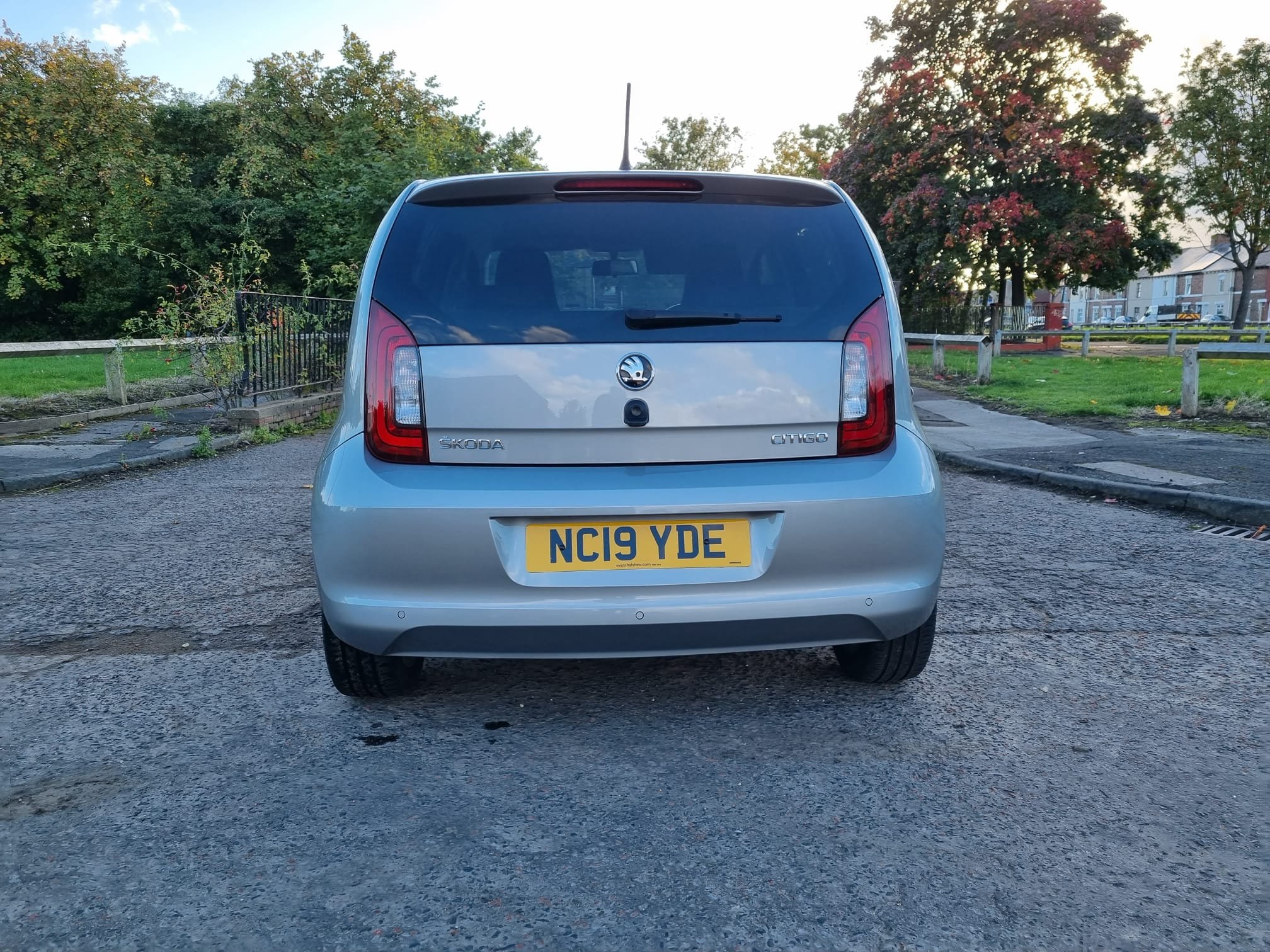
Hi all, late to the Citigo party but new member here.... The wife's new 2019 Citigo SE L in tungsten metallic, just picked it up on Thursday. One previous owner. 21k miles. I believe it's the 74bhp model. Takes a bit getting used to coming from a Seat Toledo 1.6TDi as that was reasonably pokey. I drive a 2019 Leon FR estate. Nice amount of kit on it, electric mirrors, parking sensors, heated seats. I was planning switching the grill to a Monte Carlo grille and surround, front splitter, rear spoiler and diffuser but we'll see. Why didn't we buy a Monte Carlo you may ask? Well, she hated the red interior and I wasn't keen on the go faster stripes. Also, prefer this colour, in our opinion it's the best colour. Also need to buy a space saver and jack as I hate having only the repair kit. Quick question, on the facelift model, do the sidelights do anything? I switch them on and can't see any change from the front lights - only the tail lights come on. Switching to dipped headlights, they come on as do main beam on a separate bulb. I can't see any sidelight bulb looking into the lights from the outside. Do they actually have sidelights or is the daytime running lights enough. But confused. The manual isn't clear.
.thumb.jpeg.6cca3c00c8942ca04fc9985781025ac6.jpeg)
.thumb.jpeg.73e9d673a04072abe3e804684d6a8245.jpeg)
.jpeg.41d44f46f6aa563492eacbd683fe6d09.jpeg)
.jpeg.aa1e4ce4fc05880e61319c014f1e1781.jpeg)