VRSJEFF
New here
-
Joined
-
Last visited
-
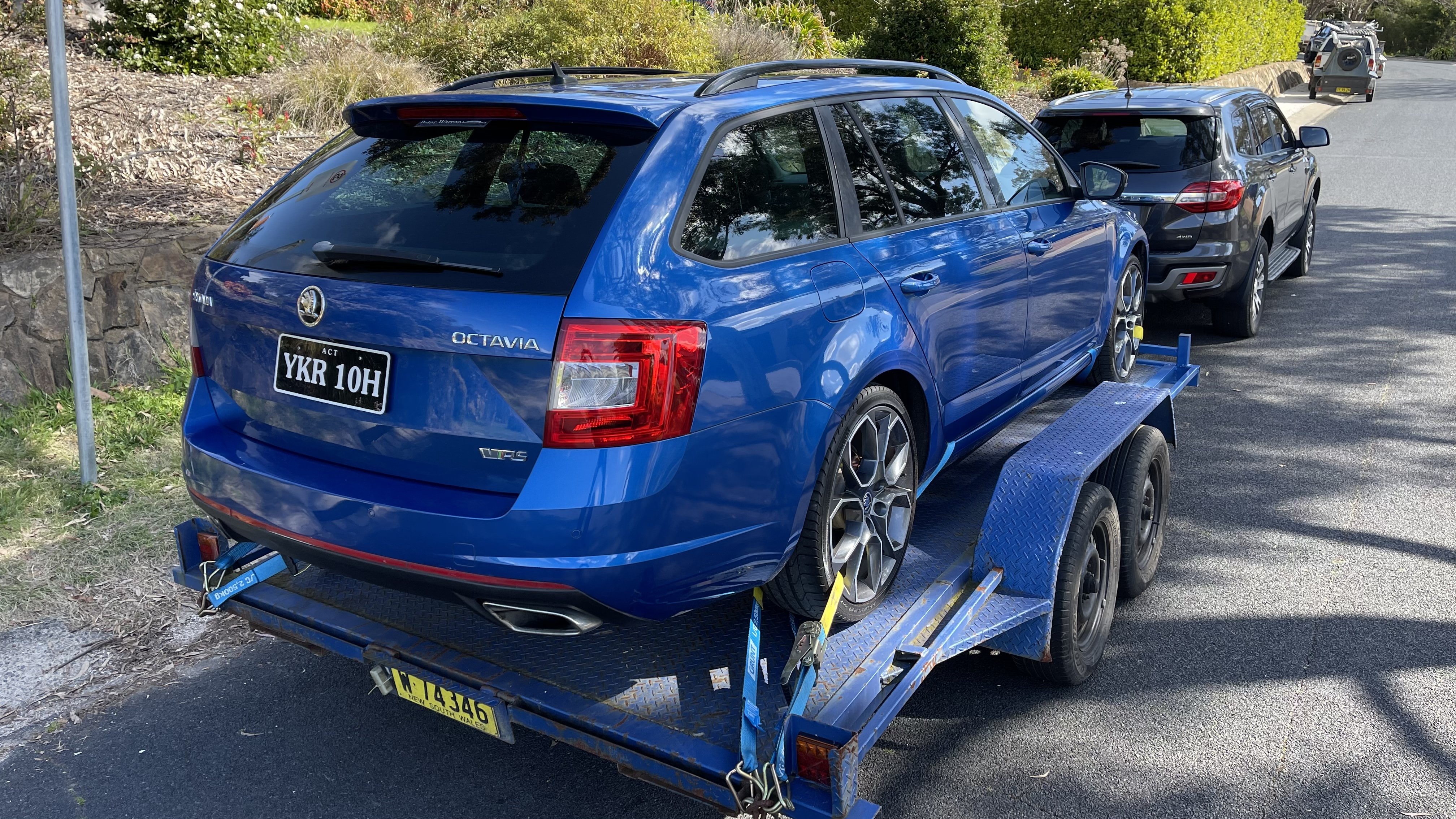
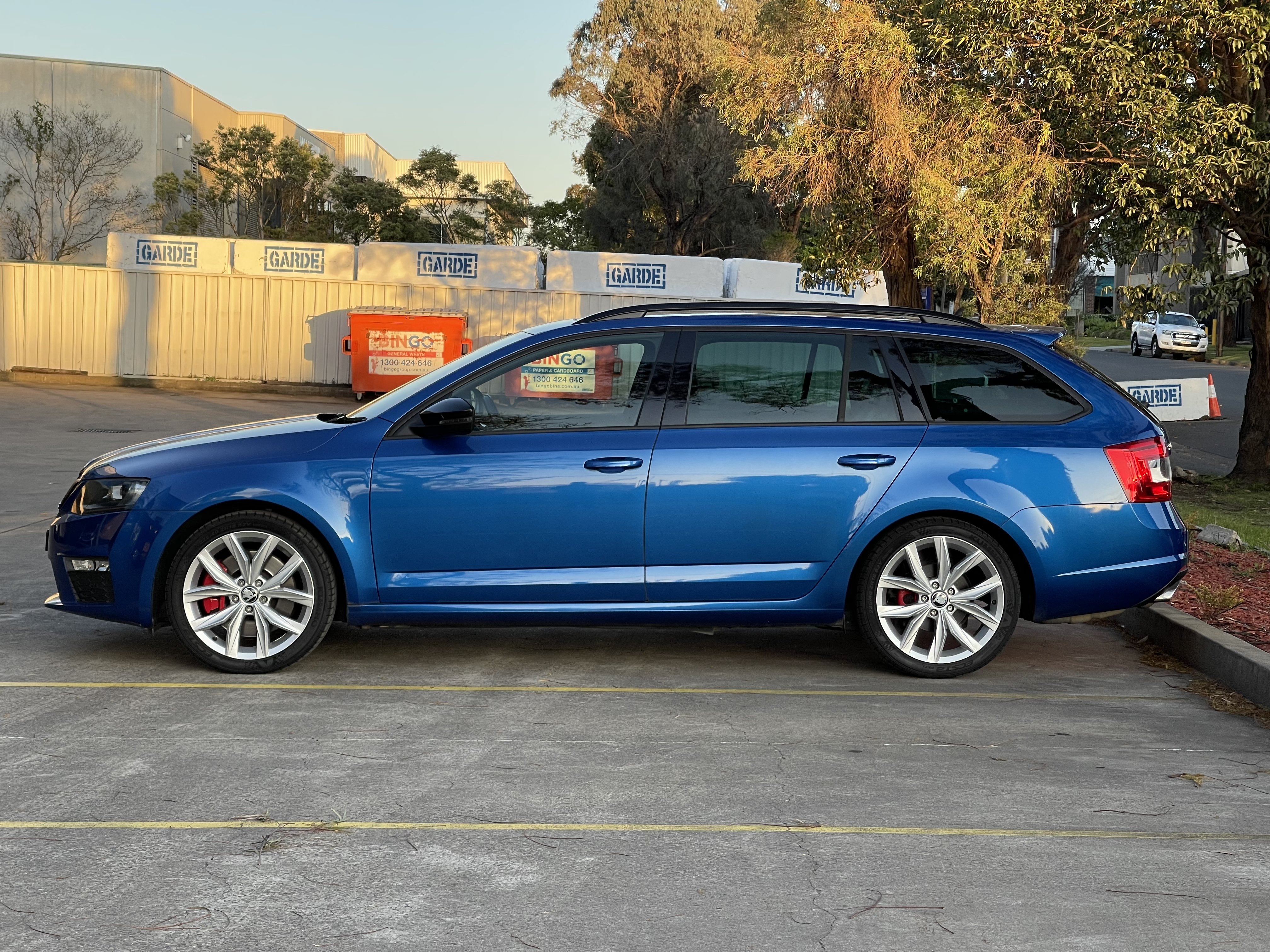
Hi everyone, I saw a light on and thought I should pop in and say hello. I recently picked up my first ever Skoda, a 2015 build Octavia VRS estate. Bought it from the original owner with 88,000km on the clock. What really brought me here was Google, after my aching eardrums caused me to search up 'octavia cabin booming' and it found the lengthy thread on the subject here. Hoping I can fix the problem using some of the tips I read about here in the group. Will give it a shot this weekend. Apart from the booming and ear pain I really love the car and feel it is one of the most practical high(ish) performance packages going around. Thanks for having me and I look forward to contributing to the community over time. Here's some pics of my car. When I collected it wearing the 19s, and now on Tiguan Highline 18's better suited to the potholed roads where I live here in Sydney, Australia.
-
Hi all, I'm new to the group having recently bought a 2015 VRS wagon/estate. I was loving the car for the first half tank of fuel but then began to notice my ear drums pumping/hurting as the car drove over road corrugations around town. I did some googling, then before I knew it, found myself reading this very interesting thread on Briskoda! I am yet to check tailgate fitment, catch and stopper settings, but will try and see how it goes. In the meantime, I also found this frighteningly similar and lengthy thread over in Tesla Model Y land... enjoy! https://teslamotorsclub.com/tmc/threads/ear-pain-pressure-help.205783/